
📑 On this page
Apple's latest iPad Pro M5, announced on 15 October 2025 and on sale from 22 October, is a refinement of the iPad Pro line rather than a redesign. Drawing on Apple's own published specifications, this guide covers what the new model actually brings — the M5 chip, Apple's C1X modem and N1 wireless chip, the tandem-OLED display, faster storage and the features of iPadOS 26 — and, just as usefully, what it does not. Read on for what the eighth-generation iPad Pro means for everyday users in Singapore, and for whether it is worth the upgrade at all.
How Powerful Is the iPad Pro M5 Chip?
The headline upgrade in the 2025 iPad Pro is Apple's M5 chip — but the specification most often quoted is not the one most buyers get. Apple's own tech specs split the chip by storage: the 256GB and 512GB models have a 9-core CPU (three performance and six efficiency cores) with 12GB of memory, and only the 1TB and 2TB models have the 10-core CPU (four performance and six efficiency cores) with 16GB. All configurations share the next-generation 10-core GPU with a Neural Accelerator in every core, a third-generation ray-tracing engine and a 16-core Neural Engine. Apple says that adds up to 3.5x faster AI performance than the M4 iPad Pro, up to 1.5x faster ray-traced 3D rendering, and over 150GB/s of memory bandwidth — a nearly 30% increase. Every "up to" figure on this device describes the 1TB configuration.
The new iPad Pro also debuts two more Apple-designed chips. The N1 wireless chip brings Wi-Fi 7, Bluetooth 6 and Thread, and Apple says it improves the reliability of AirDrop and Personal Hotspot. On cellular models the C1X modem delivers up to 50% faster cellular data than the M4 iPad Pro while using up to 30% less energy. Storage is up to twice as fast to read and write, and the 256GB and 512GB models now start with 12GB of unified memory — 50% more than before.
OLED Display and Design Refinements
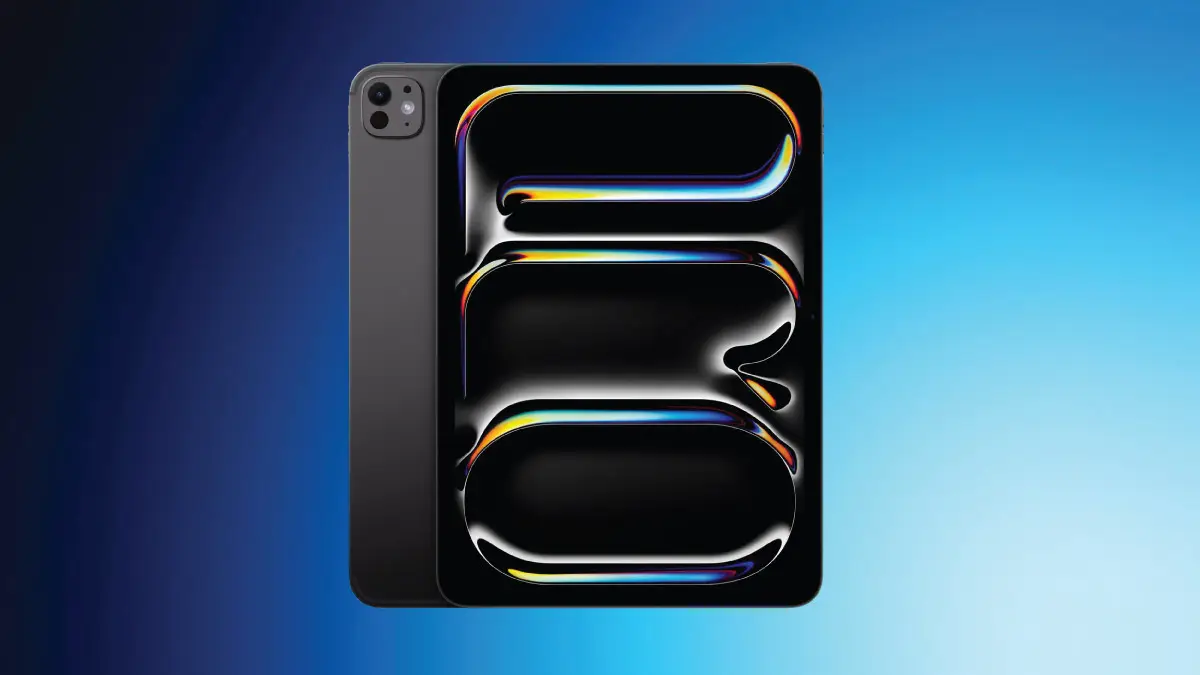
Apple gave the iPad Pro a major display and design overhaul in 2024, and the M5 model carries it forward. That redesign introduced tandem-OLED screens (replacing the earlier mini-LED “Liquid Retina XDR” panel) and a much thinner, lighter chassis. The M5 iPad Pro keeps the same sleek build and two screen sizes – 11-inch and 13-inch – each with a slim-bezel tandem-OLED display, now offered in silver and space black.
The OLED “Ultra Retina XDR” display delivers stunning visuals. Thanks to tandem-OLED technology, it reaches 1000 nits full-screen brightness for SDR and HDR content and 1600 nits peak brightness for HDR, with vibrant colour and precise contrast. It retains ProMotion's 120Hz adaptive refresh (10Hz–120Hz) for ultra-smooth scrolling, and Apple still offers an optional nano-texture glass coating on higher-capacity models to cut glare – ideal for professionals working in bright environments. The M5 model can now also drive an external display at up to 120Hz with Adaptive Sync.
The design stays remarkably thin. The iPad Pro keeps its aluminium build (in silver and space black) and one of the thinnest profiles of any Apple device — the 11-inch model is just 5.3mm thin, and the 13-inch is even thinner at 5.1mm. There is no redesign this generation, and no new camera hardware either; Apple put the work into the internals — new silicon, faster memory and storage — while keeping the look and feel introduced in 2024.
MagSafe and Charging: Where It Landed
For years there were rumours that the iPad Pro might gain MagSafe or wireless charging. Back in 2021, reports emerged that Apple was testing a glass-backed iPad Pro to enable MagSafe wireless charging, similar to iPhone, potentially even supporting reverse charging. Those early rumours suggested a MagSafe coil system, but the 2022 and 2024 models launched without wireless charging or glass backs.
The iPad Pro M5 did not add MagSafe or wireless charging either. Apple kept the durable metal back and USB-C (Thunderbolt / USB 4) wired charging as the primary method. So if you were holding out for magnetic or inductive charging on iPad Pro, it is still not here in this generation – the trade-off being a sturdier build and the high-speed data and display output that USB-C / Thunderbolt provides.
What did improve is charging speed — with one condition. The iPad Pro M5 supports fast charge, up to a 50% charge in around 30 minutes, but Apple's own specification requires "the 40W Dynamic Power Adapter with 60W Max or other USB-C power adapter capable of providing 60W or higher (adapters sold separately)". The adapter Apple ships in the box is 20W, so the quick top-up everyone quotes needs a charger you buy on top. It also works with the Smart Connector for compatible accessories. And if you ever face charging-port issues or battery wear down the line, a professional battery or port repair can keep your iPad running like new.
The Camera System: What Actually Changed
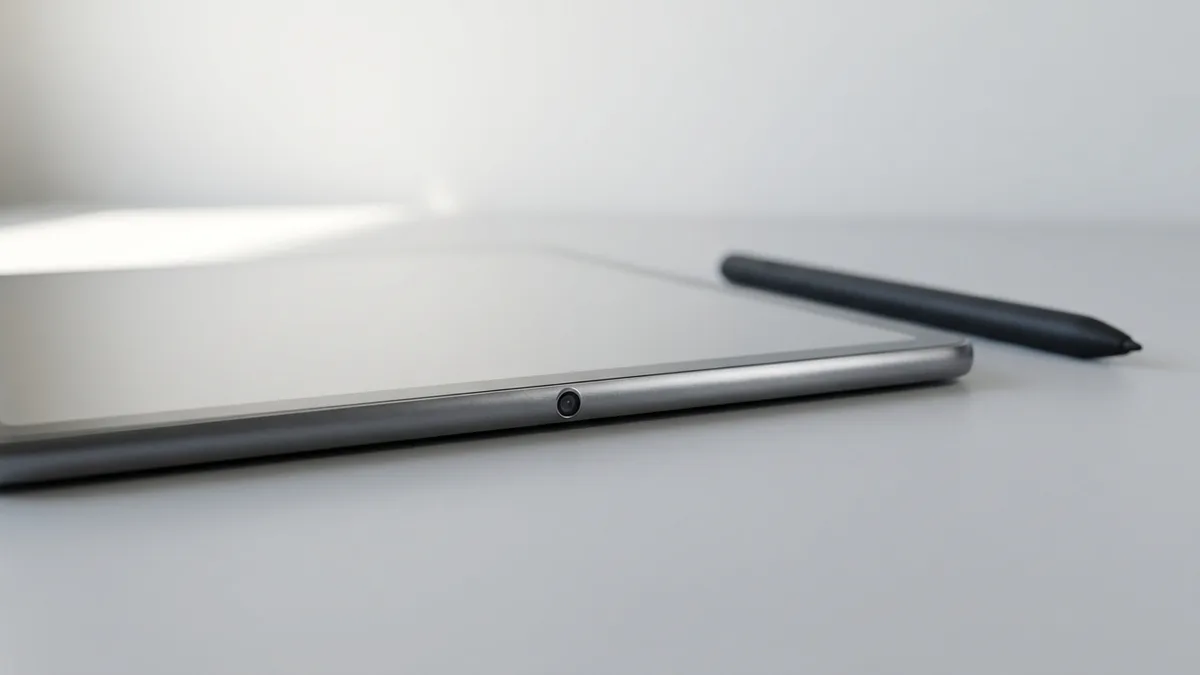
This is the part of the iPad Pro M5 most often reported wrongly, so it is worth being exact. Ahead of launch it was widely predicted — including by Bloomberg's Mark Gurman — that the new iPad Pro would gain a second front camera on the portrait edge, so you would never have to think about which way round you were holding it on a video call. That did not happen. Apple's own tech specs list a single front camera: a landscape 12MP Center Stage camera with an f/2 aperture, in the same place as the M4's. If a second front camera is the reason you were considering the upgrade, it is not there.
On the rear, the iPad Pro M5 keeps a single 12MP Wide camera (f/1.8) with an Adaptive True Tone flash and a LiDAR Scanner — the same arrangement the 2024 iPad Pro settled on. It still records 4K video including ProRes, and LiDAR still handles depth for AR apps. There is no Ultra Wide camera anywhere on this device, front or rear.
What did improve is everything around the camera rather than the camera itself: the M5's faster image signal processor and iPadOS 26 make capture and processing feel quicker, and Center Stage still keeps you in frame on a call. The four-speaker audio and studio-quality four-mic array are unchanged, and remain the reason the iPad Pro is a strong video-conferencing and podcasting device. But the camera hardware in front of you is the same one you already had on an M4.
How Is the iPad Pro M5 Battery Life and Efficiency?
Battery life on iPad Pro remains strong, and Apple does publish the capacity — in watt-hours rather than milliamp-hours. The 11-inch carries a 31.29-watt-hour battery and the 13-inch a 38.99-watt-hour battery. Apple rates both for up to 10 hours of web browsing on Wi-Fi or video playback, and Wi-Fi + Cellular models for up to 9 hours of web browsing over a mobile network. The M5's efficiency helps hold that endurance despite the extra performance.
On charging, the headline is fast charge — and it carries a condition Apple states plainly and most coverage leaves out. The iPad Pro M5 can reach about 50% in around 30 minutes, but only "with the 40W Dynamic Power Adapter with 60W Max or other USB-C power adapter capable of providing 60W or higher (adapters sold separately)". The adapter in the box is 20W — below a third of that floor — so fast charging is an extra purchase rather than something the device does out of the box. Over the years, if you notice the battery holding less charge, a professional battery replacement at Esmond Service Centre can give the device a new lease of life.
iPadOS 26: Software Improvements and New Features
The iPad Pro M5 ships with iPadOS 26, and the software is as big a story as the hardware. (Apple renamed its OS versions by year, so this is iPadOS 26 rather than iPadOS 19.) It brings a new design and a host of pro-focused features that make the iPad Pro more capable for everyday users and professionals alike, led by Apple's translucent new “Liquid Glass” design language.
The biggest change is a far more Mac-like multitasking experience. iPadOS 26 introduces a powerful new windowing system and a menu bar you reach with a swipe down from the top (or by moving the cursor up), so working on an iPad Pro can feel much closer to a laptop. The Files app is supercharged with an updated List view, folder customisation and folders in the Dock, and a new Preview app arrives for viewing and marking up PDFs with Apple Pencil. Together these blur the line between tablet and computer for serious productivity.
iPadOS 26 also leans heavily into Apple Intelligence, Apple's on-device AI. Highlights include Live Translation in Phone, FaceTime and Messages, Image Playground and Genmoji for generating images and custom emoji, intelligent actions in Shortcuts, and smarter Reminders that auto-categorise tasks. Creative pros also gain Background Tasks, more control over audio input, and local high-quality capture – all running comfortably on the M5's faster Neural Engine.
Most of these software features aren't exclusive to the M5 iPad Pro – Apple supports recent iPads too, so an older iPad will still get much of iPadOS 26. But the M5 chip makes the most demanding features (heavy multitasking and on-device AI) run buttery-smooth. Together, the M5 iPad Pro and iPadOS 26 deliver a genuinely desktop-class experience in a tablet, from creative work to everyday browsing.
Release Timing and Final Thoughts
Apple announced the iPad Pro M5 on 15 October 2025, with pre-orders the same day and units in stores from Wednesday, 22 October 2025 in silver and space black. That fits Apple's historical iPad Pro cadence (previous models launched in October 2018, October 2022 and May 2024), landing the M5 refresh in the second half of 2025 – good news if you were holding out for the latest iPad Pro.
On pricing, Apple's U.S. figures are the ones usually quoted: the 11-inch starts at $999 (Wi-Fi) or $1,199 (Wi-Fi + Cellular), and the 13-inch at $1,299 (Wi-Fi) or $1,499 (Wi-Fi + Cellular), across 256GB, 512GB, 1TB and 2TB. In Singapore, Apple's own store lists iPad Pro from S$1,799 (checked 15 August 2026) — and remember that the entry price buys the 9-core, 12GB configuration. Add an Apple Pencil Pro or a Magic Keyboard and the real cost of a working setup climbs well beyond the headline.
Bottom line: the iPad Pro M5 is an evolutionary upgrade. You get a faster, AI-focused M5 chip, the new C1X and N1 chips, faster storage and more starting memory, and iPadOS 26 — on the same body, the same display and the same cameras as the M4 generation. If you are buying your first iPad Pro, it is the best one Apple has made. If you already own an M4, the gains are incremental, and the money is often better spent keeping the device you have in good order.
Should You Upgrade? When to Stop and Repair Instead
Most people reading this already own an iPad. Before you spend, it is worth working out whether you are buying a real improvement or replacing a device that only needs a repair. Here is the order we would go in.
- Write down what actually frustrates you. "It is slow with 40 tabs open and a video exporting" is a performance problem. "The battery dies by 2pm" or "the screen is cracked" is a repair.
- Check whether iPadOS 26 already fixes it. The new windowing system, the menu bar, the Files app changes and the Preview app are software, and Apple supports recent iPads too — so an older iPad gets most of it without you spending anything.
- Check the battery before you blame the chip. Settings > Battery > Battery Health shows the maximum capacity. A pack that has fallen well below its original capacity feels exactly like a slow device.
- Price the repair against the replacement. Get a quote for the fault you actually have, then compare it with the full cost of a new iPad Pro plus the accessories and the 60W adapter you would need.
- Only then decide. If the honest answer is that your current iPad does the job, the M5 is a refinement you can skip this year.
Be clear about what an upgrade will not fix. A new iPad Pro will not repair the one you own, and it will not recover data you have not backed up. It does not add a second front camera, because there isn't one. And it will not solve a battery or screen fault on your old device — that is a repair, and it costs a fraction of a replacement.
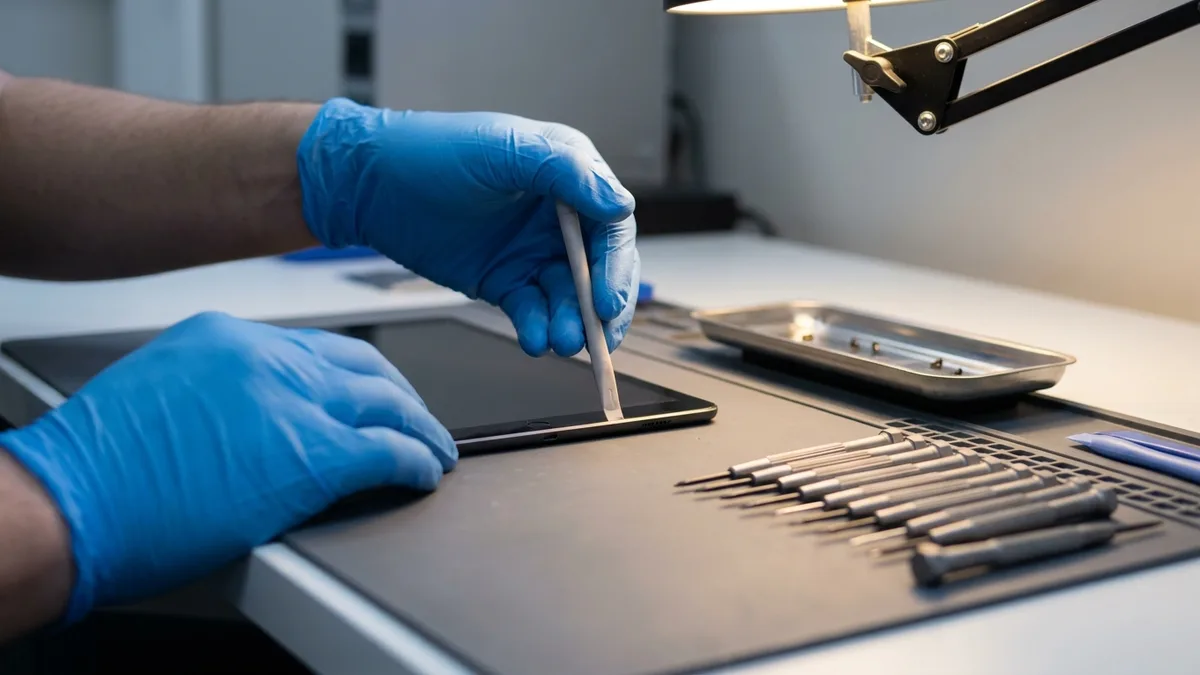
When to stop and bring it in: if your iPad is slow but under three years old, if the battery drains fast, if the screen is cracked or the charging port is loose — stop before you buy. Those are repairs, not reasons to replace. Bring it to us and we will tell you which of the two you are looking at, before you spend anything.
The honest cost. A new iPad Pro starts at S$1,799 from Apple Singapore. At Esmond Service Centre, published screen repairs for the 11-inch and 12.9-inch iPad Pro start from S$238 and iPad Pro battery replacements from S$158. The risk of getting this decision wrong is spending four figures on a device whose only real problem was a worn battery — and because the diagnosis costs you nothing, there is no reason to guess.
Get Your Current iPad Checked First
Cracked screen, a battery that will not hold charge, or a charging port that has stopped working? Esmond Service Centre repairs iPad Pro, including the 11-inch and 13-inch M5 models. The diagnosis is free, there is no fee if we cannot fix it, and the parts we fit carry a 90-day warranty. You can also follow us on Facebook, LinkedIn or Instagram.

Esmond Service Centre's experienced technicians can diagnose and fix it fast — free diagnostics, repairs from $65.