Repair Services

Professional Data Recovery Singapore: Trusted & Reliable

Last updated:

Facing data loss in Singapore? Esmond Service Centre specializes in professional data recovery Singapore, restoring critical personal and business files securely and effectively. Our experienced team uses advanced tools to recover data from various storage devices quickly and safely.

4.92,668+ reviews
16+ yrsexperience
Freediagnostics
2service centres
Data Recovery Singapore by an Esmond Service Centre specialist

What Storage Devices Can We Recover Data From in Singapore?

Esmond Service Centre recovers lost or inaccessible data from internal and external hard drives, SSDs, NVMe drives, RAID and NAS arrays, USB flash drives, and SD memory cards. Every job starts with a free evaluation, and recovery is performed in-house using safe, industry-standard tools across macOS and Windows systems.

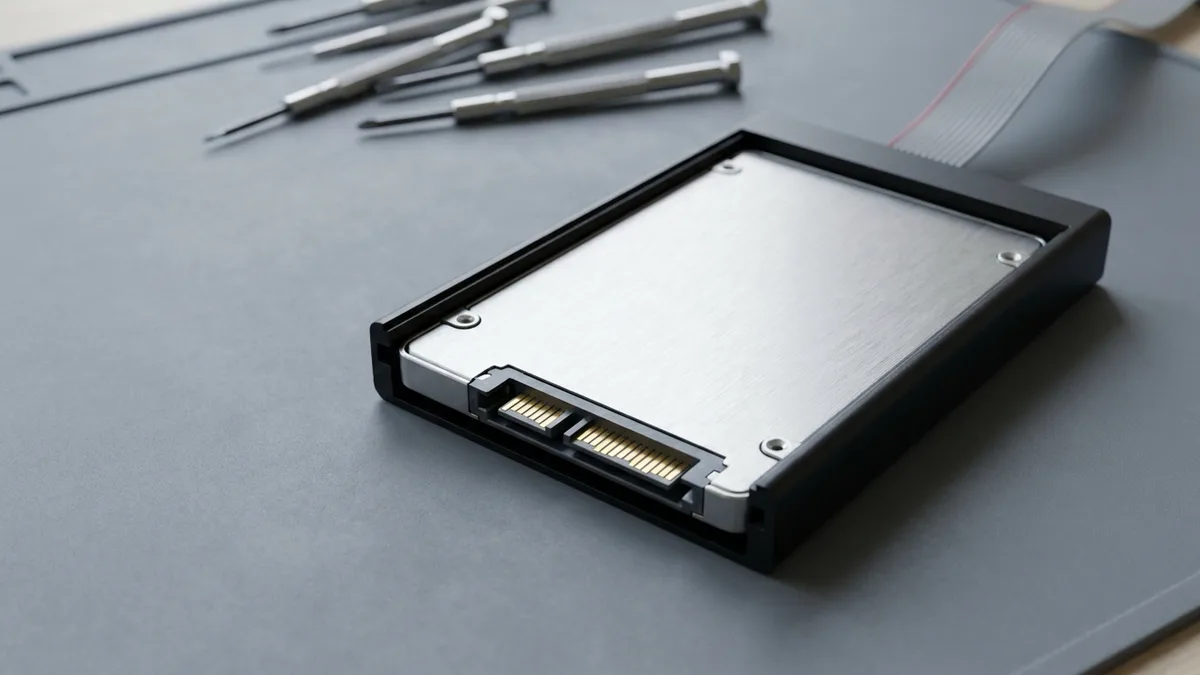
A 2.5-inch storage drive in a dark caddy on a grey mat, its flat gold SATA contacts facing the camera, precision screwdrivers lying out of focus behind.

What Is Data Recovery?

Data recovery Singapore involves retrieving inaccessible, lost, or corrupted data from hard drives, SSDs, memory cards, and USB drives. Common data loss reasons include hardware failures, accidental formatting, power surges, and firmware corruption.

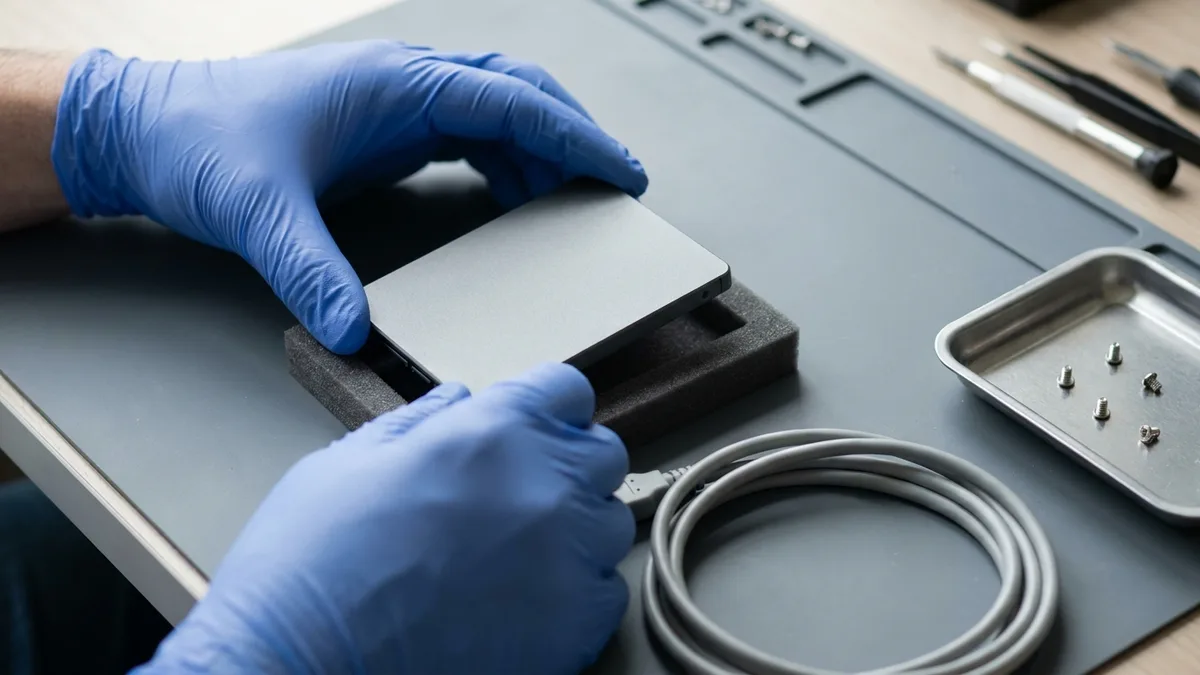
Two blue-gloved hands lowering a 2.5-inch storage drive onto a black foam cradle on a grey bench mat, with a metal parts tray of loose screws and a coiled grey cable beside it.

Our Simple and Transparent Data Recovery Process

  1. Free Evaluation – We assess your device and tell you what’s recoverable.
  2. Quote & Approval – You’ll receive a fixed cost before we begin.
  3. Data Recovery Process – Performed in-house using safe, industry-standard tools.
  4. Delivery – Transfer the data to a new portable drive (available for purchase).
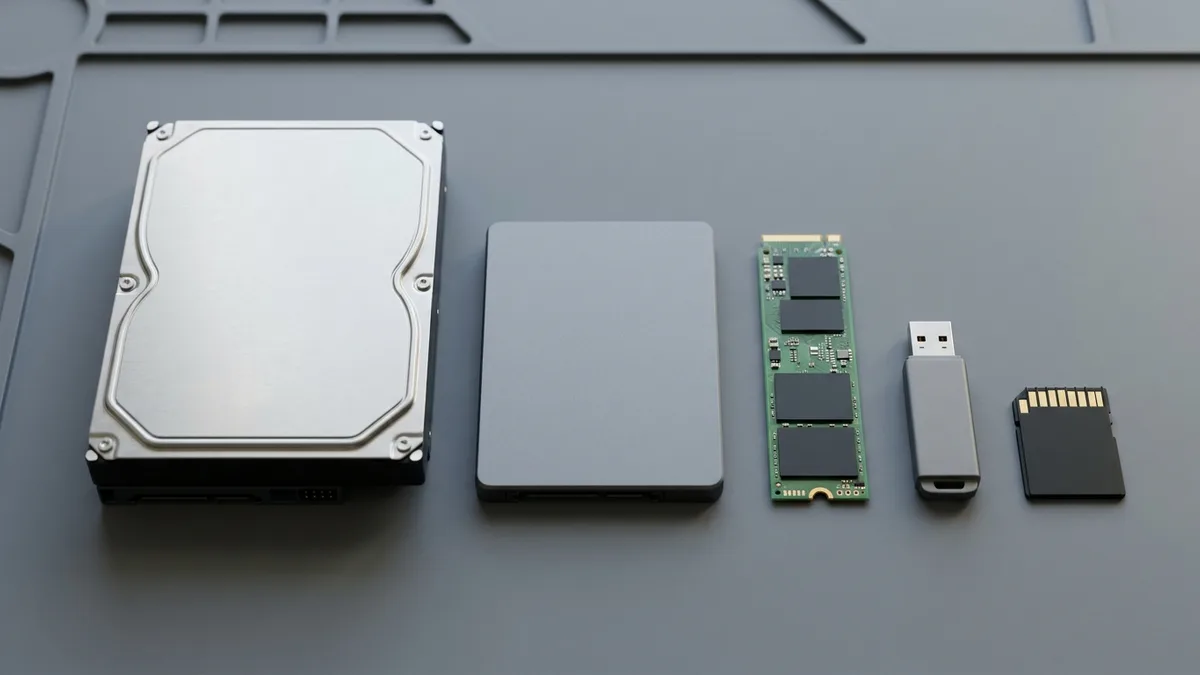
Five storage devices in a row on a grey mat at true relative sizes: a large 3.5-inch hard disk, a 2.5-inch drive, a slim green M.2 stick, a small USB flash drive and a memory card, every one blank and unmarked.

Devices and Problems We Specialize in Recovering

Esmond Service Centre specialises in recovering data from internal and external HDDs (drive not detected, clicking noises, accidental deletion), SSDs and NVMe drives (corrupt firmware, power failure), RAID and NAS arrays, USB and memory cards (format errors, write protection), and macOS or Windows systems hit by partition loss or OS crashes.

Internal & External HDDDrive not detected, clicking noises, accidental deletion
SSDs & NVMe DrivesCorrupt firmware, power failure, OS not booting
RAID & NAS ArraysRAID rebuild failure, array corruption, controller damage
USB & Memory CardsFormat errors, write protection, damaged file system
macOS & Windows SystemsPartition loss, OS crash, accidental formatting

If your drive is clicking, will not spin up, or has stopped being detected, power it down now and leave it off. Our hard disk data recovery page says the same thing — repeated power-ons make a mechanical fault worse. If you have deleted or lost files instead, stop using that drive immediately so nothing overwrites what is still there. Do not run recovery software on a failing drive and do not open the casing yourself; both reduce what we can get back. Bring it in exactly as it is — the evaluation is free.

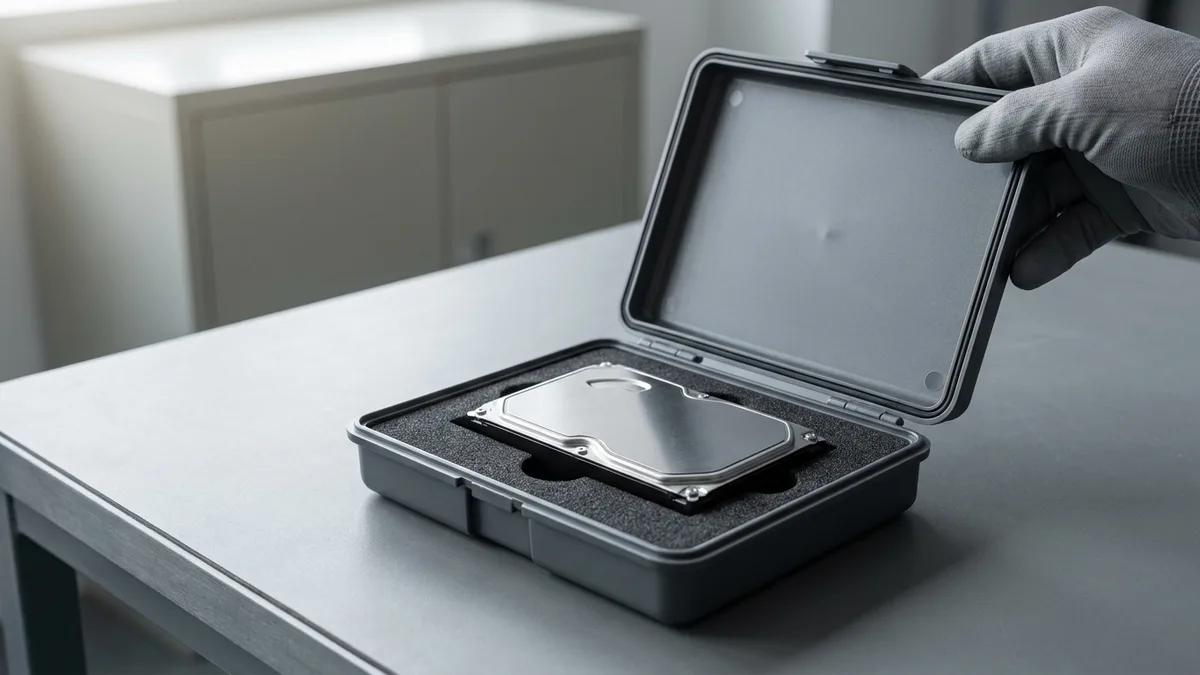
A 3.5-inch hard disk resting in a foam-lined anti-static carry case on a bench, a gloved hand on the open lid about to close it, a plain closed cabinet blurred in the background.

Secure and Confidential Data Recovery Singapore

At Esmond Service Centre, your data’s security and privacy are paramount. We ensure:
Find out more!

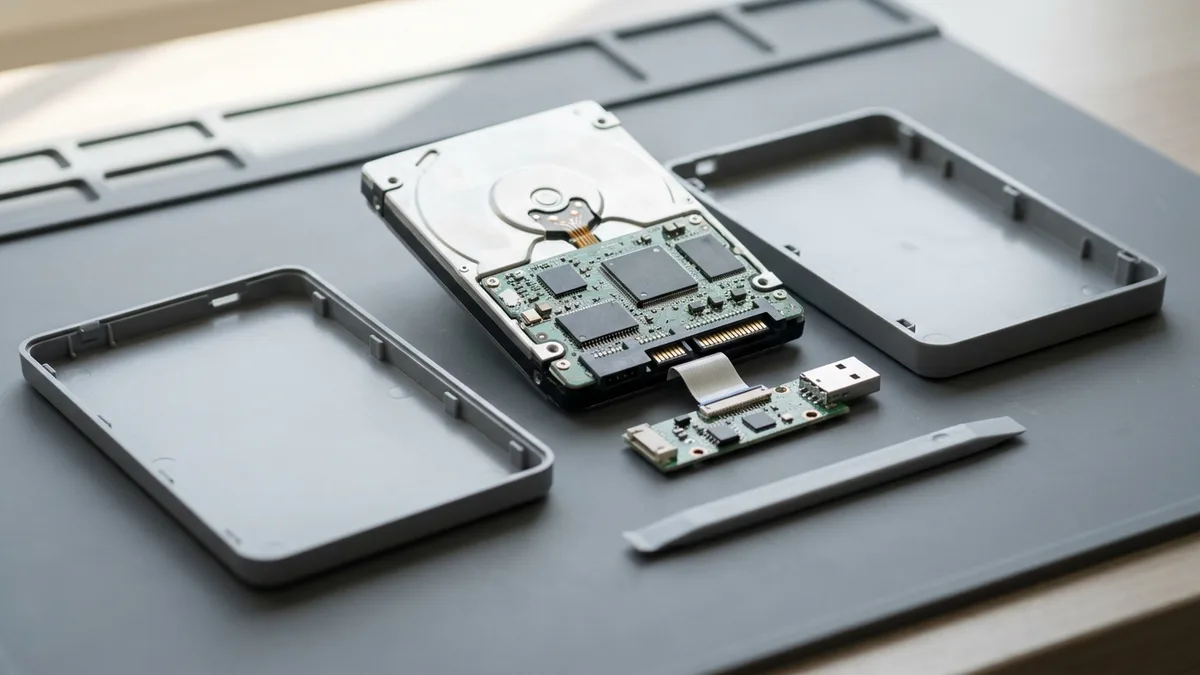
A portable external hard drive taken apart: the plastic enclosure lies open in two halves, the bare 2.5-inch drive is lifted out showing its underside circuit board, and the small USB bridge board is still joined to it by a flat white ribbon.

External Hard Drive Data Recovery Singapore

External hard drives are popular for backups and portability — but they're also vulnerable to drops, cable faults, and corruption. If your external HDD isn’t showing up or is clicking loudly, our team can help.

Our specialists perform expert data recovery Singapore from leading brands like Seagate, WD, Toshiba, Samsung, Lexar and more. whether it's a mechanical failure, file system error, or accidental deletion. We use advanced tools to access data safely — even from drives that no longer mount.

✅ Supported formats: NTFS, exFAT, HFS+, APFS
✅ We recover data from USB 2.0, 3.0, Type-C, and Thunderbolt drives

Read our full guide to portable & external hard drive data recovery in Singapore →

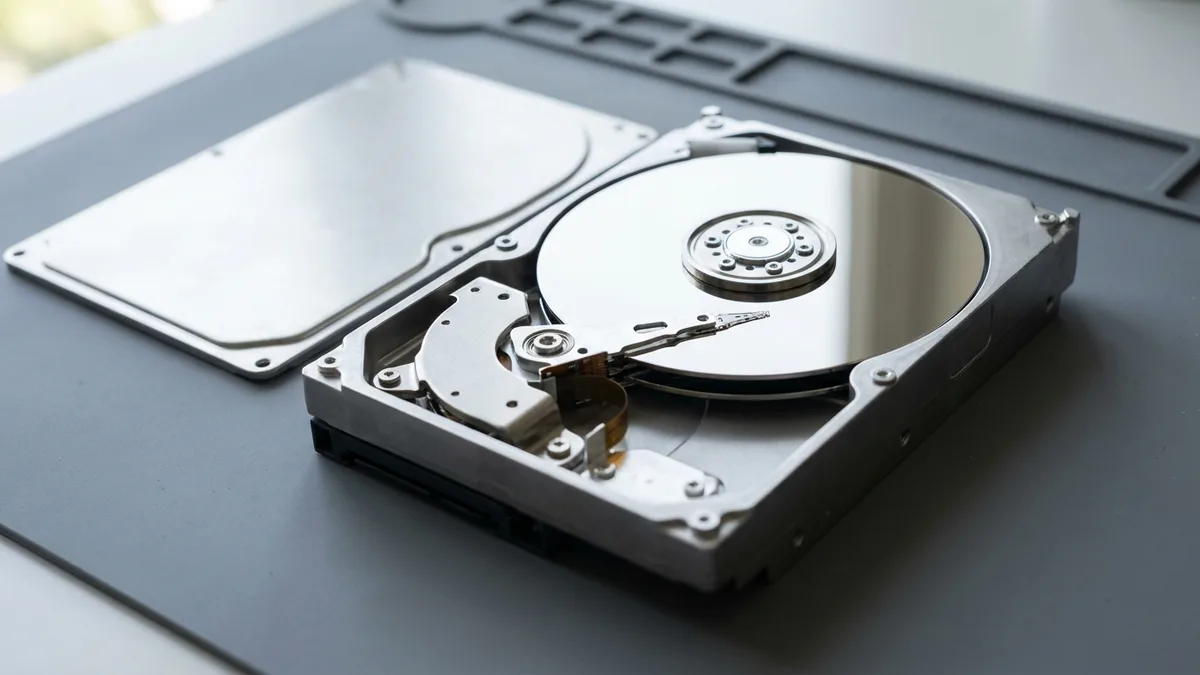
A 3.5-inch desktop hard disk with its top cover removed and set aside, showing the mirror-finish platter, the spindle hub and the slender head actuator arm swung across the disc.

Internal Hard Disk Data Recovery for Desktops & Laptops

An internal hard disk can fail without warning — especially in older systems. Whether it's a desktop drive that's not detected or a laptop HDD that clicks or won’t boot, we specialize in internal hard disk data recovery in Singapore.

We handle recovery from both 2.5" and 3.5" drives, whether SATA or IDE. If your system won’t start or your partitions have vanished, we can often recover files without needing the original operating system to boot.

🛠 Includes recovery from:

Read our full guide to internal hard disk data recovery in Singapore →
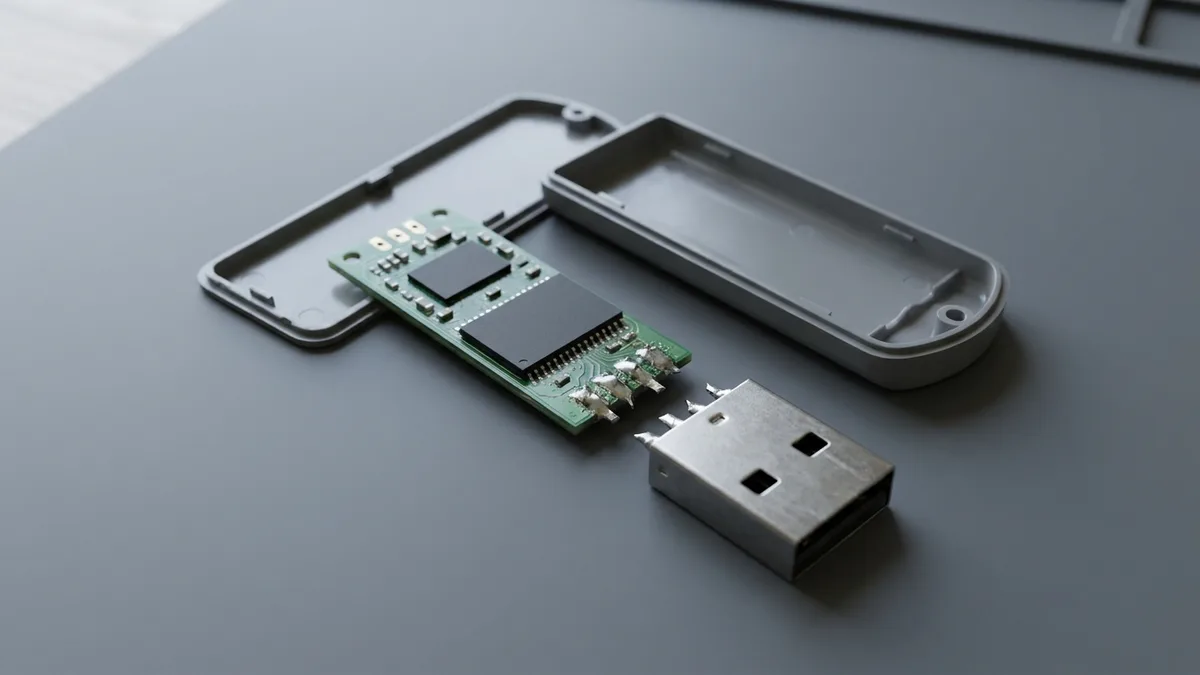
A USB flash drive split open: the plastic shell lies in two halves, the small green circuit board with two blank black chips is laid flat, and the metal USB connector has snapped away with four torn solder pins showing.

USB Thumb Drive Recovery – Restore Files from Damaged or Corrupted Flash Drives

USB thumb drives are convenient — but fragile. They’re prone to connector damage, write protection issues, and corrupted file systems. If your flash drive asks to be formatted or shows 0 bytes, don’t panic.

Our specialists offer USB flash drive data recovery in Singapore for all major brands including SanDisk, Kingston, Samsung, and PNY. We recover documents, photos, and critical files — even when the drive appears unreadable.

🔒 Secure file restoration for personal, academic, or business use
📂 We support FAT32, exFAT, NTFS & UDF formats

Read our full guide to USB flash drive data recovery in Singapore →
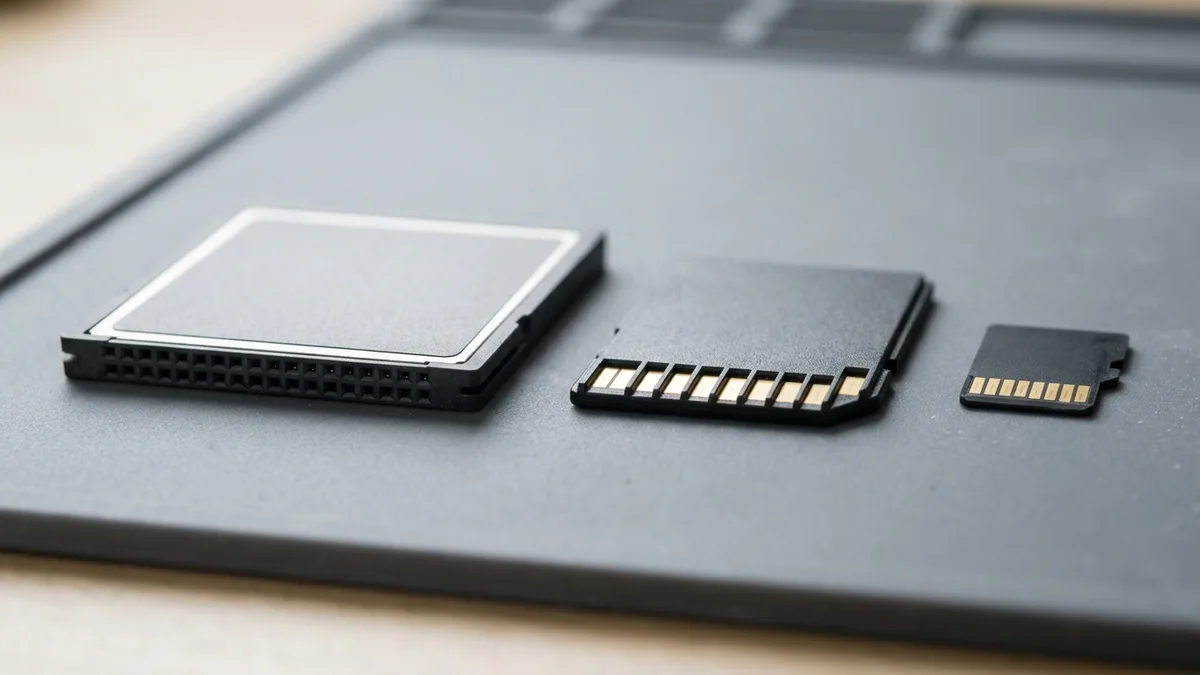
Three memory cards side by side on a grey mat at true relative sizes: a thick CompactFlash card showing the two rows of small square socket holes in its front edge, a standard SD card showing nine gold contacts, and a much smaller microSD card.

Memory Card Recovery for SD, microSD, and CF Cards

From DSLRs to drones, car cameras, and mobile phones, memory cards store some of our most important moments — but they’re fragile and easily corrupted. If your SD card was removed while writing, shows a “card error,” or files suddenly go missing, we’re here to help.

We provide memory card data recovery Singapore for a wide range of devices, including Canon, Sony, GoPro, DJI, Android phones, and in-vehicle dash cams. Whether you’ve lost driving footage, personal videos, or RAW image files, our tools and techniques can recover them.

🧠 Recovery supported for:

Read our full guide to memory card data recovery in Singapore →
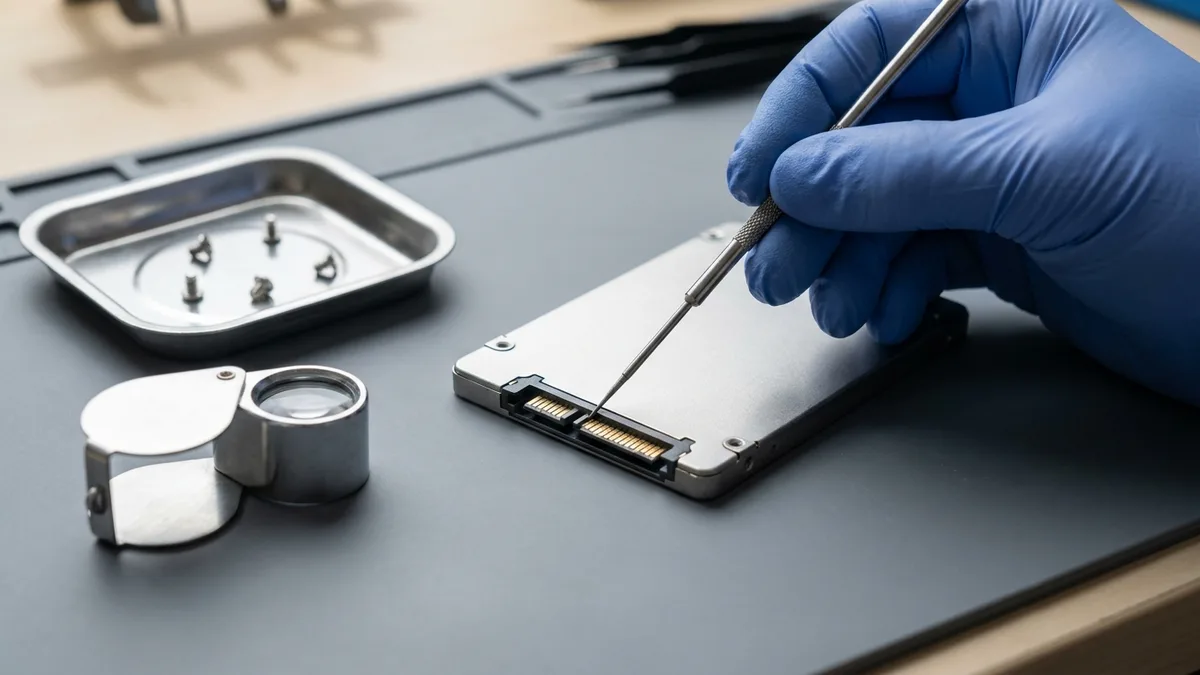
A gloved hand holding a fine steel probe against the gold SATA contacts of a bare 2.5-inch storage drive on a grey bench mat, with a metal parts tray of screws and a folding loupe beside it.

How Much Does Data Recovery Cost in Singapore?

At Esmond Service Centre, data recovery in Singapore is priced per job after a free evaluation — you receive a fixed quote upfront with no hidden charges, and because we work on a no-data-no-fee basis, you approve the price before any recovery begins. The cost depends on the type of storage device, whether the failure is logical (deleted, formatted or corrupted files) or physical (a drive that is not detected, clicking, or not spinning up), and the extent of the damage. For related help, see our guides on recovering deleted files, laptop hard disk replacement and data backup.

What we recoverStarts at (SGD, excl. GST)Typical turnaround
Software-level recovery — deleted, formatted or corrupted files, drive still detectedFr $95Assessed first
Hardware-level recovery — drive not detected, clicking, or not spinning up$580 and aboveAssessed first
iMac and Mac desktop, software level$244 – $580Assessed first

These are the rates Esmond Service Centre already publishes: the software and hardware figures on our laptop repair page, and the iMac rates on our iMac repair page. Every drive is assessed first, so the fixed quote you approve is for your device rather than an average — and on a no-data-no-fee basis, if we recover nothing you pay nothing.

Tell us what's wrong — free diagnosis, no obligation

Send us the symptom and we'll come back with what it likely is, what it will cost, and how long it will take. The diagnosis is free, and if we can't fix it, you pay nothing.

How can we contact you?
4.9★★★★★EXCELLENTbased on 2,668+ Google reviews across 2 branches
★★★★★

Had a battery alert warning this morning on my HP Spectre laptop. Ran a battery test and the capacity is only left with 23% despite component test shows Passed. HP support ask me to calibrate the battery which is a very lengthy and tedious procedure and it does not solve the original battery issue of degraded capacity. HP Support also need time (the whole day also never get back to me) to check for stocks and price. I just need a faster clean fix to this issue i.e. simply replace the battery. Searched the Internet and found Esmond Service Centre with good reviews. Fast response and helpful advice. They transferred the battery to the branch at MidView in 2 hours and changed my battery within 30 to 40mins when I was on-site. Price was competitive compared to other quotes I got and also purchased the extended warranty for 1 year for $48. They also provided after sales customer service when I asked about my chargers. Not like some shops who will ignore you after the purchase. Great service and will look for them in future if I need to repair my laptop.

KK JacelynSin Ming · 4 weeks ago
★★★★★

Highly experienced, customer focus, general great at what they're doing which servicing and repairing computer. I went there to change battery for my lap top and was highly impressed by their good technical, reasonal pricing, ease of doing business and friendliness of front desk staffs. They found something else ; ie the cooling system that required attentive alertedmet the issue via WA prompting recommending solutions and cosing. It was easy to make decision with transparent transaction. Job was done very quickly originally supposed to take 30 mins with the addition task it took another 20 mins which iscceptable a we were able to waiting relaxing while having a coffee in the multitude of F&B outlets in this mall. My laptop was very well serviced and repair and within my original estimated budget. Super happy with Esmond for their great capability and professionalism. victor who attended to us was a bit quiet but nonetheless was able to communicate important info clearly to me. Keep it up Esmond

SSam Goh SEAlexandra · 8 months ago
★★★★★

I recently sent my laptop to Esmond Service Center at Alexandra Retail Centre for a battery replacement, internal cleaning, and full reformatting service, and I am very satisfied with the overall experience. From the start, the staff were professional, patient, and clear in explaining the diagnosis and recommended work. They provided transparent pricing upfront, with no hidden charges. The turnaround time was reasonable, and I was kept informed of the progress throughout. After servicing, my laptop feels almost like new. The battery performance has improved significantly, the system runs much smoother after reformatting, and the internal cleaning has clearly helped with performance and heat management. Overall, the service was efficient, reliable, and professionally handled. I would not hesitate to recommend Esmond Service Center at Alexandra Retail Centre to anyone looking for trustworthy and competent laptop servicing.

CChuen Chye TayAlexandra · 4 months ago
★★★★★

Sent my iMac in for a screen replacement and had a very positive experience with Esmond Service Centre. Customer service was responsive and patient throughout the process, and they kept me updated clearly. Repair was completed quickly and the iMac is working well again. They also showed me photos of the internal dust buildup and explained the recommended servicing transparently, which I appreciated as someone not familiar with repairs. Overall, a smooth and reassuring experience. Thank you for the professional service!

WWendy AngSin Ming · 4 weeks ago
★★★★★

The whole process was smooth and professional. From their website interface, WhatsApp chat, to the repairing time and process, everything was easy and convenient for me. They are very friendly in the chat as well and were very clear with their instructions and quotations. Their warranty duration is amazing as well. Definitely will come back here again if I need anything repaired again. And of course, laptop feels good as new. Edit: Thanks for cleaning my screen! I appreciate the extra servicee

JJames LauSin Ming · 8 months ago
★★★★★

5/5 experience and service Appreciate the prompt responses! It was easy to book an appointment / timeslot because they are very approachable. It's an introvert-friendly experience. I like how direct and straightforward the process and advices/quotations were. I'm a big fan of that. Was also my first time finding a service to replace my laptop battery, and I'm so glad to have found them. Will definitely come back again for further assistance. 😄

Ffatin nur aqilahAlexandra · 3 months ago

Frequently Asked Questions

How long does the free checking process take? +
Initial checks usually take 30–60 minutes, depending on the drive condition. For deeper scans or larger drives, we’ll inform you if additional time is needed.
Can data be recovered from a completely dead drive? +
Yes—in many cases. If the drive is physically damaged or not spinning up, we’ll perform an in-depth analysis. We have tools to extract data from non-bootable and unresponsive drives, depending on the extent of damage.
Can you recover data from a formatted drive? +
Yes. As long as the data hasn’t been overwritten multiple times, we can attempt to recover files from formatted hard drives, SSDs, memory cards, and USBs, even if they were quick-formatted or reset.
What types of data can you recover? +
We can recover documents, photos, videos, emails, databases, and system files from a wide range of devices—even if they’ve been deleted, corrupted, or the drive isn’t recognized by your computer.
Is data recovery guaranteed to work? +
While no service can guarantee 100% recovery, we maintain a high success rate using professional-grade tools.
How is recovered data returned to me? +
We transfer your recovered data to a portable hard drive or USB drive, depending on your preference and the size of the files. You can purchase one directly from us during the recovery process, or you're welcome to provide your own device.
How much does data recovery cost in Singapore? +
Software-level recovery — deleted, formatted or corrupted files on a drive that is still detected — starts from $95, and hardware-level recovery, where the drive is not detected, clicking or not spinning up, is $580 and above. iMac and Mac desktop software-level recovery runs $244 to $580. Every job starts with a free evaluation and a fixed quote before any recovery begins, there are no hidden charges, and we work no-data-no-fee.
What devices and storage types can you recover from? +
We recover lost or inaccessible data from internal and external hard drives, SSDs, NVMe drives, RAID and NAS arrays, USB flash drives, and SD memory cards, across both macOS and Windows systems. This covers leading brands like Seagate, WD, Toshiba, SanDisk, and Kingston.
Is my data kept private during recovery? +
Yes. Your data’s security and privacy are paramount. All recovery is performed in-house in a private lab environment using non-destructive methods, with complete confidentiality and data privacy throughout the process.
Where can I get data recovery near me in Singapore? +
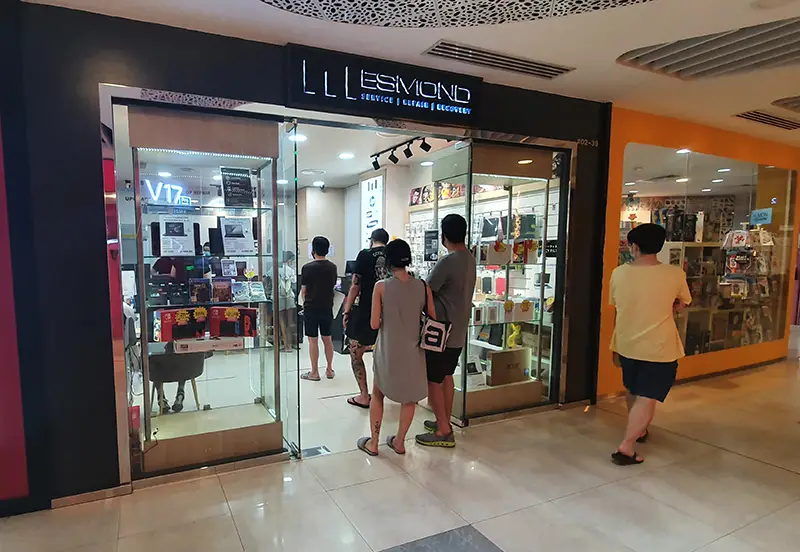
You can visit either of our two branches, Alexandra or Sin Ming, for a free evaluation. Bring your hard drive, SSD, USB drive, or memory card and our specialists will assess what’s recoverable on the spot.
What should I do first when a drive fails or files go missing? +
Stop using the drive immediately. If it is clicking, not spinning up or no longer detected, power it down and leave it off — repeated power-ons make a mechanical fault worse. If files were deleted or lost, continuing to use the drive can overwrite what is still recoverable. Do not run recovery software on a failing drive and do not open the casing. Bring it to Alexandra or Sin Ming as it is for a free evaluation.

Need expert help with your device?

Bring it to Esmond Service Centre at Sin Ming or Alexandra — free diagnostics, repairs from $65, many done in 1–2 hours.

WhatsApp us