Last updated:
Looking for reliable iPhone repair services? At Esmond Service Centre, our experienced technicians provide expert repairs for all iPhone models, from cracked screens and battery replacements to motherboard repairs and water damage restoration. Trust our transparent, fast, and warranty-backed repairs.

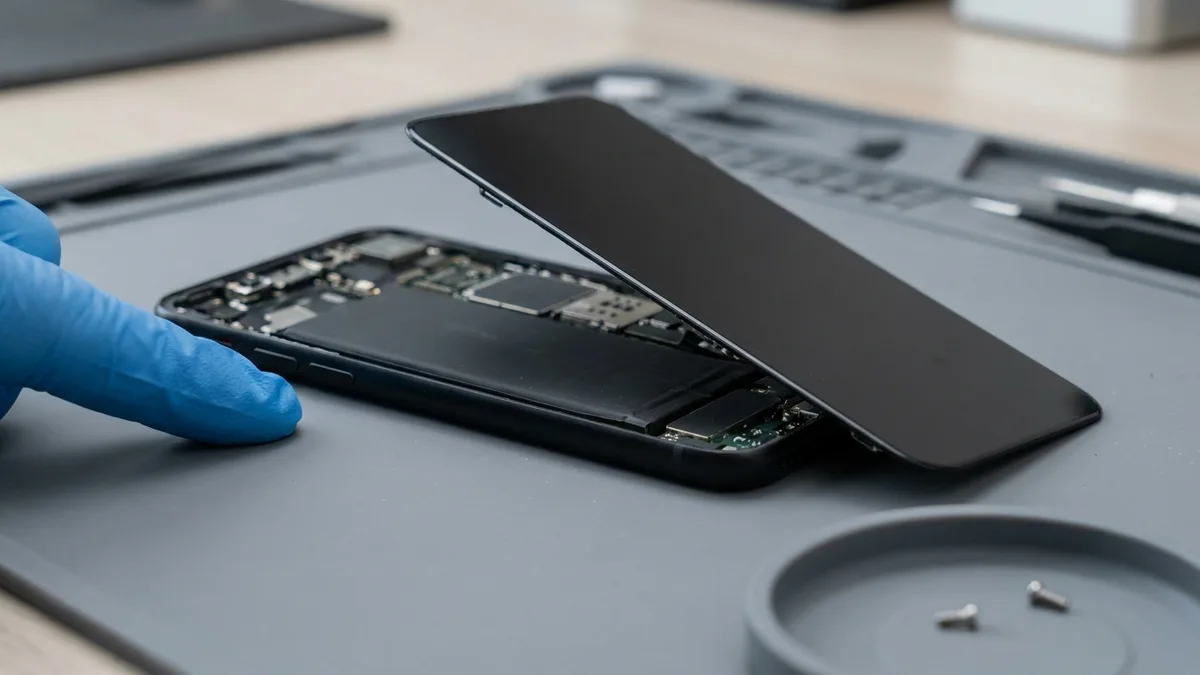
Esmond Service Centre is a trusted iPhone repair provider, fixing every iPhone series from the latest models to older and discontinued ones. We repair screens, batteries, charging ports, cameras, water damage and motherboards. Experienced technicians fit genuine or OEM-grade parts after a free diagnostic, and every repair carries a 90-day warranty (water-damage chemical cleaning excluded), extendable to 1 year. WhatsApp us your iPhone model for an exact quote.
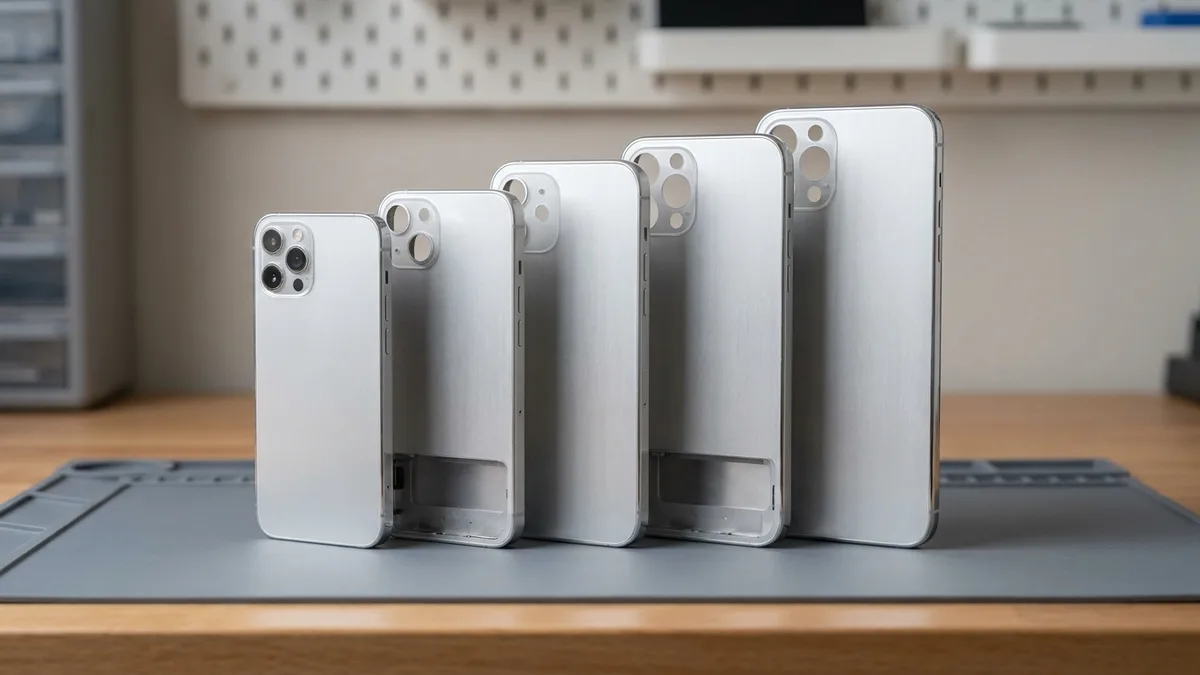
Esmond Service Centre repairs every iPhone series, from the latest models down to older and discontinued ones, covering screens, batteries, charging ports, cameras, water damage and motherboards. Experienced technicians fit genuine or OEM-grade parts after a free diagnostic, and every repair carries a warranty (water-damage chemical cleaning excluded). WhatsApp us your iPhone model for an exact quote.
| iPhone Series | Models Covered |
|---|---|
| iPhone 17 Series | iPhone 17, 17 Pro, 17 Pro Max, iPhone Air, 17e |
| iPhone 16 Series | iPhone 16, 16 Plus, 16 Pro, 16 Pro Max, 16e |
| iPhone 15 Series | iPhone 15, 15 Plus, 15 Pro, 15 Pro Max |
| iPhone 14 Series | iPhone 14, 14 Plus, 14 Pro, 14 Pro Max |
| iPhone 13 Series | iPhone 13, 13 mini, 13 Pro, 13 Pro Max |
| iPhone 12 Series | iPhone 12, 12 mini, 12 Pro, 12 Pro Max |
| iPhone 11 Series | iPhone 11, 11 Pro, 11 Pro Max |
| iPhone X Series | iPhone X, XR, XS, XS Max |
| iPhone 8 / 7 / 6s Series | iPhone 8, 8 Plus, 7, 7 Plus, 6s, 6s Plus |
| iPhone SE Models | iPhone SE (1st, 2nd, and 3rd Gen) |
| Other / Discontinued Models | iPhone 6, 6 Plus, 5s, 5c, 5, 4s, and earlier |
Don’t see your model listed? WhatsApp us a quick photo or the model number—we’ll confirm parts availability promptly.
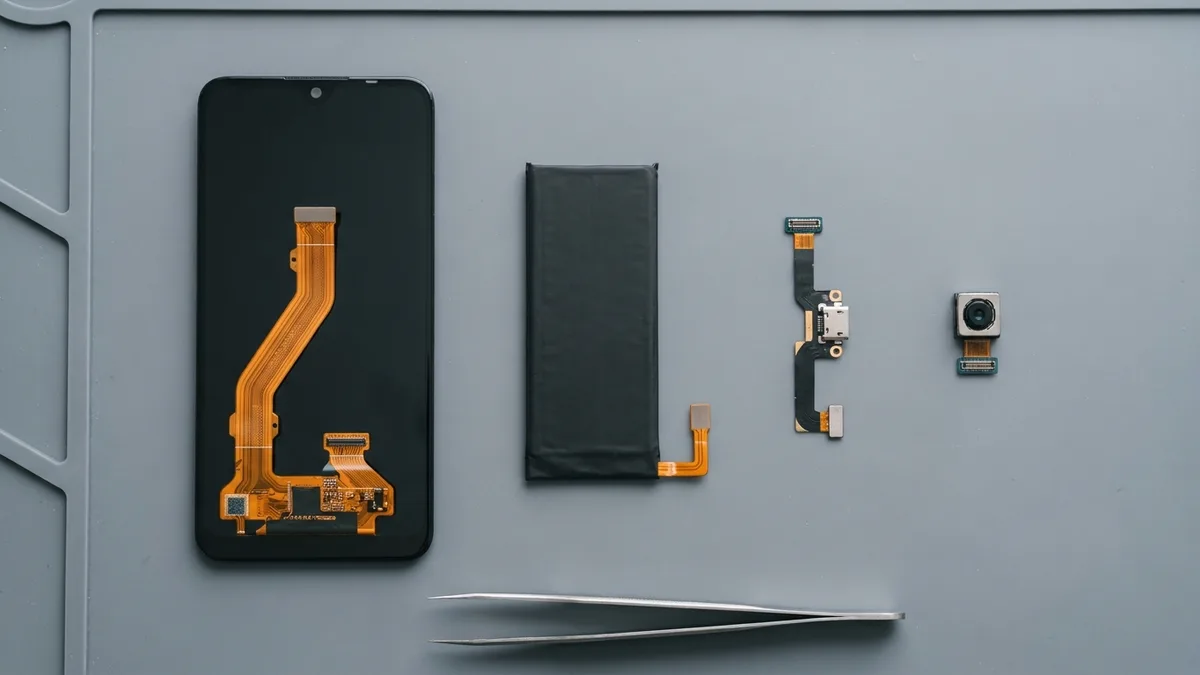
Below is the price for each iPhone repair. We confirm the exact price for your model after a free diagnosis, before any work begins.
| iPhone repair | From |
|---|---|
| Screen replacement | From S$68 |
| Back glass replacement | From S$98 |
| Battery replacement | From S$48 |
| Charging port repair | From S$85 |
| Rear camera repair | From S$108 |
| Front camera repair | From S$108 |
| Camera lens replacement | From S$58 |
| Motherboard / logic board repair | From S$90 |
| Water damage restoration | From S$68 |
| Face ID repair | From S$186 |
| Speaker & mic repair | From S$85 |
| Button repair | Contact us |
| Camera removal (NS / SAF) | Contact us |
All prices exclude 9% GST, which is added at payment. Per-model price lists: screens, batteries, logic boards and water damage, and ports, cameras, speakers and Face ID. Where the tables say digitiser (the touch layer of the screen), that is the part that senses your touch, not the part that shows the picture.
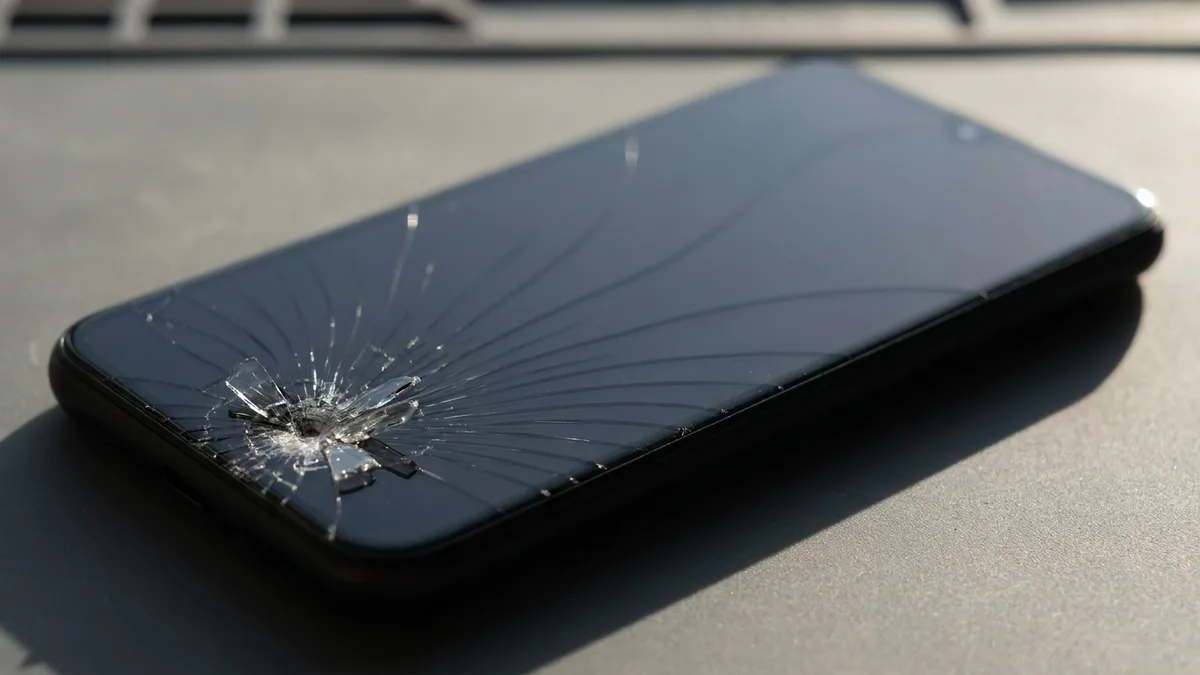
| Repair | Common symptoms | Likely cause |
|---|---|---|
| Screen replacement | Cracked glass, black screen, lines, unresponsive touch | Broken LCD/OLED or digitiser |
| Back glass replacement | Shattered rear glass panel | Cracked back cover |
| Battery replacement | Drains fast, swelling, unexpected shutdowns | Worn or faulty battery |
| Charging port repair | Won't charge, loose or intermittent cable | Damaged charging port / flex |
| Rear camera repair | Blurry, black or frozen main camera | Faulty rear camera module |
| Front camera repair | Selfie / FaceTime camera not working | Faulty front camera module |
| Camera lens replacement | Cracked rear camera lens cover | Broken camera lens glass |
| Motherboard / logic board repair | No power, boot loop, won't turn on | Logic-board fault |
| Water damage restoration | Liquid exposure, corrosion, erratic behaviour | Water / corrosion damage |
| Face ID repair | Face ID unavailable or not working | TrueDepth / Face ID fault |
| Speaker & mic repair | No sound, muffled audio, mic not picked up | Faulty speaker or microphone |
| Button repair | Power / volume / mute button stuck or dead | Button or flex fault |
| Camera removal (NS / SAF) | Camera must be permanently disabled for Red-Zone entry | See the camera-removal section below |
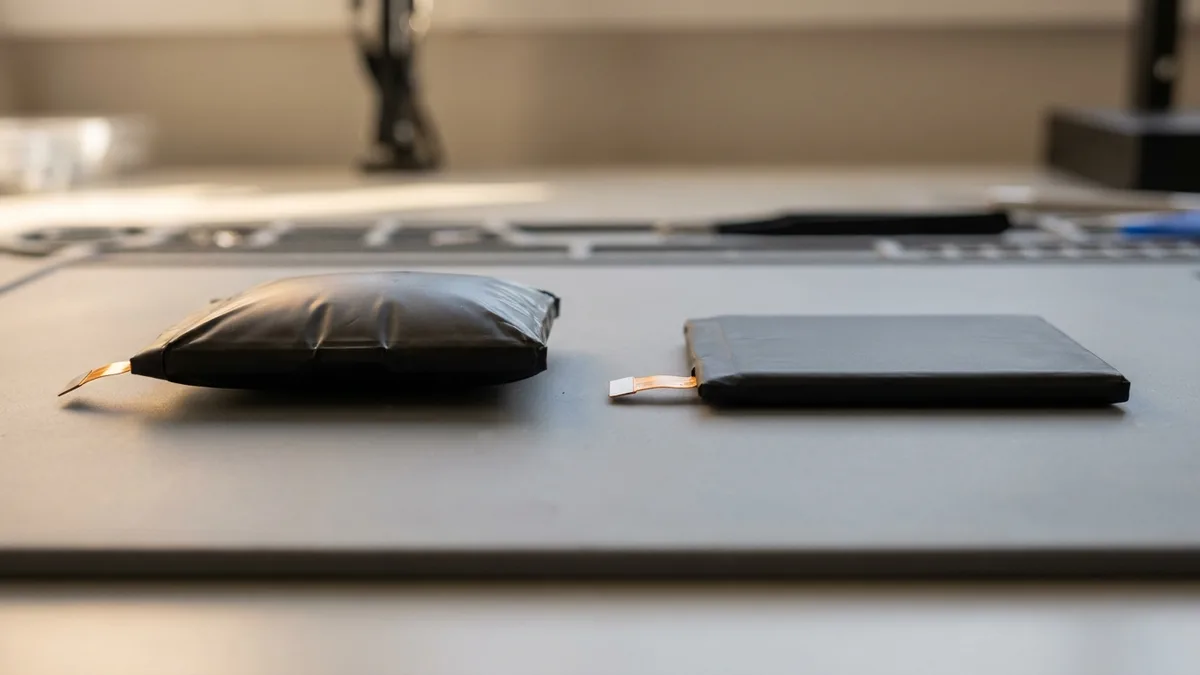
Our skilled technicians regularly handle these common iPhone issues:
💡 WhatsApp us your iPhone model for an instant quote or professional repair advice.
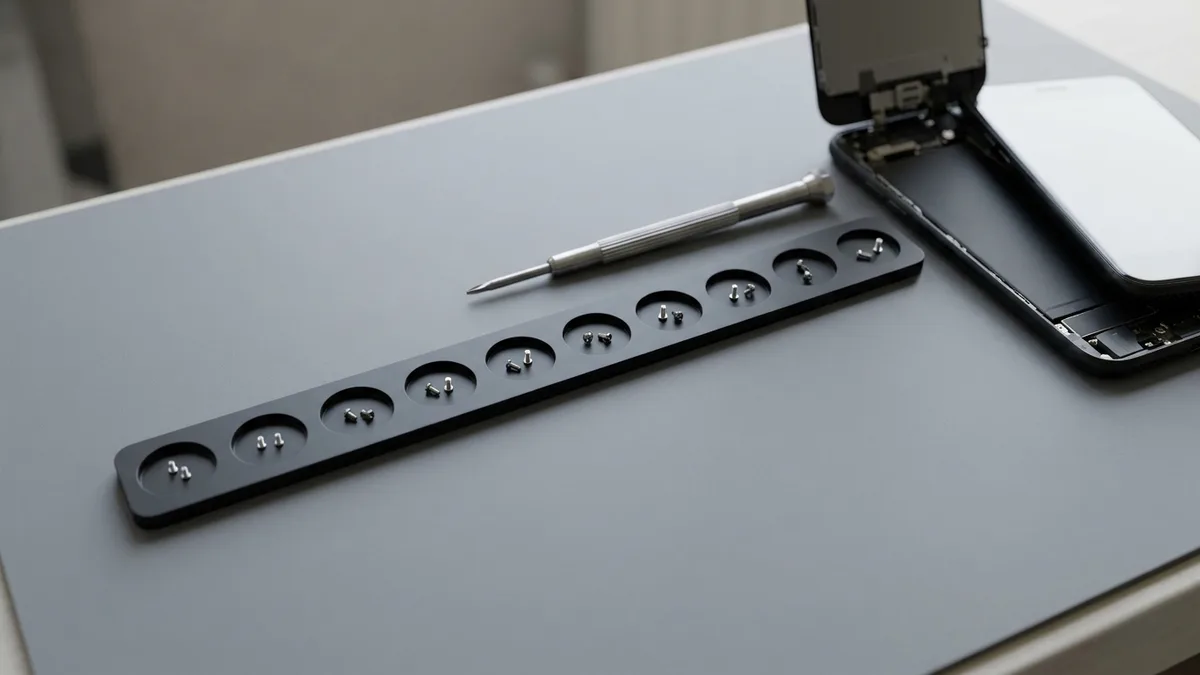
Facing a cracked screen, battery issue, or dead phone? Simply walk in or message us. At Esmond Service Centre, we promise transparent, reliable iPhone repair services with:
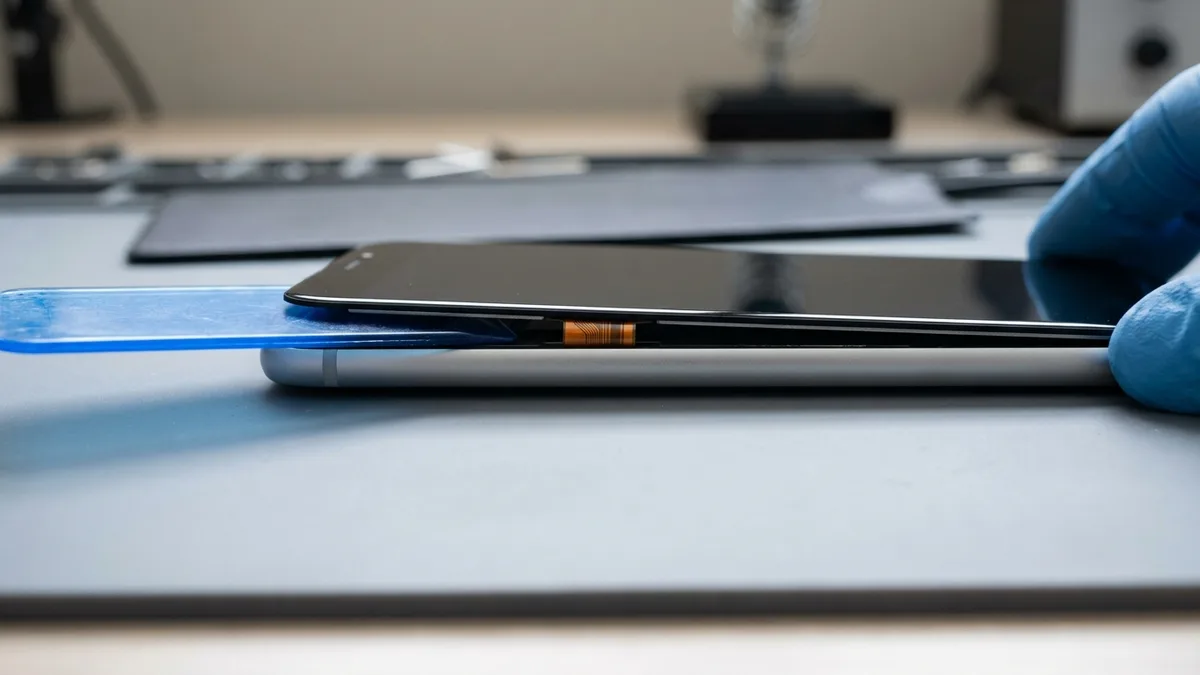
We keep our repair process easy and straightforward:
For additional peace of mind, upgrade to Esmond Care:
📩 Enquire about Esmond Care when scheduling your iPhone repair appointment.
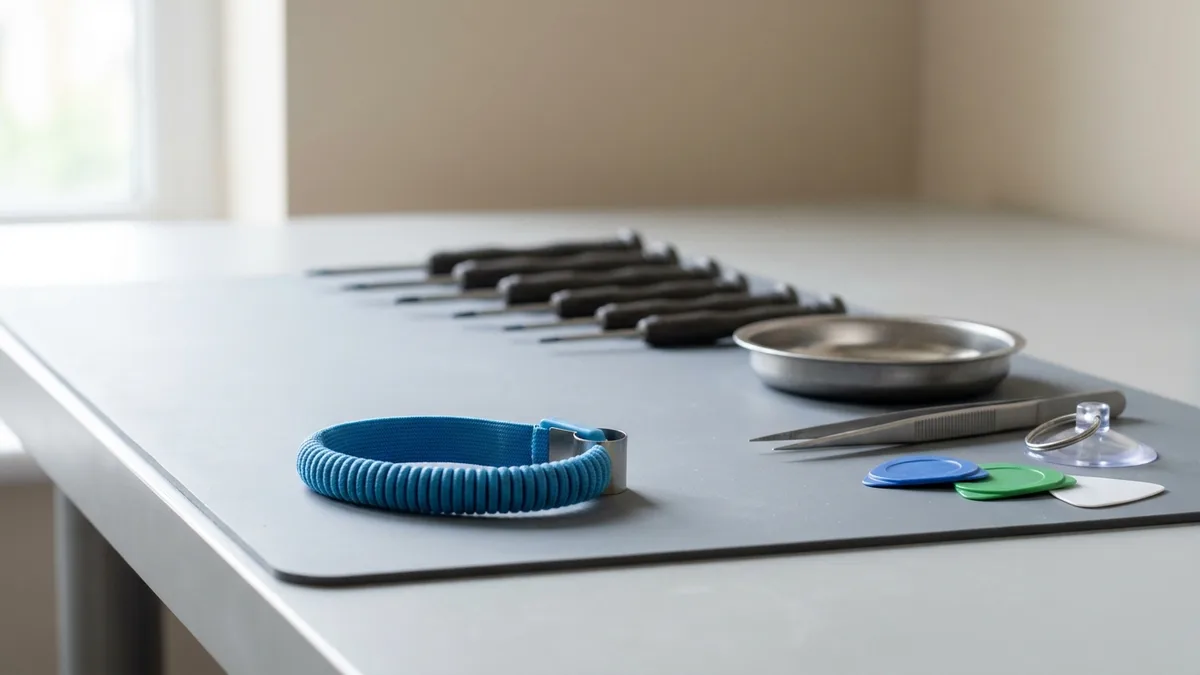
Clients across Singapore trust our iPhone repair services because:
Don’t let iPhone problems interrupt your day. Choose Esmond Service Centre, Singapore’s trusted name for fast, reliable, and expert iPhone repair solutions.
📞 WhatsApp us or 📍 Visit our service centres to restore your iPhone quickly and reliably.
Send us the symptom and we'll come back with what it likely is, what it will cost, and how long it will take. The diagnosis is free, and if we can't fix it, you pay nothing.
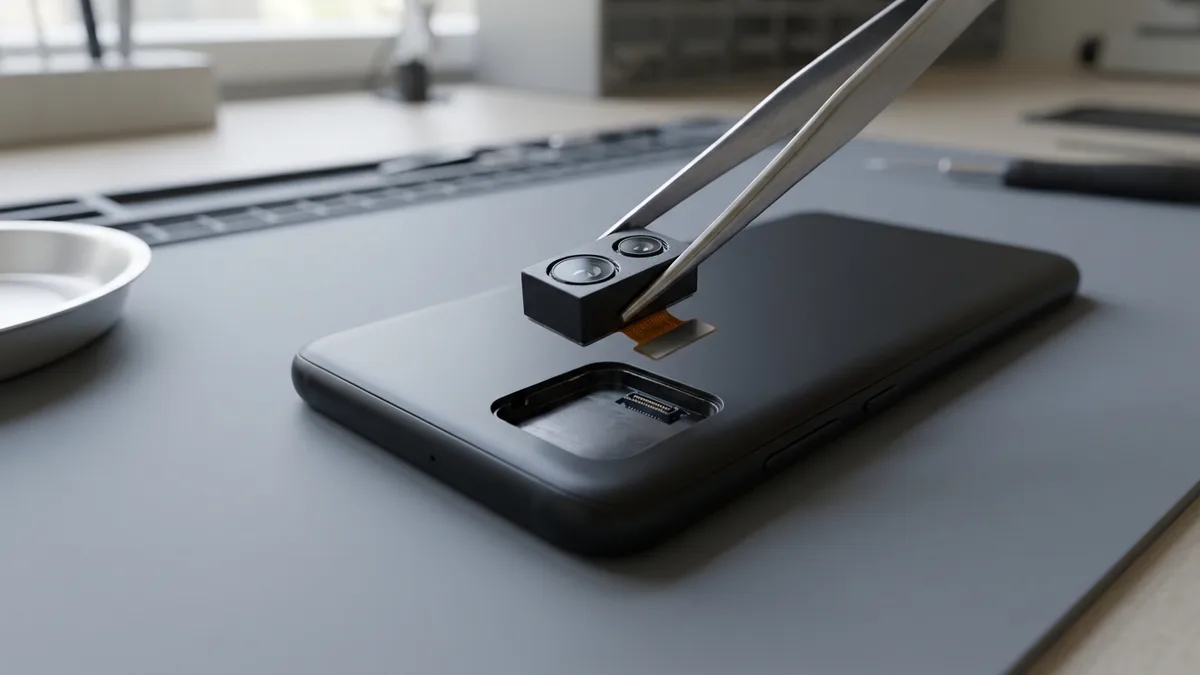
Singapore is one of the few places where a working camera can keep you out of your own workplace. Since 2012 the SAF has divided its camps into Green Zones, where camera-equipped phones are allowed, and Red Zones — unit operations rooms, sensitive offices — where camera-enabled devices are barred. From 1 March 2016, MINDEF relaxed this: a serviceman may now carry his own smartphone into a Red Zone, on one condition — the camera must be permanently disabled to the SAF's standard. That is what “camera removal” means, and it is why NSFs, NSmen heading back for in-camp training, and regulars keep asking for it.
There are two accepted ways to meet the standard: grind or sandblast the camera lens, or physically remove the camera module. At Esmond Service Centre we do the module removal — a clean disassembly that lifts the rear (and, where required, the front) camera out of the phone entirely, so there is genuinely no lens to capture through. The phone still calls, texts, runs apps and charges normally; it simply can no longer take a photo. Servicemen are required to prove the modification complies before they are cleared into a Red Zone, and the phones are subject to security checks — so the removal has to be real and verifiable, not a software toggle or a sticker.
It is not only the military. Defence R&D facilities, secure government and industrial sites, cleanrooms and other camera-restricted workplaces apply the same logic, and staff at these sites face the same choice: carry a second camera-less phone, or have the camera removed from the one they already own. Camera removal lets you keep your own number, apps and data on a single device.
Two things worth knowing before you book. Unauthorised photography stays prohibited in both Green and Red Zones regardless of your phone — camera removal is about being allowed to carry the device in, not a licence to shoot. And on Face ID models, the front-facing camera is part of the Face ID sensor array, so removing it can affect Face ID — ask us which cameras your situation actually requires before we start.
Sources: MINDEF — Written Reply on smartphones in Army camps (2 Oct 2017) · The Straits Times — “SAF relaxes rules on mobile devices in camps” (27 Mar 2016) · MINDEF — Written Reply on camera-enabled devices in camps (20 Jan 2014)
This is the question we get asked most before an iPhone repair — and most shops dodge it. Here is the honest answer, from Apple's own documentation and standard repair practice. Where the answer depends on how we work, we say so plainly.
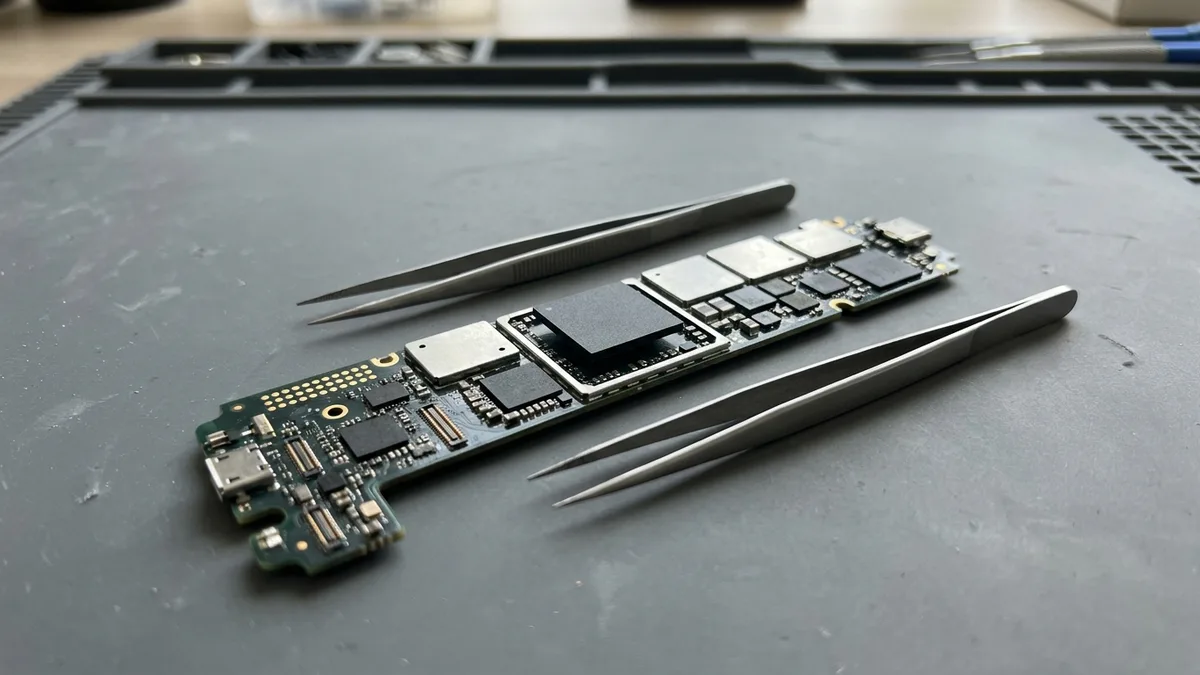
A screen or battery replacement is a hardware swap. Your photos, messages, apps and accounts live on the phone's internal storage and Secure Enclave — parts a screen or battery job never touches. Replacing a screen or battery does not erase your data, and does not require us to sign into or reset your phone. Your Face ID face data is encrypted inside the Secure Enclave, never leaves the device, and a screen swap does not delete it. One honest exception: if the Face ID module itself must be repaired, that specific job can require a full device restore — which would mean data loss. That is a different, rarer repair than a screen or battery replacement, and we will always tell you before we start if your repair falls into that category. Back up to iCloud or your computer before any repair anyway.
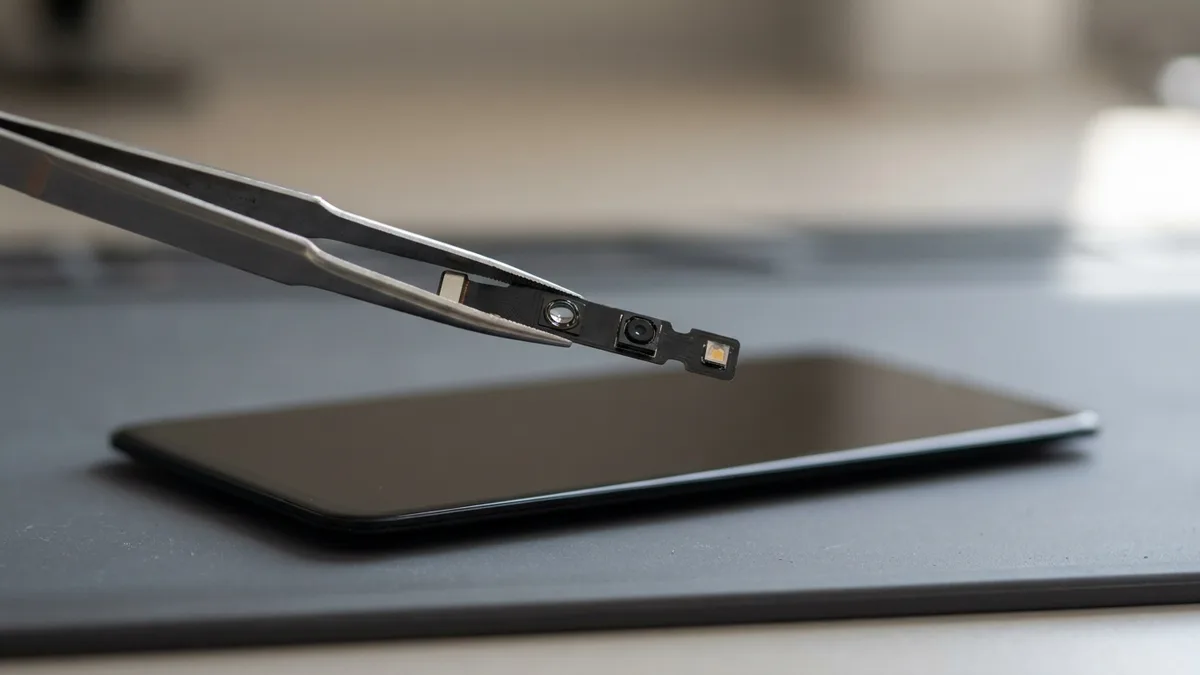
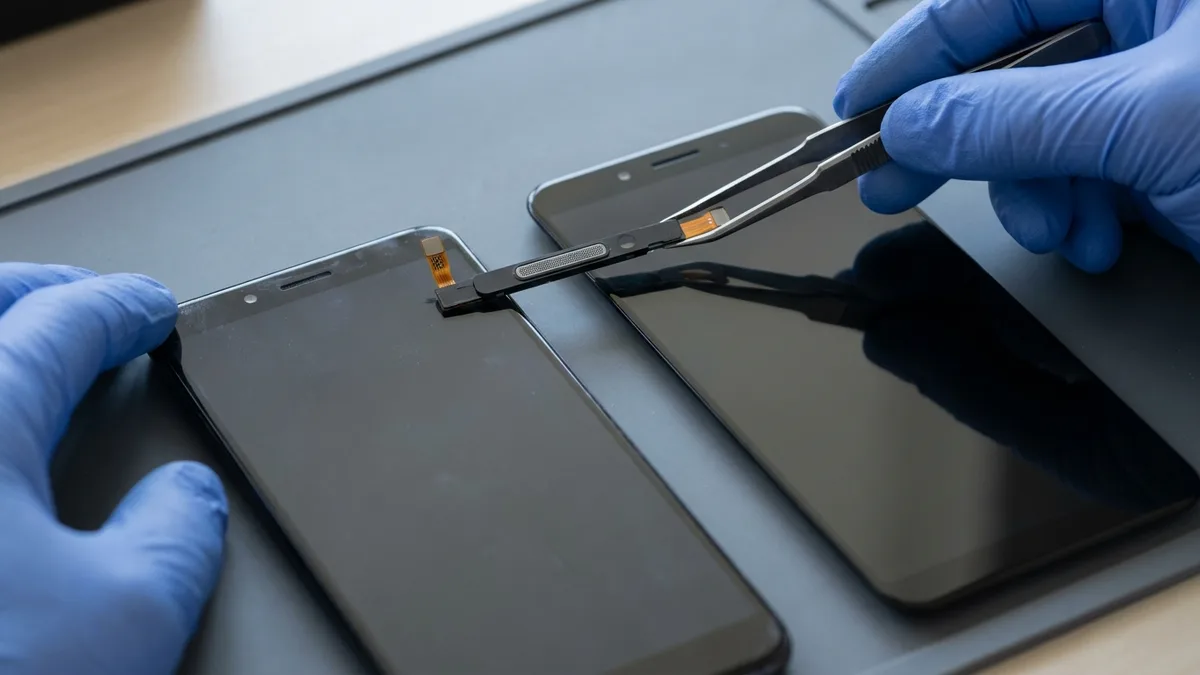
Face ID does not live in your screen. It runs on the TrueDepth camera — the dot projector and infrared sensor at the top of the phone, separate from the display glass and LCD/OLED. When we replace a screen, we carefully transfer the original sensor assembly carrying your Face ID components onto the new screen. As long as that assembly moves across undamaged, Face ID keeps working exactly as before — the normal outcome, not a gamble. Face ID can genuinely be lost only if the TrueDepth hardware was already damaged by the drop, water or impact that brought you in, or if that delicate flex is torn during a careless repair. Apple pairs each Face ID module cryptographically to your phone's Secure Enclave and does not sell it as an off-the-shelf spare, so a damaged module needs specialist board-level work or a whole-device replacement by Apple. If Face ID worked when you handed us the phone, a screen or battery job should leave it working.
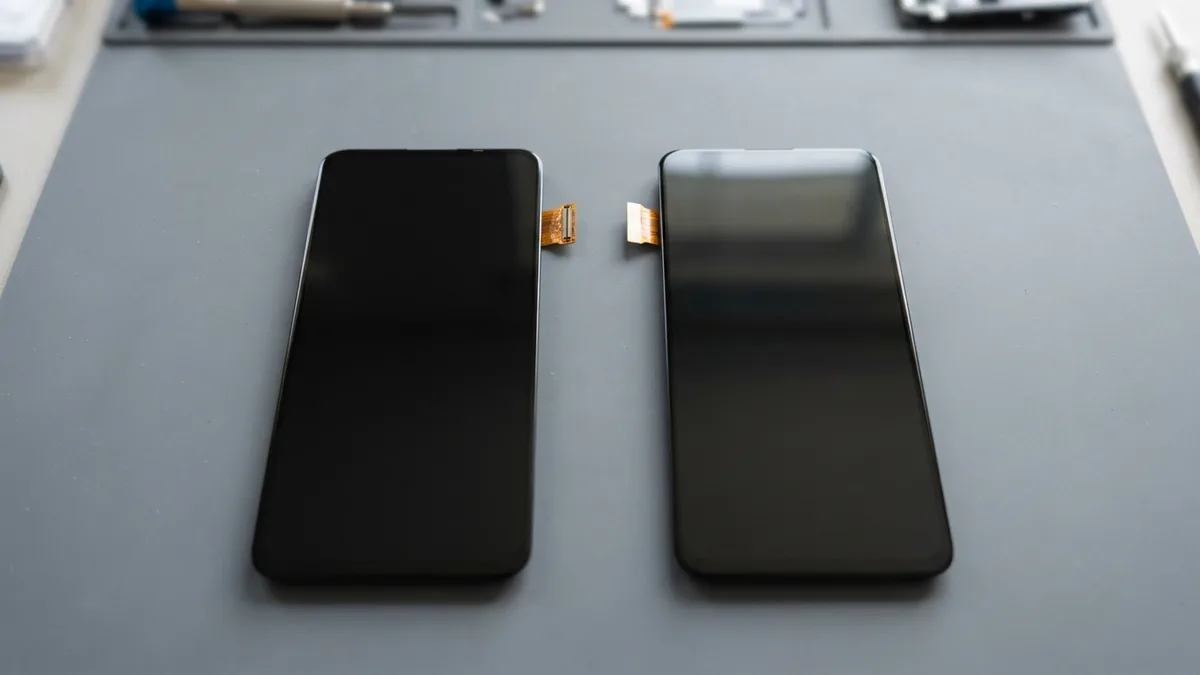
True Tone (which warms your screen to match room light) depends on calibration data unique to each display panel. With a genuine Apple display, True Tone works natively and your phone reports the part as “Genuine” under Settings › General › About. With a non-genuine / aftermarket display, Apple states True Tone “may not work correctly” — it can usually be restored by programming the original panel's calibration data across to the new screen, a step a proper repairer takes deliberately. After a non-genuine display your phone may also show the part as “Unknown” in Settings; Apple is explicit this notice “does not affect your ability to use your iPhone” — an information flag, not a lockout.
Sources: Apple KB 103256 (genuine iPhone displays); Apple KB 102381 (Face ID advanced technology); Apple KB 102658 (Parts and Service History); iFixit — screen replacement & Face ID functionality.
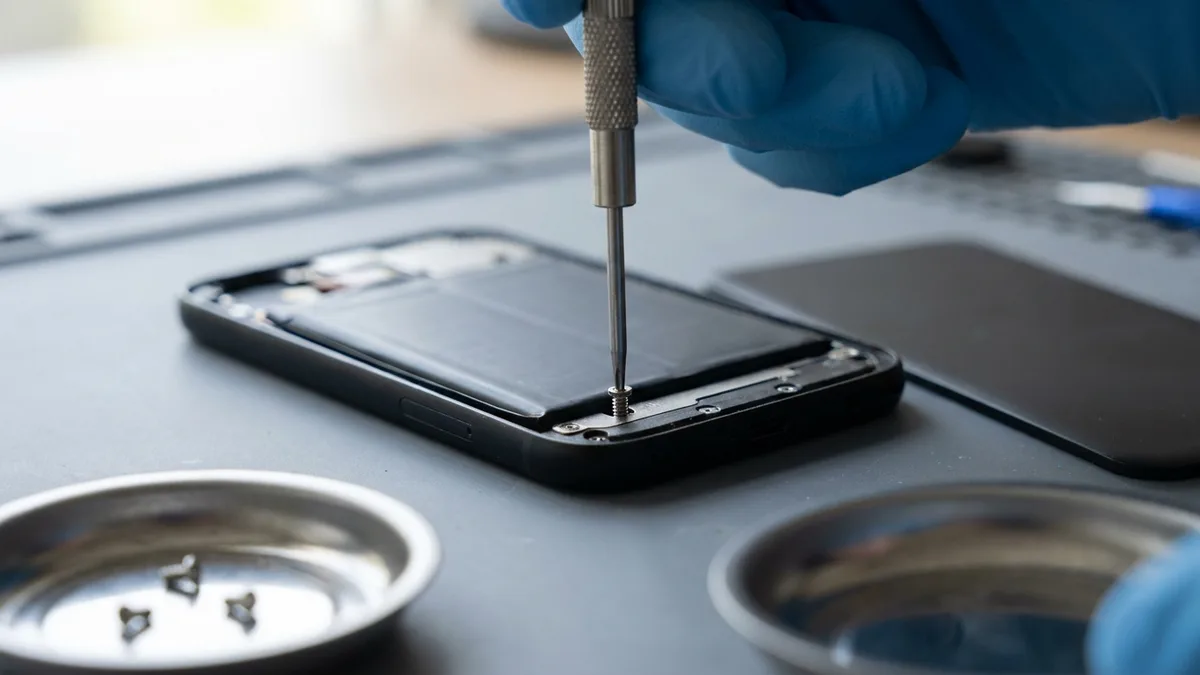
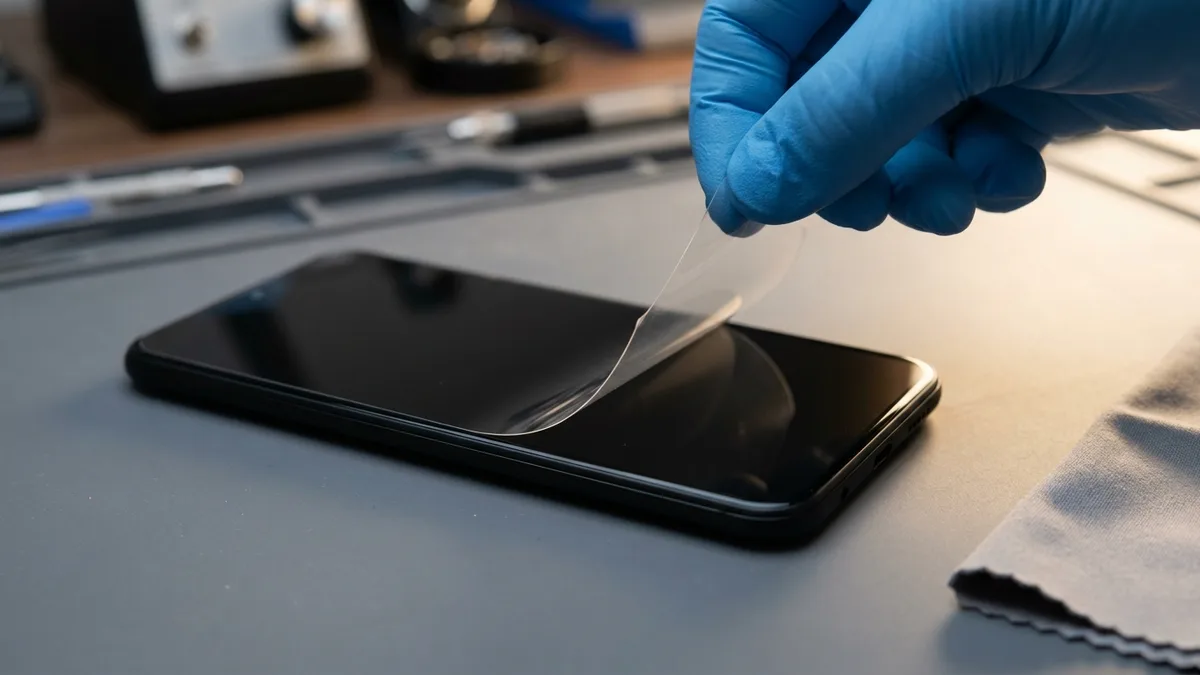
Every iPhone repair carries the same flat 90-day warranty on parts and labour; water-damage chemical cleaning is the one exception. Typical turnaround is shown below where we can commit to it; for the rest, contact us and we'll confirm the time for your model.
| Repair | Warranty | Typical turnaround |
|---|---|---|
| Screen replacement | 90 days | Same day — 1–2 hrs (OEM) · 2–3 hrs (genuine Apple) |
| Back glass replacement | 90 days | 2 - 3 Hours |
| Battery replacement | 90 days | Same day — 1–2 hrs (OEM) · 2–3 hrs (original-quality) |
| Charging port repair | 90 days | 2 - 3 Hours |
| Rear camera repair | 90 days | 2 - 3 Hours |
| Front camera repair | 90 days | 2 - 3 Hours |
| Camera lens replacement | 90 days | 2 - 3 Hours |
| Motherboard / logic board repair | 90 days | 3 - 5 Working Days* |
| Water damage restoration | 90 days (cleaning excluded) | 1 working day; 3–5 if board repair is needed* |
| Face ID repair | 90 days | 2 - 3 Working Days |
| Speaker & mic repair | 90 days | 2 - 3 Hours |
| Button repair | 90 days | Contact us |
| Camera removal (NS / SAF) | 90 days | Contact us |
*Note: allow longer if the fault is intermittent and needs extended testing — we do not call a board repair finished until it has run without the fault coming back.

Both branches are rated 4.9 stars on Google, and you can read every review for yourself. Walk in any time — no appointment needed.
Alexandra Retail Centre (ARC)
Midview City (HQ)
Bring it to Esmond Service Centre at Sin Ming or Alexandra — free diagnostics, repairs from $65, many done in 1–2 hours.