
📑 On this page
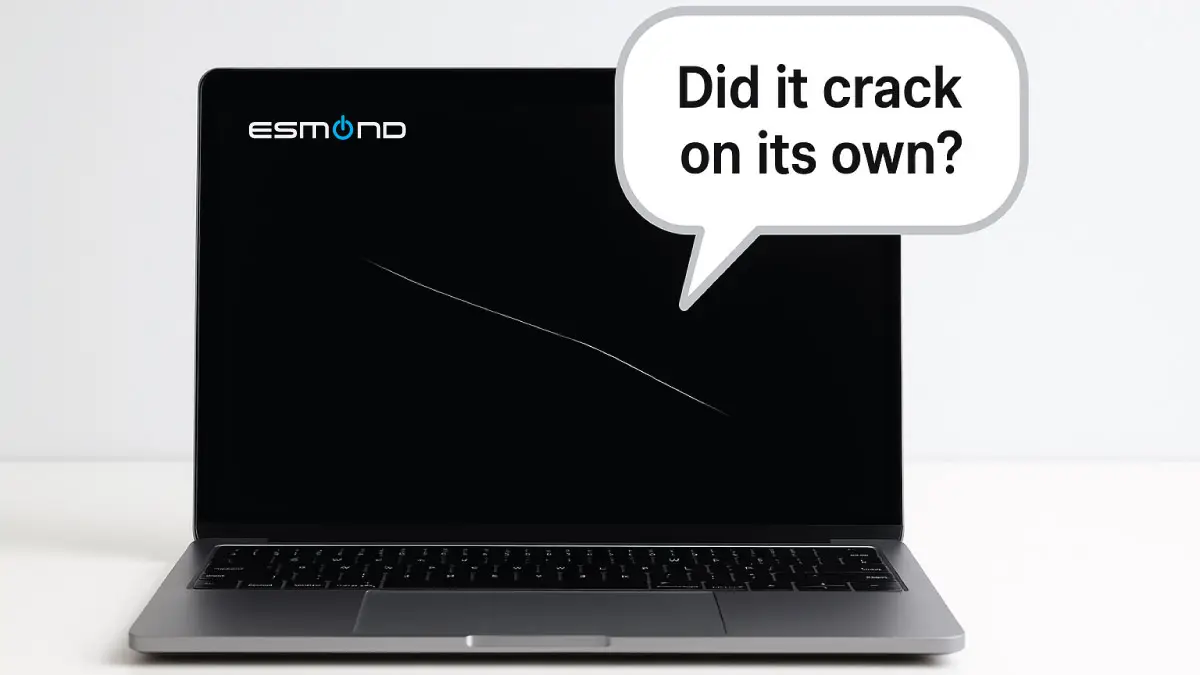
Many laptop owners have looked in horror at a cracked screen and wondered, “How on earth did that happen? Did it crack by itself?” As a professional repair team at Esmond Service Centre, we actually hear this claim a lot – customers insisting their laptop screen cracked “on its own” with no apparent cause. (Cue our technicians’ knowing smiles.) In this humorous yet practical guide, we’ll explore why screens don’t really crack all by themselves, drawing on real-world experience. You’ll learn the actual causes behind those mysterious cracks – from clumsy accidents to sneaky pets – and we’ll even debunk a few hilarious tech myths along the way. So grab a cup of coffee (but please, keep it far from your laptop screen!), and let’s solve the case of the “spontaneously” cracked screen once and for all.
It’s tempting to believe your computer has a mind of its own when you find your laptop screen cracked without warning. Perhaps you left it untouched, and yet a spiderweb crack greets you in the morning. At Esmond Service Centre, we’ve literally seen it all – and we can assure you with 99.9% certainty that your screen did not crack due to ghostly intervention or ninja sabotage. In fact, we tackle the “my laptop screen cracked by itself” mystery every day, and the explanation is always rooted in good old-fashioned physics or human oopsies. In this article, we’ll debunk the myth of self-cracking screens, explain the real reasons laptop screens crack, and sprinkle in some fun by examining the wackiest myths customers have proposed. By the end, you’ll know exactly why that screen cracked (spoiler: it wasn’t a poltergeist), and what you can do about it.
Debunking the Myth: Screens Don’t Crack on Their Own
No, laptop screens don’t crack on their own. Physically, the LCD or glass display needs stress or impact to break. Even mysterious overnight cracks have a real cause. Microsoft investigated exactly this on the Surface Laptop 3 and found that "a hard foreign particle may cause a hairline fracture in the glass that may seem to appear unexpectedly or without visible cause" — a real, physical cause that simply left no mark anyone could see. At Esmond Service Centre, there’s always an underlying culprit, never a spontaneous one.
Now, we don’t blame anyone for initially thinking their laptop screen cracked by itself – the damage sometimes seems to appear out of nowhere. We’ve heard amusing theories from customers trying to rationalize it. “Maybe it was the humidity?” “Could it be an unlucky pixel alignment at midnight?” Our personal favorite: “I think an invisible ninja must’ve sliced it when I wasn’t looking.” 😅 While these creative explanations give us a good chuckle, the truth is much more mundane. Screens require force, pressure, or stress to crack, plain and simple. So unless your laptop lives in a vacuum (or you do have a pet ninja), we can safely say it didn’t crack itself. Next, let’s look at what really causes those cracks.

What Are the Real Reasons a Laptop Screen Cracks by Itself?
If your laptop screen cracked, one (or more) of these real-world scenarios is likely to blame. Don’t worry – you’re in good company, as these are the everyday culprits we see at our service centre. Let’s break down the genuine causes, each with a practical explanation (and a dash of humor):
- Accidental Drops or Knocks: The most common cause of a cracked laptop screen is the classic drop or impact. It only takes a split second – a slip of the hand, a tangled charging cable, or an off-balance moment – for your laptop to take a dive. Laptops are especially vulnerable if they fall while open, since the screen has no protection at that moment. Even a short tumble from a desk or sofa can fracture the display. Think of it like this: your laptop isn’t a rubber ball, so it won’t bounce – trust us, we’ve tested (unintentionally)! The result of a hard knock is often a laptop screen cracked with that familiar web-like pattern radiating from the impact point.
- Pressure from Heavy Items or Mishandling: Screens also crack when too much weight or pressure is applied. For example, have you ever piled books, coffee mugs, or maybe even your elbow on a closed laptop? 🥺 Placing a heavy object on the lid can press against the delicate screen and cause a fracture – many displays simply can’t withstand the load. Similarly, stuffing your laptop in an overpacked bag can squeeze the screen until it cracks. We’ve seen laptops come in after someone sat on them or used them as a flat surface for other gadgets (a big no-no). Your laptop might be slim, but it’s not a bench press – please don’t bench-press it! Protect that device by keeping heavy items far away.
- Improper Opening/Closing of the Lid: Believe it or not, how you handle the laptop lid can lead to cracks. Slamming the lid shut in a moment of frustration is one surefire way – especially if something is left on the keyboard. Even a small item like a pen or earbud can shatter the screen if you close the laptop on it. We’ve had a case where someone left their reading glasses on the keyboard and wham! – the screen didn’t stand a chance. Additionally, opening the lid from one corner or with excessive force can twist the display. This uneven stress might not crack the screen immediately, but over time it can damage the internal LCD or the hinges (which in turn crack the screen). Always open the lid gently, from the center if possible, and double-check nothing is on the keyboard when closing. We promise, taking that extra second beats coming in with a cracked screen later!
- Extreme Temperature Changes: While far less common than physical impacts, rapid and extreme temperature shifts can contribute to screen cracks. Laptop screens are made of layers of glass and liquid crystal that expand and contract with temperature. A drastic temperature change – say, going from a freezing cold car trunk to a hot room, or vice versa – can weaken the screen and make it more susceptible to cracking. In rare cases, a sudden extreme overheat (such as a malfunction causing the laptop to run very hot) followed by rapid cooling might create a stress fracture. We’re not saying your laptop is a diva about the weather, but it does prefer “room temperature” treatment. Moral of the story: avoid leaving your laptop in extreme cold or heat, and let it adjust to room temperature before using. This helps prevent those micro-fractures that could grow into full-blown cracks.
- Pets and Children: Ah yes, the joys of curious kids and mischievous pets. Your fluffy friends and little ones can inadvertently be agents of chaos for laptop screens. We often see cracked screens caused by a toddler treating the laptop like a trampoline, or a cat deciding your keyboard was the perfect napping spot (then jumping off dramatically). Even a small child closing the laptop forcefully, or a dog knocking it off the coffee table during a tail-wagging frenzy, can spell disaster for the display. As one guide wisely notes, keep your laptop in a safe place away from small children and pets who might not recognize its fragility. After all, Fido and little Timmy aren’t picking up the repair bill – you are! A bit of caution can save your screen. So next time you leave the room, make sure the laptop is out of reach of paws and tiny hands. (No secret pet Instagram posts while you’re gone, please.)
By now, it’s clear that behind every “mystery” crack is a real-world cause. Whether it’s a clumsy moment, an overloaded backpack, or an overly enthusiastic cat, something concrete happened to make that laptop screen cracked. The good news: understanding these causes helps you avoid repeat accidents. And if you’re guilty of any of the above, don’t beat yourself up – accidents happen to the best of us (our technicians have their own horror stories!). Next, for a light-hearted break, let’s look at those funny myths we mentioned – the ones we wish were true (because it would make our jobs a lot more exciting).
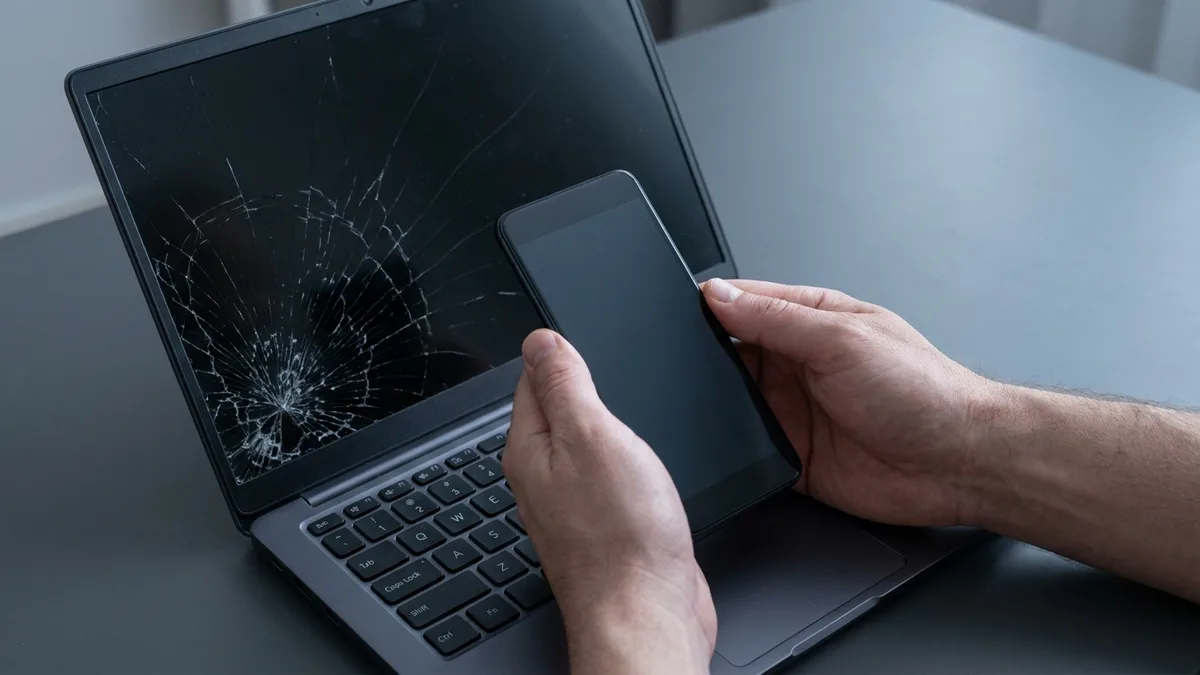
Cracked Screen? Do These Five Things First
Before you think about repair costs, these five minutes matter. They protect your data, your evidence, and in one specific case they can make the repair free.
- Stop pressing on it, and stop closing the lid on it. A crack in the glass is not stable. Pressure spreads it, and if the fracture reaches the liquid-crystal layer you get the black ink-blot that grows every time the lid shuts. Leave the laptop open and flat until you can get it looked at.
- Photograph the damage before you move the laptop. Take a clear shot of the whole screen and a close-up of where the crack starts. If you are claiming on home contents insurance, a student policy or an employer's device cover, the first question is always what the damage looked like and where it began.
- Back up your files now, while the screen still shows something. A cracked panel often keeps working for days and then stops without warning. If you already cannot read it, plug an external monitor into the HDMI or USB-C port — the laptop itself is fine, only the panel is broken, and everything on your drive is still there.
- Check whether you are the one case that is covered. Accidental damage is normally not covered by any manufacturer warranty. There is a documented exception: Microsoft's own support notice for the Surface Laptop 3 states that "a hard foreign particle may cause a hairline fracture in the glass that may seem to appear unexpectedly or without visible cause", and that affected owners get the repair free of charge during the warranty period — with a refund route if you have already paid for one. If that is your machine and your crack, go to Microsoft before you go to anyone else, including us.
- Get it quoted before you decide the laptop is finished. A cracked screen is one of the cheapest major-looking repairs there is, and it is almost always worth doing rather than replacing the machine. Send a photo and your model number and you can have a price before you travel.

The Funny Myths (Just for Laughs, Not for Real)
Tech folklore time! Over the years, we’ve heard some hilarious myths from customers trying to explain a cracked screen without admitting to an accident. While none of these are actually to blame for your laptop screen cracked problem, they’re too good not to share. Let’s debunk these with a wink and a smile:
- Invisible Ninja Attack: One imaginative customer insisted a stealthy, invisible ninja must have sliced through their screen in the dead of night. 🥷 After all, what else could leave such a swift, clean crack? We hate to disappoint, but unless you live in an action movie, there are no ninja warriors targeting your electronics. No shattered shuriken were found at the scene of the crime, and your laptop’s martial arts skills are likely minimal. In reality, that crack was caused by something far less exotic (like the laptop slipping off the desk). Still, we give points for creativity! If there was an invisible ninja, we’d hire them for our tech support team to karate-chop all viruses. But alas, this one is pure myth.
- Ghostly Encounters: Cue the spooky music! Some folks genuinely wonder if a ghost or poltergeist could be responsible for their laptop screen cracked out of nowhere. 👻 Perhaps a restless spirit was annoyed by your late-night Netflix binge and wham, cracked the screen to get your attention? It’s a fun thought for a Halloween campfire, but we assure you, our repair lab is not haunted (we’ve checked thoroughly). Ghosts, if they exist, have better things to do than break your display – like, you know, haunting old mansions or starring in movies. We’ve never found ectoplasmic goo on a cracked LCD, and there’s no “ghost” setting in our repair toolkit. So unless Casper fesses up, we’re chalking this one up as another myth. Sorry, no ghosts in your machine – just physics and maybe a clumsy hand.
- The Secret Life of Pets: Inspired by the animated film, some customers jokingly suspect their pets lead secret double lives at night, complete with laptop usage and covert ops. 🐱🐶 For instance: “Maybe my cat hosted a Zoom party with the neighborhood pets while I slept, and things got out of hand?” Or “I bet my dog tried online shopping and cracked the screen hitting ‘Add to Cart’ too hard.” As much as we love imagining a Toy Story-like scenario of pets on laptops, any screen damage from pets is firmly in the “accidental” category – not a deliberate midnight mission. Cats knock things over (including laptops) because gravity is their favorite toy, and dogs may step or sit on devices without realizing their strength. There’s no grand pet conspiracy to break your tech. If Fluffy did crack your screen, it wasn’t out of spite or secret Instagramming, but simply animal curiosity or clumsiness. So the “secret life of pets” will have to remain a cute myth. (Though a cartoon of a cat blaming the dog for a cracked laptop would be pretty funny.)
As entertaining as these myths are, we hope it’s clear that they’re just jokes. No ninjas, ghosts, or secret-pet meetups caused your laptop screen to crack. The real causes are far less thrilling, but the upside is they’re preventable once you know them. Now, armed with knowledge (and a smile), you can focus on getting that screen fixed and keeping future ones safe.
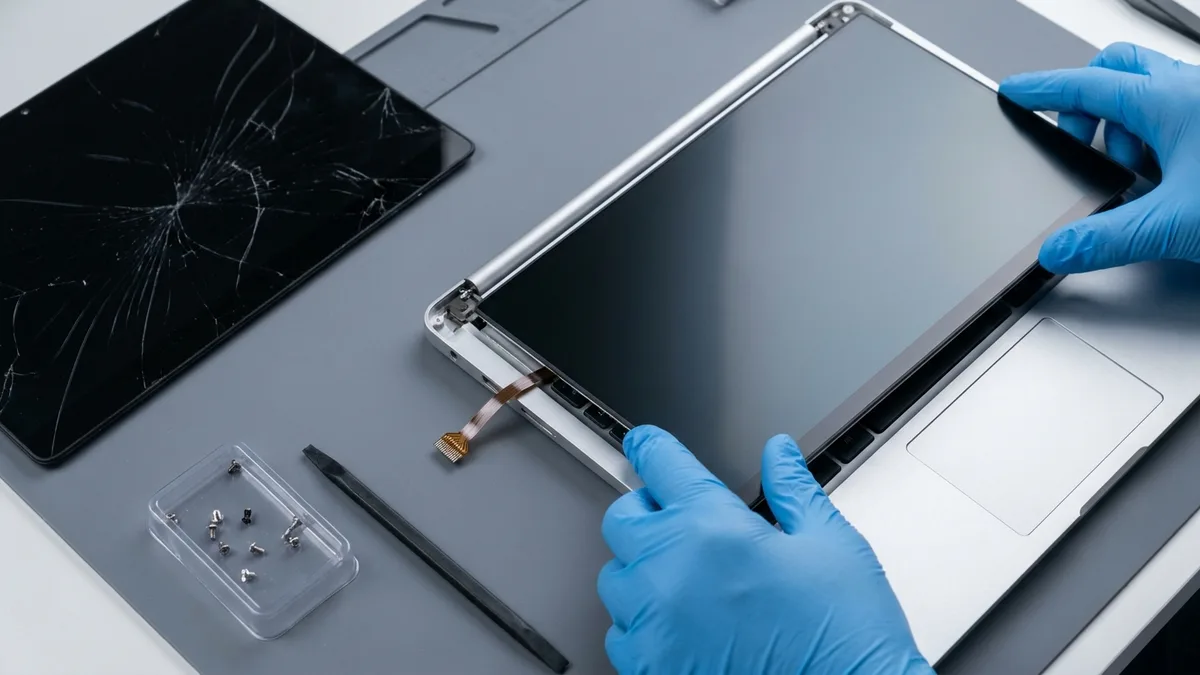
What a Screen Replacement Will — and Will Not — Fix
A new panel is a straight swap of one part. It is worth being clear about where that fixes the problem completely and where it does not, because the difference decides whether one quote covers your repair or two.
What a new panel does fix:
- Cracked or shattered glass, and the spider-web fracture lines that come with it.
- The black ink-blot patch that spreads across the display, and coloured bleeding around the crack.
- Vertical or horizontal lines, flickering, or dead areas caused by the damaged panel itself.
- Touch response on a touchscreen laptop, where the digitiser is bonded into the same assembly.
What it does not fix, and will be quoted separately:
- A bent or dented lid, a twisted chassis, or a hinge that has been pulled loose — those are separate parts, and a hinge left unrepaired will crack the next panel too.
- A webcam, microphone or Wi-Fi antenna damaged inside the lid assembly.
- A fault that was already there before the crack. This is the one that catches people out. If the display was flickering, showing artefacts or dropping out before anything broke, the problem is more likely the graphics chip or the mainboard, and a new panel will not touch it. Tell us what it did beforehand — it changes the diagnosis.
⭐ Your data is not affected either way. Replacing a screen does not go near your drive; nothing is wiped and nothing needs reinstalling. At Esmond Service Centre most laptop screens are replaced in 1–2 hours from S$186 before GST (9% is added at payment), with a 90-day warranty on parts and labour, extendable to a year with Esmond Care. The diagnosis is free and there is no obligation — see laptop screen replacement for the per-brand prices and turnaround.
Laptop Screen Cracked? Mystery Solved (Sorry, No Ghosts Involved)
In the end, the “mystery” of the self-cracking screen isn’t such a mystery after all – and certainly not a paranormal one. We’ve debunked the big myth: laptop screens don’t crack on their own. There’s always a real-world explanation, whether it was an accidental drop, undue pressure, improper handling, sudden temperature swing, or a mischievous child or pet. By now, you should be confidently nodding along, recognizing which of these likely led to your laptop screen cracked scenario. We’ve also shown why service centres often can’t identify the exact cause without your input – cracks tend to look similar regardless of cause, so unless there’s obvious physical evidence (like a dent or foreign object), we’re relying on your story. This is why technicians ask, “Do you remember anything happening to it?” – not because we doubt you, but because pinpointing the cause can sometimes help in the repair process or warranty considerations.
So, mystery solved: no ghosts, ninjas, or mythical forces at play – just physics and life’s little accidents. The practical takeaway is empowering: treat your laptop with care, be mindful of the common crack causes, and you can greatly reduce the chance of a repeat incident. But if you do end up with a cracked screen (hey, accidents can still happen even to the most careful users), don’t panic. Laptop screen repairs or replacements are routine work for professionals like us at Esmond Service Centre. Your device can almost always be fixed up good as new, and we’re here to guide you through it. In the next section, we’ll let you know how to take action and prevent further damage. And remember – no need to call the Ghostbusters, just call your friendly tech experts! 😉
Laptop Screen Cracked? Leave It to the Real Experts!
Enjoyed this comprehensive exploration of laptop screen cracked myths? Follow our Facebook page, LinkedIn profile or Instagram account for more humorous tech insights and practical tips on cutting-edge technology. And if you’re currently dealing with a cracked laptop screen (sans ghost alibis), leave it to the real experts! Esmond Service Centre is just a call or visit away – our experienced technicians will diagnose the issue, provide honest advice, and get your laptop screen repaired or replaced in no time. Don’t let a cracked screen stress you out or interrupt your work. Contact us for a consultation, and we’ll have you back to browsing, coding, and streaming on a flawless screen before you know it. Remember, when it comes to solving the case of the cracked screen, we’ve got the tools, the talent, and yes, even a sense of humor to make the process as smooth as possible. Your laptop is in good hands with us – no myth, just real expertise.
“Laptop screen cracked?” No worries – consider the mystery solved and the fix underway, with a little help from your friends at Esmond Service Centre!

Esmond Service Centre's experienced technicians can diagnose and fix it fast — free diagnostics, repairs from $65.