
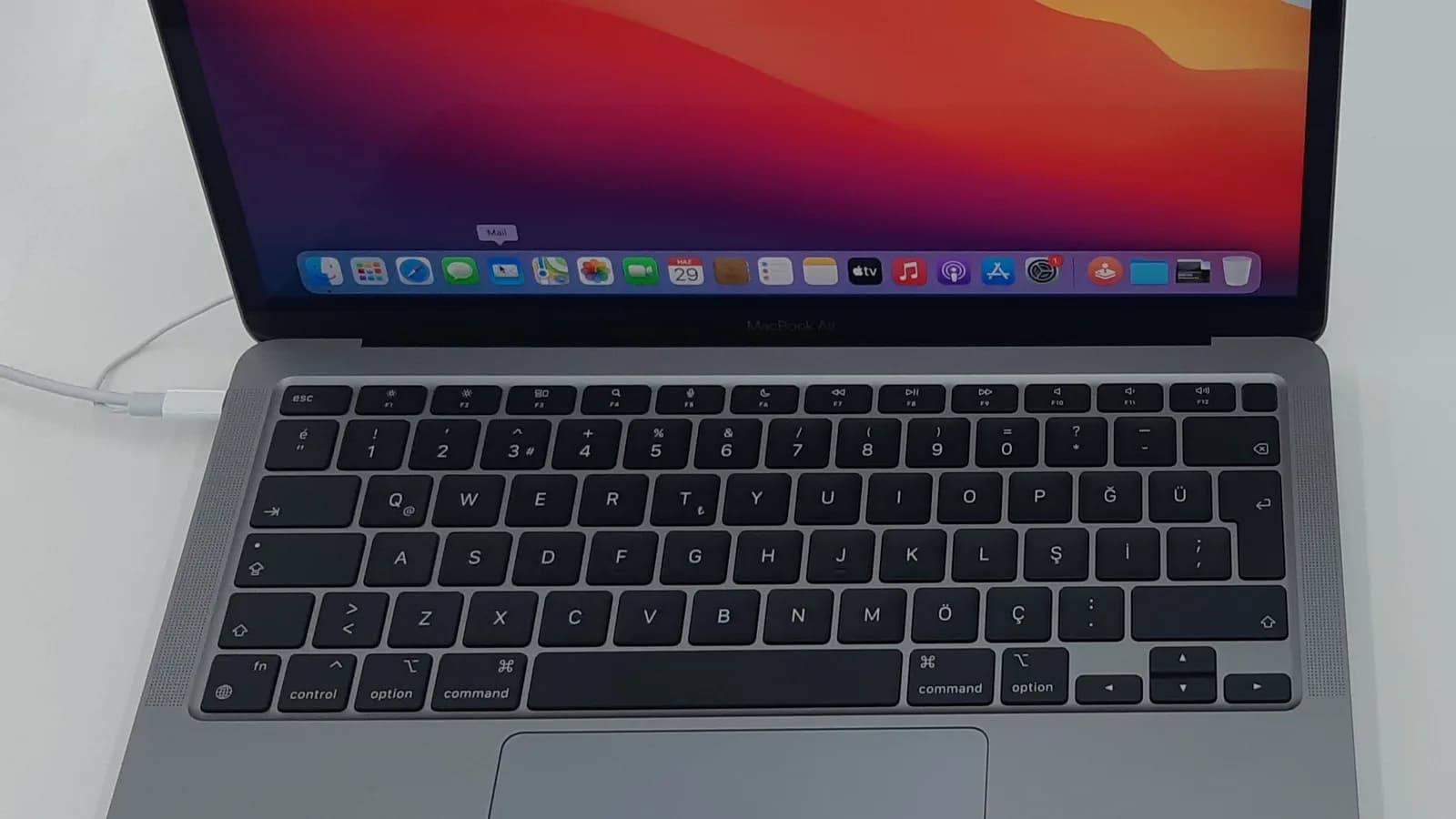
.jpg)
📑 On this page
If the bottom edge of your MacBook Air's screen has started to glow in bright, uneven patches — like a row of tiny footlights shining up from the bottom bezel — you are looking at what owners and repair shops call the "stage light effect." It looks alarming, but it is a hardware fault, not something you did, and on a MacBook Air it is very often repairable without buying a whole new screen. This guide explains what the effect actually is, whether the Air is really affected (the honest answer is more nuanced than most repair-shop pages admit), how to tell it apart from other backlight problems yourself, and what a sensible repair looks like in Singapore.
What the stage light effect looks like
The effect is named after stage footlights: several bright, roughly evenly spaced blooms of light that rise a centimetre or two from the bottom of the display, brightest near the bezel and fading upward. It is usually most obvious on a white or light background and at higher brightness.
- Bright vertical bars or blooms along the bottom edge, worse on white screens
- The glow changes as you open, close or tilt the lid to certain angles
- Occasional flickering along the bottom, or a thin bright line
- In later stages the backlight cuts out entirely past a certain lid angle, leaving a dark but faintly visible image
- The rest of the panel — colours, the image itself, the trackpad — behaves normally
_-_2.jpg)
Is the MacBook Air actually affected? The honest answer
Here is the part most pages skip. The classic "stage light" fault, nicknamed flexgate, is specifically a MacBook Pro problem. It affects the 13- and 15-inch MacBook Pro from 2016 to 2019 — model numbers A1706, A1708, A1989, A1707 and A1990 — where a thin display flex cable is wrapped around the display control board and microsoldered to the backlight. Every time the lid opens and closes the cable is pulled tight; after a year or two it tears, and the backlight cable usually goes first.
Apple eventually acknowledged this with a Backlight Repair Program — but it covered only the 13-inch 2016 MacBook Pro sold between October 2016 and February 2018, and that program has now ended. The MacBook Air was never covered. The Air also uses a different cable design; MacRumors notes that newer Airs still route cables over the display board and could in principle show a similar failure, but this is not a confirmed, widespread Air design defect the way flexgate is on the Pro. In practice, Air owners do report it: on Apple's own support forum, the owner of a 13-inch MacBook Air bought in March 2018 described "shadows emanating from the bottom of my screen" and identified it as the stage light effect.
So the honest answer is: yes, MacBook Airs can show a stage-light-style glow — but the underlying cause is worth pinning down before you pay for a repair, because on the Air it is not always the same short-cable defect that plagues the Pro.
What causes uneven bottom-edge backlight on a MacBook Air
On the bench, an uneven bright band along the bottom of a MacBook Air screen usually traces back to one of these:
- Display flex or backlight cable damage — the cable that carries backlight power and data runs from the logic board (the main board — Apple's name for the motherboard) into the display; if it is chafed, kinked or partially torn the backlight lights unevenly. On the Air this cable is usually not soldered into the panel, so it can often be replaced on its own.
- Pressure damage — the Air lid is thin, so a tight bag, books stacked on a closed lid, or a knock to a corner can press the backlight sheets and leave bright or dark patches, frequently along an edge.
- Liquid ingress — even a small spill can wick down to the bottom bezel where backlight components sit, corroding contacts and producing uneven light or bright spots.
- Backlight LED strip degradation — the LEDs that light the panel from its edge can age or fail unevenly, especially after heat exposure, giving a patchy bottom edge.
- A previous third-party screen swap — a panel or backlight fitted poorly before (a pinched cable, the wrong part, trapped debris) is a common cause on machines that were already 'fixed' once.
MacBook Air vs MacBook Pro: how the stage light problem differs
| Aspect | MacBook Air | MacBook Pro (2016–2019) |
|---|---|---|
| Cable design | Different routing; flex usually not soldered into the panel | Short flex microsoldered to the backlight, wrapped around the display board |
| Typical cause of bottom glow | Flex/backlight cable damage, pressure, liquid, LED ageing | The flexgate design defect (cable tears from opening/closing) |
| Usual fix | Often a flex/backlight cable replacement, not a whole screen | Board-level microsoldering, or a full display assembly |
| Apple repair program | Never covered | 13-inch 2016 only, Oct 2016–Feb 2018 — now ended |
| DIY difficulty | High (opening the display, correct part) | Very high (microsoldering) |
How to check it yourself before paying anyone
Before you hand the laptop to anyone, five minutes of checking tells you a lot:
- Open a full white screen: maximise a blank white document or a white image, then look at the bottom edge at low and high brightness. Stage-light blooms show up most on white and grow with brightness.
- Move the lid slowly through its full range. If the glow, flicker or blackout changes with the hinge angle, that strongly points to the display flex cable.
- Test an external monitor with the right adapter. If the external screen is perfect, the logic board and graphics are fine and the fault is in the panel, backlight or its cable.
- Recall recent history: any drop, pressure in a bag, or spill? That reframes it from a cable defect to accidental damage, which changes the repair and any warranty conversation.
- Rule out software: restart, and try a different user account or Safe Mode. A restart or Safe Mode will not fix a backlight fault, which is hardware, but this quickly removes doubt about a display glitch.

Can you fix it yourself?
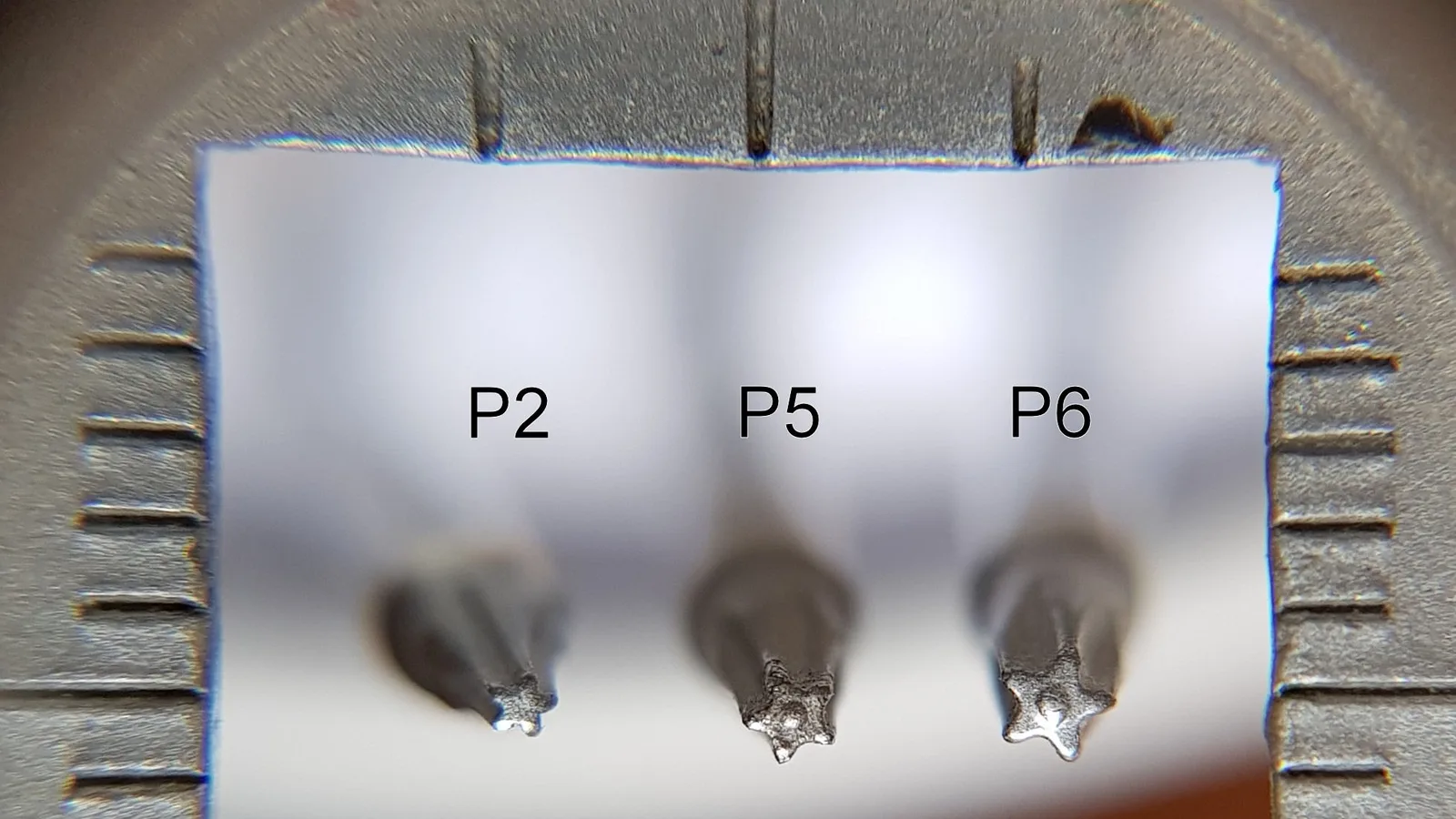
On a MacBook Pro, the flexgate cable is microsoldered to the backlight — that is board-level work with a microscope and hot air, not a home job. On a MacBook Air the flex cable is more accessible, but reaching it still means opening the display assembly, working around fragile ribbon cables and the antenna, and fitting the exact correct part. Even the first step needs a special tool: on an M1 MacBook Air the bottom case comes off only with a P5 pentalobe driver, a five-point screwdriver that ordinary sets do not include. One slip cracks the panel and turns a modest cable repair into a full screen replacement. Unless you are already experienced with laptop display disassembly and have anti-static tools and the right part, stop here and bring it to a technician.
What a proper repair in Singapore looks like
A good repair starts with diagnosis, not a guess. Whoever you choose should confirm the actual cause — cable, backlight, pressure or liquid — before quoting, because those are different jobs. What to look for:
- A proper diagnosis that isolates the cause (including an external-monitor test) before any quote
- A clear explanation of whether you need a flex or backlight cable or a full display, and why
- Genuine-grade parts, and testing across the full brightness range and lid angles after the repair
- A written quote and warranty terms, in writing, before work begins
You can bring your MacBook Air to Esmond Service Centre for a diagnosis of the exact cause, and we will explain whether the fix is a flex/backlight cable or a full display before any work begins. Ask for the quote and warranty terms in writing so you can decide with the full picture.

Esmond Service Centre's experienced technicians can diagnose and fix it fast — free diagnostics, repairs from $65.