

📑 On this page
Apple repair appointment booking: how it works in Singapore
In Singapore, the people who message us about Apple repairs usually ask the same first question: how do I actually book an appointment? Apple does not run a walk-up counter where you can turn up and expect same-minute service — the system is built around a reservation you make in advance, online or in the Apple Support app. This guide walks through every route from the primary source, Apple's own Singapore support pages, so you book the right one the first time, whether your device is in warranty, on AppleCare+, or long out of coverage.
The three ways to book an Apple repair
Apple's Singapore support pages describe the same set of options for every product. Pick the route that matches your coverage and how quickly you need the device back.
- Apple Store — Genius Bar: Apple says you can "Make a Genius Bar reservation at your nearest Apple Store for in-person support, repairs with genuine Apple parts and more." This is the route for in-warranty and AppleCare+ work.
- Apple Authorised Service Provider: Apple directs you to its "large network of Apple Authorised Service Providers". Repairs here also use genuine parts and keep your warranty — useful when no Apple Store slot is free.
- By post, or Express Replacement: for iPhone, Apple can send "a pre-paid postage box with everything you need to securely post your iPhone", and with AppleCare it "will send you a replacement iPhone, even before you send yours back".
- Independent repair shop: an out-of-warranty option. Apple's own guidance notes that only repairs "by Apple or by an Apple Authorised Service Provider are covered by Apple's Limited Warranty and AppleCare plans", so choose this knowingly for older or already-out-of-warranty devices.
How to book a repair with Apple: step by step
Every Apple repair route starts the same way. Apple's instruction is simply: "To get started, tell us what's going on." Here is the full sequence, drawn from Apple's Get Support flow and its Genius Bar page.
- Open Apple's support site or the Apple Support app. Go to getsupport.apple.com, or open the Apple Support app, and choose your product — iPhone, Mac, iPad or Apple Watch.
- Describe the problem. Pick the topic that matches your fault; Apple uses it to offer the right service options.
- Choose Bring In for Repair. Then sign in with your Apple Account and, for an iPhone, confirm the device by its serial number or IMEI.
- Pick a location and a time. Select an Apple Store or an Apple Authorised Service Provider, then choose an available appointment slot.
- Confirm your contact details. Add your phone number so Apple can send the booking confirmation and reminder messages.
- Prepare the device. Apple asks you to have your Apple Account password ready, bring power cables and accessories, update the software, and back up your data in case a factory reset is needed.
Booking an iPhone repair appointment
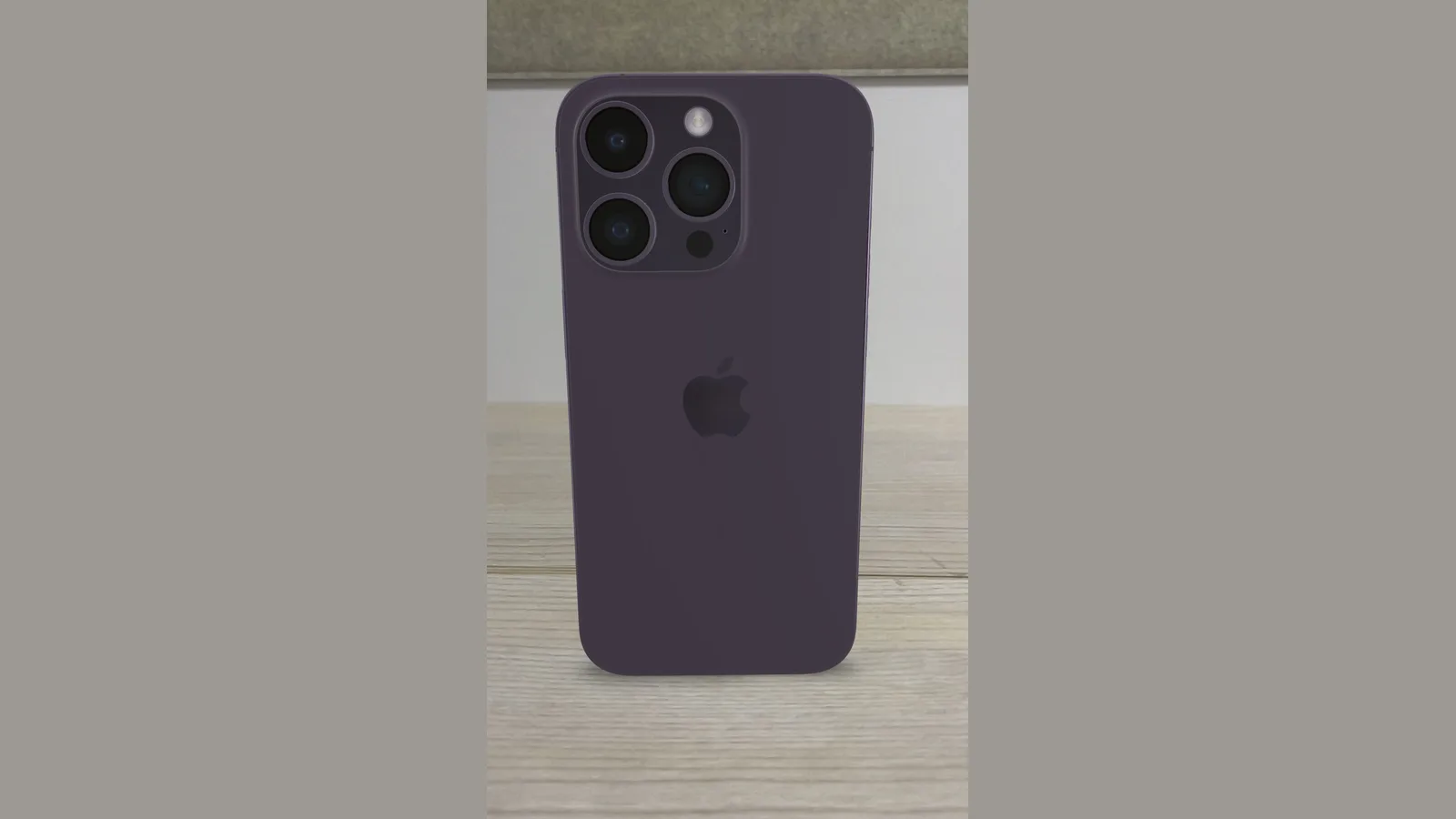
iPhone is the device we are asked about most. Apple gives iPhone three service routes: "In Person" at "any Genius Bar or Apple Authorised Service Provider"; "By Post" with a "pre-paid postage box"; and "Express Replacement", where "with AppleCare, we'll send you a replacement iPhone, even before you send yours back". Before any of them, turn off Find My (Settings > your name > Find My) and back up to iCloud or a computer, because a repair may require erasing the phone. Note your IMEI — dial *#06# or check Settings > General > About — because the booking asks for it.

Booking a MacBook repair appointment
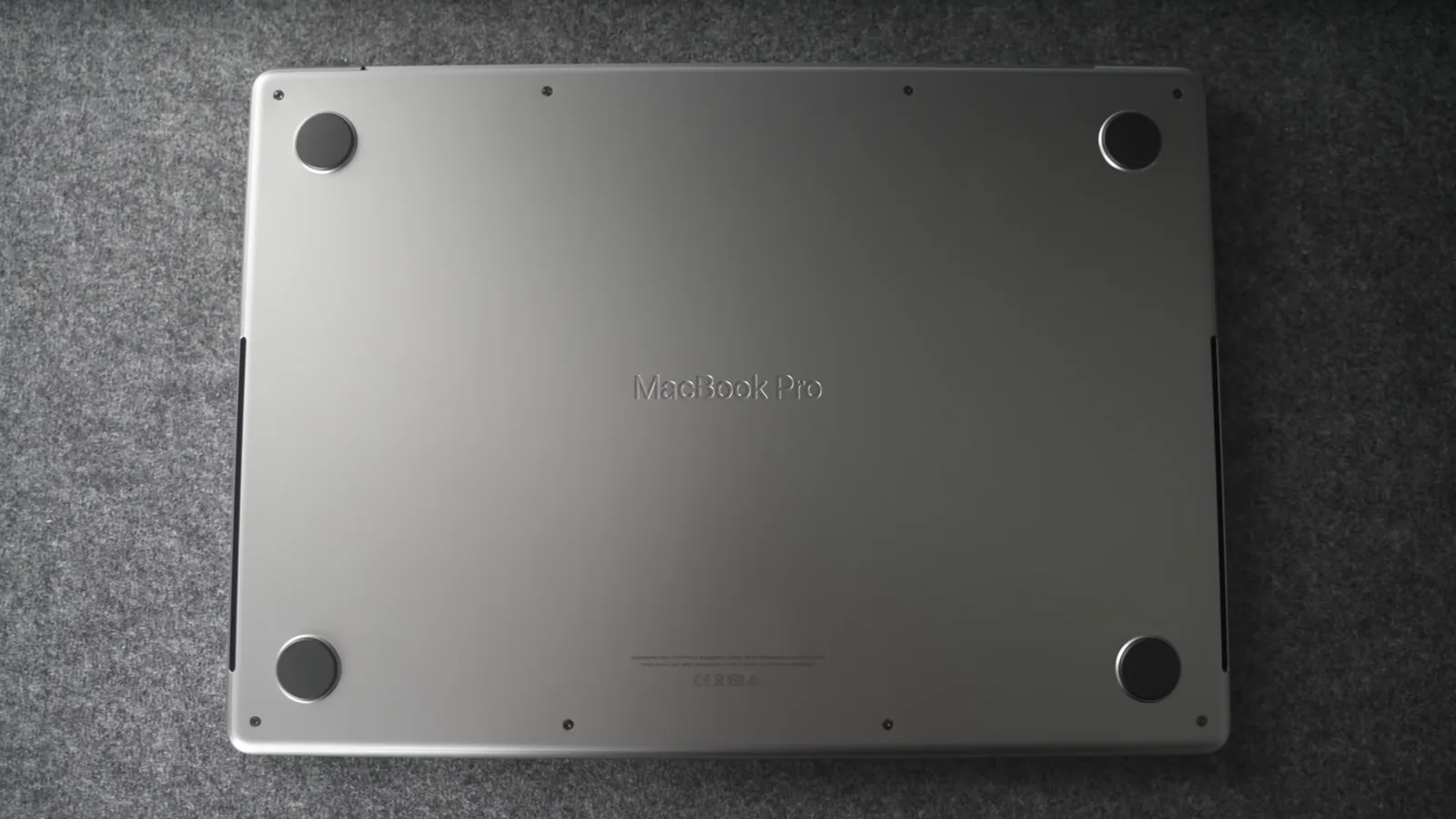
For a Mac, the same booking flow applies, but the preparation differs. Back up with Time Machine or to iCloud, sign out of your Apple Account and iCloud (System Settings > your name > Sign Out), and turn off Find My so a technician can service or reinstall macOS. Bring the charger — a Mac that will not power on needs its own adapter for testing. If the Mac is in warranty or on AppleCare+, the Genius Bar or an Authorised Service Provider keeps that cover; if it is years out of warranty, an independent repair is often the more practical route.

Booking an iPad or Apple Watch repair appointment
iPad and Apple Watch follow the same Get Support flow — choose the product, describe the issue, then Bring In for Repair or send it in. For an iPad, back up to iCloud or a computer and turn off Find My first; for an Apple Watch, unpair it from the paired iPhone, which backs it up automatically. As with every Apple device, a repair booked through Apple or an Authorised Service Provider uses genuine parts and keeps your warranty, while an independent shop handles out-of-warranty work.
Before your appointment: back up and what to bring
A few minutes of preparation saves a wasted trip. Back up first to avoid data loss, and know that a repair by an unauthorised party can void the warranty — there is a real risk of permanent damage if the wrong part is fitted, so choose your route deliberately. Apple's own checklist for a Genius Bar visit is a good baseline.
- Back up your data. To iCloud, a computer, or Time Machine — a repair can require erasing or resetting the device.
- Turn off Find My and sign out. Activation Lock will otherwise block a technician from servicing the device.
- Bring power cables and accessories. Apple asks you to bring the charger and relevant accessories so the fault can be reproduced.
- Know your serial number or IMEI. Settings > General > About on iOS, or About This Mac — booking and check-in both ask for it.
- Have your Apple Account password ready. Apple lists this as a requirement for the appointment.
Apple, an Authorised Service Provider, or independent: which to book
The right route depends above all on one thing: whether the device is still covered. Use this table to decide before you book.
| Where you book | Covered by Apple warranty / AppleCare+? | Parts | Best for |
|---|---|---|---|
| Apple Store (Genius Bar) | Yes — Apple-certified | Genuine Apple parts | In-warranty or AppleCare+ repairs |
| Apple Authorised Service Provider | Yes | Genuine Apple parts | When no Apple Store slot is free |
| By post / Express Replacement | Yes (with AppleCare for Express) | Genuine Apple parts | When you cannot visit in person |
| Independent repair shop | No — not covered by Apple's warranty | Varies by shop | Out-of-warranty or older devices |
Walk-in or appointment? What to expect
Apple recommends a reservation: "It's recommended that you make a Genius Bar reservation ahead of time to ensure that a technician can troubleshoot your issue. You can also drop by your nearest Apple Store, and if a technician is available, they'll be ready to help." In practice, Apple Stores in Singapore are busy, so a walk-in without a slot can mean a long wait or being turned away. Booking the appointment will not fix the fault by itself — it only gets your device in front of a technician. If this does not work for your situation — an urgent fault, or a device that will not switch on — a mail-in or an independent walk-in can be faster.
- Reserve ahead where you can: it is the only way to guarantee a technician will see you at a set time.
- Walk-ins are discretionary: you are helped only if a technician is free.
- Independent shops often take walk-ins: useful for out-of-warranty devices when you cannot wait for an Apple slot.
What we do at Esmond Service Centre
We are an independent repair centre in Singapore — not an Apple Authorised Service Provider, and we do not carry out Apple warranty repairs — so we handle Apple devices that are out of warranty, out of production, or need servicing when no Apple appointment is available. When an Apple device reaches our bench we diagnose before we quote — we confirm the real fault rather than replacing a part on a guess. When to stop and bring it in: if the device will not power on, has liquid damage, or has a failed screen, seek professional help rather than delaying, because the damage can spread. We keep your options honest: if the device is still in warranty or on AppleCare+, we will tell you that booking with Apple directly is the route that preserves your cover.
- Diagnosis first: we isolate the fault before quoting, so you are not paying for the wrong part.
- Honest routing: if going straight to Apple is the better option for a covered device, we say so.
- Out-of-warranty specialists: older iPhones, MacBooks and iPads that Apple may decline are our everyday work.

Esmond Service Centre's experienced technicians can diagnose and fix it fast — free diagnostics, repairs from $65.