
📑 On this page
The honest answer is that Apple does not publish a single flat price to fix a MacBook keyboard. What you actually pay depends on three things: whether you have AppleCare+, whether the fault counts as accidental damage or a defect, and which MacBook you own. Below we break down every path using figures taken straight from Apple's own Singapore pages, then show how an independent repair in Singapore compares.
The short answer
- With AppleCare+ (accidental keyboard damage): a fixed 'other damage' incident fee of SGD$428 per incident — Apple's Tier 2 accidental-damage fee. Keyboard damage is not the cheaper Tier 1 screen/enclosure fee.
- Without AppleCare+, out of warranty: no published flat price. Apple inspects your Mac and gives a personalised estimate, subject to 9% GST. Because Apple usually replaces the whole top case, the figure can be high.
- The old free keyboard programme has ended: affected butterfly-keyboard models are no longer repaired for free by Apple.
Apple keyboard repair costs in Singapore at a glance
With AppleCare+: keyboard damage is a Tier 2 'other damage' fee
AppleCare+ for Mac handles accidental damage with a fixed per-incident service fee rather than a full repair bill. Apple's Singapore terms split this into two tiers: screen-only or external-enclosure-only damage is Tier 1 at SGD$138, and everything else — which includes keyboard and top-case damage — is Tier 2 at SGD$428. Coverage allows up to two accidental-damage service events during the plan term. So if a spill or a drop kills your keys and you have AppleCare+, budget SGD$428, not the Tier 1 figure you may have seen quoted for screens.

Without AppleCare+: a personalised out-of-warranty estimate
If your Mac is out of warranty and you do not have AppleCare+, Apple will not give you a fixed keyboard price online. Its Singapore repair page states plainly: 'We'll need to inspect your product to provide a personalized estimate,' and that out-of-warranty fees are subject to GST. Apple also guarantees its service and replacement parts 'for 90 days or the remaining term of your Apple warranty, whichever is longer.'
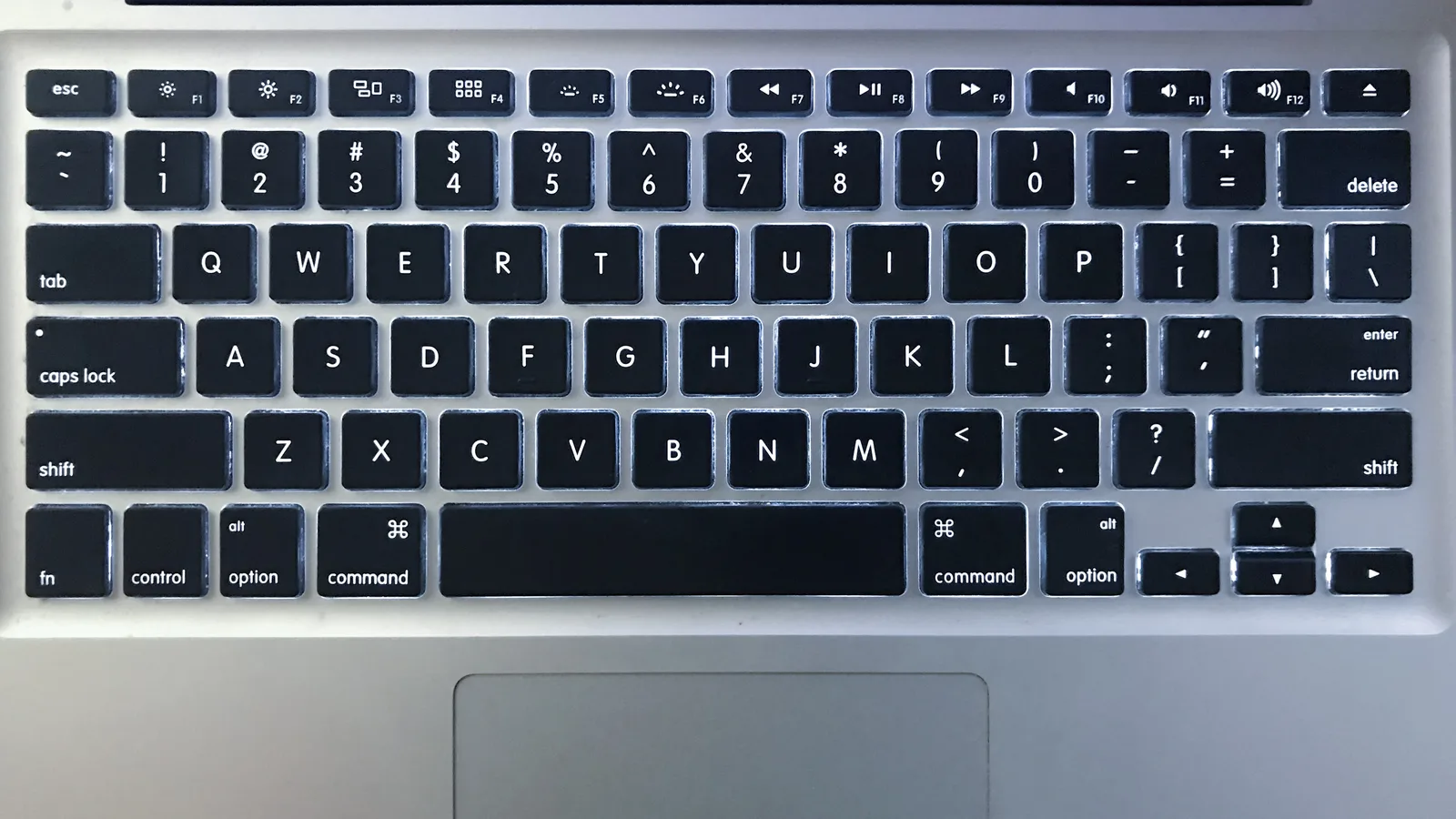
The reason the number is often high is structural: on most modern MacBooks the keyboard is riveted into the top case, so Apple replaces the entire top-case assembly — keyboard, battery and trackpad housing together — rather than the keyboard alone. You are paying for a large part, not a single component.
The free keyboard programme has ended
Apple once ran a free keyboard service programme for the thin 'butterfly' keyboards used on MacBooks in the mid-2010s, covering keys that stopped registering, repeated themselves or felt sticky. Apple's Singapore programme page now reads that the programme 'has ended.' If you own one of those machines, free repair is no longer available and you are back to the paid routes above — which is exactly why an independent quote is worth getting.
A technician's view: what actually breaks, and how it's fixed
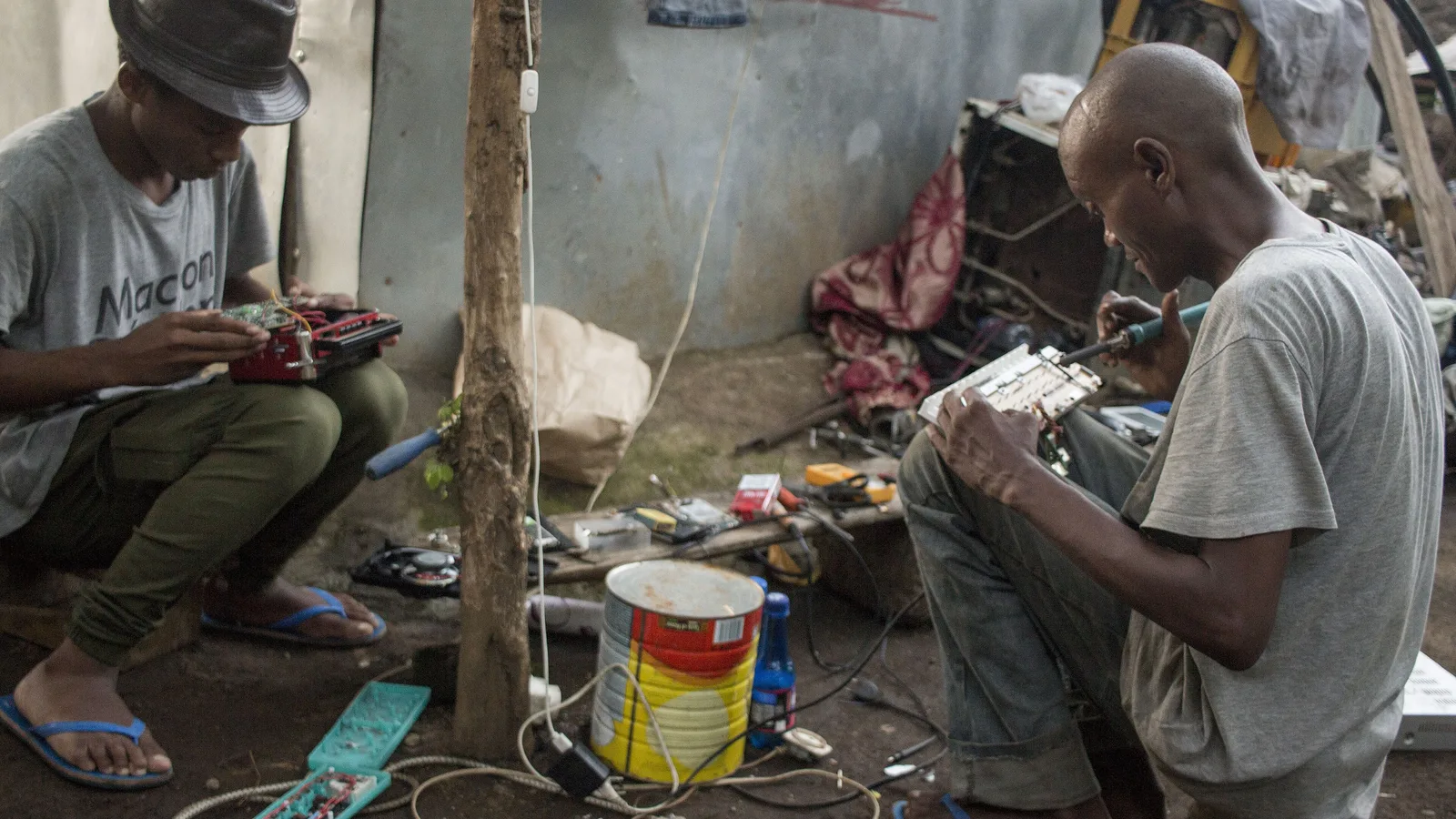
In our workshop, MacBook keyboard jobs are among the most common repairs we see, and the fault is rarely what the owner first assumes. These are the patterns we handle week in, week out:
- A single dead or unresponsive key — often dust or a worn mechanism, sometimes fixable at key level.
- A key that repeats characters on its own — a classic butterfly-mechanism symptom.
- Sticky or mushy keys after crumbs or dust — the flat butterfly designs are unforgiving of a single speck.
- Multiple keys dead after a liquid spill — usually not just a keyboard job (see the warning below).
- Keys that stop working after a drop — the top case or a connector can be affected.
How the repair actually goes: first a proper diagnosis to establish whether the fault is the keycap, the keyboard membrane or mechanism, or the logic board (the main board — Apple's name for the motherboard) underneath. Only then do we quote. Apple's route is to swap the whole top case; a specialist can often replace just the keyboard assembly, which is why an independent job can be faster and lighter on the wallet for the same outcome.
How to pay less
- Check your AppleCare+ status first. For accidental damage, the Tier 2 SGD$428 incident fee usually beats a large out-of-warranty top-case bill.
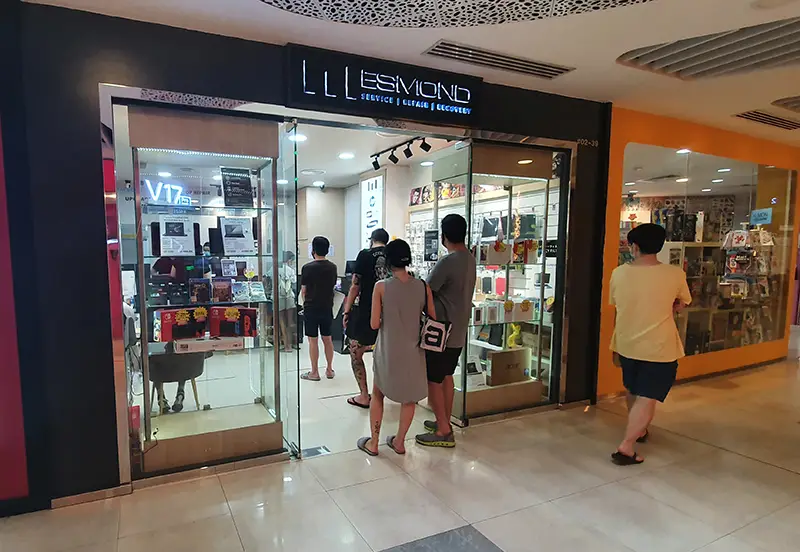
- If you are out of warranty, get an independent quote before saying yes to Apple. A keyboard or top-case job at a specialist (Esmond Service Centre quotes from $238 before GST, 2–3 hours, with a 90-day workmanship warranty) can be cheaper and faster than Apple's whole-top-case approach.
- Back up your Mac before any repair — a top-case swap does not touch your drive, but always protect your data first.
- Ask whether your model can take a key-level or keyboard-only fix instead of a full top-case replacement.
Frequently asked questions
How much does Apple charge to fix a MacBook keyboard in Singapore?
Apple does not publish a flat price. With AppleCare+, accidental keyboard damage is a Tier 2 'other damage' incident fee of SGD$428. Without AppleCare+, Apple inspects the Mac and gives a personalised out-of-warranty estimate (subject to 9% GST), usually by replacing the whole top case, which can be costly.
Is the free Apple keyboard repair programme still running?
No. Apple's Singapore keyboard service programme page now states the programme has ended, so affected models are no longer repaired for free.
Does AppleCare+ cover keyboard damage?
Yes, as accidental damage. Screen-only or enclosure-only damage is Tier 1 (SGD$138); keyboard and top-case damage falls under Tier 2 (SGD$428) per incident, up to two accidental-damage events during the plan term.
Why is an Apple keyboard repair so expensive?
On most modern MacBooks the keyboard is riveted into the top case, so Apple replaces the entire top case — keyboard, battery and trackpad housing — rather than the keyboard alone.
Can I replace just one key?
Sometimes. On some models a single keycap or mechanism can be replaced; on others the keyboard is part of the top case. A diagnosis tells you which applies to your MacBook.
How long does a keyboard repair take?
Apple gives an estimated turnaround only after inspection. An independent specialist such as Esmond Service Centre quotes about 2–3 hours for a MacBook keyboard job.
What warranty do I get?
Apple guarantees its service and parts for 90 days or the remainder of your Apple warranty, whichever is longer. Esmond Service Centre gives a 90-day workmanship warranty, extendable with its care plan.

Esmond Service Centre's experienced technicians can diagnose and fix it fast — free diagnostics, repairs from $65.