

📑 On this page
What 'HP Authorised Service Center (Personal System Only)' means
The phrase looks technical, but it is really about how HP is organised. HP splits its products into two broad families: Personal Systems — personal computers, which HP describes as laptops, desktops and workstations — and Printing, which covers printers and supplies. An authorised centre labelled 'Personal System Only' is set up to service the computer side: HP notebooks such as Pavilion, ENVY, Spectre, EliteBook, ProBook, Omen and Victus, along with HP desktops and all-in-ones. If your problem is an HP printer, this is not the counter for it. Knowing that one distinction saves a wasted trip.

Services an HP Personal Systems service centre offers
Whether you walk into HP's own authorised centre or an independent workshop, the menu of personal-computer repairs is broadly the same. What differs is price, speed, the parts used and whether your warranty pays. A Personal Systems service point typically covers:
- Warranty repairs — faults covered by HP's standard or extended warranty, carried out to HP's terms at no parts-and-labour cost to you.
- Screen and panel replacement — cracked, blank, flickering or lined HP laptop displays.
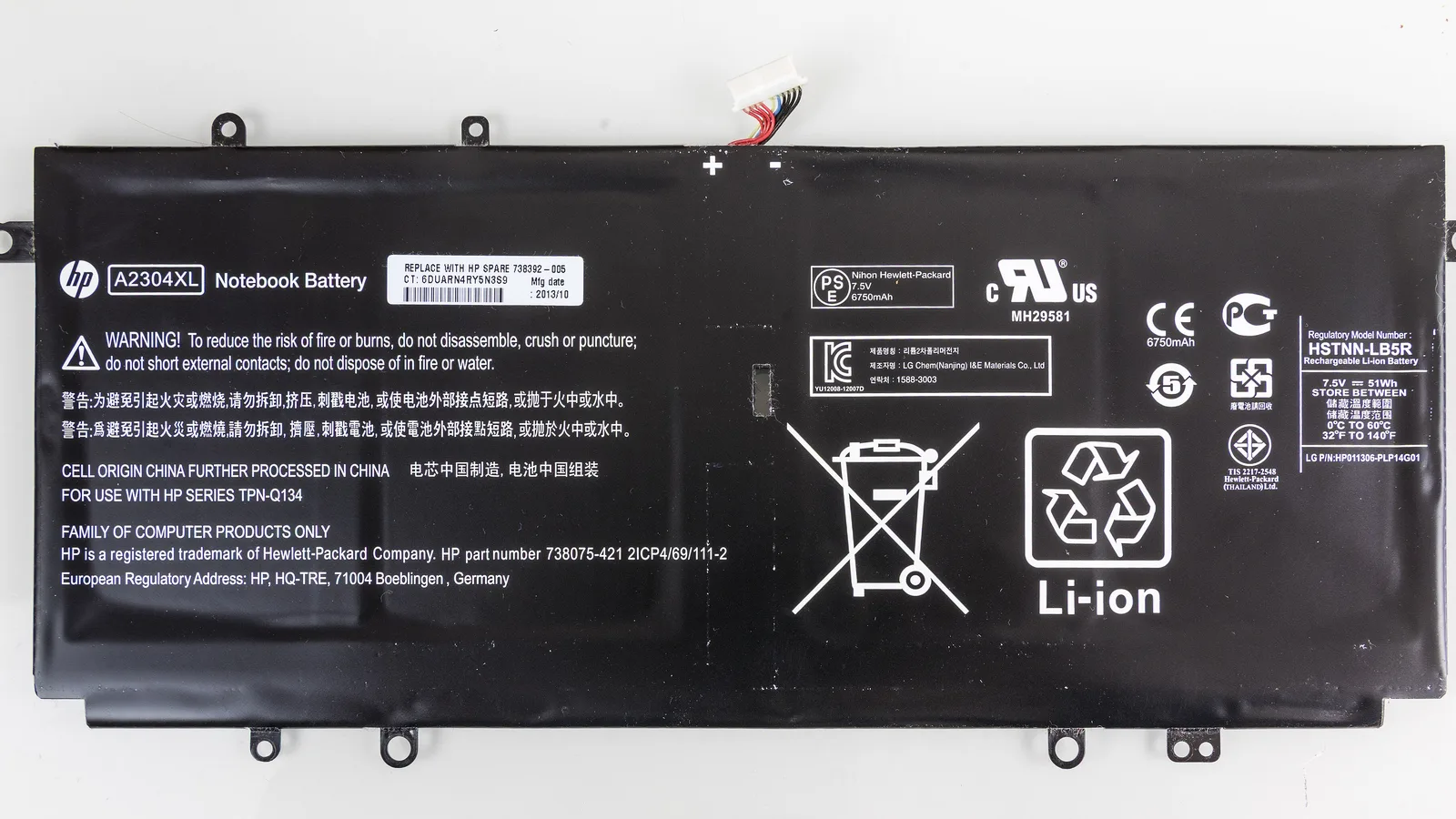
- Battery replacement — an HP laptop that drains fast, will not hold charge, or has swollen.
- Keyboard and trackpad repair — dead keys, a sticking keyboard, an unresponsive trackpad.
- Charging-port and power faults — a laptop that will not charge or will not power on.
- Storage, memory and software — SSD or RAM work, and Windows or driver problems (software faults are not usually a warranty claim).
First: is your HP laptop in or out of warranty?
Before you choose where to go, settle one question, because it changes everything: is the machine still under warranty? An in-warranty fault that is HP's responsibility should go to an authorised centre, where the covered repair costs you nothing. An out-of-warranty machine is yours to take anywhere, and that is where an independent shop can win on price and time. Work through these steps.
- Find your HP product and serial number. It is on a label on the underside of the laptop, or type your model into HP's Support site.
- Check your warranty status on HP's official Support site using that serial number, so you know whether a repair is covered before anyone opens the machine.
- If it is in warranty, start with an HP authorised Personal Systems centre — a covered repair done to HP's terms is the best value you will get.
- If it is out of warranty, get a diagnosis and a quote, then compare the authorised centre against an independent Singapore repair shop on price and turnaround.
- Back up your files first, to an external drive or the cloud, whichever route you choose — a repair can mean a wipe.
Know the limits of this checklist. This will not fix the fault itself, and it will not cover accidental damage, liquid spills or an expired warranty — those you pay for either way. When to stop and bring it in: if the laptop will not power on, shows no display, has been dropped or had liquid on it, or you are being asked to open it yourself, stop and seek professional help rather than risk it. Getting this wrong carries real cost — prying out a swollen battery or a cracked panel yourself risks permanent damage, data loss or electric shock, and an unauthorised teardown while the machine is still under warranty can void the warranty you were trying to use. A free, no-obligation diagnosis first is always the safer move.
HP service centre reviews: what people actually say
People searching for 'hp authorised service center personal system only reviews' usually want one thing: is it any good? Public business listings put the Singapore centre at around 3.1 out of 5, from roughly 69 ratings — a mixed picture rather than a glowing or a damning one. Read the reviews for patterns, not one-off anger: recurring notes about waiting times, the cost of out-of-warranty quotes, or parts lead times tell you more than a single five-star or one-star review. Authorised service is dependable for warranty work; the common friction is time and out-of-warranty price, which is exactly where an independent option is worth comparing.
Here is how an HP authorised Personal Systems centre and an independent Singapore repair shop compare on the things that matter. It is a starting point for your own decision, not a verdict — the right answer depends on your warranty and your fault.
| What matters | HP authorised (Personal Systems) | Independent shop (e.g. ESC) |
|---|---|---|
| In-warranty repairs | Covered, done to HP's terms — the best value | Not covered; opening the machine may affect warranty |
| Out-of-warranty cost | HP's own pricing; ask for a written quote | Often lower; quoted up front |
| Turnaround | Can take days; parts ordered in | Often same-day for common parts |
| Parts | Genuine HP parts | Varies — ask whether original or compatible |
| Printers | No — Personal Systems only | Depends on the shop |
| Diagnosis | Confirm if an evaluation fee applies | ESC: free, no obligation |

Is an older or out-of-warranty HP laptop worth repairing?
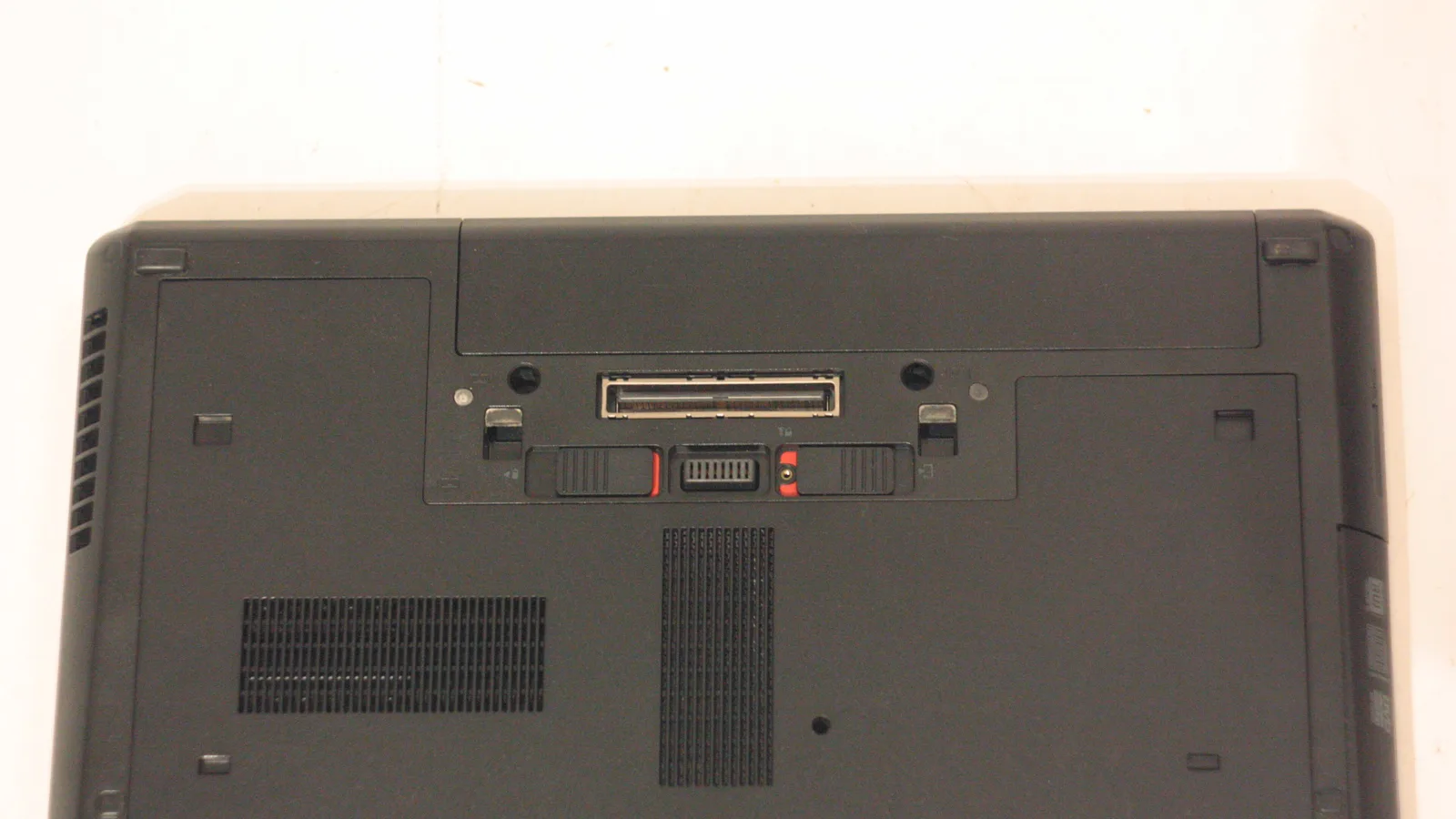
Once a machine is out of warranty, the question becomes economic. A well-built HP business laptop — a ProBook or EliteBook, the kind of machine whose underside opens to a replaceable battery, RAM and SSD like the one above — can be worth a new part long after the warranty ends, because the chassis and screen are built to last. A single, sensible repair on a machine that is otherwise sound is usually money well spent. Pouring several hundred dollars into a very old laptop with a failing board, a worn screen and a tired battery all at once is usually not. A free diagnosis tells you which case you are in before you commit.
- Worth repairing: one clear fault (battery, keyboard, screen, SSD, charging port) on a machine that is otherwise fast enough for what you do.
- Think twice: several faults at once, or a logic-board failure whose repair approaches the price of a newer machine.
- Back up first: whatever you decide, copy your files off before any repair or replacement.
Where Esmond Service Centre fits in
To be clear about who we are: Esmond Service Centre is an independent repair centre in Singapore, and we are not an HP-authorised service provider. For an in-warranty HP fault, an authorised centre is the right call. Where we help is out-of-warranty HP laptops and desktops, which we work on every day. The diagnosis is free, with no obligation, and if we cannot fix it you pay nothing. Typical out-of-warranty HP work runs from battery replacement from S$108 (usually 30 to 45 minutes), screen replacement from S$186 (usually 1 to 2 hours), keyboard replacement from S$186 (usually 2 to 3 hours) and general laptop repair from S$65; prices exclude 9% GST. Every repair carries a 90-day warranty on the work and the parts we fitted, except where water damage makes that impossible. If carrying the machine in is awkward, doorstep pickup and return is S$21.80 per trip, GST inclusive.

Esmond Service Centre's experienced technicians can diagnose and fix it fast — free diagnostics, repairs from $65.