

📑 On this page
Is it worth it to get a laptop repaired? The short answer
It is one of the most common questions our walk-in and WhatsApp customers in Singapore ask, and the honest answer is: usually yes, but not always. Whether a repair is worth it comes down to four things — what has failed, how old the laptop is, what the repair costs against a replacement, and how much your data and set-up are worth to you. This guide, written from the laptops we fix every week, works through each one: which faults are almost always worth repairing, when replacing is the smarter call, and the environmental cost that rarely makes it into the decision.
The 50% rule — and why it is only a starting point
The simplest test is the 50% rule, used widely across the repair trade. Look up what your exact laptop model sells for today, new or second-hand, then compare it with a realistic repair quote including labour. If the repair is under half of that replacement cost, repairing is usually the better value; if it is well under a third, it is almost always worth doing. But the rule is a starting point, not the final word. Age, software support and how many parts are failing matter more than price alone: a five-year-old laptop can pass the 50% test on paper yet still be a poor buy if it can no longer run current, secure software, while a newer machine might fail the rule and still give you years more reliable service after one repair.
A repair-or-replace checklist
Before you pay for anything, run your laptop through these questions. You can answer most of them in a few minutes, and together they are more reliable than any single rule.
- Back up your files first. Whatever you decide, copy your important files to an external drive or the cloud before any repair or trade-in — a repair should never be the first time your data has a second copy.
- Restart, update and check the basics. A restart and the latest updates clear a surprising number of 'faults'; check the charger, cable and battery health before assuming the worst.
- Identify the single fault. One failed part — battery, screen, keyboard, charging port, fan or storage — is usually a cheap, worthwhile repair. Several failing at once is a different conversation.
- Find the replacement cost. Look up your exact model's current price, new and second-hand, so the 50% rule has a real number to work from.
- Get a proper diagnosis and quote. Ask a repairer what the real fault is, what it will cost and how long it will take — before any part is ordered.
- Weigh age and software support. If the laptop can no longer run supported, secure software, a repair buys less time than it seems.
These checks will not fix a hardware fault on their own, and they will not recover files you have not backed up. If this does not work and the laptop still will not power on, is physically damaged, or shows signs of liquid damage, stop here — pushing on yourself risks permanent damage or data loss.


Batteries, screens and keyboards: the repairs usually worth it
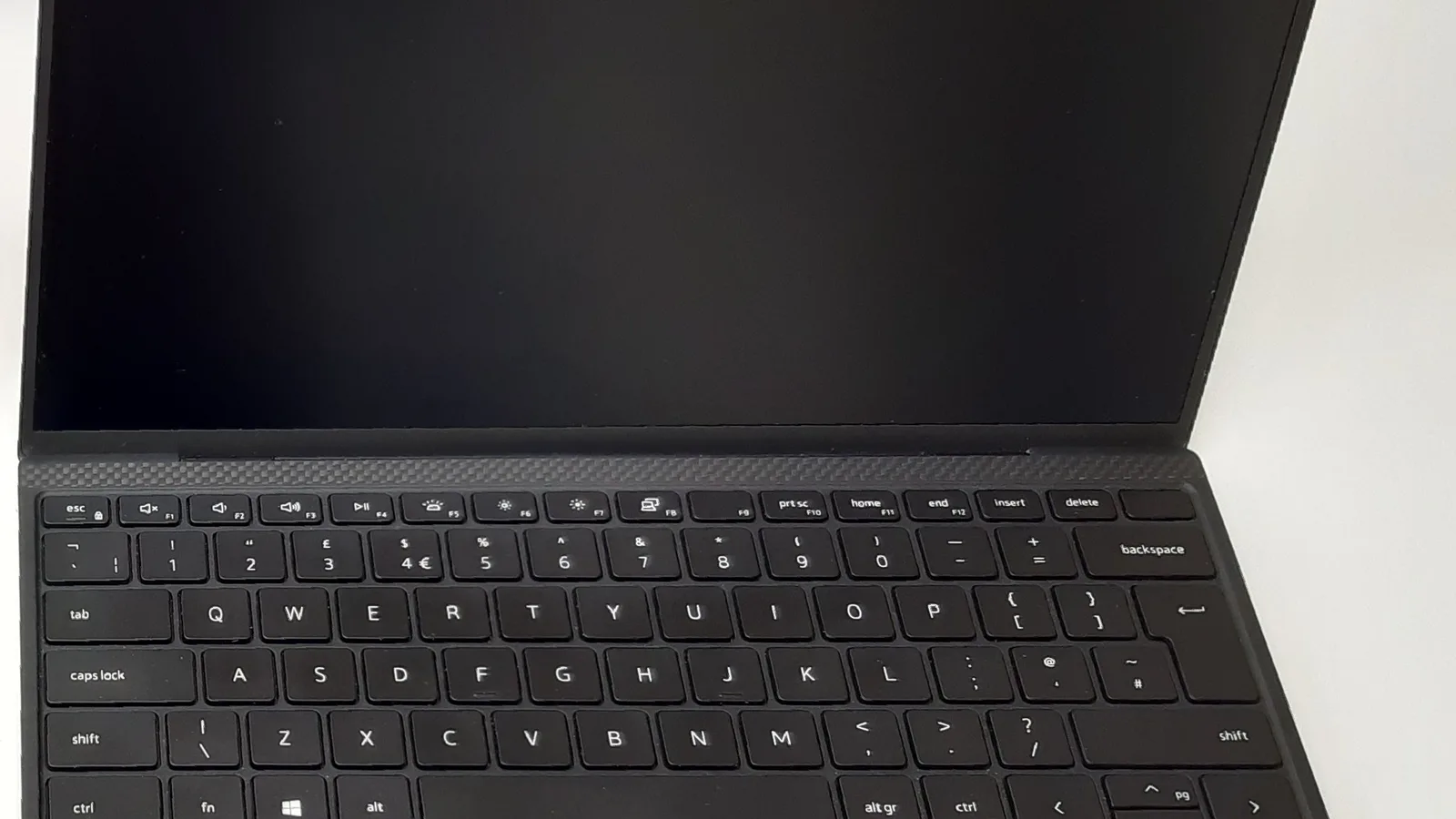
The most common laptop faults are also the cheapest to put right, which is exactly why they are usually worth repairing on a machine that is otherwise healthy. A worn battery, a cracked screen, a failed keyboard like the one above, a loose charging port or a tired fan are single-part repairs — they restore the laptop to full use for a fraction of the price of replacing it, and they keep the computer you already know, with your files and settings where they are.
| The fault | Usually worth repairing? | Why |
|---|---|---|
| Battery that drains fast or has swollen | Yes — on most laptops | A wear part; a new battery restores hours of runtime for far less than a new machine |
| Cracked or dim screen | Yes, if the rest is healthy | A contained repair; the laptop is otherwise fine and your data stays put |
| Faulty keyboard or trackpad | Yes | An everyday-use part; a cheap fix that makes the laptop usable again |
| Will not charge or no power | Usually — diagnose first | Often a port, cable or charger rather than the whole board; worth checking before replacing |
| Slow, or storage too small or full | Yes — as an upgrade | Fitting an SSD or more storage is cheap and can make an older laptop feel new |
| Motherboard or liquid damage | Sometimes — diagnose first | Cost varies widely; often worth it on a newer laptop, rarely on an old one |
When replacing makes more sense
Sometimes the numbers and the calendar point the other way. Replacing is usually the smarter move when the repair cost climbs towards half the price of an equivalent new laptop, when several components are failing together, or when the machine is already several years behind on performance and can no longer run the software you rely on. A single expensive repair on a laptop that will need another one soon is money spent twice.
- The realistic repair quote is close to, or above, half the replacement cost.
- Multiple parts are failing at once — for example a swollen battery and a dying board.
- The laptop can no longer run supported, secure software, leaving you exposed.
- It is simply too slow for what you now need, and a repair would not change that.
Before you replace: the e-waste and carbon question
There is a cost to a new laptop that never appears on the price tag. Most of a laptop's lifetime carbon footprint is created before you ever switch it on — in mining, manufacturing and assembly, not in daily use. Microsoft's own lifecycle figures for a Surface laptop put the total at 152 kg of CO2e, of which 78% (119 kg) comes from manufacturing and only about 20% (30 kg) from three years of use; by that measure you would have to run the laptop for well over a decade for daily use to match the carbon spent building it. The US Environmental Protection Agency makes the same point from the materials side: electronics are made from metals, plastics and glass that take energy to mine and manufacture, and it notes that recycling one million laptops saves the energy equivalent of the electricity more than 3,500 US homes use in a year. A sound repair keeps all of that embodied cost in use instead of starting the clock again on a new machine.
There is a local angle too. Singapore has run a regulated e-waste system since July 2021 under Extended Producer Responsibility, with ALBA as the appointed scheme operator and collection points across the island — but the National Environment Agency's own advice puts repairing and reusing a working device ahead of recycling it. In other words, fixing a laptop you already own is the option the system itself prefers.

What about your data?
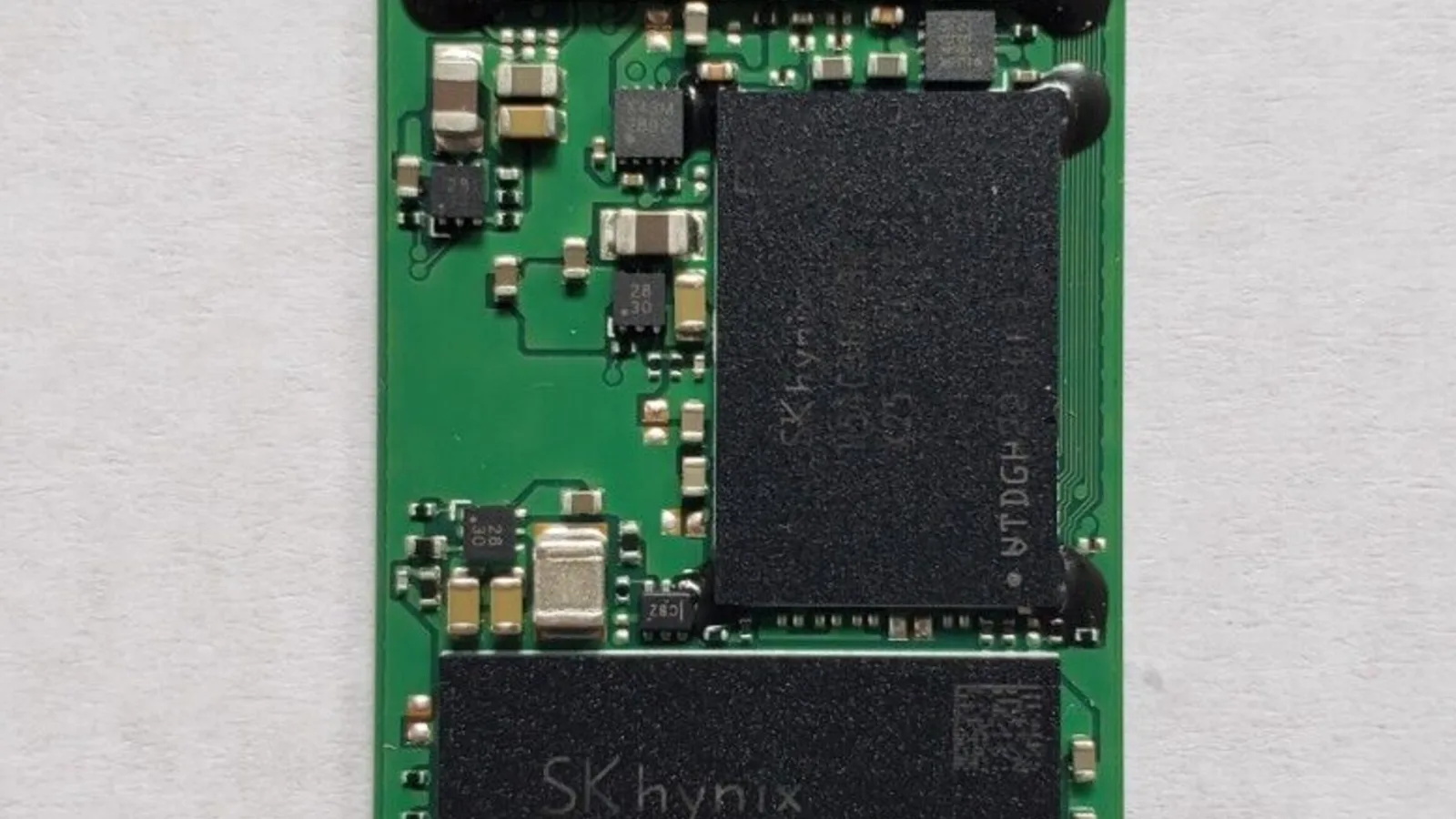
A repair keeps your files, software and set-up exactly where they are; a replacement means migrating everything and hoping nothing is left behind. That is a real, if hidden, value on the repair side of the ledger. Whichever way you go, back up first — and if a drive has already failed and the files matter, that is a data-recovery job in its own right, separate from the repair-or-replace maths.
When to stop and bring it in: how we decide in Singapore
If the checks above do not settle it, or the laptop will not power on, is physically damaged or has taken liquid, stop and seek professional help before you risk making it worse. When a laptop reaches our bench in Singapore, we do not guess, and we do not upsell a replacement you do not need. We find the real fault, tell you exactly what it will cost and how long it will take, and let you make the call with the real number in front of you.
- Free diagnosis, no obligation: the diagnosis is free and there is no obligation to proceed, and if we cannot fix it, you pay nothing.
- A clear quote before any work: you decide with the real cost and timeline in front of you — common repairs are quick, with screens typically done in 1–2 hours and keyboards in 2–3.
- Warranty-backed repairs: every repair carries a 90-day warranty on the work and the parts we fitted. Two things sit outside it — a water-damaged device and an OS reinstall — and we say so before you pay, not after. It is extendable with the optional Esmond Care plan.
- Genuine parts, honest advice: as an Apple Independent Repair Provider we use OEM parts direct from the makers, and if replacing truly is the better value, we will tell you.

Esmond Service Centre's experienced technicians can diagnose and fix it fast — free diagnostics, repairs from $65.