

📑 On this page
How to tell the power jack — not the battery — is the problem
The classic pattern is a laptop that only works when plugged in, and even then only at a certain angle. On a technician forum, one owner described it exactly: after a knock to the port, the machine "only works with both power supply and battery" plugged in, and the battery would no longer charge — where before it had run fine on the adapter alone. That position-dependent, comes-and-goes behaviour is the signature of a failing DC jack rather than a flat battery: the metal contacts inside the socket, or the solder holding it to the board, have worked loose after months of the cable being nudged and flexed. Run through the symptoms below before anyone opens the laptop.
- The laptop runs on the adapter but dies instantly the moment you unplug it, even at 100%.
- Charging only starts when you wiggle the plug, push it in, or hold it at a certain angle.
- The charge light flickers, or the battery icon flips between charging and not charging.
- The plug feels loose or wobbly in the socket, or power cuts when you nudge the cable.
- You see scorching or smell burning at the port, or the centre pin inside looks bent or pushed in.
- A second, known-good charger of the correct wattage behaves in exactly the same way.
First, rule out the charger, cable and battery
A dying adapter looks identical to a dying jack from the outside, so isolate the fault before opening anything. The quickest test comes from HP's own troubleshooting advice: on a laptop with a removable battery, take the battery out and run on the adapter alone — if the machine turns on without issues, the problem is more likely the battery than the charger. Then swap in a second, known-good adapter of the right wattage, feel along the cable for kinks or heat near the ends where wires break first, and shine a torch into the port to check for lint, debris or a bent centre pin. If a good adapter still only charges when held just so, the jack is the fault; if the machine only dies with the battery in and the adapter out, the battery is.
- Remove the battery (if it's removable) and run on the adapter alone — a clean start points at the battery.
- Try a second, known-good charger of the correct wattage — a failing adapter mimics a failing jack.
- Feel the adapter cable for kinks, fraying or heat near both ends, where the wires break first.
- Shine a torch into the port and look for lint, debris, corrosion or a bent centre pin; gently clean dust with compressed air.
- If a good adapter charges only when seated just so and drops out when nudged, the jack is the fault — not the battery.
_(12311353693).jpg)
What the DC power jack actually is
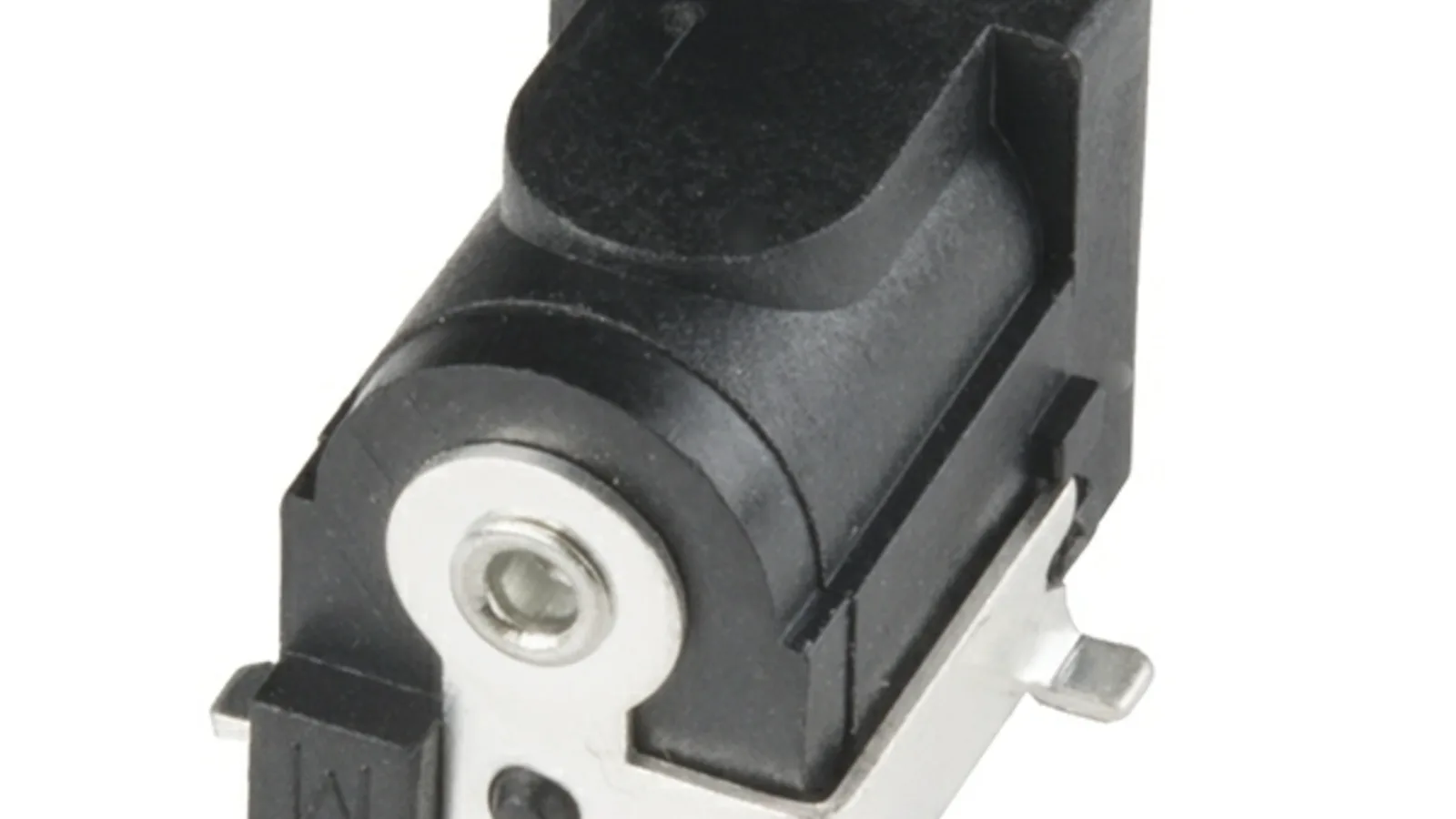
The DC power jack — sometimes called the DC-in jack or charging port — is the socket the charger plugs into. On most laptops that use a barrel charger it is a round, coaxial connector: a centre hole takes a pin carrying the positive voltage, while the outer metal barrel is the ground, and on many newer machines a fine third pin carries an ID signal so the laptop can check the adapter's wattage. It is one of the busiest mechanical parts of the machine — plugged and unplugged thousands of times, and levered sideways every time the cable is tugged. Repair specialists note the number-one telltale of a bad jack is a socket that feels very loose when you plug in, with the laptop flicking back and forth between mains and battery as you move the plug.
Soldered to the board, or a plug-in cable?
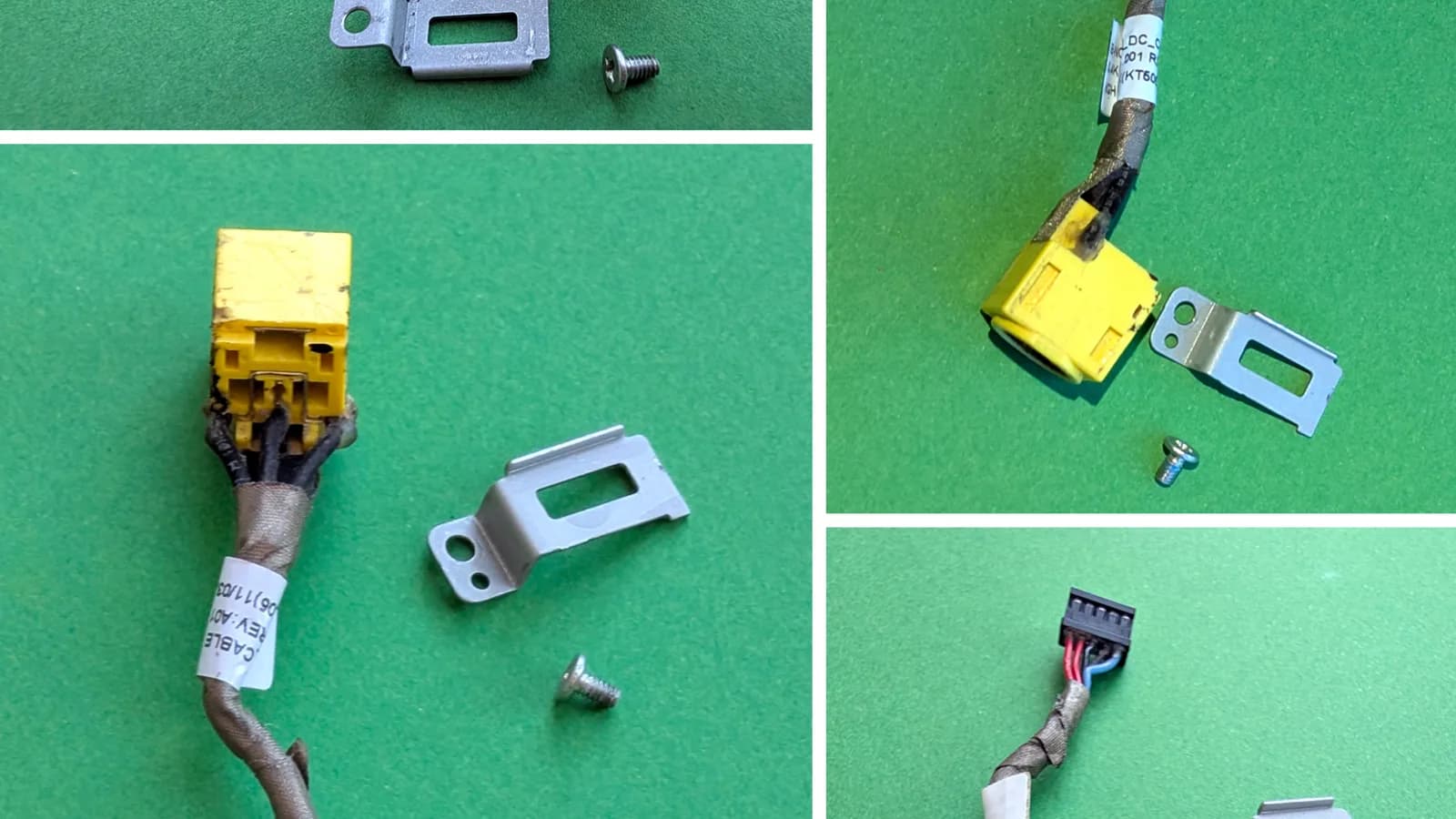
How the jack attaches inside decides the whole repair. On many laptops the DC-in jack is a pre-made cable — a short lead ending in a small plug that clips into a socket on the mainboard; replacing it means unplugging the old cable and routing in a new one, with no soldering. On others the jack is soldered straight onto the mainboard. A repair guide describes the proper fix bluntly: desolder (melting a part off the board) the power jack from the board, clean the contacts on both jack and board, then solder the new one back in place — and it warns that forcing the old jack out can pull the plated copper sleeve out of the hole, tearing a trace and turning a simple job into a board repair. That risk is exactly why a soldered jack is not a safe kitchen-table fix. The table below sums up the difference.
| Feature | Plug-in cable (DC-in harness) | Soldered to the mainboard |
|---|---|---|
| How it attaches | A ready-made cable that clips into a connector on the board | The jack is soldered directly onto the mainboard |
| Repair method | Unplug the old cable, route in the new one | Desolder the old jack, solder in a new one |
| Soldering needed | None | Yes — fine board-level soldering |
| Typical difficulty | Moderate — mostly careful disassembly | Higher — heat and skill at the board |
| Risk to the mainboard | Low | Higher if overheated or a pad/sleeve lifts |
"Only works when plugged in" — could it be the battery instead?
Not every "only works when plugged in" laptop has a bad jack. A laptop battery is a consumable: Battery University notes that manufacturers rate lithium-ion cells in consumer products for roughly 300 to 500 full charge cycles, after which capacity has faded to about 70% and keeps dropping. In everyday terms that is often two to four years. A battery that far gone can no longer hold a useful charge, so the laptop dies the instant the adapter is removed — the same headline symptom as a bad jack, from a completely different cause. The two are easy to separate: if the machine charges and holds power fine but only when the plug is angled just right, suspect the jack; if it runs indefinitely on mains yet drops dead the moment you unplug even after a long charge, suspect the battery. Getting this right saves you from replacing the wrong part.
.jpg)
How Esmond Service Centre fixes it in Singapore
On the bench we don't start by opening the laptop — we start by confirming the jack is really the fault, because a needless teardown helps no one. Once a known-good adapter proves the port is loose or dead and the battery has been ruled in or out, we identify the exact model, check whether its DC-in is a plug-in cable or a soldered jack, and source the matching part with the correct barrel size and ID pin. We disconnect the battery before any work near the board, replace the port to suit its type, then test a real charge — seated firmly and deliberately nudged — until the battery climbs and the adapter is recognised. If testing shows the fault is deeper than the jack itself — a damaged charging circuit on the board — that is a separate, more involved motherboard-level repair, and we tell you before going further.
- First, confirm the diagnosis: re-test with a known-good adapter, and rule the battery in or out.
- Then identify the exact model and whether the port is a cable harness or board-soldered, and source the correct part.
- Power down safely, open the laptop, and disconnect the battery before working near the board.
- For a cable harness, unclip and re-route the DC-in cable; for a soldered jack, desolder the old one, clean the pads and solder in the new one.
- Finally, reassemble and test a full charge — plugged, seated and nudged — confirming the battery climbs and the adapter is recognised.
How much does laptop power jack repair cost in Singapore?
Two things set the price: the part and the labour. On our laptop charging repair page, charging port replacement is listed from $86, with most jobs taking about 2 to 3 hours, and same-day service available for common models. If the fault turns out to be deeper — a damaged charging circuit on the mainboard rather than the jack — that is a motherboard charging IC (a chip on the board) repair, listed from $158 and usually taking 3 to 5 working days, because it is board-level work. Every repair starts with free diagnostics on a no-fix-no-fee basis, so you are never charged just to find out what's wrong, and completed work carries warranty coverage. You can walk in without an appointment; because the exact figure depends on your model and whether the jack is a cable or soldered, we confirm the price once we've identified the port.

Esmond Service Centre's experienced technicians can diagnose and fix it fast — free diagnostics, repairs from $65.