
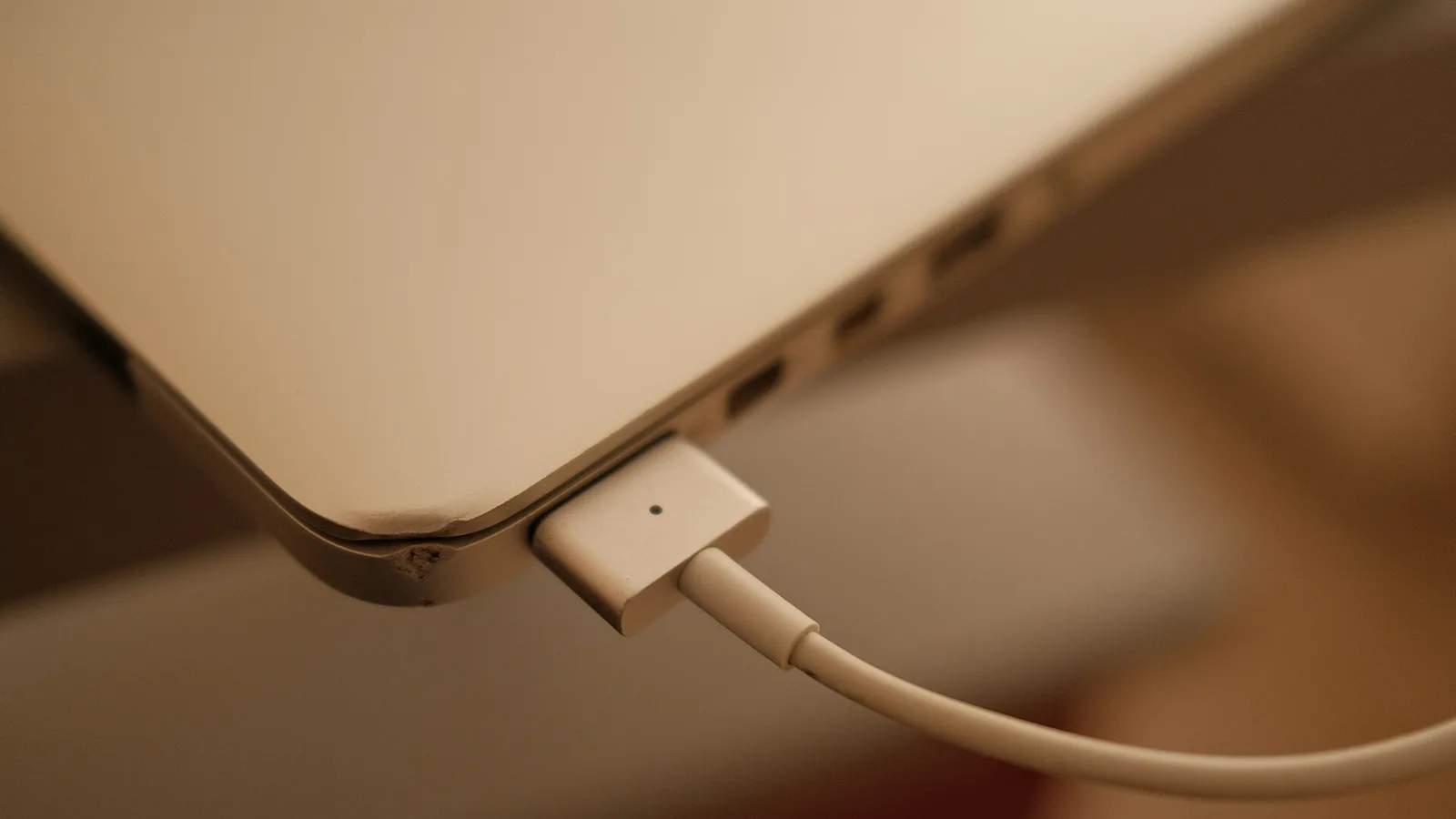

📑 On this page
We repair laptops that will not charge every week at our Alexandra and Sin Ming benches, and the same thing is true of almost all of them: the owner already tried the internet checklist — new cable, different socket, compressed air in the port, reinstall the battery driver — and it did not help, because those steps do not tell you which part has failed. This guide is written the other way round. First you find out what is broken, then you decide whether it is a S$45 cable or a mainboard repair. That is the difference between spending the right money and spending it twice.
First, Rule Out the Two False Alarms
Before you diagnose anything, check that the laptop is actually faulty. Two settings make a perfectly healthy machine look broken, and between them they account for a good share of the “not charging” laptops that arrive here with nothing wrong at all.
- Battery charge limit / conservation mode. Lenovo (Vantage), ASUS (MyASUS), Dell (Power Manager) and several others ship a setting that deliberately stops charging at 60–80% to make the battery last longer. Windows then reports “plugged in, not charging” and everything is working exactly as designed. Open your maker’s power utility and look for conservation mode, battery care or a charge threshold before you assume a fault.
- A charger that is too weak, not broken. A USB-C laptop will often run happily from a phone charger or a monitor cable and still refuse to charge, because it is drawing just enough to stay awake and no more. Check the wattage printed on the adapter against what your model expects — a 65W machine on a 30W supply behaves exactly like a charging fault.

The Four Things That Stop a Laptop Charging
Every genuine no-charge fault we see is one of these four, and they fail in very different ways. Knowing which one you are looking at is the whole job — the repair after that is straightforward.
- The charger or its cable. The most common, and the cheapest. Cables fail at the strain points: where the lead leaves the brick, and where it enters the plug.
- The battery itself. Cells wear out. A battery that has passed its useful cycle life can stop accepting charge outright rather than simply holding less.
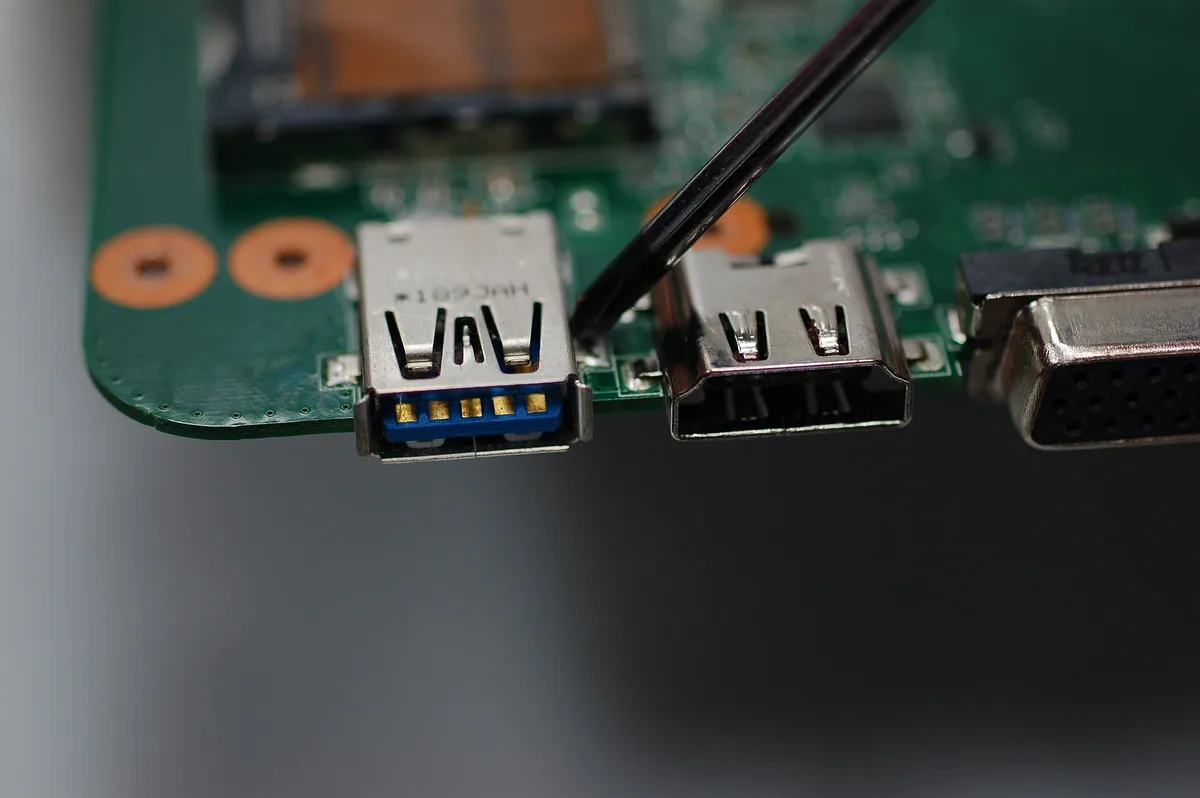
- The charging port. A physical socket that takes the strain every time you plug in. Ports go loose, crack at the solder joints, or fill with pocket lint.
- The charging circuit on the motherboard. The least common and the most serious. The board stops delivering charge to the battery even though the charger and the battery are both fine.
How to Tell Which One It Is, in About Ten Minutes
This is the sequence we use on the bench, reduced to what you can do at home without opening anything. Work through it in order and stop at the first step that gives you an answer.
- Does the laptop run with the charger in and the battery at 0%? If it powers on and works normally on mains alone, the charger is delivering power — so the charger is probably not your problem, and the fault is downstream of it. If the laptop is completely dead on mains, suspect the charger or the port first.
- Watch the charging light while you move the cable. Plug in, then gently flex the cable at the brick end and again at the plug end. If the light flickers, cuts out, or the machine clicks between mains and battery, you have found a broken cable. This is the single most common fault we see and the cheapest to fix.
- Wiggle the plug in the socket. If charging only works when the plug is held at an angle, or the socket feels loose or sunken compared with when the laptop was new, the port is the fault, not the charger.
- Read the battery’s own health figure. On Windows, open a Command Prompt and run
powercfg /batteryreport, then open the HTML file it names and compare Design Capacity with Full Charge Capacity. On a Mac, hold Option, click the Apple menu, choose System Information and open Power. A battery well down on its design capacity, or one reporting Service Recommended or Replace Now, is a battery at the end of its life. - Try a known-good charger of the correct wattage. If a borrowed charger of the right rating charges the machine normally, you have proved the fault is your charger and nothing else.
- If the charger is good, the port is firm and the battery reports healthy — and it still will not charge, that points at the charging circuit on the motherboard. That is a bench repair, not a home one.
⚠️ What that sequence cannot settle. A battery can report healthy figures and still be faulty, and a port can be cracked at the solder without feeling loose. If you reach the end without a clear answer, the remaining question is battery versus mainboard, and separating those two needs measurement rather than observation. Our diagnosis on laptops is free, so that is a question worth handing over rather than guessing at.

Stop Now If the Battery Is Swollen
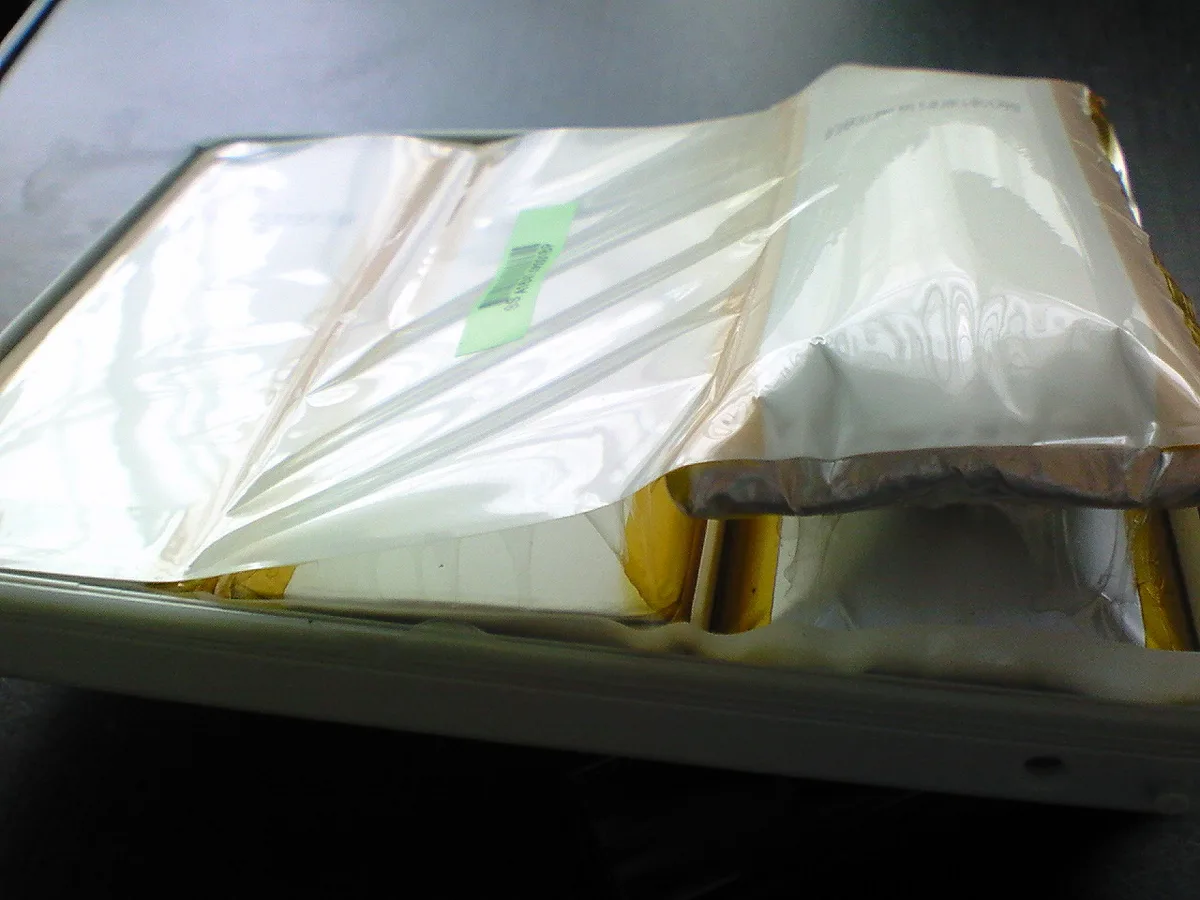
A lithium battery at the end of its life can swell. The signs are a trackpad that has risen and clicks badly, a case that no longer closes flush, a laptop that rocks on a flat table, or a visible gap along a seam. A swollen battery that has also stopped charging should be treated as urgent, not as an inconvenience.
- Stop charging it and shut the laptop down.
- Do not press on the swelling, and do not try to lever the battery out.
- Keep the machine off soft furnishings and out of a closed bag.
- Bring it in, or contact us before you travel with it.
We cover the reasons a cell swells, and what it means for the rest of the machine, in our guide to bloated laptop batteries.
What Each Repair Costs in Singapore
Once you know which of the four it is, the cost follows. These are our own published prices, and diagnosis on a laptop is free — we confirm the fault and the exact price before any work begins.
| What has failed | Typical price | How long it takes |
|---|---|---|
| Replacement charger — Dell, HP, Lenovo, Asus, Acer (45W–65W) | $45 – $86 | Same day, from stock |
| Replacement charger — gaming models (90W–280W) | From $90 | Same day, from stock |
| Replacement charger — Apple USB-C and MagSafe, by wattage | $55 – $108 | Same day, from stock |
| Battery replacement — most brands | $86 – $186 | 30 – 45 minutes |
| Battery replacement — MacBook | $128 – $186 | 1 – 2 hours |
| Charging port replacement | From $86 | 2 – 3 hours |
| Motherboard charging circuit repair | From $158 | 3 – 5 working days |
The order of that table is the order you should hope for: a cable is a small cost, a battery or a port is a routine job done the same day, and only the mainboard repair is a considered decision. See laptop charging repair for the port and circuit work, or laptop battery replacement if the battery is the answer.
What Actually Arrives at the Bench After the DIY Attempt
Most of the advice online ends at “contact support”. Because we are the place people contact, here is the part that usually goes unsaid — what the DIY round actually changes.
- Reinstalling the battery driver rarely fixes a real fault. It is the standard internet step, and it resolves a genuine problem only when Windows has lost track of a working battery. It cannot help a worn cell, a broken cable or a cracked port — which is why so many people arrive having done it twice.
- Compressed air is worth doing, and worth doing gently. Lint really does pack into a charging port. What we would rather not see is what a metal pin does to the contacts inside.
- A cheap unbranded adapter is a false economy on a USB-C machine. If it cannot negotiate the right power profile, the laptop will run and not charge — the exact symptom you were trying to cure.
- The damage that costs money is levering a swollen battery out. The cell is soft, the trackpad cable runs directly above it on many models, and a slipped tool turns a battery replacement into a battery plus a trackpad.
When to Bring It In
Bring the laptop in if the charger tests good and it still will not charge, if the port is loose, if the battery reports Service Recommended or Replace Now, or if there is any swelling at all. Diagnosis on laptops is free and we confirm the fault and the price before we start, so you are not paying to find out what is wrong. Bring the charger with you — half of these faults are proven or ruled out with it in under a minute.

Esmond Service Centre's experienced technicians can diagnose and fix it fast — free diagnostics, repairs from $65.