
Last updated:
Is your laptop slowing down when multitasking, running large applications, or handling creative projects? A Laptop RAM Upgrade can drastically enhance your device’s speed and performance. Esmond Service Centre provides professional, same-day RAM upgrade services for all major laptop brands in Singapore, ensuring genuine RAM modules and trusted expert installation.

We offer a wide range of reliable RAM upgrade capacities tailored for your specific usage needs:
| Capacity | Compatibility Status (2025) |
|---|---|
| 8GB (1x8GB) | ✅ Still standard for entry-level laptops and light usage |
| 16GB (2x8GB) | ✅ Ideal for multitasking, students, and office users |
| 32GB (2x16GB) | ✅ Common for creatives, gaming laptops, and developers |
| 64GB (2x32GB) | ✅ Supported on many high-end workstations and creator laptops with dual slots |
| 128GB (2x64GB) | ⚠️ Emerging on enterprise-grade laptops or those with 4 SODIMM slots (e.g. HP ZBook, Dell Precision) |
We exclusively use reputable brands such as Crucial, Samsung, and Corsair for all laptop RAM upgrades, ensuring maximum compatibility and reliability.
Laptop RAM upgrades start from $138, before GST (9% is added at payment). Memory prices move often, so the final figure depends on the capacity and the module your laptop takes — WhatsApp us your model and we will confirm it before you come down.
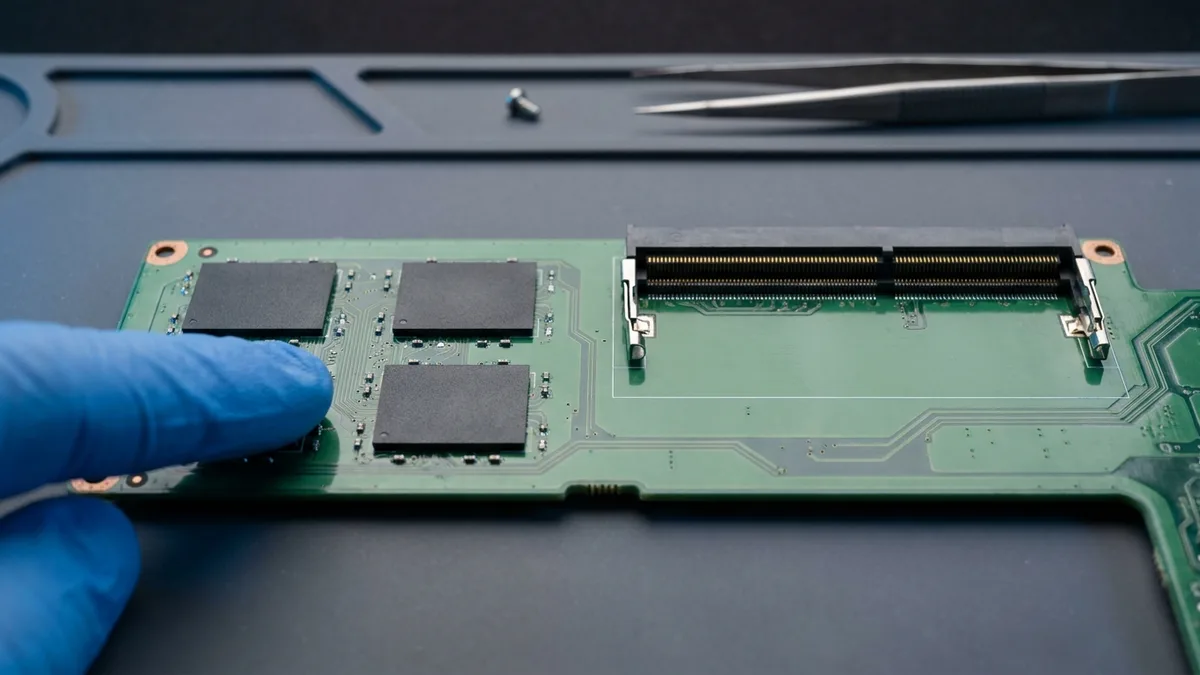
Not every laptop can undergo a RAM upgrade due to certain hardware limitations, including:
| Limitation | What it means |
|---|---|
| 💡 1. Soldered RAM (Non-Removable) | Many slim-profile or ultrabook laptops (like MacBook Air and certain Lenovo Yoga models) have RAM soldered onto the motherboard, preventing upgrades. |
| 💡 2. Limited RAM Slots | Some laptops feature only one or two RAM slots. Once these slots are occupied or maxed out, further RAM upgrades may be impossible. |
| 💡 3. Compatibility Restrictions | Laptop RAM specifications (speed, generation—DDR3, DDR4, DDR5—and voltage) must match your laptop’s motherboard. BIOS restrictions can also limit maximum RAM. |
💡 Not sure if your laptop supports RAM upgrades? WhatsApp your laptop’s brand and model number, and we'll confirm compatibility instantly.
Not sure of your laptop's model number? See our guide to finding your laptop's brand and model number →
Yes, certain high-end laptops now support RAM upgrades up to 128GB, particularly those equipped with advanced CPUs such as Intel 13th/14th Gen or AMD Ryzen Pro processors. Common scenarios include:
Most consumer-grade laptops (Asus, Acer, HP, Dell standard models) typically support up to 64GB RAM maximum (2x32GB DDR4/DDR5).
How to Verify Your Laptop’s Maximum RAM Capacity:
Investing in a Laptop RAM Upgrade offers multiple performance benefits:
At Esmond Service Centre, every Laptop RAM Upgrade service includes:
✅ Free Compatibility Check: Confirming maximum RAM supported and compatible RAM types
✅ Genuine RAM Modules: High-quality DDR3, DDR4, or DDR5 modules from trusted brands
✅ Expert Installation: Careful installation performed by certified technicians
✅ System Optimization: Optional system performance tuning and cleanup
✅ Warranty Assurance: 1-year warranty covering RAM modules and workmanship
Need rapid assistance? Walk-in or WhatsApp us for immediate support.
We support Laptop RAM Upgrade services across various laptop brands:
🔍 Confirm compatibility: Simply WhatsApp your laptop’s model number for an instant check.
Esmond Service Centre is Singapore’s trusted provider of professional Laptop RAM Upgrade services:
Booking your Laptop RAM Upgrade is fast and easy:
✅ Boost your laptop’s performance today—WhatsApp Esmond Service Centre!
Send us the symptom and we'll come back with what it likely is, what it will cost, and how long it will take. The diagnosis is free, and if we can't fix it, you pay nothing.
Bring it to Esmond Service Centre at Sin Ming or Alexandra — free diagnostics, repairs from $65, many done in 1–2 hours.