
📑 On this page
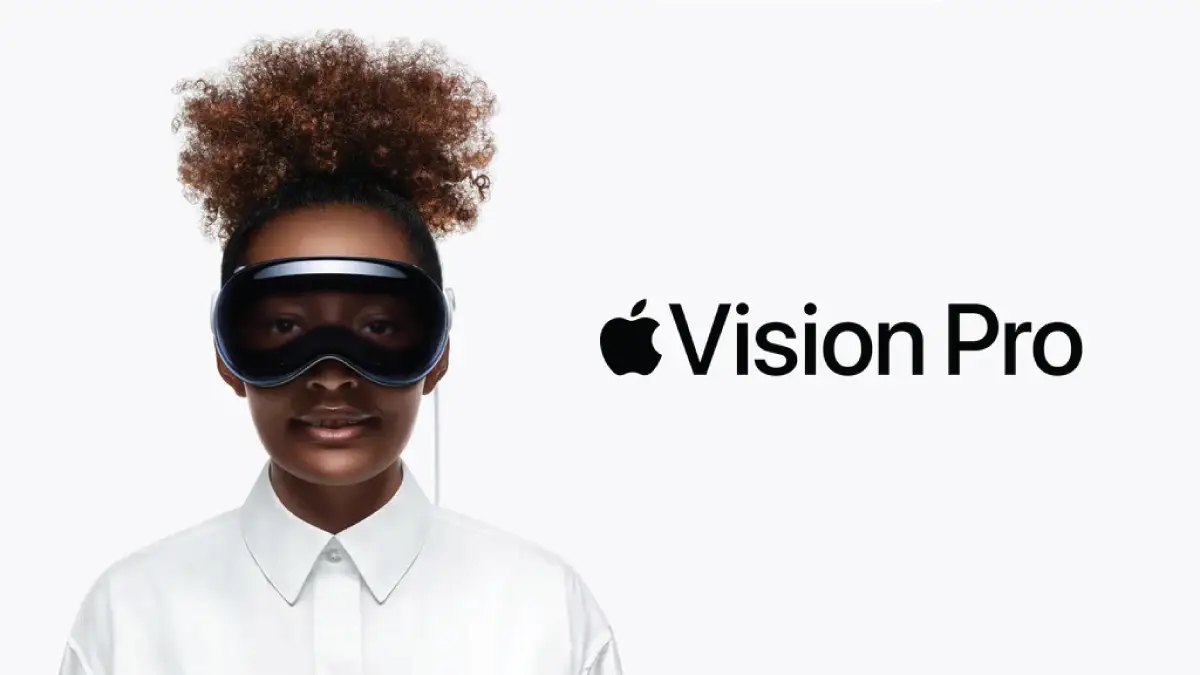
Apple Vision Pro folds virtual and augmented reality into one wearable computer you drive with your eyes, your hands and your voice. Most guides describe it the way the launch keynote did. This one is written for someone in Singapore who is deciding whether to spend more than five thousand dollars — or who already owns one and is wondering why it dims on a Saturday afternoon.
At Esmond Service Centre we repair Macs, iPhones and iPads at our Alexandra and Sin Ming branches. We do not repair the Vision Pro headset itself, and this page will tell you plainly where to take it instead. We wrote it anyway, because the questions people actually ask us about Vision Pro are the ones a product page does not answer: what it costs here, what it weighs, and what our climate does to it.
Every figure below was read first-hand from Apple's own Singapore pages and from the Meteorological Service Singapore on 21 August 2026, and each one says where it came from.
What Is Apple Vision Pro? The M5 Model, Its Specs and Its Real Weight
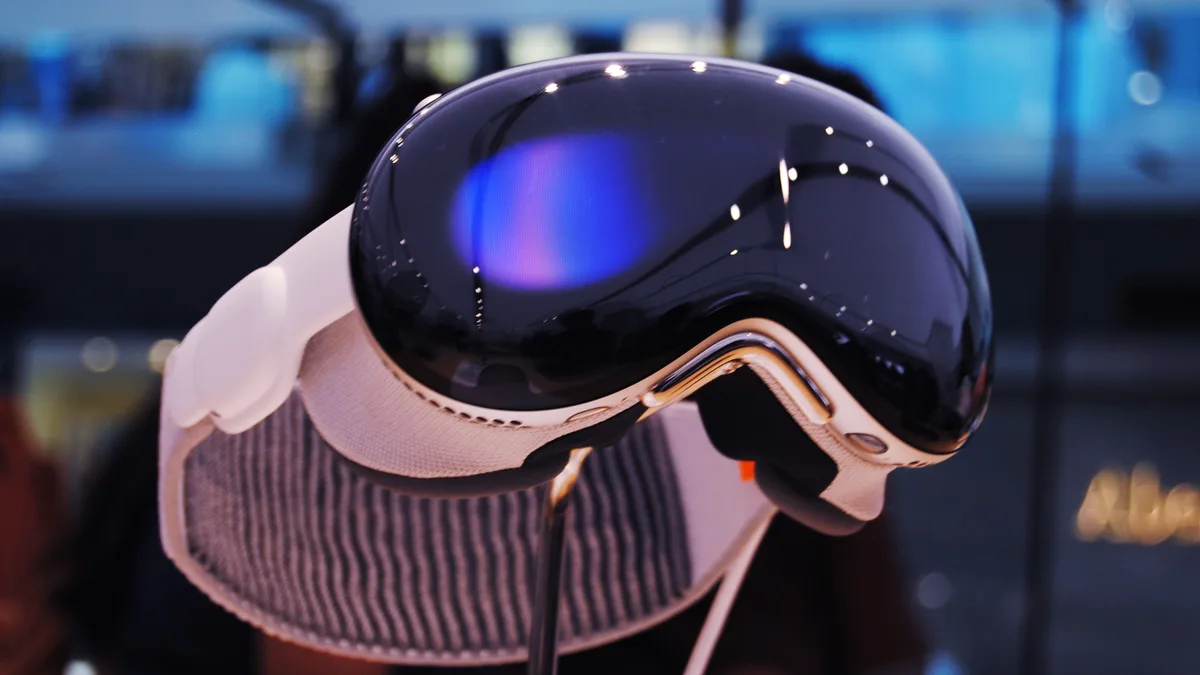
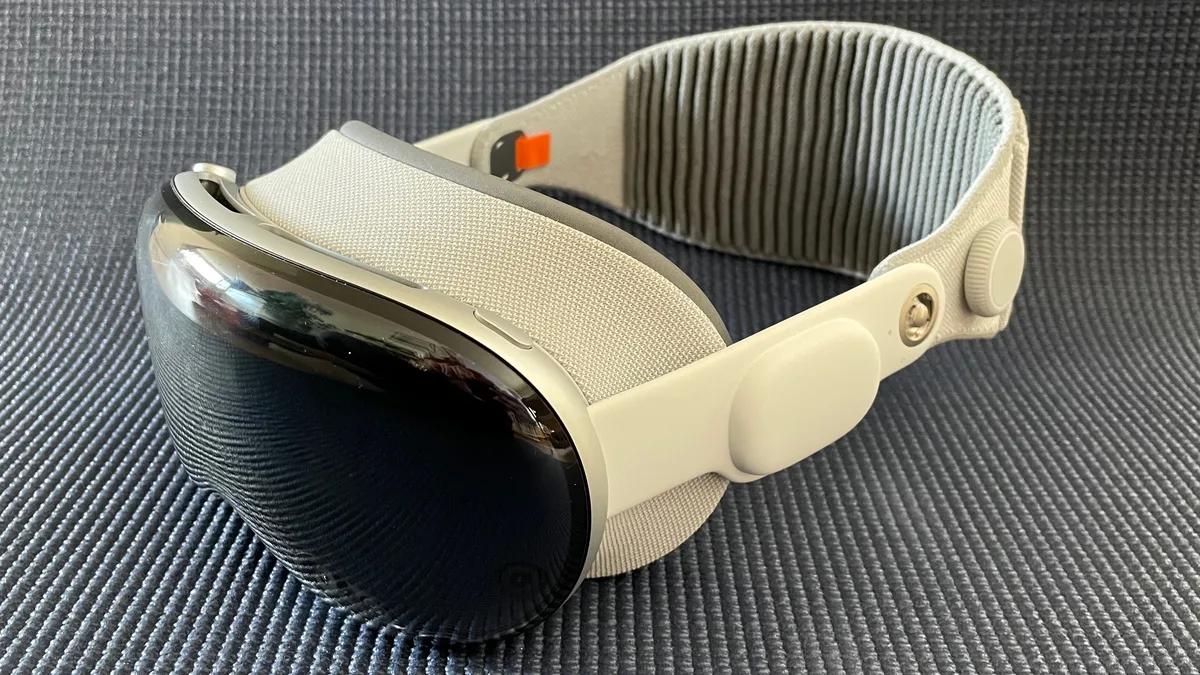
Apple Vision Pro is a spatial computer: it places apps and content in the room around you, and you operate it by looking at something and pinching your fingers. Apple introduced the current version on 15 October 2025, built around the M5 chip, and it reached Apple Store shelves in Singapore on 22 October 2025. If a guide you are reading never mentions M5, it is describing the older machine.
The specifications that matter, from Apple's own Singapore tech-spec page:
- M5 chip — 10-core CPU, 10-core GPU with hardware-accelerated ray tracing, 16-core Neural Engine and 16GB of unified memory
- A second chip, R1, which takes in 12 cameras, five sensors and six microphones and puts a new image on the displays within 12 milliseconds
- Micro-OLED displays totalling 23 million pixels, running at up to 120Hz
- Optic ID — it unlocks by reading your irises, and that data is encrypted, never leaves your device and is accessible only to the Secure Enclave processor
- visionOS 27, with Wi-Fi 6 and Bluetooth 5.3
- 256GB, 512GB or 1TB of storage, and an interpupillary range of 51–75mm
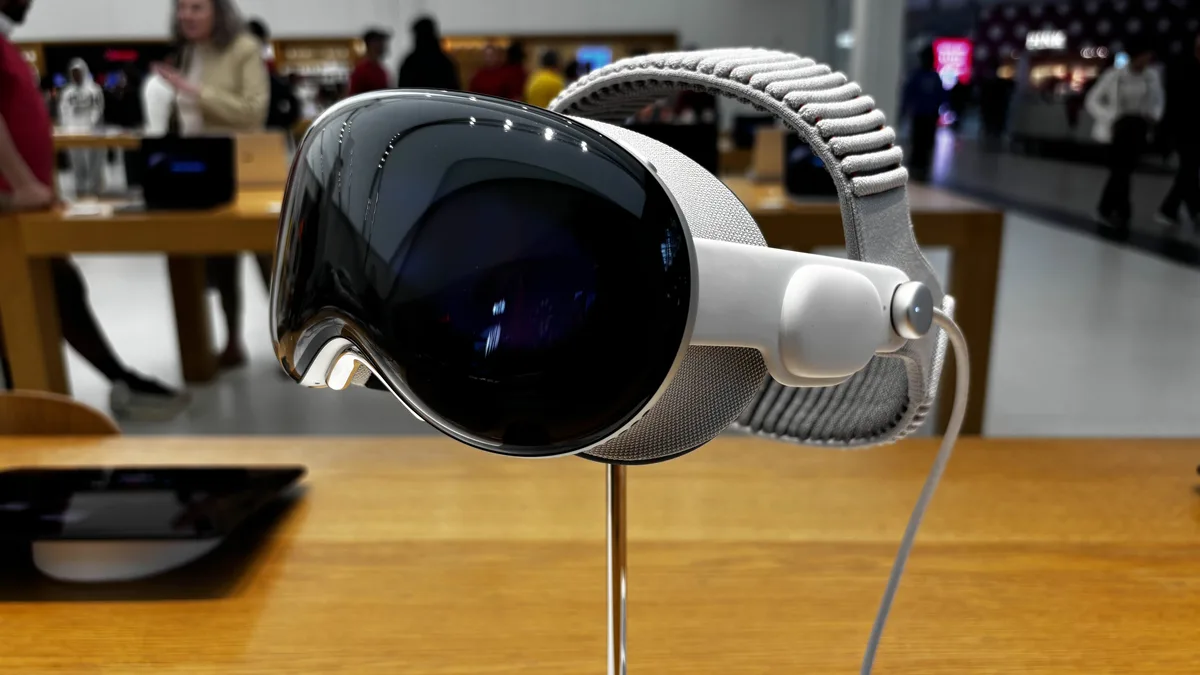
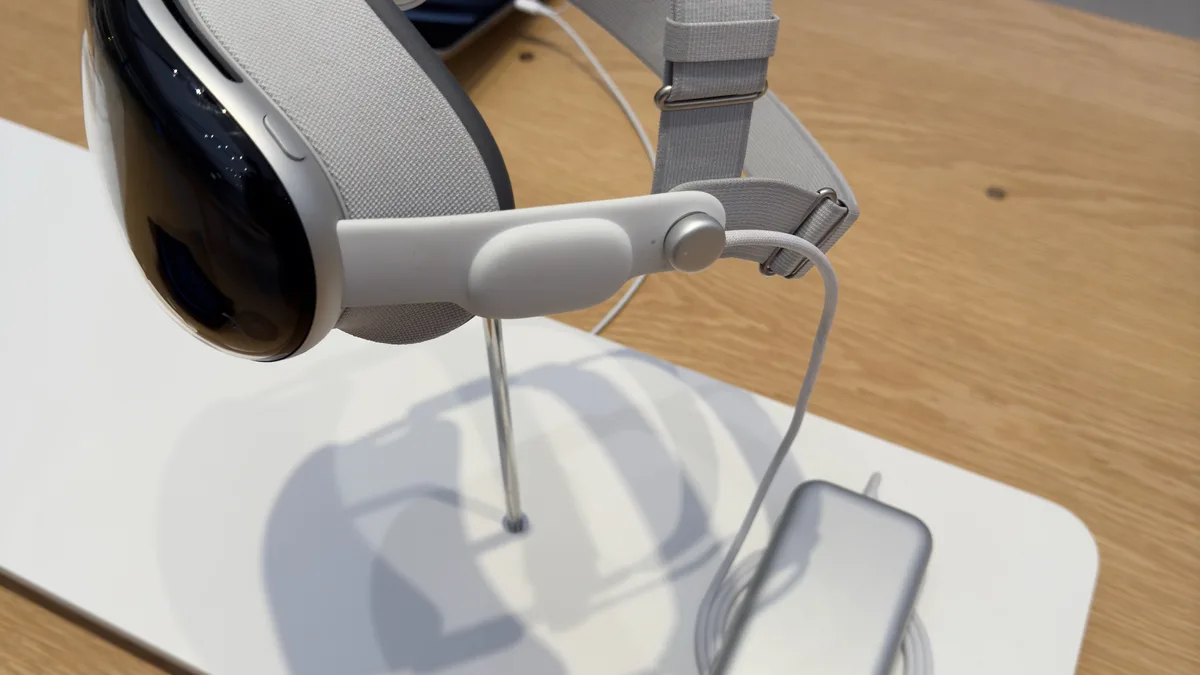
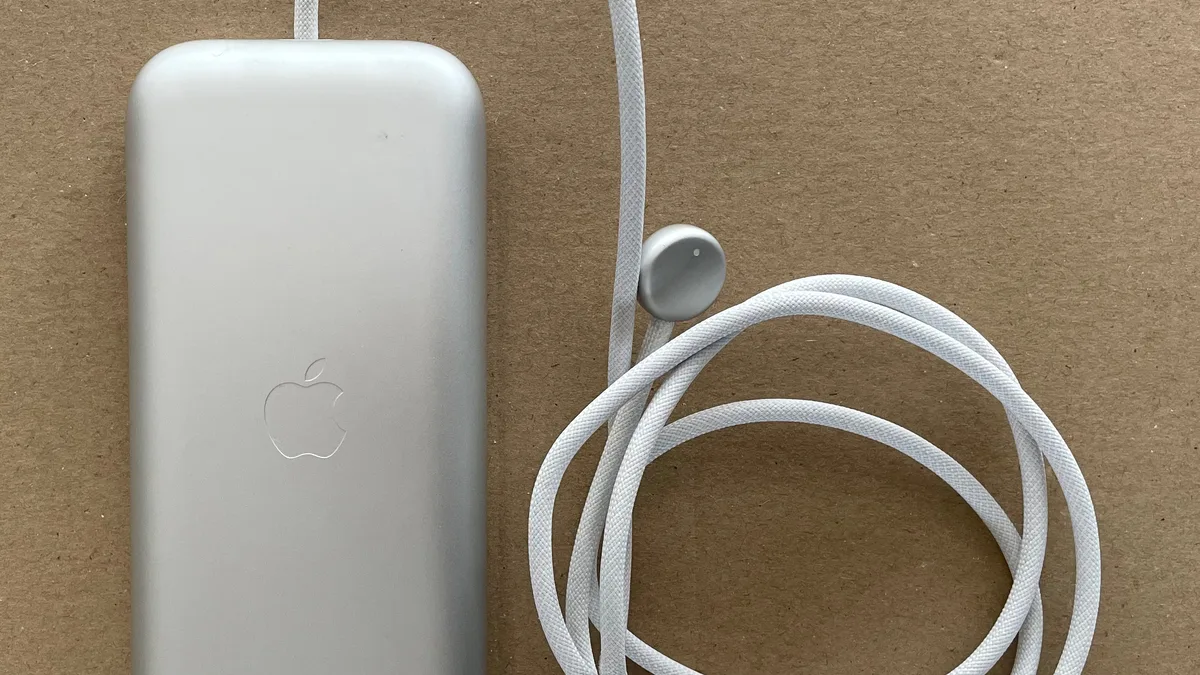
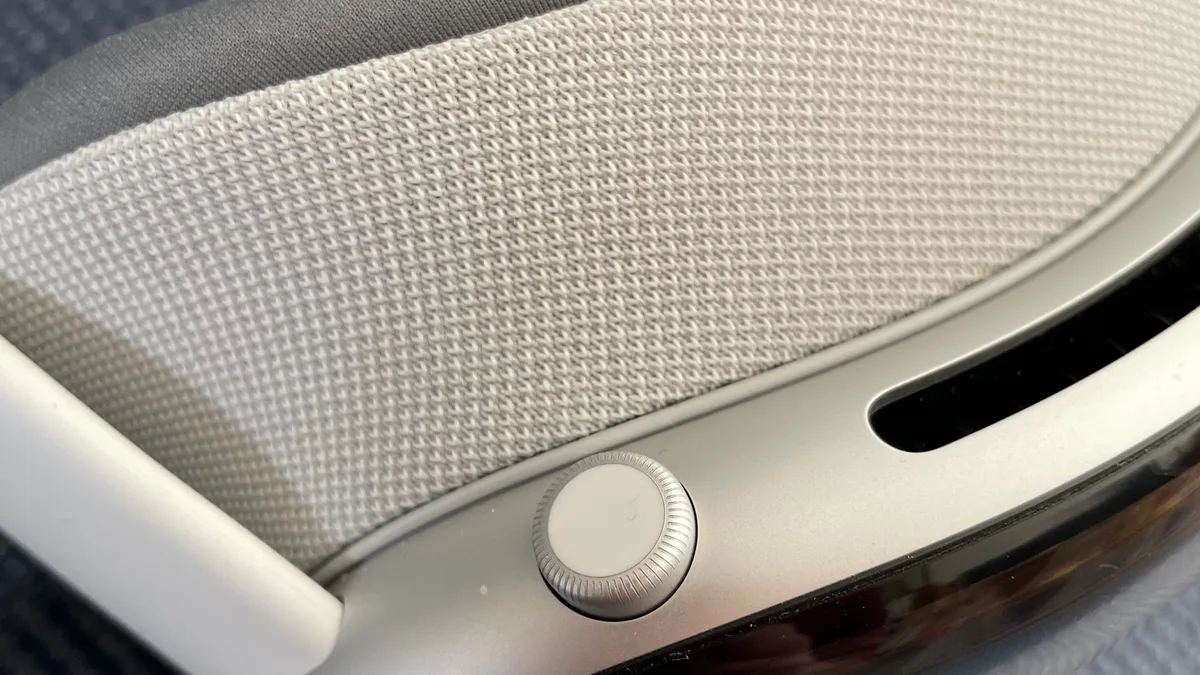
What it weighs, because almost nobody prints this. Apple lists the device at 750–800 g depending on configuration, with the Light Seal and the counterbalanced Dual Knit Band fitted, and the battery as a separate 353 g pack on a cable. All of the first number hangs off your face. This page used to call the design “lightweight”, twice. It is not, Apple has never called it that, and the real number is worth more to you before you buy than the adjective was.
Battery. Apple quotes up to 2.5 hours of general use and up to 3 hours of video playback on one charge, and the headset can be used while the battery is charging — which is what most owners end up doing at a desk.
What Apple Vision Pro Costs in Singapore, Including the Bills Nobody Quotes
Two of the questions this page has always been asked are whether to buy one and whether it is worth it. Until today it answered both without ever naming a price. Here are the numbers, read from Apple's Singapore store and Apple's Singapore service page on 21 August 2026.
| What you are buying | Singapore price |
|---|---|
| Apple Vision Pro — 256GB | S$5,299 |
| Apple Vision Pro — 512GB | S$5,599 |
| Apple Vision Pro — 1TB | S$6,049 |
| ZEISS Optical Inserts — Readers | S$149 |
| ZEISS Optical Inserts — Prescription | S$219 |
| AppleCare+ for Apple Vision Pro (two years) | S$599 |
| Accidental damage with AppleCare+, per incident | S$449 |
| Damage to included accessories with AppleCare+, per incident | S$45 |
| Cover glass, multiple cracks — out of warranty | S$1,129 |
| Other damage — out of warranty | S$3,379 |
Read the last two rows again. Out of warranty, Apple's own published Singapore estimate for “other damage” is S$3,379 — roughly two-thirds of what the entry model costs new. Apple's one-year limited warranty covers manufacturing faults; it explicitly does not cover accidental damage, or a battery worn down by normal use. AppleCare+ at S$599 turns that S$3,379 into S$449 per incident. On something you wear on your face and take off one-handed, that is the arithmetic that decides whether this purchase hurts later. Apple guarantees its service and replacement parts for 90 days or the remainder of your Apple warranty, whichever is longer.
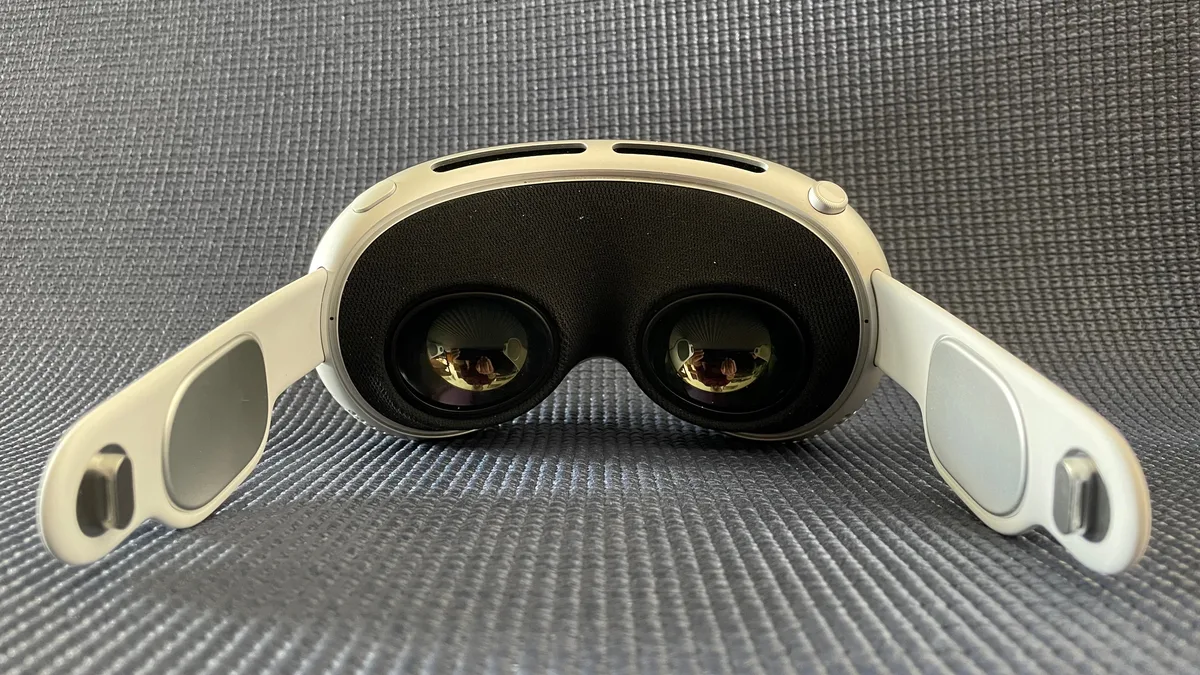
If you wear glasses, buy it in Singapore. You cannot wear spectacles inside a Vision Pro — Apple says it “was specifically designed to be used without glasses” — so you need ZEISS Optical Inserts. And Apple states that ZEISS “will only accept vision prescriptions written by eye care professionals in the country where ZEISS Optical Inserts are purchased and will only ship to locations within that country.” A headset carried back from overseas therefore cannot take inserts ordered against your Singapore optometrist's prescription. Apple also warns that if you add inserts later “you may need to purchase a new Light Seal”, because the Light Seal in your box is matched to the vision answers you gave when you ordered. Soft contact lenses for distance vision are generally fine without inserts.
How Apple Vision Pro Fits Into Everyday Life
Vision Pro earns its keep in three places, and it is worth being honest that they are not equally strong.
- Work. Mac Virtual Display puts your Mac's screen in front of you at almost any size, with visionOS apps arranged around it. This is the use most owners settle into.
- Watching. Films play on a screen as large as you want in an environment you choose, and Apple Immersive material is genuinely unlike a television.
- Being with people. FaceTime uses a Persona — a digital representation of you generated by the headset — because you are wearing a headset. Expect a Persona, not a video call.
The honest limit is time on your head, not capability. At 2.5 hours of general use, and with the weight in the section above, this is a device you put on for a task and take off — not one you wear all day.
Singapore's Heat Sits Above Apple's Stated Range
This is the part no manufacturer page will tell a Singapore reader, because Apple writes one specification for the whole world and it is written for a temperate one.
Apple's handling guidance says Vision Pro “is designed to work in ambient temperatures between 0° and 30° C (32° and 86° F)” and warns that it “can be damaged and battery life shortened if stored or operated outside these temperature ranges.”
The Meteorological Service Singapore's climate normals for 1991–2020, measured at Changi Climate Station, put Singapore's mean daily maximum temperature at:
| Month | Mean daily maximum |
|---|---|
| January | 30.6 °C |
| February | 31.5 °C |
| March | 32.2 °C |
| April | 32.4 °C |
| May | 32.3 °C |
| June | 31.9 °C |
| July | 31.4 °C |
| August | 31.4 °C |
| September | 31.6 °C |
| October | 31.8 °C |
| November | 31.2 °C |
| December | 30.5 °C |
Every month of the year sits above Apple's 30 °C ceiling. The coolest monthly average high is 30.5 °C in December and the warmest is 32.4 °C in April, and MSS notes that between late March and May “hot afternoons are common (maximum temperature above 32 °C).” Humidity is just as tight a fit: Apple rates the device for 0–95% relative humidity, and Singapore's mean daily maximum humidity runs in the mid-nineties.
What Apple says happens when it goes over. If the internal temperature exceeds normal operating temperatures — Apple's examples are “in a hot car or in direct sunlight for extended periods of time” — then “the battery stops charging”, “the displays dim”, “a temperature warning appears on the device” and “some apps may close”. Apple adds: “You may not be able to use the device while the temperature warning is displayed. If the device can't regulate its internal temperature, it goes into deep sleep mode until it cools.”
Put those two facts side by side and the most common Singapore complaint explains itself. Dimming displays and apps that close on their own are not a software bug and usually not a fault — they are the machine protecting itself in a climate that sits above its rated envelope. Use it indoors with the air conditioning running, keep it out of direct sun and out of a parked car, and give it a few minutes to cool rather than restarting it. For the same reason, Apple's storage advice is to keep the device somewhere cool — ideally 22 °C — and to leave the battery at about 50% if you are putting it away for months.
Apple Vision Pro Problems and the Fixes That Actually Work
Three of the fixes this page used to publish were wrong, and they are corrected here against Apple's own documentation. There is no “Apple Vision app” that runs setup; there is no “paired iOS device” to update, because Vision Pro is a standalone computer; and visionOS gives you no way to clear an app cache. Here is what does work, in the order to try it.
It will not finish setup
Apple's setup needs nothing but a Wi-Fi connection — the headset does the whole thing itself. Adjust the fit and charge the battery first. Connect the battery; when you hear a tone it is ready to wear. If you connect the battery and hear no tone after 30–45 seconds, press and hold the top button for a few seconds. Put the band over the back of your head and slide the headset down; the displays come on when it detects your eyes. Then either bring an iPhone on iOS 17 or later — or an iPad on iPadOS 17 or later — close by to use Quick Start, or double-click the Digital Crown to set up manually. If you need VoiceOver during setup, triple-click the Digital Crown.
What this fixes: a setup that never starts, including the common case of a headset that seems dead out of the box. What it will not fix: anything past eye-and-hand setup — if calibration itself keeps failing, that is not something you can retry your way out of.
It is frozen, or it will not turn on
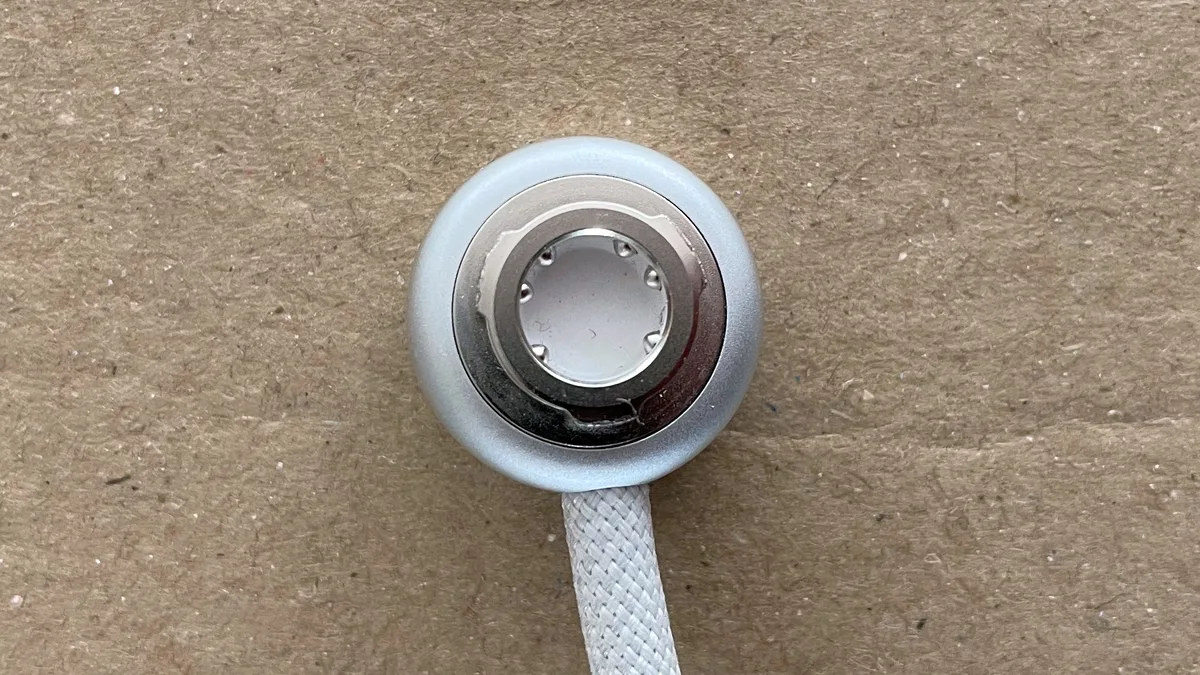
For a frozen display, force-restart: press and hold the top button and the Digital Crown together until the display turns black, then press and hold the top button for three seconds to turn it back on. Apple is explicit that a force-restart is a last resort, only when it is not responding, and never while visionOS is updating. If it will not turn on at all, check the battery is connected properly — disconnect and reconnect it, and the LED on the cable end should pulse as the device starts and then glow steadily. Make sure the battery has charge, using a USB-C Charge Cable and an Apple USB-C power adapter of at least 30W.
What this fixes: a hang, and a flat or badly seated battery. What it will not fix: a headset that shut itself down on purpose — on visionOS 26.1 or later it powers off after 48 hours unused (24 hours on visionOS 26 or earlier), and that is normal, not a fault.
It lags, dims, or closes apps by itself
In Singapore, check heat before anything else. As the section above sets out, dimming displays and apps closing are Apple's own documented thermal behaviour, not a bug. Move somewhere cooler and out of direct sunlight, and give it a few minutes. If it is not thermal, update visionOS and restart the headset properly: hold the Digital Crown and the top button until the Power button slider appears, look at it, then pinch and drag it to the right; wait for the screen to go completely dark, then hold the top button for three seconds.
What this fixes: thermal throttling, and processes left stuck after a long session. What it will not fix: nothing here clears an app cache — visionOS gives you no such control, and any guide that tells you to clear one is describing a phone.
Wi-Fi keeps dropping
Vision Pro does not pair with an iPhone and there is no paired device to update, so treat it exactly as you would a laptop. Check the network itself on another device first, move closer to the router, then restart the headset and re-join the network in Settings.
What this fixes: a bad join and a weak signal. What it will not fix: a router problem — which is the usual answer when everything else in the flat is slow too.
Where to stop. Stop the moment you are looking at physical damage: a cracked cover glass, a battery that will not hold a charge, or a headset still dark after a force-restart on a known-good charger. There is nothing further you can safely do at home — and Esmond Service Centre does not repair the Vision Pro headset either. Apple services it directly: in person at any Genius Bar, or by post, using a pre-paid box Apple sends you. Go there before you try anything more inventive, because the out-of-warranty figures in the cost section above are what a wrong move is worth.
What we can help with. If the trouble is the Mac you drive through Mac Virtual Display, or the iPhone or iPad you use alongside the headset, that is our bench. We handle MacBook repair, iPad repair and iPhone repair at our Alexandra and Sin Ming branches.
Apple Vision Pro vs the Alternatives: What Actually Sets It Apart
Vision Pro separates itself on display quality, on how little you have to learn to drive it, and on how completely it slots into the rest of Apple's hardware. Eye and hand tracking mean there is no controller to hold and nothing to map; a Mac becomes a screen inside it in one glance.
The honest counterweight is the price. At S$5,299 it costs several times what a mainstream standalone VR headset costs in Singapore, and it is aimed at a different job — working and watching rather than gaming. Two questions decide it:
- Do you already live in the Apple ecosystem? Mac Virtual Display, Apple TV, FaceTime and iCloud are where most of the value sits, and none of it transfers if your daily machine is a Windows PC.
- Do you want spatial computing or virtual reality? If your goal is a games library, this is the wrong device at the wrong price.
Final Thoughts on Apple Vision Pro: Key Takeaways & Tips
Apple Vision Pro is a genuine leap in what a computer can be, and it is also a S$5,299 device that weighs the better part of a kilogram once you count the battery, runs for two and a half hours, and is rated for a climate cooler than the one outside your window. None of that makes it a bad buy — it makes it a considered one. If you are buying, buy it here so your optical inserts work, budget AppleCare+ against a S$3,379 out-of-warranty estimate, and plan on using it in air conditioning.
Next Steps: Enhance Your Apple Vision Pro Experience
If your Vision Pro itself needs service, Apple is the route: any Genius Bar in person, or by post. If it is the Mac, iPhone or iPad you use with it, bring it to us at Alexandra or Sin Ming and we will tell you what is wrong before you spend anything.
Found this useful? Follow our Facebook page, LinkedIn profile or Instagram account for more expert insight on cutting-edge technology.

Esmond Service Centre's experienced technicians can diagnose and fix it fast — free diagnostics, repairs from $65.