

📑 On this page
Every June Apple holds its Worldwide Developers Conference, and every June the coverage reads the same way: a list of features, a list of names, and no answer to the only question most people actually have — does my phone get this, or not? This page answers that question first, using Apple’s own published requirements, and then says what to do if your device falls on the wrong side of the line.
Everything below was read against Apple’s own newsroom and product pages on 9 September 2026. Where Apple states something in its own words, we quote it rather than paraphrase, because the wording is where the caveats live.
What Apple Actually Announced at WWDC 2026
WWDC 2026 ran from 8 to 12 June 2026. The keynote introduced a full generation of operating systems, all numbered 27, and a rebuilt assistant Apple calls Siri AI.
| What it is | What Apple announced |
|---|---|
| The operating systems | iOS 27, iPadOS 27, macOS 27, watchOS 27, visionOS 27 and tvOS 27 — a single numbering across the whole line-up |
| The headline | Siri AI, described by Apple as a “profoundly more capable and personal assistant” |
| The quiet one | A large expansion of Child Safety and parental controls, which took up a substantial part of the keynote |
| When you get it | Apple: “New software features will be available as a free software update this fall.” |
Note the naming. The technology press has used a codename for the Mac release; Apple’s own pages call it macOS 27, and that is the name that will appear on your machine when the update arrives.

What Siri AI Actually Does
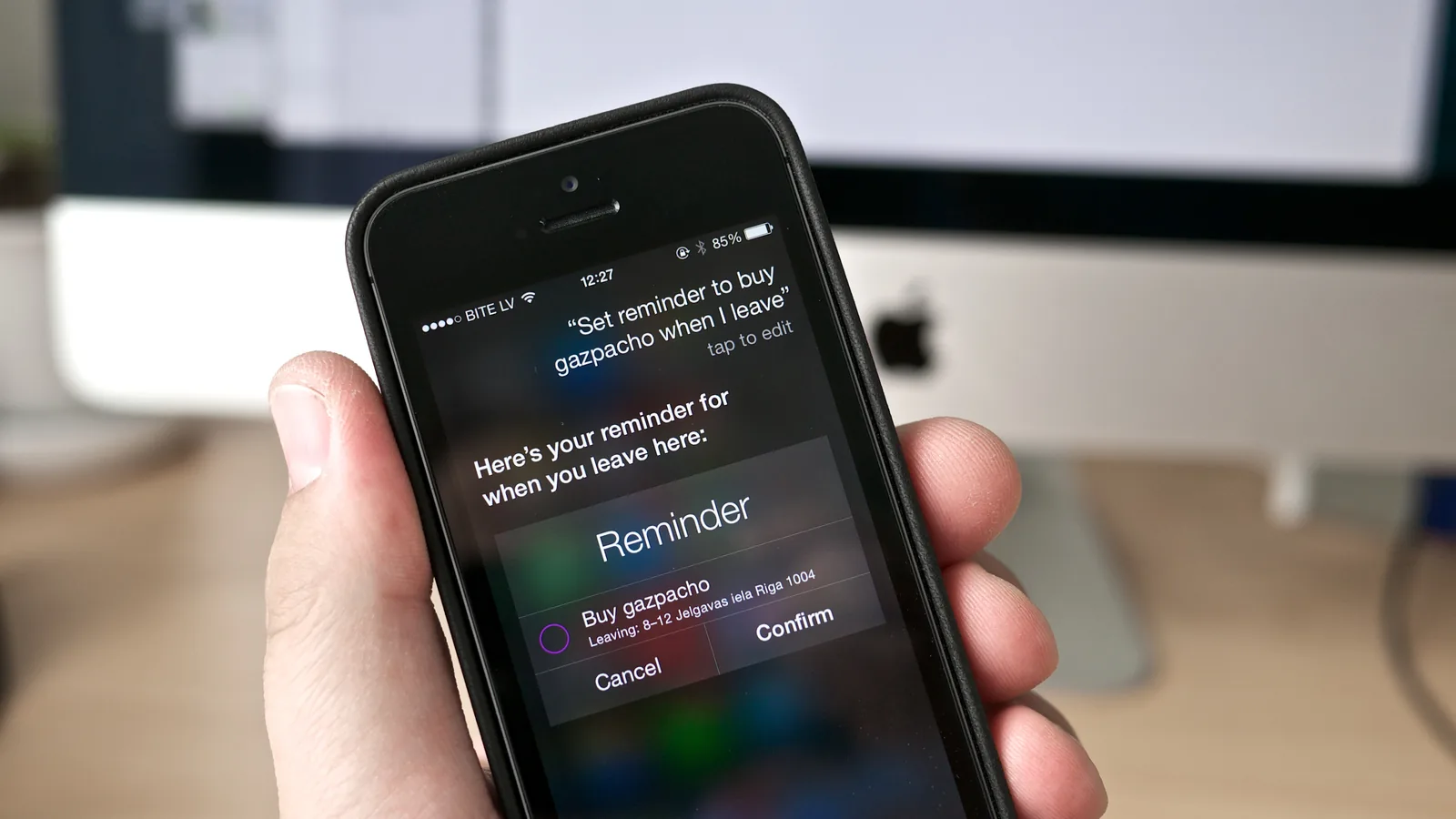
The photograph above is the assistant we have now: one instruction, one reminder, and nothing carried over to the next question. That is the bar Siri AI is being measured against, and it is worth keeping in view while reading the list of what Apple says the new one can do.
Apple describes four capabilities, and they are worth reading in Apple’s own words because each one is narrower than the marketing suggests. Siri AI can:
- “answer questions related to the content on a user’s screen”
- “draw on personal context understanding to search across messages, emails, photos”
- “go out to the web to get up-to-date information using broad world knowledge”
- “get things done across apps with even more systemwide app actions”
There is also a dedicated Siri app, with conversation history synced through iCloud — which is the first time the assistant has had a place of its own rather than living only behind a button press.
The practical difference from the Siri you have now is that it is meant to hold context. Asking it to find “the photo my sister sent about the flat” is a search across three things at once: who your sister is, which messages came from her, and what is in the pictures. That is the capability being sold, and it is also the reason for the hardware requirements below.
The Two Cut-Off Lines That Decide Everything
This is the part almost every WWDC round-up leaves out, and it is the part that costs people money. There are two separate compatibility lists. Passing the first does not get you the second.
| iOS 27 itself | Siri AI and Apple Intelligence | |
|---|---|---|
| What it gives you | The new operating system, the redesign, the general improvements | The new assistant and the Apple Intelligence features |
| iPhones that qualify | Apple lists compatibility from the iPhone 17 range back to the iPhone SE (2nd generation) | iPhone 16 or later, plus iPhone 15 Pro and iPhone 15 Pro Max only |
| So an iPhone 14 … | ✓ gets the update | ✗ does not get Siri AI |
| So a standard iPhone 15 … | ✓ gets the update | ✗ does not get Siri AI — the Pro models do, the standard one does not |
Read the third and fourth rows again, because they are the ones that surprise people. A standard iPhone 15 is a current-looking, perfectly capable phone bought as recently as 2023, and it is on the wrong side of the Siri AI line while the iPhone 15 Pro beside it is not. The split is not about age. It is about which chip and how much memory the model shipped with.
The Full Device List for Siri AI
Apple states the requirement in one sentence, and it covers every product line at once:
| Device | Qualifies for Siri AI | What that leaves out |
|---|---|---|
| iPhone | iPhone 16 and later; iPhone 15 Pro and 15 Pro Max | Standard iPhone 15 and 15 Plus, and everything older |
| iPad | iPad mini (A17 Pro); any iPad with M1 or later | A-series iPads other than that mini, and every pre-M1 iPad Pro and Air |
| Mac | Any Mac with M1 or later; MacBook Neo (A18 Pro) | Every Intel Mac, without exception |
| Apple Watch | Series 9 or later, Ultra 2 or later, SE 3 | Series 8 and older, the original Ultra, SE 1 and SE 2 |
The Apple Watch line carries an extra condition that is easy to miss: the watch qualifies only “when paired with an Apple Intelligence-enabled iPhone nearby”. A Series 9 on the wrist of someone carrying an iPhone 14 does not get it, because the phone is doing the work.
For Mac owners the line is the cleanest and the harshest one on the list: M1 or later. Every Intel Mac is excluded, including machines that are still fast, still supported for other updates, and still perfectly good for the work most people do on them.
.jpg)
If Your Device Is on the Wrong Side of the Line
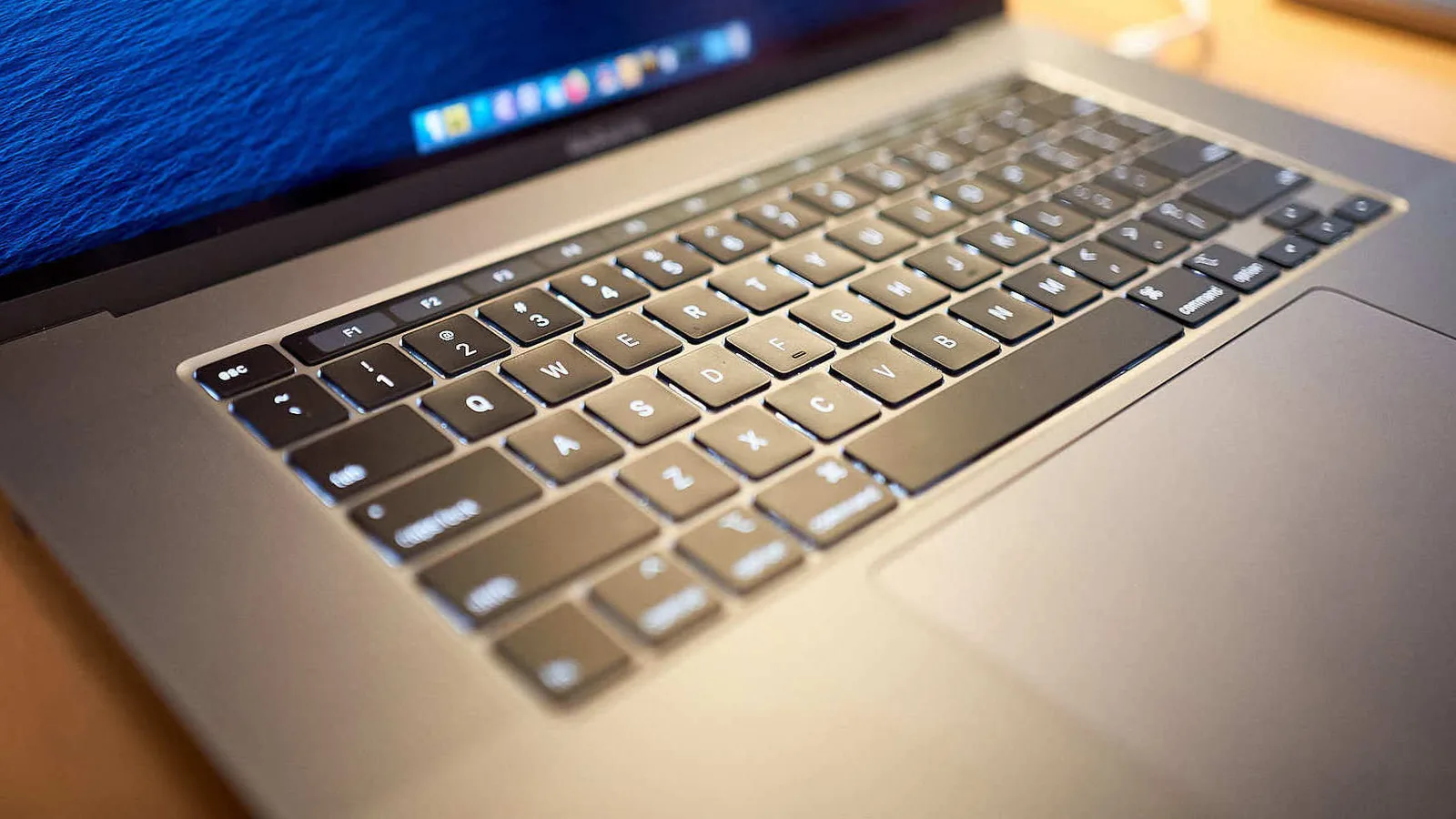
The machine above is a 16-inch MacBook Pro of the Intel generation — a laptop that still opens, still runs, and is on the wrong side of the M1 or later line by a rule about its processor rather than anything wrong with it.
Here is the sentence the technology press does not write, and it is the one worth taking away: a device that does not qualify for Siri AI has not developed a fault. Nothing has broken. It does the same things this month that it did last month, and it will keep receiving iOS 27 itself along with the security updates that come with it.
That matters because a compatibility list is a very effective way of making working hardware feel obsolete, and the feeling arrives long before the hardware does. So separate the two decisions:
- Is the device faulty? A swollen or short-lived battery, a cracked screen, a port that no longer charges, a fan that has become loud — these are repair questions, and they are answered on their own merits regardless of any software cut-off.
- Do you specifically want Siri AI? That is a purchase question, and it is the only thing on this page that a repair cannot solve.
Confusing the two is the expensive mistake. Replacing a sound iPhone 14 with a swollen battery, when a battery replacement is what it needed, buys an assistant you may use twice a week and throws away a phone that had years left. Equally, if the assistant is genuinely central to how you work, no repair will deliver it, and it is fairer to say so plainly than to sell you a fix that does not answer your question.
If the honest answer is that the hardware is tired rather than broken, our guide on when to repair and when to replace works through the same trade-off for laptops, and the arithmetic is the same for phones: weigh the cost of the repair against what the device is still worth to you, not against the newest model.
The Parental Controls Parents Will Notice
Apple gave an unusual amount of keynote time to Child Safety, and this is the part of WWDC 2026 most likely to change something in a household with children. The additions include:
- Child account setup with age-appropriate protections applied from the start, and a Setup Assistant that walks a parent through choosing apps
- “Ask to Browse” — a child needs permission before opening a website that is not already allowed
- Communication Safety extended to block violent and graphic content in shared images, not only nudity
- Time Allowances set separately for Entertainment, Games and Social Media, with daily recommendations drawn from child development experts
- Schedules, which control which apps work at which times of day, and a redesigned Screen Time interface
Unlike Siri AI, these are ordinary operating-system features and are not tied to the Apple Intelligence hardware list — so a household running older iPhones is far less likely to be locked out of them.
What This Means in Singapore
Apple named two regional exceptions, and it is worth being precise about them rather than guessing:
- The EU: Apple states that “Mac and Apple Vision Pro users in the EU will be able to access Siri AI when set to a supported language”, and that “Siri AI will not be available initially in the EU in iOS, iPadOS, and watchOS”.
- China: Apple states that “Siri AI and the other new Apple Intelligence features will not be available in China while Apple works through regulatory requirements.”
Singapore is not named in either exception. That is not the same as a promise — Apple has not published a Singapore-specific commitment, and language settings have gated Apple Intelligence features before. What it does mean is that there is currently no published restriction pointing at this market, so the sensible expectation is the ordinary autumn schedule.
One practical note for anyone who buys hardware while travelling: the China restriction Apple describes is a restriction on the features in that market, not a permanent brand on the device. If you are weighing an overseas purchase, the more reliable thing to check first is warranty coverage, which we cover in our guide to Apple service in Singapore.
When You Will Actually Get It
Apple’s wording is “a free software update this fall” — autumn in the northern hemisphere, which in practice has meant September to December in previous years. As of 9 September 2026 the update has not reached general release.
Two things are worth doing before it lands, and neither of them is urgent:
- Check your model, not your phone’s age. Settings › General › About shows the exact model name. The line between an iPhone 15 and an iPhone 15 Pro is invisible from the outside and decisive here.
- Make a backup before you update. This is ordinary advice for any major release, and it costs nothing. A full generational update is the moment an ageing battery or a nearly-full drive tends to make itself known.
One caution worth stating plainly. If a major update fails part-way and the device will not boot afterwards, stop and do not keep retrying — repeated forced restarts on a phone with a tired battery is how a recoverable situation turns into a data-recovery job. Power it down, leave it on a charger, and bring it in to someone who can read the state it is actually in.
If you want the detail on what the assistant can and cannot do once it arrives, our page on what Apple Intelligence actually does on an iPhone is kept to measured behaviour rather than announcements, and the WWDC 2025 round-up covers the generation that is running on most Singapore devices today.

Common Questions
If your question is not answered here, send us the exact model name from Settings › General › About and we will tell you which side of the line it falls on.
Esmond Service Centre's experienced technicians can diagnose and fix it fast — free diagnostics, repairs from $65.