

📑 On this page
What 'out of warranty' means for what you pay
Walk-in and WhatsApp customers in Singapore ask us a version of the same question: how much will an ASUS service centre charge me now that my laptop is out of warranty? The honest answer begins with what the warranty was for. ASUS's own Premium Care terms state that the cover 'only applies to ASUS original hardware built into the ASUS Products' — it repairs manufacturing defects in the parts ASUS fitted. It explicitly does not cover software, the battery as a wear item, peripherals, non-ASUS parts, or customer-induced damage. The moment your fault falls outside that — because the warranty has expired, or because the cause is a drop or a spill — you move from free repair to a paid one, and you carry the full cost of parts and labour.
- The warranty period has simply ended — standard cover has run out, so every repair is now chargeable.
- Customer-induced damage (CID): a drop, a cracked screen or liquid damage is excluded from warranty and billed as a paid repair, even if the laptop is otherwise young.
- Wear items: a battery that no longer holds charge is treated as consumable, not a defect, so a replacement is on you.
- Non-ASUS parts or earlier third-party work: once a machine has non-original parts inside, ASUS cover no longer applies to them.
Why ASUS gives no fixed price — and the evaluation fee
If you search for an ASUS out-of-warranty price list, you will not find one, and that is by design. ASUS's Out-of-Warranty Service page states that for out-of-warranty and customer-induced-damage requests 'applicable fees shall apply', and that the service centre 'will provide final repair quotation for customer's approval before repair work is carried out'. The cost depends entirely on which part has failed, so nothing is quoted until a technician has opened and tested the machine. The catch is the evaluation fee: ASUS states it 'shall be charged and is non-refundable, regardless of whether repair quotation is accepted or declined by customer'. In plain terms, you pay to be told the price, and that payment stands even if you walk away.
This is exactly where Singapore owners get caught out. On the HardwareZone forums, a local owner who sent in an ASUS Zenbook with a flickering, barred screen described being charged a diagnostic fee of $60 before GST, and being warned of a higher fee if they chose not to proceed — alongside a disputed liquid-damage finding that pushed the job out of warranty entirely. Whatever the rights and wrongs of that single case, it shows the pattern: an evaluation fee up front, a quote that can jump once damage is classed as customer-induced, and a decision to make before you have seen a single figure.

Where an ASUS repair quote goes: the parts inside
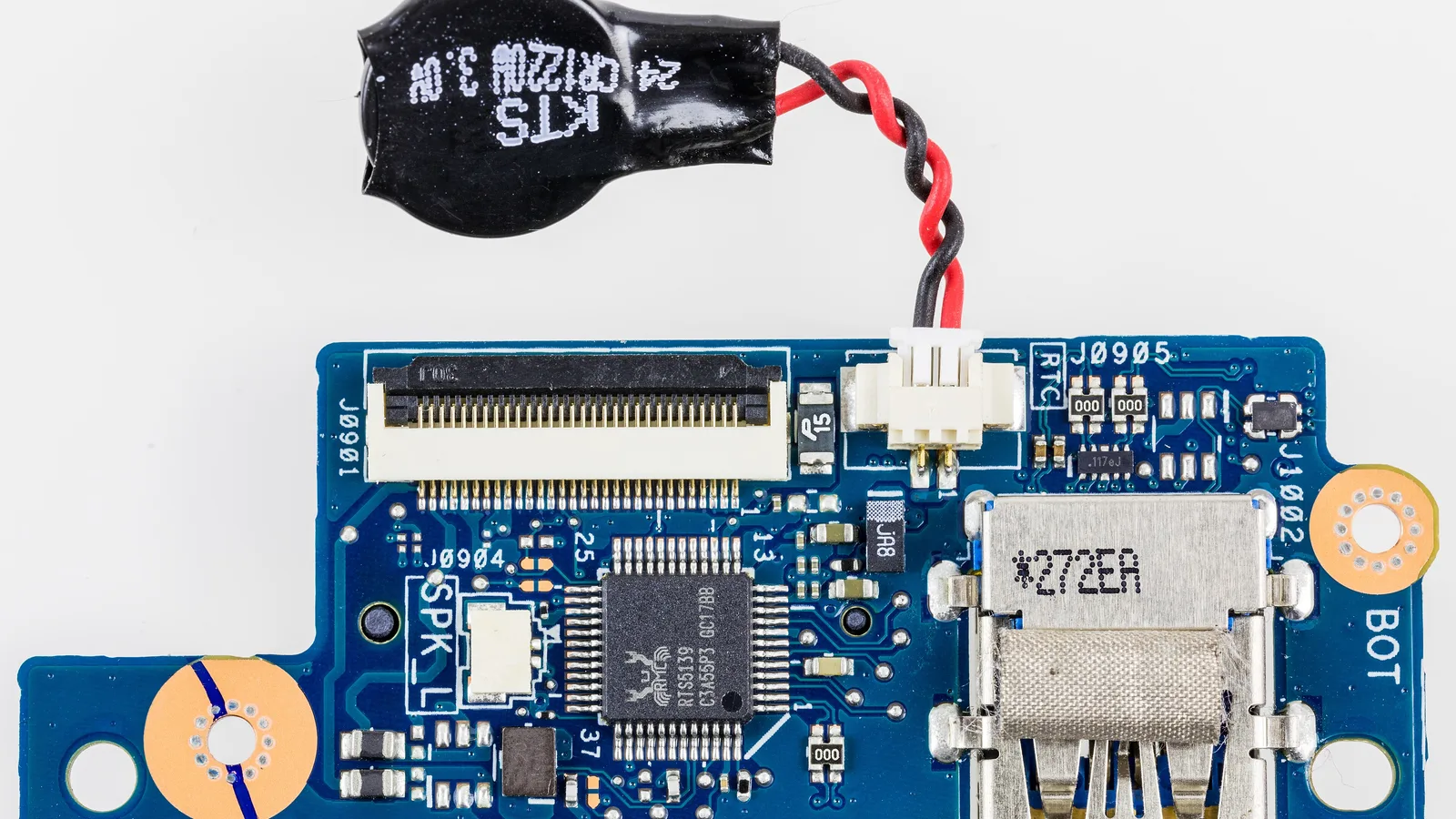
A repair quote is really a question about which part failed, because the part sets the price. The board above is an internal board from an ASUS laptop — the kind of component that makes a quote large. When a fault sits on the mainboard, the repair is a board-level job: fine, slow and skilled, and the most expensive outcome. A screen is next, because the panel itself is a costly part. A battery or a keyboard sits lower, closer to a routine swap. Knowing roughly where your fault lands tells you whether to expect a modest number or a serious one before you ever get the quote.
- Mainboard / board-level faults: the costliest, because the work is delicate component-level repair, not a simple swap.
- Screen / display: the panel is an expensive part, so a cracked or failed display is usually the next-largest line on a quote.
- Battery and keyboard: more routine replacements, lower on the scale but still a paid repair once out of warranty.

ASUS keyboard, battery and screen repairs
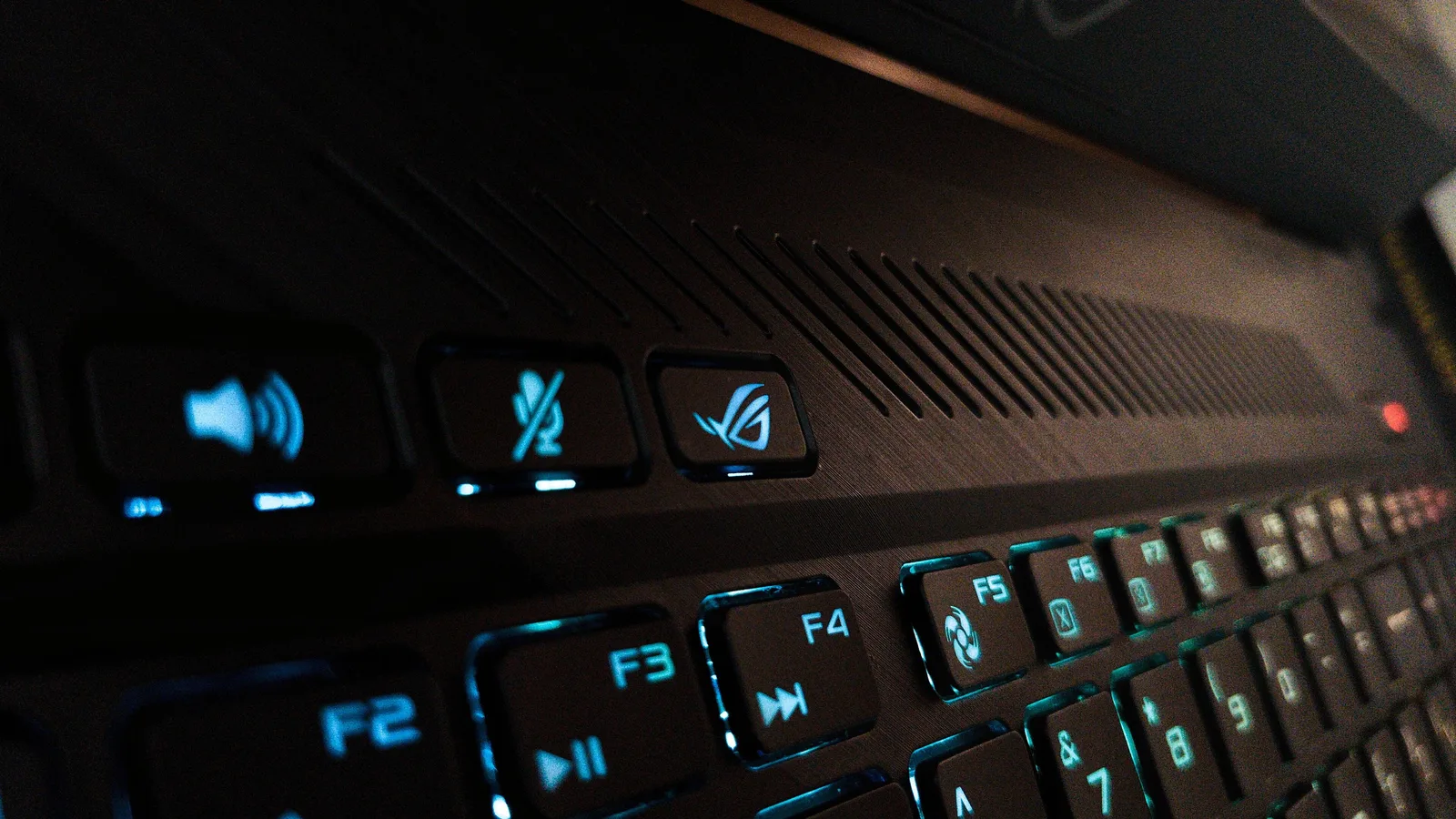
Most out-of-warranty ASUS jobs we see are not board-level disasters — they are the everyday ones. A keyboard like the one above wears out, loses keys or stops registering presses; a battery swells or drops to minutes of runtime; a screen cracks after a knock. These are the repairs where getting a second quote pays off most, because the part is well understood and the labour is predictable. The official centre will still want its evaluation fee first; an independent specialist can often tell you the likely cost before you commit to anything.
Official ASUS centre vs an independent specialist
An honest ASUS service centre review has to weigh the trade-off, not just pick a side. The official centre fits ASUS original parts and is the right call for a defect still under warranty, or where only an ASUS part will do. An independent specialist competes on what the official route makes awkward: a free diagnosis instead of a non-refundable fee, an upfront quote, and languages beyond English. Use this table to compare the things that actually decide the bill.
| What to check | Official ASUS service centre | An independent specialist (like us) |
|---|---|---|
| Diagnostic / evaluation fee | Non-refundable evaluation fee, charged even if you decline the quote | Free diagnostic check, and no fee if we cannot fix it |
| Seeing the price | No published price list; quoted only after inspection | Upfront quote before work; repairs from $65 |
| Warranty on the repair | Not stated on its public pages — ask the centre | 90-day warranty on the repair |
| Getting it there | Walk-in or mail-in to the official centre | Island-wide collection & delivery at S$21.80 per trip (S$43.60 both ways), GST included |
| Languages | English | English, 中文 and Bahasa Melayu |
Before you pay: the steps that protect you
A little order before you commit keeps both your money and your data safe. Work through these in sequence — none of them opens the laptop or risks the fault getting worse.
- Check your warranty status first. Confirm on ASUS's own site whether the laptop is truly out of warranty before you assume you must pay — some faults fall under extended programmes.
- Back up your data now. Any repair, and certainly any wipe, can mean data loss — copy what matters before the machine leaves your hands.
- Ask for the evaluation fee and the written quote up front. Get the fee and the full repair quotation in writing before you approve any work.
- Get a second quote and compare. Weigh parts, warranty on the repair and turnaround against an independent specialist, not price alone.
- Then decide. Approve, decline (remember the official evaluation fee still stands), or have it repaired elsewhere.
This will not fix the fault on its own — these steps protect your wallet and your data, not the hardware. If this does not work and the laptop still will not power on, charge or display, the problem is inside the machine and needs a workshop. When to stop and bring it in: if you smell burning, see a swollen battery or spilt liquid, or the screen stays black, stop and seek professional help. Trying to pry it open yourself can risk permanent damage, cause data loss, and void the warranty you were hoping to claim.
What we do in the workshop
When an out-of-warranty ASUS laptop reaches our bench in Singapore, we start the opposite way to a non-refundable fee: every job comes with a free diagnostic and an upfront quote, and there is no fee if we cannot fix it. We confirm the real fault before we name a part — a battery that reads as a mainboard problem, or a 'dead' laptop that is only a charging fault, should never be billed as the bigger repair. We deliberately do not print a fixed price here, because the cost depends on which part it turns out to be, and we would rather diagnose first than guess.
- Free diagnosis, upfront quote: you see the likely cost before you commit, not after a fee is already paid.
- Fault confirmed before parts: we test the real cause so you are never charged for the wrong repair.
- Honest scoping: no fixed price printed here, a clear quote once we know the part, and cover extendable with the optional Esmond Care plan.
How to keep ASUS repair costs down
A few habits keep an ASUS laptop out of the costly end of the repair scale, and make any repair you do need cheaper to carry out.
- Keep liquids away from the keyboard — spills are classed as customer-induced damage and are never covered by warranty.
- Use the original or a properly rated charger, and avoid draining the battery flat for long periods.
- Carry the laptop in a padded sleeve; most cracked screens and hinge faults start with a knock or a drop.
- Keep proof of purchase and act while still in warranty — a defect caught in time costs nothing to repair.

Esmond Service Centre's experienced technicians can diagnose and fix it fast — free diagnostics, repairs from $65.