

Repair Services
ASUS laptop battery replacement
Prices are before GST (9% is added at payment).


Photos, cropped, via Wikimedia Commons: ASUS VivoBook 15 by LeopardWin (CC0) · ASUS ROG Strix G15 by D-Kuru (CC BY-SA 4.0) · ASUS X201E, an older model by MobilGalantsuper1999PS (CC BY 4.0)
My laptop had a broken hinge and Ivan at Esmond Service Centre provided a quote and ordered the part. He was very responsive and once the part arrived, I went down to the shop and the laptop was repaired within 2 hours. The amount I paid was exactly as quoted. No surprises and great service.
Experienced an exceptional service from Nicholas. He presented himself with professionalism, patience and explains to me in a clear and structured manner. Was a breeze for me to communicate and get my issue settled. Thanks.
Mon to Fri : 10:00am - 7:00pm · Sat : 10:00am - 3:00pm · Closed on Sunday and PH
Last updated:
Esmond Service Centre offers ASUS laptop battery replacement in Singapore for VivoBook, ZenBook, TUF Gaming, ROG Strix, ExpertBook and Chromebook models: from $138 for VivoBook and ZenBook, from $158 for TUF Gaming and ROG Strix and from $86 for older ASUS laptops, before 9% GST. Each swap takes about 30-45 minutes and carries a 90-day warranty, and laptop diagnosis is free.

The cost of an ASUS laptop battery replacement depends on your model and the battery it takes, and ASUS fits very different batteries across its lines. Its own spec sheets list a 38WHrs (watt-hours), 2-cell battery for the Chromebook C423NA, 70WHrs and 4 cells for the Zenbook Duo 14 UX482EA, and 90WHrs and 4 cells for the TUF Gaming F15 FX506HM, while the FX506HF in the same series takes a 48WHrs, 3-cell battery. One model can come with either of two: ASUS lists the ExpertBook B9 (B9400CEA) with a 66WHrs, 4-cell or a 33WHrs, 2-cell battery, and notes that product specifications may differ from country to country.
| ASUS Series | Estimated Duration | Starting Price (SGD) |
|---|---|---|
| VivoBook / ZenBook | 30 - 45 Mins | From $138 |
| TUF Gaming / ROG Strix Series | 30 - 45 Mins | From $158 |
| Older ASUS Laptops | 30 - 45 Mins | Fr $86 |
Prices are before GST (9% is added at payment). Still within ASUS's battery warranty? Go to ASUS first. Esmond Service Centre is an independent repairer for ASUS laptops, not an ASUS service centre, and while your battery is covered, ASUS's own service is the cheaper route for you. Check the battery's term, not the laptop's: as ASUS's Singapore pages read on 16 November 2026, its warranty table gives the battery 12 months on notebooks and gaming notebooks, even where the laptop itself carries a 2-year international warranty, as TUF Gaming, ROG Strix and Zephyrus models do. On its commercial B series and P series notebooks, the battery follows the laptop's own term, up to 36 months. Your warranty card gives the date. ASUS's Warranty Extension package does not cover the battery; its separate Battery Service Package extends cover for battery defects, not for capacity lost through use.
ASUS's battery warranty does not cover capacity lost to normal ageing, or failures caused by self-repair or repairs outside the original manufacturer, by taking the laptop apart, or by non-ASUS or incompatible batteries. To claim, use Repair Service under Customer Support in the MyASUS app, start an RMA request on ASUS's support site, or walk in to the ASUS Service Centre at Trivex, 8 Burn Road (our guide to ASUS service centres in Singapore has the details). ASUS also offers free pick-up and return for laptops with a Singapore serial number bought from an ASUS Official Store, an ASUS Exclusive Store or an approved local reseller. Back up first: ASUS warns that its repair tests will return the laptop to its original settings. Out of warranty, WhatsApp us your ASUS model or serial number for its price and stock.
Not sure of your Asus model number? See our quick guide: how to find your Asus model number →
Whether you own a sleek ZenBook or a powerful ROG gaming machine, our expert technicians handle Asus laptop battery replacements across all series:
| Series | Popular Models Supported |
|---|---|
| VivoBook | 14, 15, S14, S15, Flip Series |
| ZenBook | UX325, UX430, UX425, ZenBook Duo |
| TUF Gaming | FX506, FA506, A15, A17 |
| ROG Strix | G15, G17, SCAR, Zephyrus, Flow X13/X16 |
| ExpertBook | B1, B5, B9 Series |
| ASUS Chromebook | C204, C423, Flip CX3 |
Note: Not sure about your device? Just WhatsApp us a photo or serial number — we’ll handle the rest.
ASUS's own battery page puts the life of a Li-ion battery at about 300-500 charge cycles, and expects its capacity to drop to 80% after about 300 cycles, or roughly a year, of normal use at 25°C. Before you book, run ASUS's own check: in the MyASUS app, open System Diagnosis, choose Battery problems and click Checkup with the charger connected. Consider an ASUS laptop battery replacement if it reports an error, or if your laptop shows these signs:
Two faults a new battery is unlikely to fix. If the MyASUS checkup finds no battery error, ASUS says the battery's health is good and apps, software or system settings may be causing the drain. And if your ASUS will not power on even on its charger, that is almost always a board fault rather than the battery; our laptop diagnosis is free.
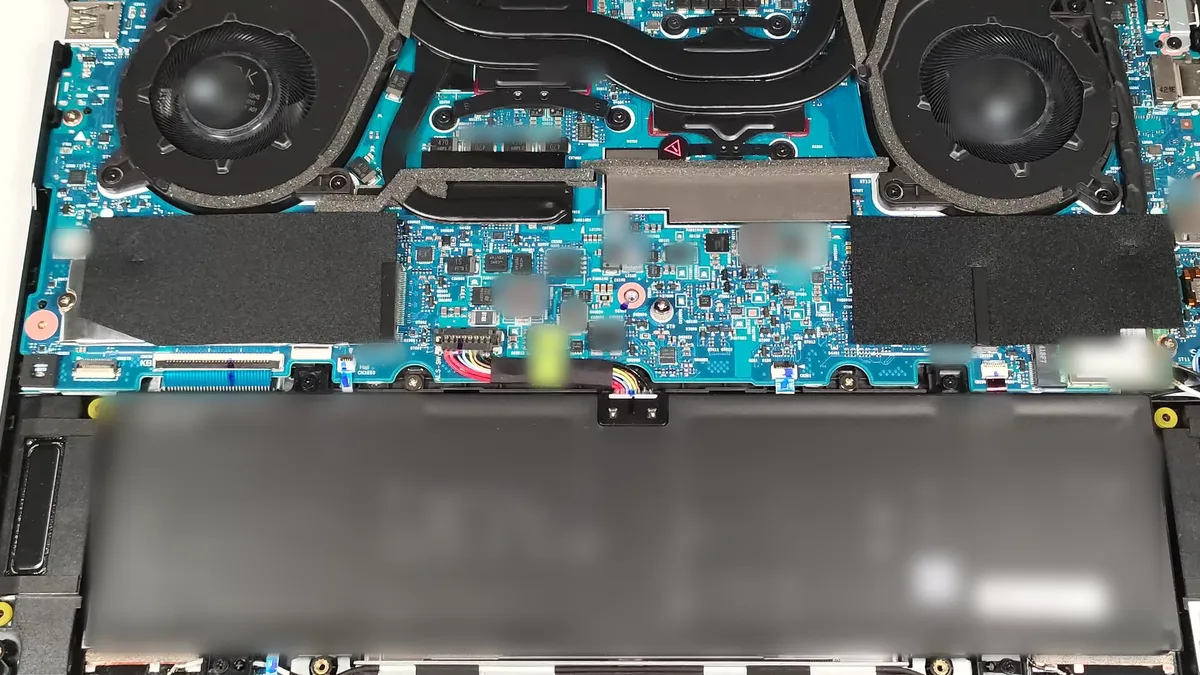
Two habits from ASUS's own battery guidance protect a new battery as much as the old one:
One charging quirk is not a fault: each time the laptop starts, ASUS resets the charge limit to 100% until Windows has loaded, so the battery can briefly charge past 80% at the BIOS screen or during a Windows update. The limit returns once you reach the desktop. We'll also walk you through these settings during your visit.
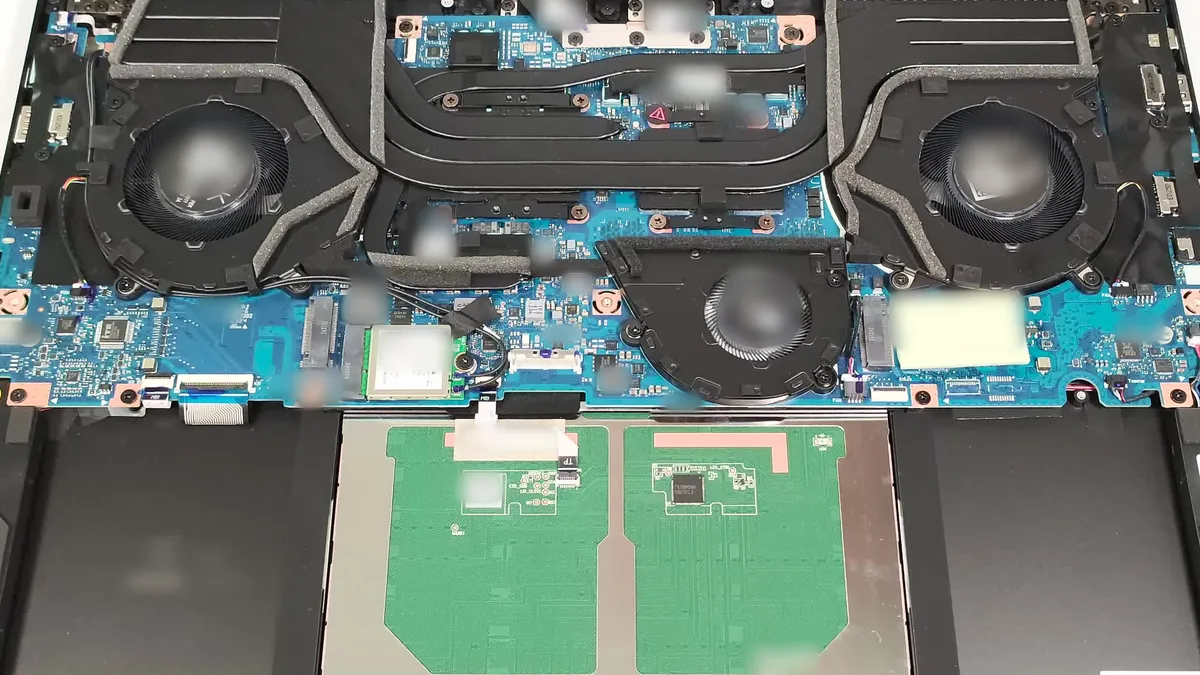
Every ASUS laptop battery replacement at Esmond Service Centre includes:
To read the new battery's figures yourself, type powercfg /batteryreport at a Windows command prompt: ASUS's guide says the report shows battery health, as current against original capacity, and how many full charge cycles the battery has gone through.
What you get when Esmond Service Centre replaces your ASUS laptop battery:
When a new battery is not worth it, we tell you first: on a very old ASUS laptop, the new battery will work, but we cannot promise how long the rest of the machine will last.
To start your ASUS laptop battery replacement, WhatsApp us these two details:
We’ll promptly reply with stock availability, battery compatibility details, and a clear, no-obligation quote.
Send us the symptom and we'll come back with what it likely is, what it will cost, and how long it will take. The diagnosis is free, and if we can't fix it, you pay nothing.
Bring it to Esmond Service Centre at Sin Ming or Alexandra — free diagnostics, repairs from $65, many done in 1–2 hours.