

📑 On this page
A portable speaker that stops charging is one of the most common jobs that lands on our bench, and the good news is that most of them never needed a workshop at all. On the bench we work from the outside in: a bench power supply and a spare cable rule out the charger in under a minute, a loupe and a plastic pick tell us whether the port is simply packed with pocket lint, and only then do we open the speaker to look at the battery itself. You can do the first and cheapest of those checks at home. This guide walks through the same order we use, so you fix the easy causes first and only pay for a repair when the fault is genuinely inside the speaker.
Why a Bluetooth Speaker Won't Charge
Charging is a chain: mains outlet → wall adapter → cable → the speaker's charging port → its charging circuit → the battery. If any single link is broken, the speaker shows the same symptom — no charge — so the trick is to test the chain from the cheap, exposed end first. The two weakest links by far are the cable, which gets bent and yanked daily, and the port, which collects lint and grit from bags and pockets. A deeply discharged or aged battery is a real cause too, but it is further down the chain and much less common than people assume. The table below maps each cause to what you actually notice and what to try first.
| Likely cause | What you notice | Try this first | Workshop job? |
|---|---|---|---|
| Faulty cable or adapter | Charges on another device but not this one, or not at all | Swap to a known-good cable and a mains wall adapter | No — a two-minute self-fix |
| Dirty or blocked port | Cable feels loose or only charges when held at an angle | Blow it out and brush gently with a dry soft brush | Only if the pins are bent or torn |
| Weak power source | Slow or no charge from a laptop or USB hub | Use a proper mains wall adapter instead | No |
| Deeply discharged battery | Dead flat after months unused; no lights at all | Leave on the charger 30+ minutes to wake it | If it is still dead after an hour |
| Worn-out or swollen battery | Short runtime, won't hold charge, or casing bulging | Stop charging if swollen — it needs replacing | Yes — a battery replacement |
Start With the Cable, Adapter and Power Source
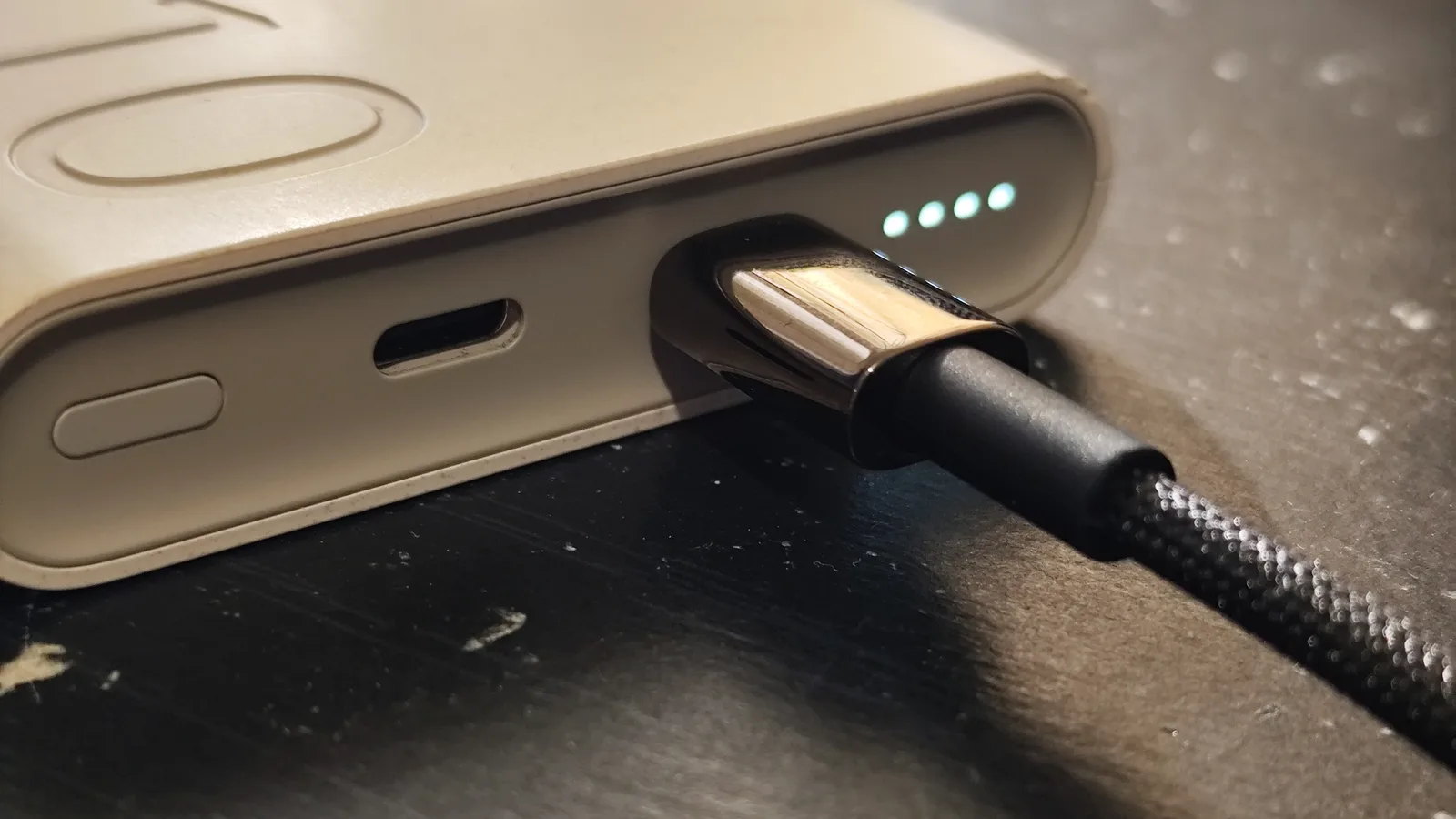
This is the first thing to rule out because it is the most common fault and costs nothing. Apple's own charging guide tells users to check the cable and adapter for damage and to try a wall outlet before anything else, and that is exactly our bench order too. Work through these steps:
- Swap the cable. Use a different cable from a device you know works. A broken internal wire is invisible from the outside and is the single most common reason a speaker 'stops charging'.
- Change the adapter and the socket. Plug into a proper mains wall adapter and a different wall socket. Laptop USB ports and cheap multi-port hubs often cannot deliver enough current to charge a speaker.
- Check the plug for damage. Look for fraying, kinks or bent pins on the cable and adapter, as Samsung and Apple both advise. A visibly damaged charger is a replace, not a repair.
- Seat the cable firmly and wait. Push the plug fully home, then leave the speaker to charge for at least half an hour before you judge it — a flat battery may show no light for several minutes.
Clean the Charging Port Safely
If the cable only charges when you press or wiggle it at an angle, the port is probably packed with compressed lint. Samsung's official advice is to turn the device off, then use compressed air or a soft brush to gently remove debris, and never to insert sharp objects. On the bench we add a bright light and a plastic pick. Follow these rules:
- Power off first. Switch the speaker off before you touch the port, so a stray contact cannot short anything.
- Use short bursts of air and a dry soft brush. A clean, dry toothbrush or a camera blower lifts most pocket lint out in seconds.
- Never use metal, and never use liquid. A pin or a paperclip bends the delicate contacts, and water inside a speaker causes far worse damage than lint ever did.
- Inspect the pins with a light. If the contacts inside look bent, crushed or torn out, cleaning won't help — that is a port replacement and a workshop job.
When the Battery Is Deeply Discharged
If a speaker has sat unused for months, its lithium-ion battery can drop so low that the protection circuit refuses an ordinary charge to protect the cell. The battery maker Jauch explains that after a deep discharge the charger must first rebuild the voltage 'with the aid of very low current' before charging 'can then resume normally from 3 V'. In plain terms: a dead-flat speaker may sit on the charger showing nothing for many minutes while this slow wake-up happens. So leave it connected. Teufel, a speaker manufacturer, advises exactly this — leave a heavily discharged battery on charge for a while, because it may take time before the device responds. Give it a solid 30 to 60 minutes on a proper mains charger before you conclude the battery is dead.
There is one hard safety line. Teufel's guidance is to stop charging immediately and not use the battery again if it becomes unusually hot, changes shape or swells. A bulging casing, a lid that no longer closes flat or heat you can feel through the shell all mean the lithium cell is failing, and pushing more current into it is dangerous:
- Swollen or deformed casing: unplug it and stop — a swollen lithium battery must be replaced, never recharged.
- Gets hot on the charger: disconnect it and let it cool; heat during charging is a warning, not normal.
- Still not detected after an extended spell on the charger: Teufel's own advice is to stop DIY attempts and have the battery checked professionally.
When to Bring It to a Workshop
If a known-good cable and adapter still do nothing, the port is clean but loose or has bent pins, or the battery stays dead after a long charge, the fault is inside the speaker and needs opening up. A charging port can be desoldered (melting a part off the board) and replaced, and an aged or swollen lithium battery can be swapped for a fresh cell — both are routine bench repairs when the speaker is worth keeping. At Esmond Service Centre we offer a free diagnostic and have two branches in Singapore, at Alexandra and Sin Ming, so you can have the fault confirmed before you decide. Bring the speaker and its cable, and tell us the make and model so we can check parts.
How to Prevent Charging Problems
- Store it half-charged. Teufel recommends charging a battery to 60–80% before putting it away for a long spell, which is the single best way to avoid the deep-discharge problem above.
- Keep it cool and dry. Store at room temperature out of direct sun; heat ages a lithium cell faster than normal use does.
- Top it up occasionally. If you won't use the speaker for months, give it a short charge every so often so it never sits completely flat.
- Use a good cable and keep the port covered. A quality cable and a closed port flap keep lint and strain — the two commonest causes above — out in the first place.

Esmond Service Centre's experienced technicians can diagnose and fix it fast — free diagnostics, repairs from $65.