
Esmond Service Centre, Singapore — laptop repair

Repair Services

Laptop touchpad & trackpad repair

From S$95before GST
Freediagnostic
90 dayswarranty
4.9★2,705+ Google reviews

How it works

  1. WhatsApp your brand and modelWhatsApp your laptop brand and model for an instant estimate at no cost.
  2. A clear quote before any work beginsEvery touchpad repair starts with a comprehensive diagnostic assessment, and you get a clear, transparent quote before any work begins.
  3. Repairs typically take 1–2 hoursRepairs typically take 1–2 hours.
  4. Walk in, but check stock firstYou can walk in (check stock availability first) or WhatsApp your laptop's brand, model and issue for immediate assistance.

Price by brand

Prices are before GST (9% is added at payment).
Dell1 - 2 HoursFrom $95
HP1 - 2 HoursFrom $95
Lenovo1 - 2 HoursFrom $95
MacBook1 - 2 HoursFrom $95
Asus1 - 2 HoursFrom $95
Acer1 - 2 HoursFrom $95
MSI1 - 2 HoursFrom $95
Razer1 - 2 HoursFrom $95
See all 13 brands
Samsung1 - 2 HoursFrom $95
Toshiba1 - 2 HoursFrom $95
Aftershock1 - 2 HoursFrom $95
Huawei1 - 2 HoursFrom $95
Xiaomi (MI)1 - 2 HoursFrom $95
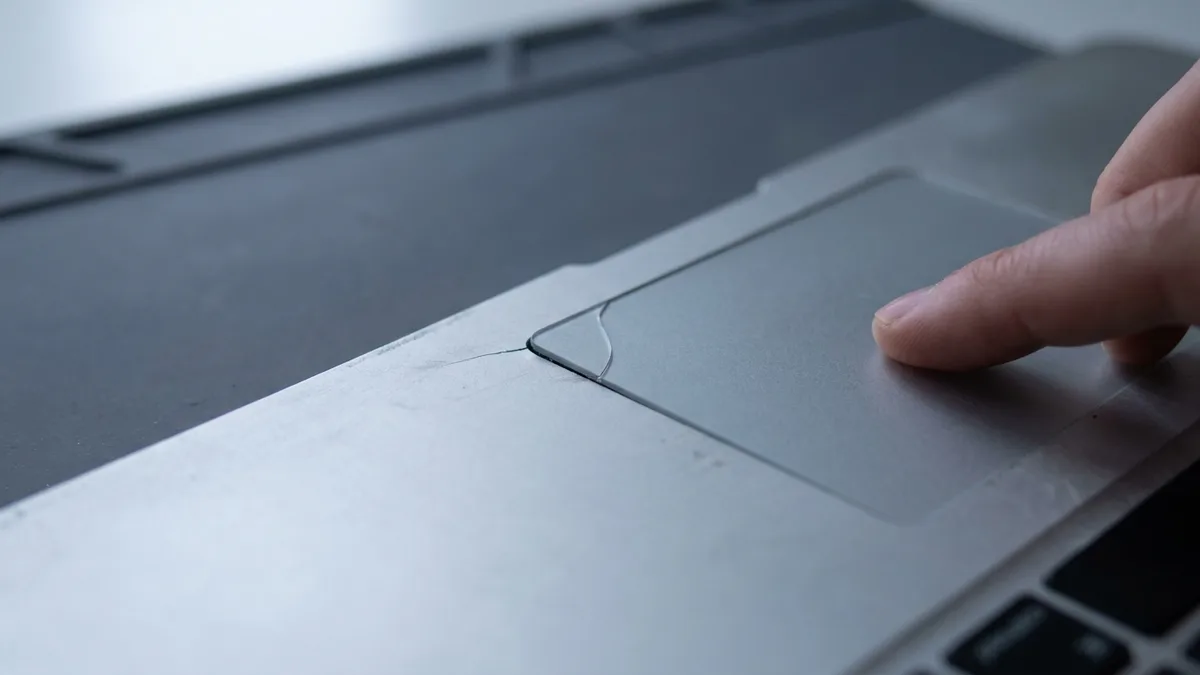
A finger pressing on a laptop's grey touchpad, with the silver click buttons and the keyboard just above it.

Photo (cropped): Chris Satterfield (User:Compgeke) via Wikimedia Commons, public domain
Common Signs Your Laptop Needs Touchpad Repair

  • Cursor movement is erratic
  • Gestures (scrolling, tapping) fail
  • Touchpad buttons (left/right-click)
  • Physical damage
  • Ghost touches
A laptop touchpad worn down by years of use: a pale, rubbed-smooth patch in the middle of its surface, framed in blue above two blue click buttons.

Photo (cropped): Chris Satterfield (User:Compgeke) via Wikimedia Commons, public domain

Why Do Laptop Touchpads Fail (and Need Repair)?

  • Wear & Tear
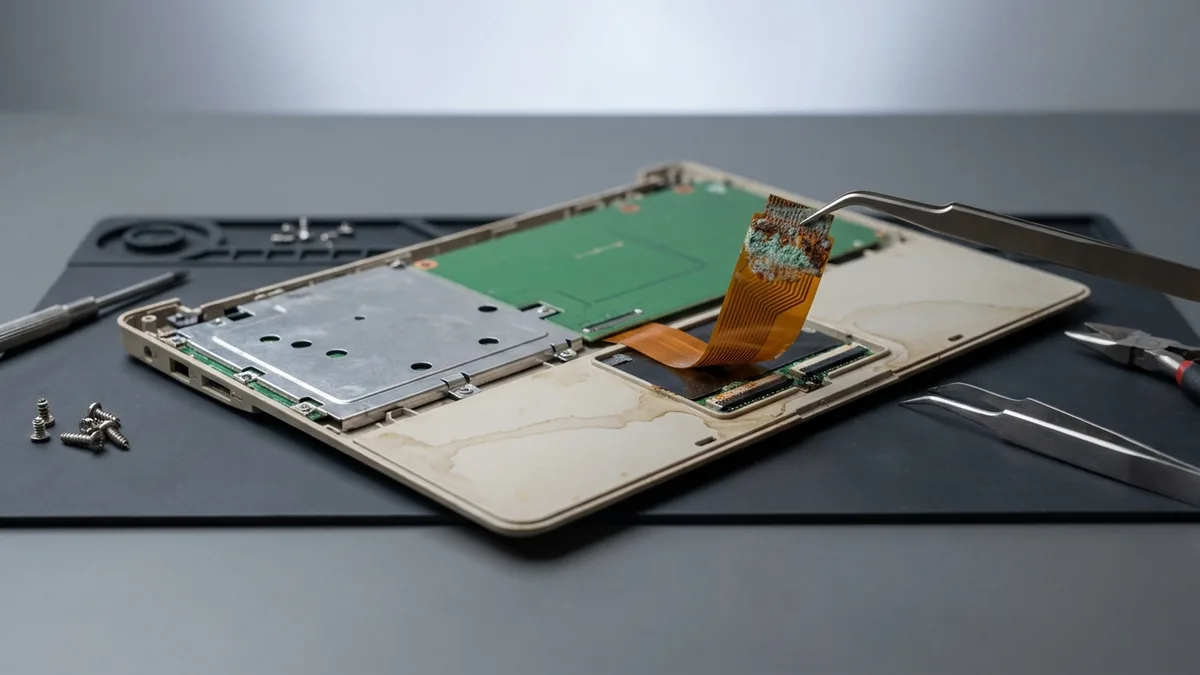
  • Liquid Damage
  • Internal Damage
  • Driver conflicts
  • Physical Impact
4.9
2,705+ Google reviews

My laptop had a broken hinge and Ivan at Esmond Service Centre provided a quote and ordered the part. He was very responsive and once the part arrived, I went down to the shop and the laptop was repaired within 2 hours. The amount I paid was exactly as quoted. No surprises and great service.

P.Y. · Alexandra · 3 Nov 2026

Easy and professional service. They kept me updated via WhatsApp and my CPU/motherboard (i9 13th gen) was fixed a lil more than a week later for $414 (aft GST). They informed me of the diagnosis, the risks of the fix and how not to fry my CPU again. Laptop returned looking like new too.

Matthew Chee · Alexandra · 13 Oct 2026

Walk in at our 2 branches

Mon to Fri : 10:00am - 7:00pm · Sat : 10:00am - 3:00pm · Closed on Sunday and PH

Repair Services

Laptop Touchpad Repair and Replacement in Singapore

Last updated:

Experiencing an unresponsive or erratic laptop touchpad? Esmond Service Centre specializes in professional laptop touchpad repair in Singapore. We offer swift, reliable touchpad repairs and replacements for all major laptop brands including MacBook, Dell, HP, Lenovo, ASUS, Acer, MSI, and more, ensuring your device navigates smoothly again in no time.

4.9★2,705+ reviews
16+ yrsexperience
Freediagnostics
2service centres
A person in a white T-shirt printed with the ESMOND wordmark holds an open dark grey laptop in both hands, the back of its lid turned to the camera, against a plain white background.
A laptop's touchpad set into a silver palm rest, its smooth surface clean, with the bottom row of keys above it.
Photo: Rodrigo Pimentel via Wikimedia Commons, released under CC0

Laptop Touchpad Repair Cost & Duration (Singapore)

Esmond Service Centre repairs and replaces unresponsive, erratic, and physically damaged laptop touchpads for MacBook, Dell, HP, Lenovo, Asus, Acer, Microsoft Surface, MSI, and Razer. Experienced technicians run a full diagnostic, fit original or brand-compatible parts, and back every repair with warranty. WhatsApp your laptop brand and model for an exact quote.

Laptop BrandEstimated Repair TimePrice (SGD)
Dell1 - 2 HoursFrom $95
HP1 - 2 HoursFrom $95
Lenovo1 - 2 HoursFrom $95
MacBook1 - 2 HoursFrom $95
Asus1 - 2 HoursFrom $95
Acer1 - 2 HoursFrom $95
MSI1 - 2 HoursFrom $95
Razer1 - 2 HoursFrom $95
Samsung1 - 2 HoursFrom $95
Toshiba1 - 2 HoursFrom $95
Aftershock1 - 2 HoursFrom $95
Huawei1 - 2 HoursFrom $95
Xiaomi (MI)1 - 2 HoursFrom $95

Prices are before GST (9% is added at payment).

*Prices vary based on model, component availability, and damage extent. WhatsApp for an instant quote.
A business laptop's dark touchpad with its physical click buttons above it, the outer two edged in red.
Photo (cropped): D-Kuru via Wikimedia Commons, licensed CC BY-SA 4.0

Supported Laptop Models for Touchpad Repairs

We provide trusted laptop touchpad repair services across various brands and models:

BrandSeries We Service
AppleMacBook Air, MacBook Pro, MacBook Neo, MacBook (12-inch)
DellXPS, Inspiron, Latitude, Vostro, Precision, Alienware, G Series
HPPavilion, EliteBook, ProBook, Envy, Spectre, Omen, Victus, OmniBook
LenovoThinkPad, IdeaPad, Legion, Yoga, ThinkBook, LOQ
AsusVivobook, Zenbook, ROG, TUF Gaming, ExpertBook, ProArt
AcerAspire, Swift, Predator, Nitro, Spin, TravelMate, Extensa
Microsoft SurfaceSurface Laptop, Surface Pro, Surface Go, Surface Book, Surface Laptop Studio
MSIPrestige, Modern, Stealth, Raider, Titan, Vector, Katana, Creator
RazerBlade 14, Blade 15, Blade 16, Blade 18, Blade Stealth, Razer Book
SamsungGalaxy Book, Galaxy Book Pro, Galaxy Book Ultra, Galaxy Book Flex, Notebook 9, Odyssey
LGGram, Gram Pro, Gram Book, UltraPC
HuaweiMateBook X Pro, MateBook X, MateBook D, MateBook 14/16, MateBook E
GigabyteAORUS, AERO, GIGABYTE Gaming, G Series
FujitsuLIFEBOOK U / E / A / UH Series, Stylistic
ToshibaDynabook, Satellite, Portégé, Tecra, Qosmio
AftershockForge, Apex, Rift, MX-16, X-16 Pro, Lunar
XiaomiXiaomi Book Pro, Xiaomi Book, RedmiBook Pro, RedmiBook, Mi Notebook
OthersContact us

🔍 Not listed? We support nearly all laptop models. WhatsApp us to confirm your device.

A finger pressing on a laptop's grey touchpad, with the silver click buttons and the keyboard just above it.
Photo (cropped): Chris Satterfield (User:Compgeke) via Wikimedia Commons, public domain

Common Signs Your Laptop Needs Touchpad Repair

Recognize these symptoms? It’s likely time for a laptop touchpad repair:

  • Cursor movement is erratic, jumps, or freezes
  • Touch gestures (scrolling, tapping) fail intermittently
  • Touchpad buttons (left/right-click) stop responding consistently
  • Physical damage, looseness, or cracks on the touchpad surface
  • Ghost touches or cursor moving without input

Early repair avoids further inconvenience and maintains your productivity.

A laptop touchpad worn down by years of use: a pale, rubbed-smooth patch in the middle of its surface, framed in blue above two blue click buttons.
Photo (cropped): Chris Satterfield (User:Compgeke) via Wikimedia Commons, public domain

Why Do Laptop Touchpads Fail (and Need Repair)?

Laptop touchpads commonly fail due to:

  • Wear & Tear: Daily heavy usage affecting sensitivity and accuracy
  • Liquid Damage: Spills causing electrical shorts or corrosion
  • Internal Damage: Disconnected or damaged cables from frequent pressure
  • Software Issues: Driver conflicts or outdated firmware
  • Physical Impact: Drops, heavy impacts, or bending of the laptop body

Spilled something on it? Switch the laptop off immediately, unplug the charger, and do not power it back on — that one step decides whether the board survives. Bring it in and we will check whether a chemical clean (from S$68) is enough before anyone quotes you a new touchpad.

In many cases, a touchpad replacement ensures reliable, long-term performance.
A complete laptop touchpad module out of the machine, on white: the dark sensor pad in its metal mounting bracket, a thin amber ribbon cable at the top and the click-button board below, its label blurred.
Photo (edited): Raimond Spekking via Wikimedia Commons, licensed CC BY-SA 4.0

What's Included in Our Laptop Touchpad Repair Service?

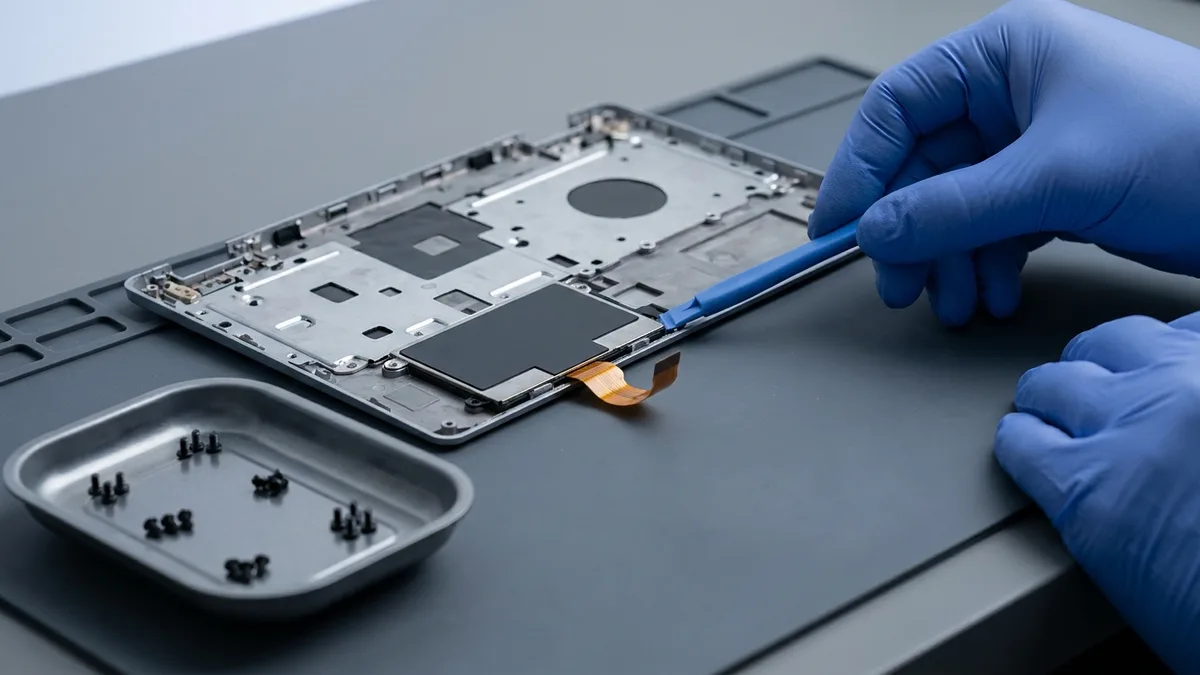
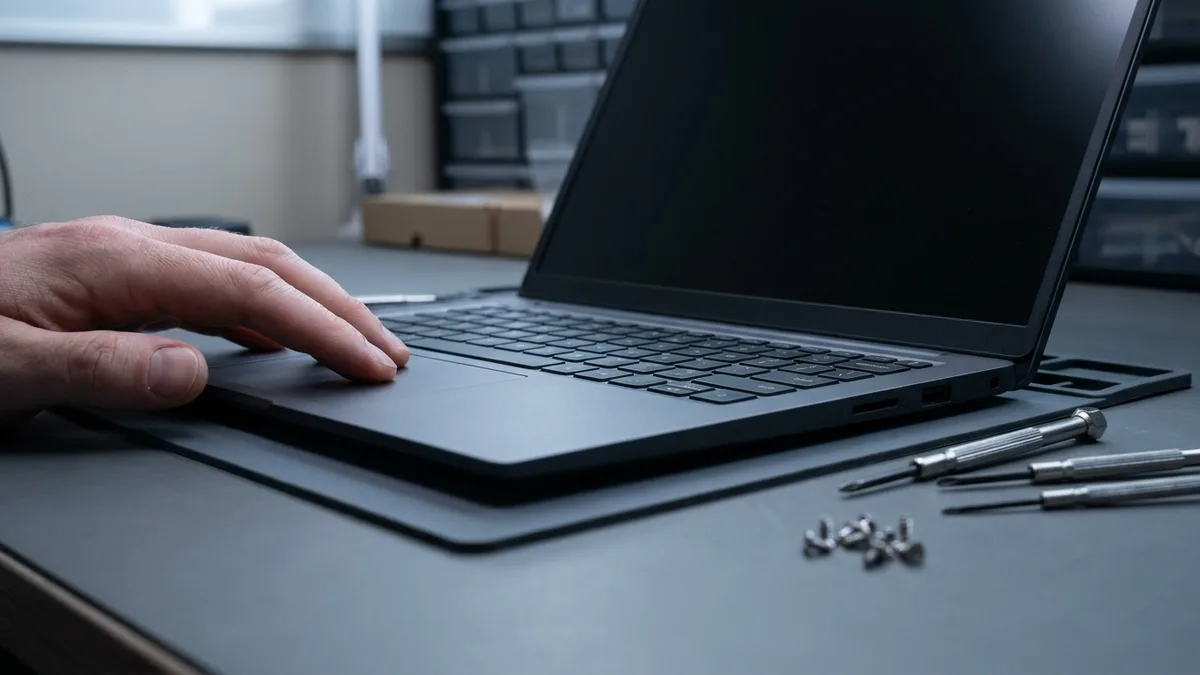
Every laptop touchpad repair at Esmond Service Centre includes:

✅ Comprehensive diagnostic assessment
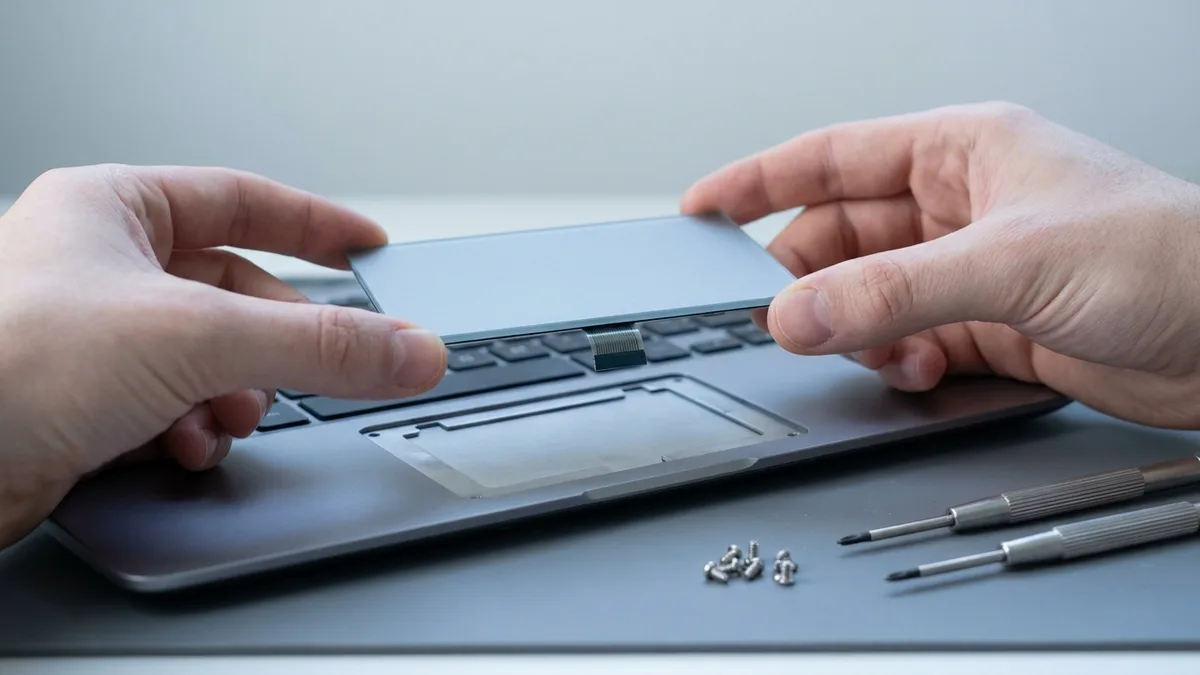
✅ Static-safe removal of damaged touchpad components
✅ High-quality replacement parts (brand-compatible or original)
✅ Functional testing (cursor tracking, clicks, gestures)
✅ Internal cleaning and thorough inspection
✅ 90-day warranty on parts and labour

Our meticulous approach guarantees your touchpad feels brand-new after repair.
A laptop on a wooden desk with an external mouse in front of it and a phone beside it, in black and white, the logos and stickers blurred.
Photo (edited): Enoch Leung via Wikimedia Commons, licensed CC BY-SA 2.0

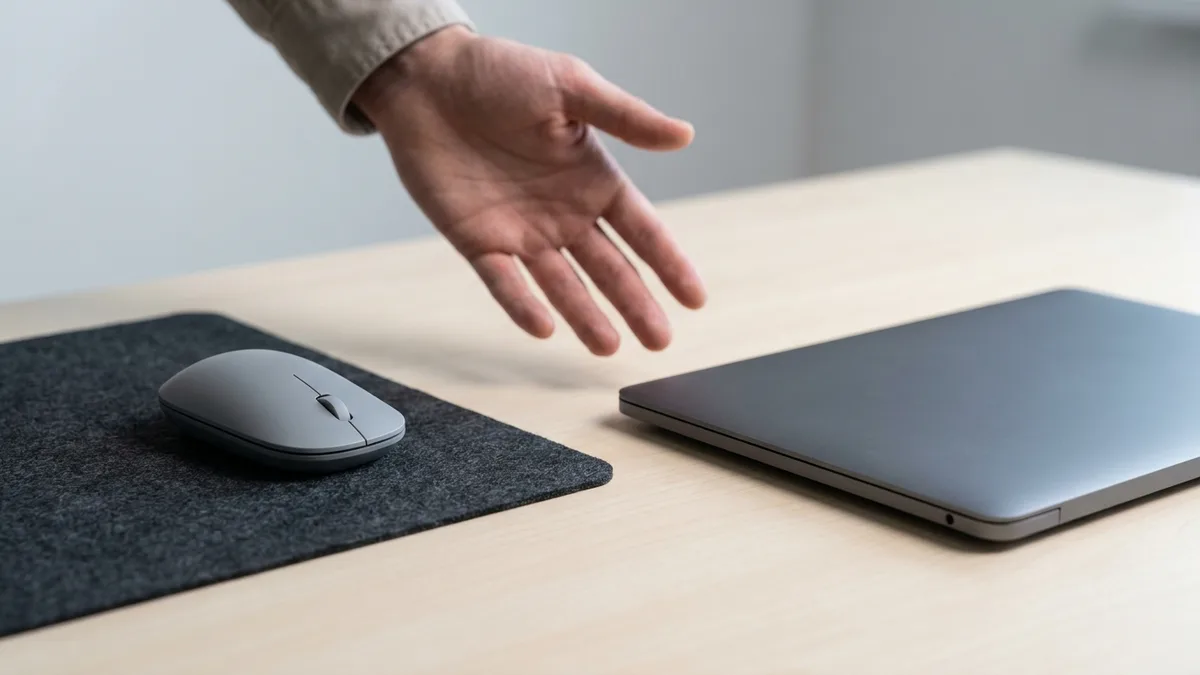
Honest Advice: External Mouse vs Laptop Touchpad Repair

At Esmond Service Centre, transparency matters. If your touchpad is faulty but you frequently use an external mouse comfortably, repairing might not be necessary. A cost-effective external mouse (from $15) often provides excellent navigation for stationary setups or occasional usage.

Choose an external mouse if:

  • Your laptop is mostly stationary at your desk
  • You prefer mouse ergonomics and precision
  • Your usage doesn't demand portability

However, opt for touchpad repair if:

  • You frequently travel or use the laptop on the go
  • You depend on touchpad gestures for productivity tasks
  • Your work environment or settings restrict external devices

Our goal is to help you decide the best practical solution—repairing only when necessary.
The underside of a laptop touchpad in its frame: the green sensor board with its fan of copper traces, a controller chip and the small connector for its ribbon cable, the maker's markings blurred.
Photo (edited): Raimond Spekking via Wikimedia Commons, licensed CC BY-SA 4.0

Why Choose Esmond Service Centre for Laptop Touchpad Repair?

Thousands in Singapore trust us for their laptop touchpad repair needs due to our:

✅ Speedy Repairs: Most replacements within 1–2 hours
✅ Multi-brand Expertise: Support for Dell, HP, Lenovo, Apple, Asus, Acer, MSI, and more
✅ Reliable Warranty: Standard 90-day warranty, optional Esmond Care extended coverage
✅ Quality Parts: Only reputable, tested components used
✅ Transparent Pricing: Clear quotes and honest advice

Choose Esmond Service Centre—your trusted partner for expert laptop touchpad solutions.
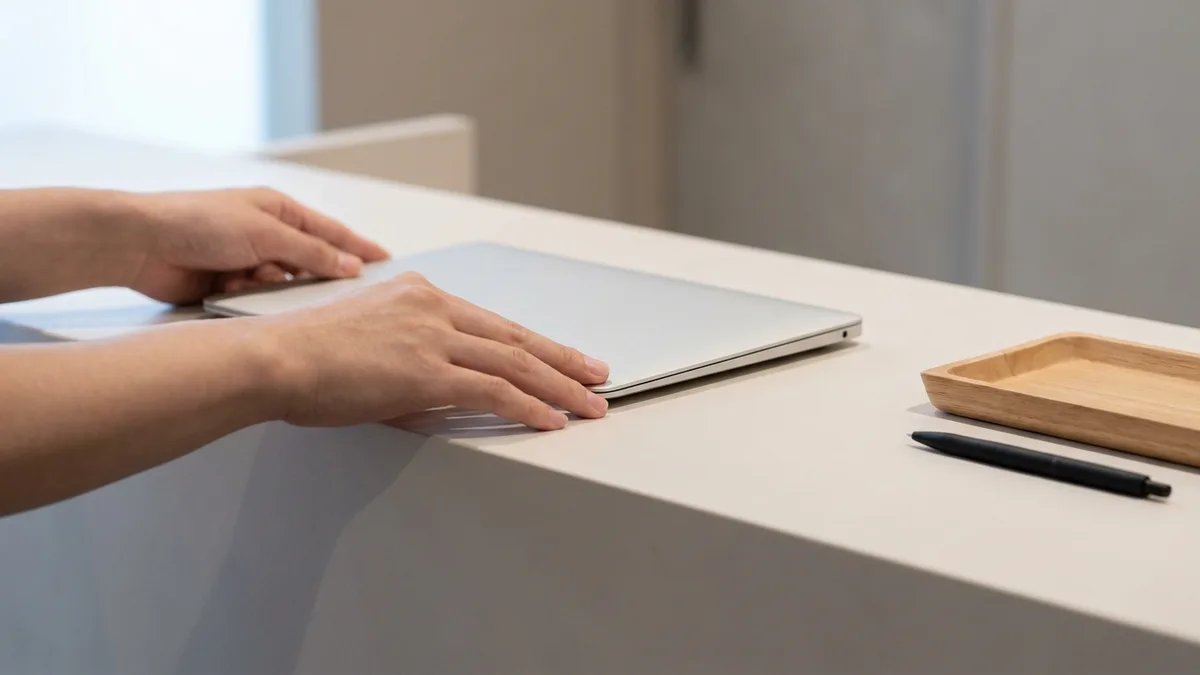
A laptop's touchpad and its two silver click buttons in a burgundy palm rest, with the status-light icons along the front edge.
Photo (cropped): Santeri Viinamäki via Wikimedia Commons, licensed CC BY-SA 4.0

How to Book Your Laptop Touchpad Repair in Singapore?

Booking a touchpad repair is easy and fast:

  • Walk-in: Visit our Singapore locations anytime (check stock availability first)
  • WhatsApp: Message your laptop’s brand, model number, and issue for immediate assistance

Not sure of your laptop's model number? See our guide to finding your laptop's brand and model number →

✅ Get a quick response, transparent quotes, and convenient booking.

Tell us what's wrong — free diagnosis, no obligation

Send us the symptom and we'll come back with what it likely is, what it will cost, and how long it will take. The diagnosis is free, and if we can't fix it, you pay nothing. The one exception is liquid damage: the compulsory chemical cleaning fee (from S$68) is paid upfront and is non-refundable.

How can we contact you?

When you send this form, OpenAI (which runs ChatGPT Ads) is told that an enquiry was made, so we can see which of our ads bring enquiries. What is shared and how to switch it off

4.9★★★★★EXCELLENT — based on 2,705+ Google reviews across 2 branches
★★★★★
Had a battery alert warning this morning on my HP Spectre laptop. Ran a battery test and the capacity is only left with 23% despite component test shows Passed. HP support ask me to calibrate the battery which is a very lengthy and tedious procedure and it does not solve the original battery issue of degraded capacity. HP Support also need time (the whole day also never get back to me) to check for stocks and price. I just need a faster clean fix to this issue i.e. simply replace the battery. Searched the Internet and found Esmond Service Centre with good reviews. Fast response and helpful advice. They transferred the battery to the branch at MidView in 2 hours and changed my battery within 30 to 40mins when I was on-site. Price was competitive compared to other quotes I got and also purchased the extended warranty for 1 year for $48. They also provided after sales customer service when I asked about my chargers. Not like some shops who will ignore you after the purchase. Great service and will look for them in future if I need to repair my laptop.Read full reviewShow less
KK JacelynSin Ming · 3 months ago
★★★★★
Highly experienced, customer focus, general great at what they're doing which servicing and repairing computer. I went there to change battery for my lap top and was highly impressed by their good technical, reasonal pricing, ease of doing business and friendliness of front desk staffs. They found something else ; ie the cooling system that required attentive alertedmet the issue via WA prompting recommending solutions and cosing. It was easy to make decision with transparent transaction. Job was done very quickly originally supposed to take 30 mins with the addition task it took another 20 mins which iscceptable a we were able to waiting relaxing while having a coffee in the multitude of F&B outlets in this mall. My laptop was very well serviced and repair and within my original estimated budget. Super happy with Esmond for their great capability and professionalism. victor who attended to us was a bit quiet but nonetheless was able to communicate important info clearly to me. Keep it up EsmondRead full reviewShow less
SSam Goh SEAlexandra · 10 months ago
★★★★★
I am extremely thankful for the outstanding service I received from Jay. I called ahead to ask whether I would need to wait to get my laptop repaired, as it had completely stopped turning on and it was an urgent situation for me. I was told to simply walk in, and to my surprise, the issue was diagnosed and fixed in less than 30 minutes. What impressed me most was that the repair was done right in front of me, and Jay remained professional, friendly, and transparent throughout the entire process. To top it all off, he explained that it was only a quick fix and chose not to charge me anything. I truly couldn’t be more grateful for the help and exceptional customer service. Thank you, Jay, for turning a stressful situation into such a positive experience. Highly recommended! Also noticed that they sell other small gadgets which can make good last min gifts too!Read full reviewShow less
JJollene YangAlexandra · 2 months ago
★★★★★
Sent my iMac in for a screen replacement and had a very positive experience with Esmond Service Centre. Customer service was responsive and patient throughout the process, and they kept me updated clearly. Repair was completed quickly and the iMac is working well again. They also showed me photos of the internal dust buildup and explained the recommended servicing transparently, which I appreciated as someone not familiar with repairs. Overall, a smooth and reassuring experience. Thank you for the professional service!Read full reviewShow less
WWendy AngSin Ming · 3 months ago
★★★★★
I messaged Esmond Service Centre to get my MSI screen fixed and was impressed right from the start. They replied quickly, and I was able to head down on the same day itself. I could simply walk in and wait at the store, and the technician took the time to look at my device and give solid, practical advice. They also stuck exactly to the estimated timing of 1–2 hours, which made the whole experience smooth and hassle-free. Everything was handled efficiently and without any fuss. Excellent job and great service overall.Read full reviewShow less
NNiveethaSin Ming · 4 months ago
★★★★★
5/5 experience and service Appreciate the prompt responses! It was easy to book an appointment / timeslot because they are very approachable. It's an introvert-friendly experience. I like how direct and straightforward the process and advices/quotations were. I'm a big fan of that. Was also my first time finding a service to replace my laptop battery, and I'm so glad to have found them. Will definitely come back again for further assistance. 😄Read full reviewShow less
Ffatin nur aqilahAlexandra · 6 months ago

Frequently Asked Questions

How much does laptop touchpad repair cost in Singapore? +
Prices start from S$95 depending on your laptop model and brand.
How long does a laptop touchpad repair take? +
Repairs typically take 1–2 hours.
Do you provide warranty on touchpad repairs? +
Yes, all repairs include a standard 90-day warranty, with optional extended coverage available.
Is it worth repairing a laptop touchpad or just using an external mouse? +
If your laptop stays at a desk and you already use a mouse comfortably, a cost-effective external mouse (from $15) may be all you need. But if you travel, rely on gestures, or work where external devices are restricted, a touchpad repair is the better fix. We give honest advice and recommend repair only when it genuinely benefits you.
Which laptop brands do you repair touchpads for? +
We support nearly all laptop models, including MacBook, Dell, HP, Lenovo, Asus, Acer, Microsoft Surface, MSI, Razer, Samsung, Toshiba, Aftershock, Huawei and Xiaomi. If your model isn't listed, just WhatsApp us your brand and model to confirm.
Is the diagnostic really free? +
Yes. Every touchpad repair starts with a comprehensive diagnostic assessment, and you get a clear, transparent quote before any work begins. WhatsApp your laptop brand and model for an instant estimate at no cost.
Where can I get my laptop touchpad repaired near me? +
Esmond Service Centre has 2 branches in Singapore, at Alexandra and Sin Ming, and is rated 4.9 stars by thousands of customers. You can walk in (check stock availability first) or WhatsApp your laptop's brand, model and issue for immediate assistance.

Need expert help with your device?

Bring it to Esmond Service Centre at Sin Ming or Alexandra — free diagnostics, repairs from $65, many done in 1–2 hours.


WhatsApp us