
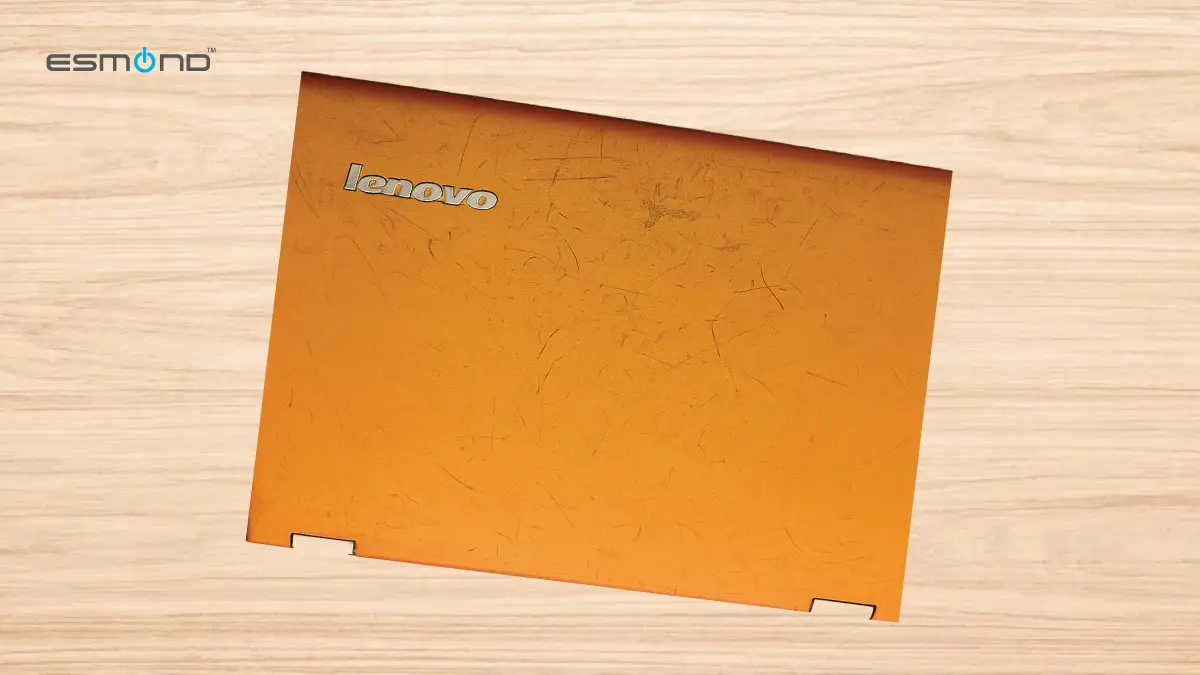
Have you noticed the exterior of your Lenovo laptop becoming sticky or tacky to the touch? This common Lenovo sticky cover issue frustrates many users, affecting usability and looks. A gummy laptop cover feels unpleasant to hold and also attracts dust, making a once sleek device look grimy. The culprit is usually the soft-touch rubberized coating on Lenovo models breaking down over time – especially in warm, humid climates – leaving a tacky residue on the surface.
At Esmond Service Centre we see this constantly — it is one of the most common complaints on older ThinkPad, IdeaPad and Yoga machines in Singapore, because the thing that destroys the coating is humidity and we have plenty of it. Our branches are at 460 Alexandra Road, ARC @ Alexandra Retail Centre #02-39, Singapore 119963 and 24 Sin Ming Lane, Midview City #01-100, Singapore 573970. This guide explains what is actually happening to the surface, how to clean it safely yourself, what that costs you, and when replacing the panel is the only real fix.
What Causes a Lenovo Sticky Cover?
Lenovo covers turn sticky because the rubberised “soft-touch” coating on older ThinkPad, IdeaPad and Yoga models chemically degrades. Most soft-touch finishes are ester-based polyurethane, and they break down by hydrolysis: water from the air works into the coating and cuts the long polymer chains into short, low-weight fragments that migrate to the surface as a tacky film. ⭐ That is why Singapore is hard on these machines — humidity is not an aggravating factor here, it is the mechanism. Heat and UV speed the same reaction up, and age does the rest.
Everyday use can also introduce factors that accelerate the sticky cover problem. Continuous exposure to high humidity and heat softens the coating over time. Skin oils, sweat, and certain cleaning chemicals can react with the rubberized paint too. Additionally, prolonged sun exposure (UV light) can embrittle and break down the coating. Age is a major factor – most Lenovo sticky cover complaints only arise after a few years of use.
Once the rubberized layer starts breaking down, there is no reversing it – it’s a permanent chemical change, not just surface dirt.
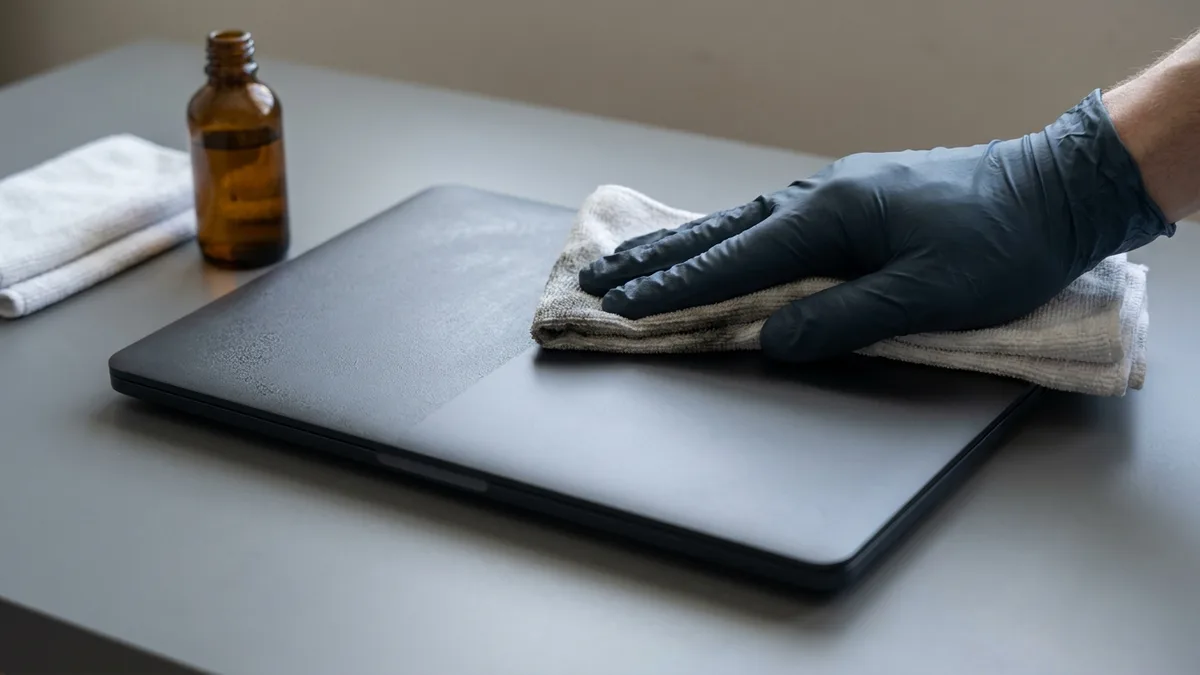
How Do I Fix a Lenovo Sticky Cover at Home?
Before you touch it with anything wet — power the laptop down. This is Lenovo's own first instruction and it is not a formality: you are about to rub a flammable solvent over a machine. Lenovo's cleaning document says to “turn off all connected devices and the computer”, then “disconnect all power sources such as batteries or power cords from electrical outlets and disconnect all cables”. Do that first, work through the steps in order, and let the laptop dry completely before you power it back on.
- Power off, unplug, and remove the battery if yours comes out. Shut the laptop down properly, pull the charger and every cable, and if the model has a removable battery take it out. Lenovo's own instruction is to disconnect “all power sources such as batteries or power cords” before cleaning. ⛔ Do not skip this because the next step involves alcohol: Lenovo states plainly that “Isopropyl Alcohol is a flammable liquid. Do not use this cleaner near an exposed flame or when the system is on.”
- Initial gentle clean. Start with mild soap and water. Dampen a soft cloth or sponge with warm water and a drop of dish soap, wring it out so it is damp rather than wet, and gently wipe the cover to lift surface grime and some of the tackiness. This will not undo the rubber breakdown — it just clears the dirt so you can see what you are dealing with. Wipe dry with a clean cloth.
- Isopropyl alcohol rub. If the stickiness is still there, take 70%–90% isopropyl alcohol and lightly dampen a microfibre cloth — never pour liquid onto the laptop. Wipe the sticky areas with steady pressure. You should see black or grey residue lifting as the alcohol dissolves the degraded coating; move to a clean part of the cloth as it loads up and keep going until the tack is gone. Underneath you will reach the plain plastic or paint that was always below the rubber layer. Work in a ventilated area, keep liquid out of every seam, vent and port, and remember the laptop stays off throughout.
- If patches will not shift — the baking soda option, and its honest cost. A paste of baking soda and water, left for an hour and then wiped off, does shift stubborn patches. ⛔ But it is a mild abrasive, and abrasives are exactly what Lenovo warns about. Its cleaning document says to use “only mild cleaning solutions (non-ammonia based and non-abrasive)”, and it carries a section headed “Paint Peeling with ThinkPad” stating that peeling “may occur when using Bleach, Acetone, ammonia-based cleaning solutions, abrasive solutions, or other organic solvent materials” — with photographs. On the ruined coating itself that trade is usually worth making, because the finish is already gone. Keep it off anything still intact — printed logos, model badges, the screen bezel and any painted area you are not stripping — because there it will haze and lift the paint.
- Final wipe and full dry. Go over the cover once with a cloth lightly dampened with plain water to remove the last of the alcohol or paste, then dry it thoroughly. Leave it to air-dry completely before reconnecting power. The lid should feel smooth rather than tacky — matte and plain where the soft-touch used to be, which is the finish that was underneath all along.
What to avoid: Lenovo names the products that damage its own machines — bleach or sodium hypochlorite, acetone and other ketones, ethyl alcohol, toluene, methyl chloride, and ammonia-based or abrasive solutions. Paint thinner and MEK belong on the same list; they will soften the plastic itself, not just the coating. Skip abrasive pads and metal tools entirely, and be wary of oily cleaners such as WD-40 or Goo Gone, which trade a sticky cover for a greasy one. ⭐ What Lenovo recommends for a healthy cover is pure water or a mild, non-abrasive, non-ammonia cleaner — worth knowing, because that is exactly what keeps the machine you fix from getting worse.
Disclaimer:
The DIY cleaning methods above are intended for a Lenovo sticky COVER in its earlier stages, where an at-home clean is still realistic. Please proceed with care: used wrongly, these techniques and cleaning agents can cause further damage to your laptop, and Esmond Service Centre is not liable for any damage, loss or negative outcome arising from following them. If the cover is severely degraded, or you are not confident doing this yourself, have a professional look at it instead.
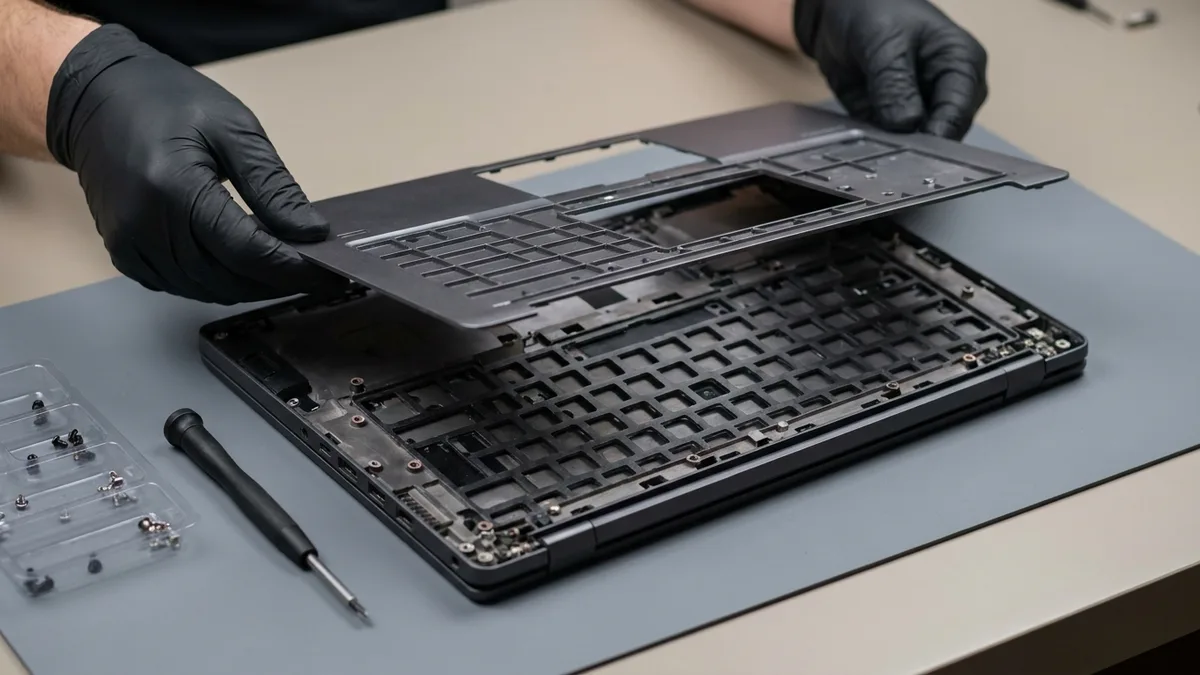
When Is Replacing the Panel the Only Real Fix?
There is a point where cleaning stops being the answer. If the coating has gone past tacky into genuinely gooey, if it has started lifting in sheets, or if it covers the palm rest where your hands sit all day, stripping it yourself leaves a patchy, uneven surface you will look at for the rest of the machine's life. At that point the panel is the fix, not the cleaner.
Professional stripping, in a controlled environment. A repair bench can remove the degraded coating with proper solvents and tools, and can take the machine apart to reach the places you cannot — around the hinges, under the bezel edge, into the seams where the residue collects and where you should never put liquid yourself. It is done on an anti-static bench, which is the part that matters once a laptop is open.
Or replace the panel outright. If the cover is too far gone, the honest answer is a new one. Esmond Service Centre replaces both panels: a Top Case (screen housing) replacement from $190, and a C Case (keyboard palm rest housing) replacement from $238 — the palm rest being the one that goes sticky first on a ThinkPad, because that is where your hands are. Both are 2 to 3 hour jobs, with free diagnosis and no fee if we cannot fix it. Prices vary by model, so send us yours for an exact quote. We fit verified compatible panels, and we tell you the exact part before you agree.
Where to bring it. Our Lenovo repair specialists work at both branches — 460 Alexandra Road, ARC @ Alexandra #02-39, and 24 Sin Ming Lane, Midview City #01-100. We will tell you honestly whether a thorough clean will do it or whether the panel needs replacing, and what each costs, before anything starts.
How Do You Stop It Coming Back?
- Keep It Cool and Clean: Avoid exposing your laptop to extreme heat or humidity. Don’t leave it in a hot car or under direct sun for long periods – high temperature and moisture accelerate rubber deterioration. Whenever possible, use and store your Lenovo in a well-ventilated, dry area. Also, wipe the exterior occasionally with a soft, slightly damp cloth to remove skin oils and dust. This simple routine prevents grime build-up that can break down the coating over time.
- Use Protective Covers: Applying a vinyl skin decal or a snap-on hard shell case can extend the life of your laptop’s finish and avoid future Lenovo sticky cover troubles. These covers shield the original rubberized surface from direct contact, UV light, and scratches. By covering the lid (and even the palm rest) with a protective layer, you reduce exposure to the elements that cause stickiness. (Using a keyboard cover or palm rest protector can also keep your hands’ oils off sensitive areas.) Additionally, avoid putting tape or stickers on the laptop’s cover – adhesives can leave residue or chemically interact with the coating, creating future stickiness.
The Short Version
A sticky Lenovo cover is polyurethane breaking down by hydrolysis, and it is permanent — cleaning removes the residue, it does not bring the soft-touch finish back. Power the laptop off and unplug it before anything wet touches it; 70–90% isopropyl alcohol on a cloth does most of the work; a baking soda paste shifts the rest but is an abrasive, so keep it off anything still intact; and never reach for acetone, bleach, ammonia or a scouring pad. When the coating is too far gone to clean, a Top Case replacement from $190 or a C Case from $238, both 2 to 3 hours with free diagnosis, is the fix that lasts.
Stay Connected with Esmond Service Centre
Enjoyed this comprehensive guide? Follow our Facebook page, LinkedIn profile or Instagram account for more expert insights and practical tips on cutting-edge technology. We regularly share DIY tutorials, tech maintenance advice, and the latest updates to help you get the most from your devices. And if you ever need personal assistance – whether it’s fixing a Lenovo sticky cover or any other tech issue – don’t hesitate to contact Esmond Service Centre. We’re always here to help!

Esmond Service Centre's experienced technicians can diagnose and fix it fast — free diagnostics, repairs from $65.