

📑 On this page
Most people never think about their network until it stops. The Wi-Fi drops in one corner of the flat, a video call freezes in the middle of a meeting, or the office internet dies on the morning of a deadline. By then the fix is a rushed, expensive call-out. Network maintenance is simply the opposite habit: a handful of small checks done on a schedule so that the equipment carrying your traffic stays healthy and the failures never arrive in the first place.
Everything below is written against primary guidance, not opinion. The home steps come from the Cyber Security Agency of Singapore’s own router advisories; the business-grade steps come from the United States’ Cybersecurity and Infrastructure Security Agency (CISA). Where those bodies state something in their own words, we follow it rather than paraphrase, because the detail is where the safety lives.

What Network Maintenance Services Actually Cover
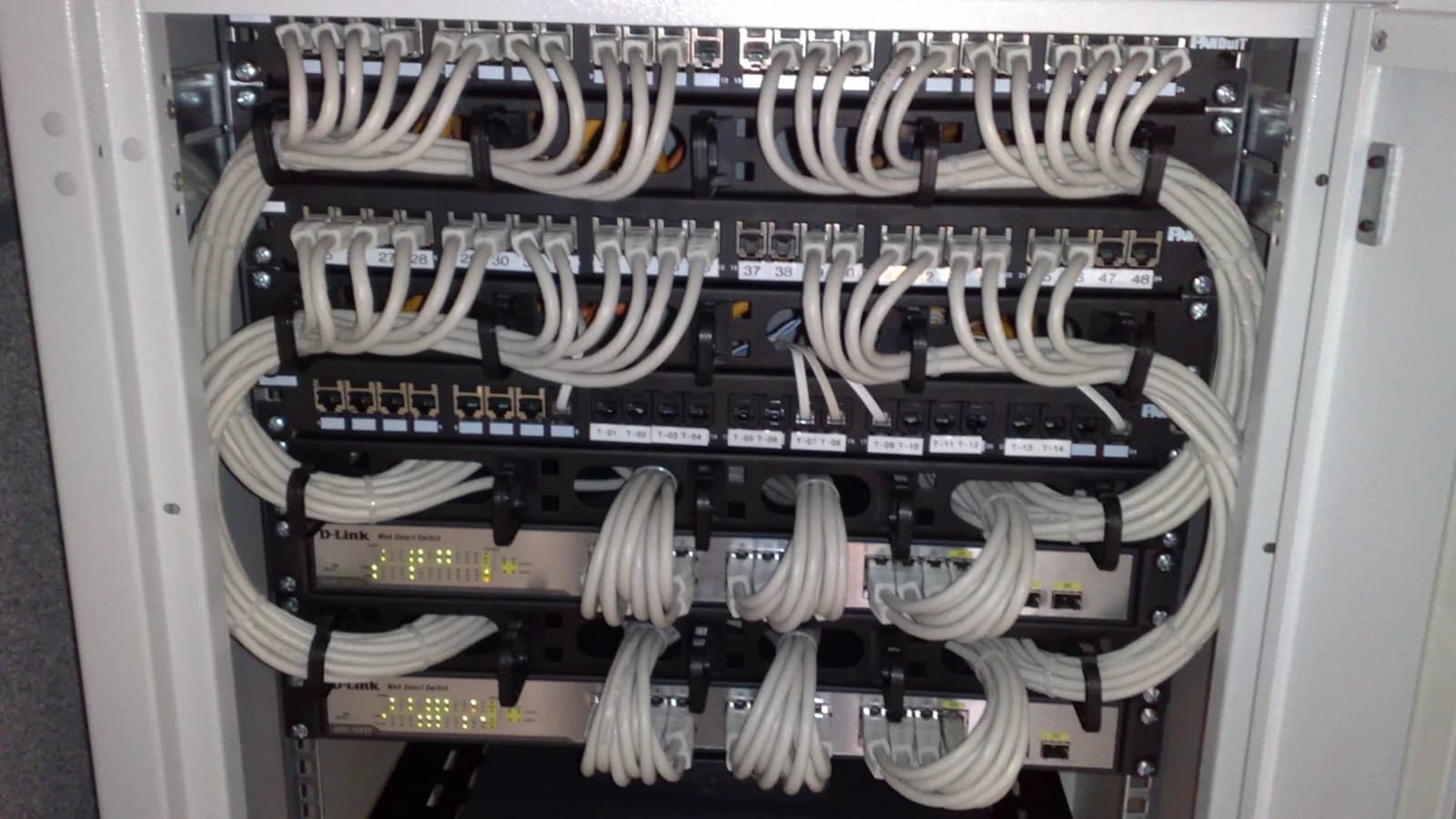
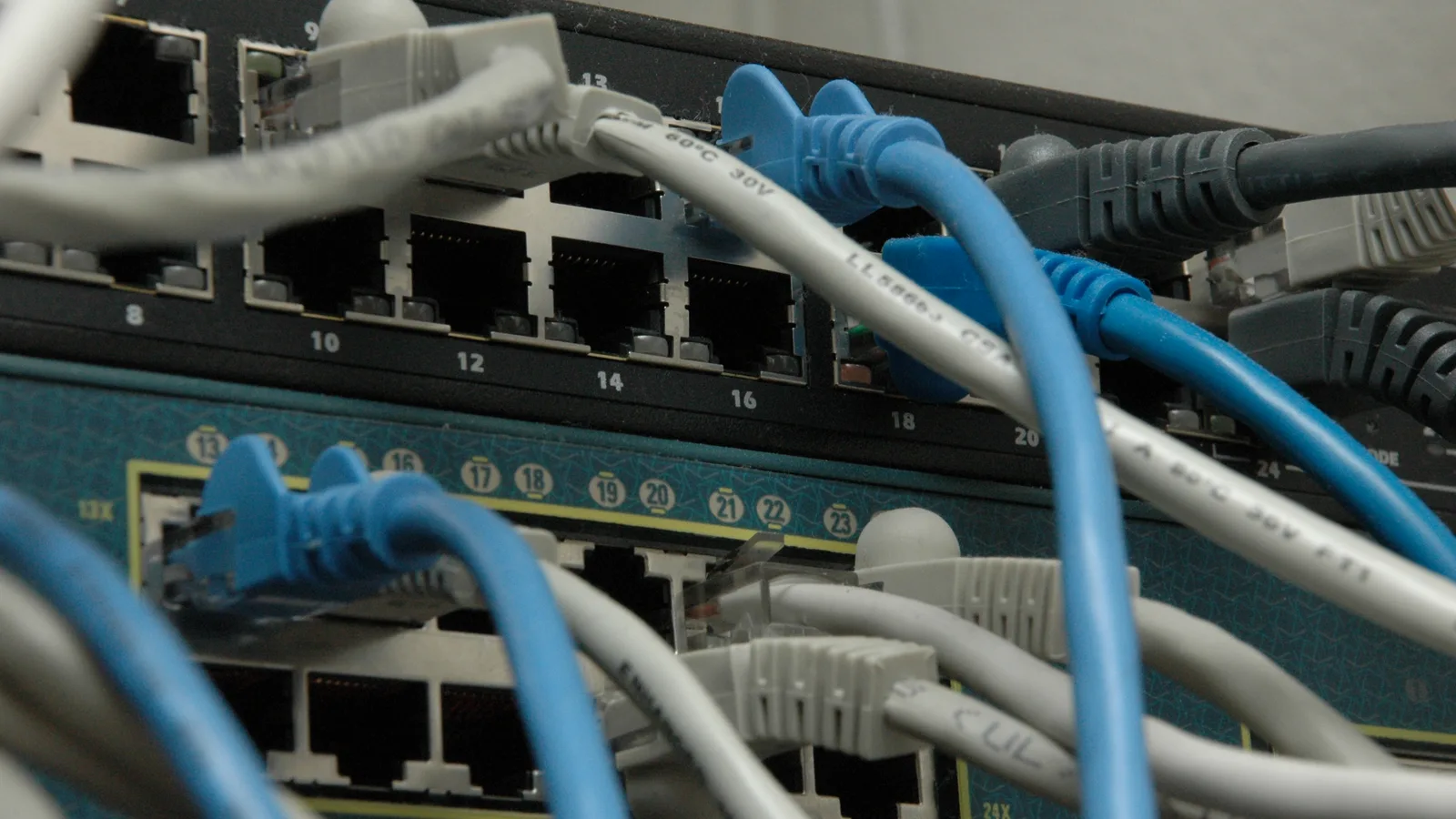
Strip away the jargon and network maintenance is the ongoing care of three things: the hardware that moves your data (the router, any switches, the Wi-Fi access points), the software inside that hardware (its firmware and configuration), and the security settings that decide who may reach it. Industry frameworks such as Cisco’s PPDIOO lifecycle and ITIL give this an ‘operate’ phase a formal name, but the substance is the same whether it is a home mesh or a server cupboard. A maintenance routine typically covers:
- Firmware and patching — keeping every device on its latest supported software so known holes are closed
- Credentials and access — replacing default logins, using strong unique passwords, and limiting who can administer the equipment
- Configuration and backups — recording how the network is set up and keeping a safe copy so a dead device can be restored, not rebuilt from memory
- Monitoring and housekeeping — watching for faults, clearing the dust and heat that kill hardware early, and retiring equipment the manufacturer no longer supports
Why It Matters in Singapore
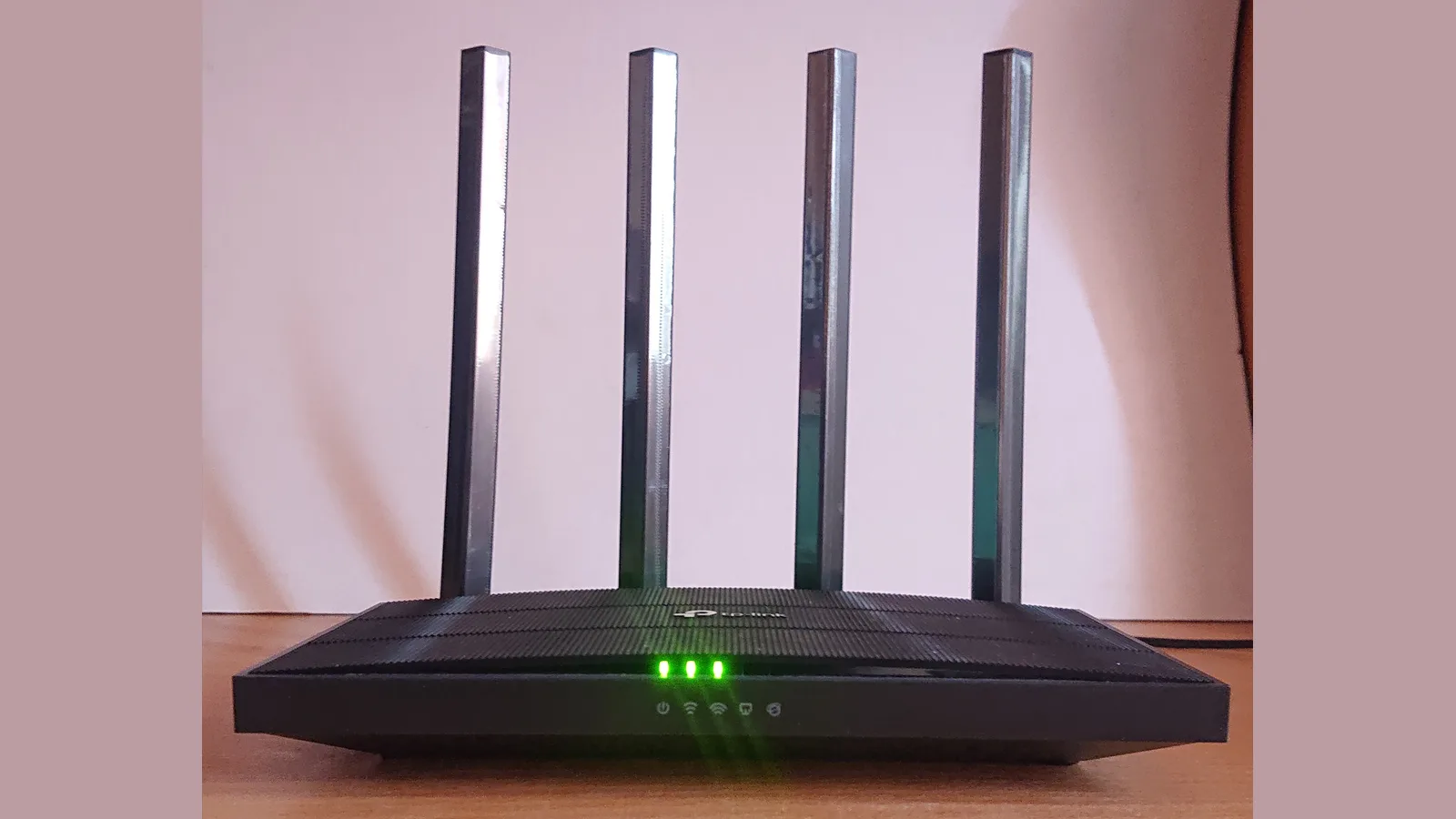
A neglected router is not a harmless inconvenience; it is an open door. The Cyber Security Agency of Singapore (CSA) warns that threat actors target routers as an entry point into homes and offices, and that a compromised one can be used to intercept communications, steal credentials, or quietly join a botnet. This is not hypothetical here: in 2025 the authorities found more than 2,700 Singapore devices, routers among them, infected as part of a global botnet capable of launching denial-of-service attacks.
Regulation has followed the risk. Every residential router sold in Singapore must already meet the Cybersecurity Labelling Scheme’s Level 1 bar — unique default passwords, a vulnerability-management process and kept-current software — and CSA and IMDA have said they will raise that requirement to Level 2 by the end of 2027. CISA adds the reason these devices are such prizes: nearly all of an organisation’s traffic passes through them, so an attacker who controls the network device can watch, reroute or block everything that crosses it. Maintenance is how you keep that door shut.
_-_Front_Side.jpg)
A Maintenance Routine You Can Run Yourself
For a home or a very small office, most of the value is in five habits, all drawn straight from CSA’s published router advice. None of them needs a technician:
- Step 1 — Change the default admin login and the Wi-Fi password. CSA’s first step is to replace the credentials the router shipped with and set a strong passphrase mixing upper and lower case, numbers and symbols. The factory password is printed in manuals and guessed by bots within minutes.
- Step 2 — Turn on automatic firmware updates. CSA notes that outdated firmware exposes a router to attacks that exploit known vulnerabilities, and recommends enabling automatic updates so critical patches are never missed.
- Step 3 — Switch off what you do not use, but never the firewall. Disable unnecessary services and features, and do not enable remote management unless you genuinely need it; if you do, put it behind a VPN and restrict it to trusted addresses. CSA is explicit that the built-in firewall should never be turned off.
- Step 4 — Restart the router every one to two months. CSA advises a periodic reboot to clear temporary glitches, refresh the connection with your ISP and free the router’s memory — a two-minute job that heads off a surprising share of slow-Wi-Fi complaints.
- Step 5 — If you suspect it has been compromised, factory reset rather than just reboot. CSA points out that a reset erases all custom configuration, including any malicious scripts a reboot would leave in place — after which you re-apply the steps above from scratch.
Home Upkeep vs a Network Maintenance Company
The routine above is enough for most households. An office is a different proposition: more devices, more people, traffic that must not be seen by the wrong eyes, and downtime that costs real money. That is where network support and maintenance stops being a personal habit and becomes a service. The table below sets the two side by side.
| What it looks after | Doing it yourself | A network maintenance company |
|---|---|---|
| Passwords & firmware | You change default logins and switch on automatic updates | Every device patched on a schedule, checked and logged |
| Network separation | One flat network for everyone and everything | Guest, staff and smart-device traffic split into separate segments (VLANs) |
| Monitoring | You find out when something has already broken | Proactive monitoring that flags a failing device before it takes others down |
| Configuration backups | Rarely kept — a dead switch is rebuilt from memory | Encrypted backups stored off the network, so a failed device is restored in minutes |
| Access control | A single shared password | Multi-factor logins and a separate administrator account per person |
| Best suited to | A home or a handful of devices | An office where downtime costs money or data is sensitive |
What a Network Maintenance Company Does Differently
A professional maintenance contract is really the CISA checklist, applied continuously and documented. The headline tasks are:
- Segmentation. Splitting the network so a problem — a compromised laptop, a chatty printer — is contained in one segment instead of reaching everything (CISA recommends VLANs and least-privilege design).
- Hardened access. Multi-factor authentication for administrators, no default passwords, no unencrypted remote-admin protocols, and long passphrases.
- Verified firmware. Downloading updates only from the vendor and checking them against the vendor’s own hash before applying, so a tampered image is caught.
- Off-network backups. Keeping encrypted copies of every device’s configuration somewhere separate, so recovery is a restore rather than a rebuild.
- Lifecycle management. Patching to the latest supported version and planning the replacement of hardware the manufacturer has stopped supporting, before it becomes the weak point.
When to Stop DIY and Call In Network Support and Maintenance
Run the routine yourself while it is a home and a handful of devices. Think about a network maintenance service when the stakes rise: when staff and customers share one connection, when a few hours offline would cost you orders or billable time, or when you handle personal data you must protect. Be honest about what maintenance will and will not fix, too: good upkeep prevents most faults, but it cannot fix a failed power supply or a router the manufacturer no longer supports — that hardware cannot be repaired by patching and needs replacing. And get the security basics wrong and the risk is real: a compromised router can lead to intercepted banking logins and data loss. So know when to stop and seek professional help — if you think a router is actively compromised, stop using it for sensitive logins until it is reset. If you are weighing it up, our business IT support page explains how ongoing support is structured, and for Wi-Fi problems that look like faults but are really maintenance, why your Wi-Fi works everywhere except home is a good place to start.

Common Questions
If your question is not here, send us a note describing your setup — how many devices, home or office, and what keeps going wrong — and we will tell you whether it is a five-minute fix or something worth maintaining properly.
Esmond Service Centre's experienced technicians can diagnose and fix it fast — free diagnostics, repairs from $65.