
📑 On this page
If you're facing issues with your Acer laptop or desktop in Singapore, knowing where to find reliable support is crucial. This comprehensive guide will help you locate an Acer Service Center in Singapore, understand the types of repairs offered for Acer laptops and desktops, and navigate the differences between warranty and out-of-warranty service. By the end, you'll be equipped to get your Acer computer repaired efficiently – whether through the official service center or a trusted third-party partner – all while following best practices for a smooth support experience.
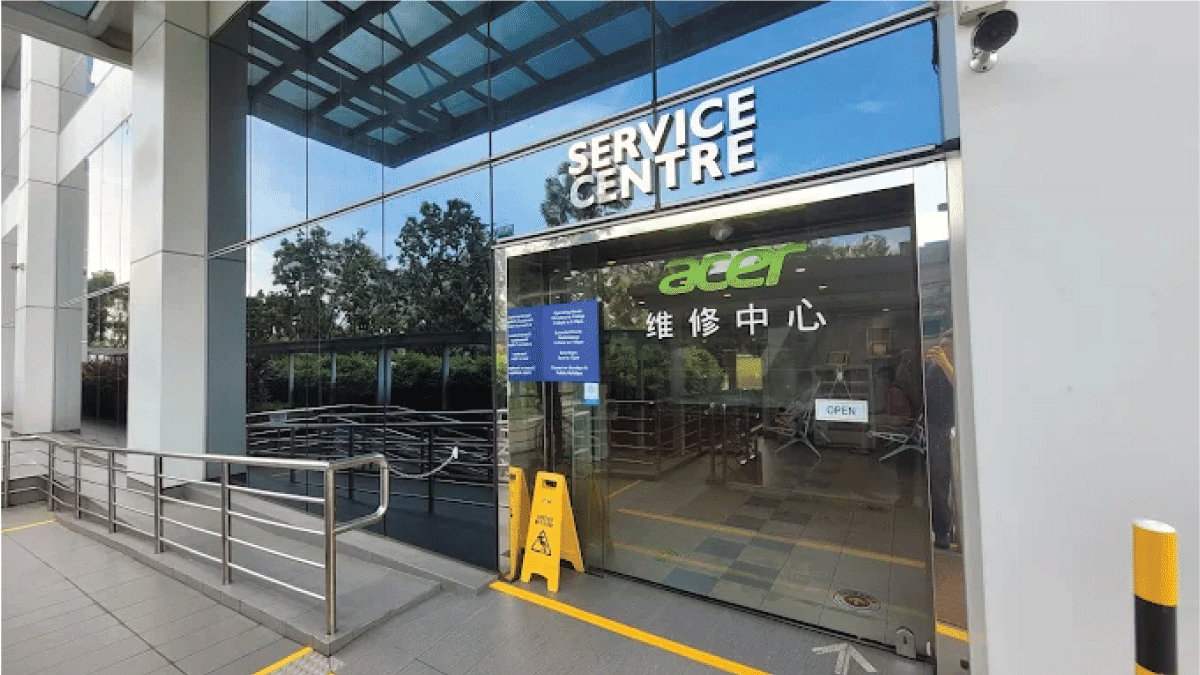
Locating the Official Acer Service Centre in Singapore
The main Acer-authorized Service Centre in Singapore is located in the Jurong East area. Here are the key details for planning your visit:
- Address: 10 Toh Guan Road, #05-06 (Lobby C), Singapore 608838.
** This location is in the Jurong East / Toh Guan area, near Jurong East MRT Station (NS1/EW24), accessible by public transport. - Contact Number: You can reach Acer’s helpdesk support at 1800-895-6299 for any inquiries or to confirm service arrangements.
- Operating Hours:
Monday to Friday, 8:45am – 5:15pm
(with extended hours every Wednesday until 7:45pm)
Saturday, 9:00am – 12:00pm
(Closed on Sundays and Public Holidays)
It’s advisable to visit early on weekdays or call ahead during extended hours if you need after-work assistance.
Tip: Before heading to the Acer Service Center, always back up your important data. The technicians may need to reinstall software or replace hardware components, which can result in data loss. Acer’s official reminder is that customers should save or remove essential data before servicing, as hard drives might be formatted or replaced during repair. Bringing along your device’s proof of purchase or warranty card (if under warranty) is also recommended to streamline the check-in process.
Common Acer Laptop and Desktop Issues Supported
The Acer Service Center in Singapore is equipped to handle a broad range of hardware and software issues for Acer laptops and desktops. Acer-experienced technicians have experience with popular models like the Acer Aspire, Swift, Predator, and Veriton series. Here are some of the common Acer computer problems they can help you resolve:
- Screen and Display Repairs: Fixing cracked or flickering laptop screens (see our Acer laptop screen replacement guide), resolving display output issues on Acer notebooks, or addressing GPU/display faults on desktops.
- Keyboard and Touchpad Replacement: Repairing unresponsive laptop keyboard keys (see our Acer laptop keyboard replacement guide), non-functional touchpads, or replacing broken hinges and chassis parts on portable models.
- Battery and Power Issues: Replacing a worn-out laptop battery (see our Acer laptop battery replacement guide), troubleshooting charging problems, and fixing AC adapter or power jack issues. For Acer desktop PCs, the service center can replace faulty power supply units (PSUs) and address power failure symptoms.
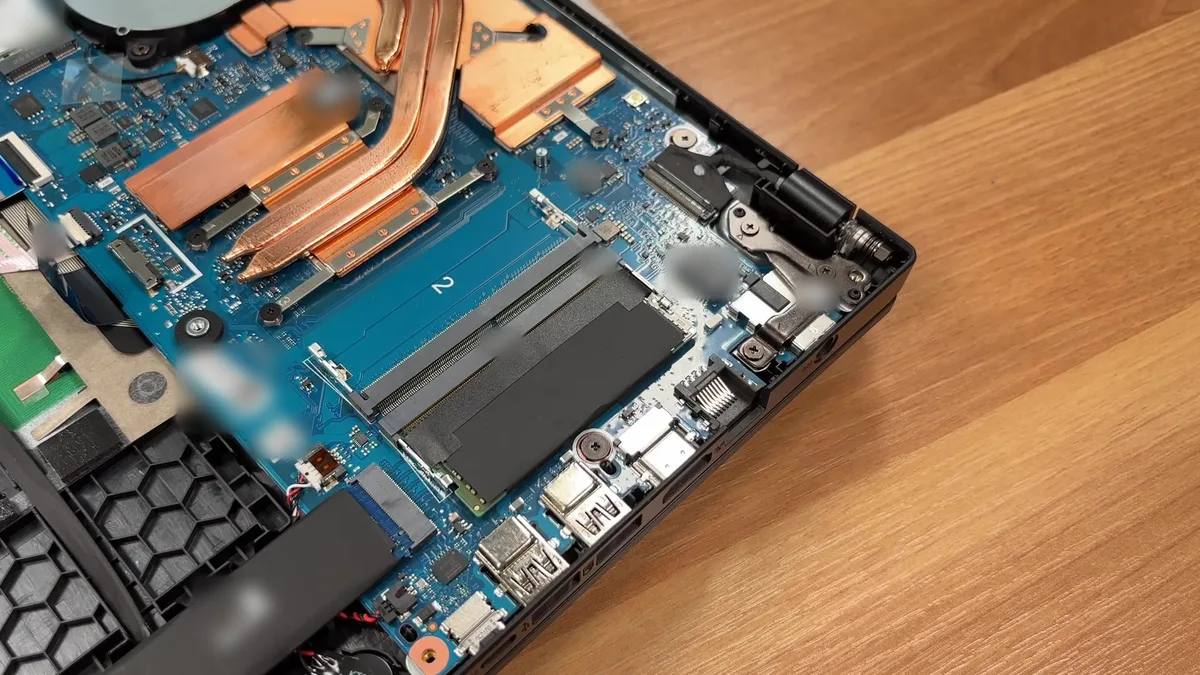
- Motherboard and Hardware Component Repairs: Diagnosing and replacing defective motherboards, RAM modules, or graphics cards. This includes solving boot-up failures, random shutdowns, and other hardware-related issues in both Acer laptops and tower desktops.
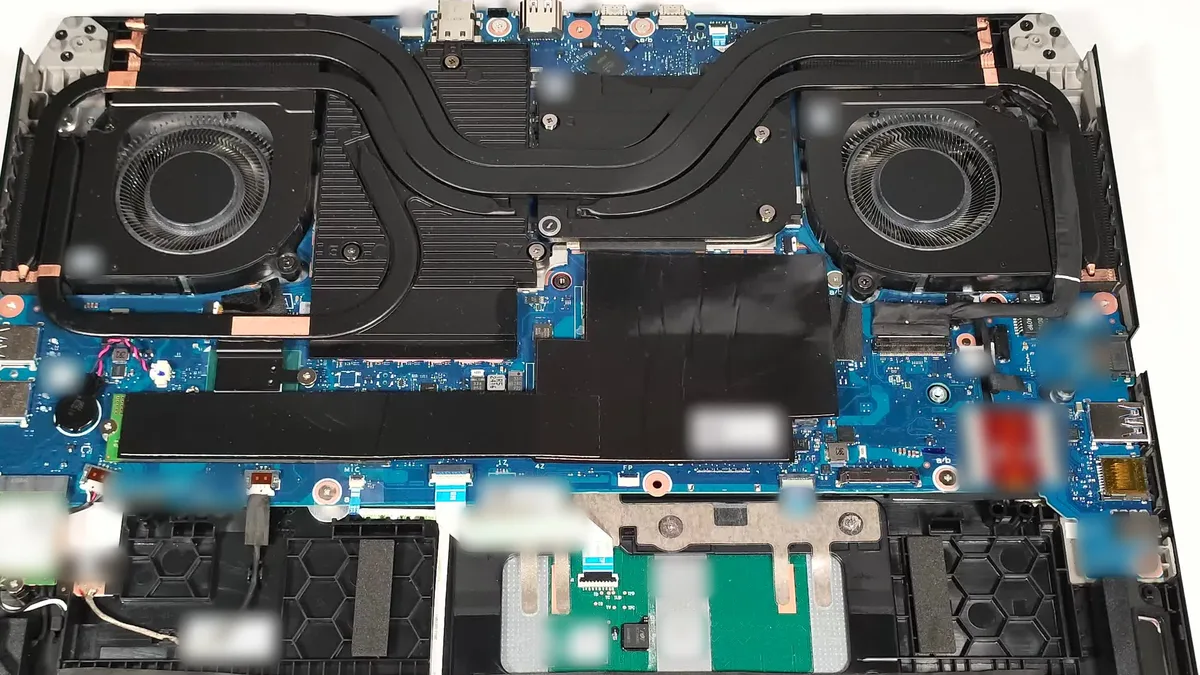
- Cooling and Overheating Solutions: Cleaning internal dust or replacing cooling fans and thermal paste to fix overheating problems. (For instance, if your Acer Predator gaming laptop runs hot or your desktop’s fans are noisy, technicians can restore proper cooling.)
- Storage and Software Troubleshooting: Replacing failing hard drives or SSDs, recovering data (see our data recovery service) when possible from damaged drives, and reinstalling Windows or drivers. The service center can also assist with BIOS updates and virus/malware removal if your Acer computer’s performance is affected by software issues.
All repairs at the official Acer Service Center use genuine Acer parts, ensuring compatibility and reliability. The staff’s expertise and direct access to Acer’s resources mean they can accurately diagnose issues and provide guidance on maintaining your device’s performance.
Acer Warranty vs. Out-of-Warranty Repair: Which Option Is Right for You?
Understanding your Acer device’s warranty status is important, as it determines repair cost and options. Here’s what Singaporean Acer users should know about warranty service versus out-of-warranty repairs:
Acer Repairs Under Warranty
If your Acer laptop or desktop is still under the manufacturer’s warranty (typically 1 year from purchase, unless extended), the Acer Service Center will repair hardware failures at no charge, provided the issue is a manufacturing defect or component failure. This includes problems like faulty motherboards, failing hard drives, or other issues not caused by accidental damage or misuse. Always bring along your proof of purchase or warranty confirmation. The service staff can also verify warranty coverage by checking your device’s serial number in their system or via Acer's official support page.
What’s Covered: Hardware defects and failures that occur within the warranty period under normal use. For example, if your Acer Aspire laptop suddenly won’t power on due to an internal component fault, that would likely be covered.
What’s Not Covered: Cosmetic damage, accidents (e.g. cracked screen from a drop, liquid spills), and general wear-and-tear are not covered by standard warranty. For such cases, or if your device’s warranty has expired, you would proceed with a paid repair. (Do note that attempting self-repair or using an unauthorized shop during the warranty period can void your Acer warranty.)
During a warranty repair, Acer will use original parts and the process usually takes a few working days (depending on part availability). You’ll be contacted when your device is ready for collection. The good news is that warranty repairs at the official center will not incur any cost to you for the covered issues.
Out-of-Warranty Service and Trusted Third-Party Support
For out-of-warranty Acer devices (or issues not covered by warranty), you still have reliable service options in Singapore. The official Acer Service Center will accept your laptop or desktop for repair and provide a quotation for the parts and labor needed. They use genuine parts, so while the cost may be higher than informal repair shops, you can trust the quality. If you choose to proceed, the skilled Acer technicians will fix your device to factory standards. However, some users may explore third-party service providers for potential cost savings or convenience once the warranty has lapsed.
One popular and trusted third-party option in Singapore is Esmond Service Centre. Esmond Service Centre is known for its expertise in repairing Acer laptops and desktops, making it a go-to partner for out-of-warranty support. Backed by 16+ years of hands-on repair experience, they have Acer-specific know-how and even handle complex issues like motherboard replacements and chip-level repairs. Importantly, they use high-quality parts to ensure your Acer device remains reliable after the fix.
Esmond Service Centre has two convenient locations – one at Alexandra (West) and another at Sin Ming (Bishan) – so you can choose the branch closest to you. For example, their Alexandra outlet is at 460 Alexandra Road, #02-39 Alexandra Retail Centre (a 3-minute walk from Labrador Park MRT), and their Sin Ming outlet is at 24 Sin Ming Lane, #01-100 Midview City (near Bright Hill MRT). Both locations offer service Monday through Saturday with extended hours (e.g. open till 7pm on weekdays), catering to customers who need after-work repair services.
Choosing a reputable third-party like Esmond Service Centre for out-of-warranty repairs offers several advantages:
- Told Straight Whether It Is Worth It: On an older Acer we will tell you when a repair costs more than the machine is worth, and say so before you spend anything.
- Quick Turnaround: As a dedicated laptop repair provider, Esmond often provides on-the-spot diagnostics and swift repairs, minimizing downtime for your Acer device.
- Professional Expertise: Technicians at Esmond are experienced with Acer products (including Aspire laptops and Predator gaming desktops) and are up-to-date with common issues and solutions. They maintain high standards so you can trust them with your valuable data and equipment.
- No Warranty Concerns: Since your device is out of warranty, using a third-party service will not affect any Acer warranty (as it’s already expired). You can freely opt for quality independent services to extend the life of your laptop or desktop.
Many Singaporean Acer users have reported positive experiences with Esmond Service Centre for post-warranty repairs, citing reliable service and honest pricing. It’s an example of how a third-party partner can provide authoritative and trustworthy support while complementing the official Acer Service Center’s offerings. (If your device is still under warranty, it’s best to use the official center; but once expired, a service provider like Esmond can be a lifesaver.)
What an Acer Repair Costs at Esmond, Out of Warranty
Acer's own counter quotes case by case. These are the prices Esmond Service Centre publishes for the most common out-of-warranty Acer jobs, so you can budget before you travel to anyone. Diagnosis is free and we quote before any work starts. For the full breakdown by series, including Predator and Nitro keyboards, hinges and data recovery, see our Acer laptop repair prices in Singapore.
| What is wrong | Acer series | Esmond price | How long |
|---|---|---|---|
| Cracked, black or lines across the screen | Aspire, Swift, Spin, TravelMate | From $158 | 1–3 hours |
| Cracked, black or lines across the screen | Nitro, Predator (gaming) | From $286 | 1–3 hours |
| Dies quickly, or won't hold charge | Aspire, Swift, and pre-2020 models | From $86 | 30–45 minutes |
| Keys not typing, or liquid spilled on them | Aspire, Swift, Spin, TravelMate | From $186 | 2–3 hours |
| No power at all, or won't boot to Windows | All Acer models — free diagnosis first | From $186 | Depends on parts |
| Very slow, or Windows won't load | All Acer models | From $65 | Same day |
Prices are before GST (9% is added at payment).
Final Tips for a Smooth Acer Repair Experience
Whether you decide to go with the official Acer Service Center or a third-party repair specialist, here are some final tips to ensure a hassle-free experience:
- Backup Your Data: As mentioned, always save important files before handing over your laptop or desktop. This is crucial for protecting your data’s integrity during hardware replacements or software reinstallation.
- Document the Issue: Make a note of the problems you’re encountering (e.g., random shutdowns, error messages, noises) and share this with the technician. The more details you provide, the quicker the diagnosis and repair process can be.
- Check Repair Timelines: Ask for an estimated repair duration. The Acer Service Center typically has predictable turnaround times for common fixes, while third-party shops might offer even quicker service depending on the issue.
- Compare Costs if Applicable: If out of warranty, don’t hesitate to get a quote from the Acer Service Center and compare it with third-party options like Esmond Service Centre. Ensure that any third-party you choose uses quality parts and provides a warranty for their work (Esmond, for instance, offers warranty on repairs they perform, adding peace of mind).
- Keep Contacts Handy: Save the Acer support hotline and the contact of the service center (official and/or Esmond) in your phone. This makes it easy to reach out for help or follow-up on your repair status.
By following this guide, you can confidently navigate the process of getting your Acer laptop or desktop serviced in Singapore. From the convenient location of the official Acer Service Center to the wide range of issues they can fix, you have strong manufacturer support at your disposal. And for those times when your device is out of warranty, Singapore’s trusted third-party providers like Esmond Service Centre are ready to assist with expertise and reliability. With timely repair and proper care, your Acer computer will be up and running again, allowing you to get back to work or play with minimal interruption.
Remember, taking action early when you notice problems and choosing the right service partner are key to extending the lifespan of your Acer device. With the information provided here, you are well-prepared to address any laptop or desktop issues through the appropriate service channels. Your Acer device is in good hands, and help is never far away in Singapore when you know where to look!

Tell us what's wrong — free diagnosis, no obligation
Send us the symptom and we'll come back with what it likely is, what it will cost, and how long it will take. The diagnosis is free, and if we can't fix it, you pay nothing.
Esmond Service Centre's experienced technicians can diagnose and fix it fast — free diagnostics, repairs from $65.