
Repair Services
Acer laptop screen replacement
Prices exclude 9% GST.


Photos, cropped, via Wikimedia Commons: Acer Aspire E5 by EEIM (CC BY-SA 3.0) · Acer Swift 7 by Solomon203 (CC BY-SA 4.0) · Acer Predator Triton 500 by LaptopMedia (CC BY 3.0) · Acer Nitro 5 by AnVuong1222004 (CC BY-SA 4.0)
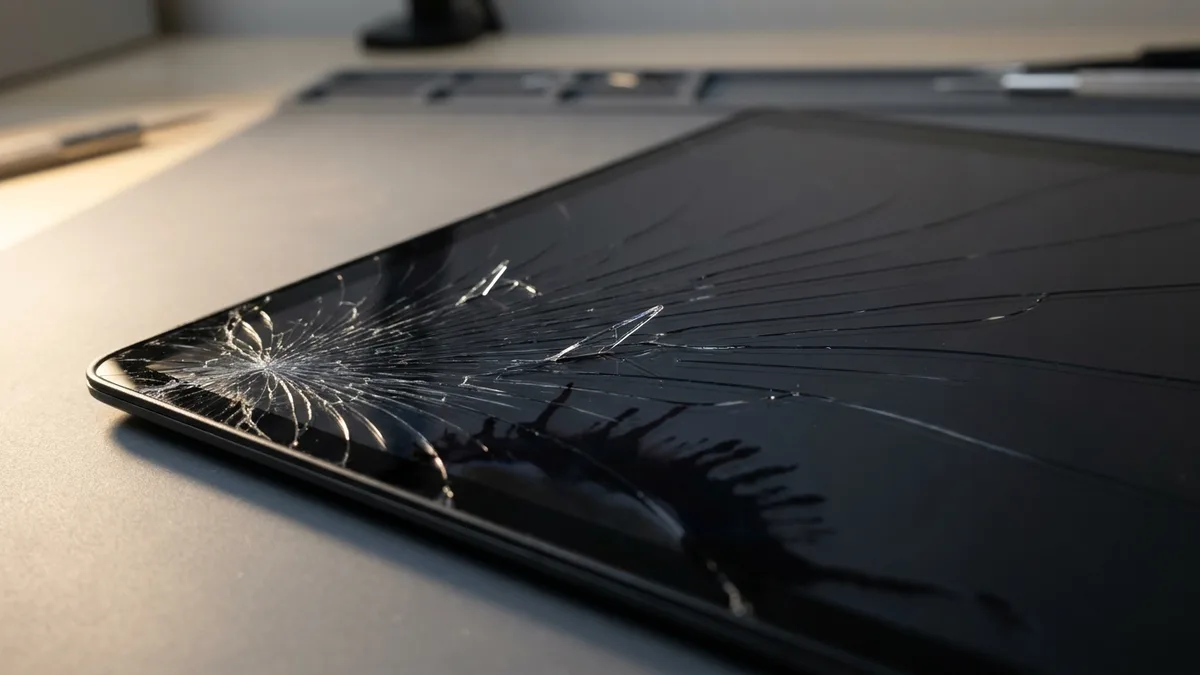
Photo (cropped and edited): Steve Jurvetson from Los Altos, USA via Wikimedia Commons, licensed CC BY 2.0
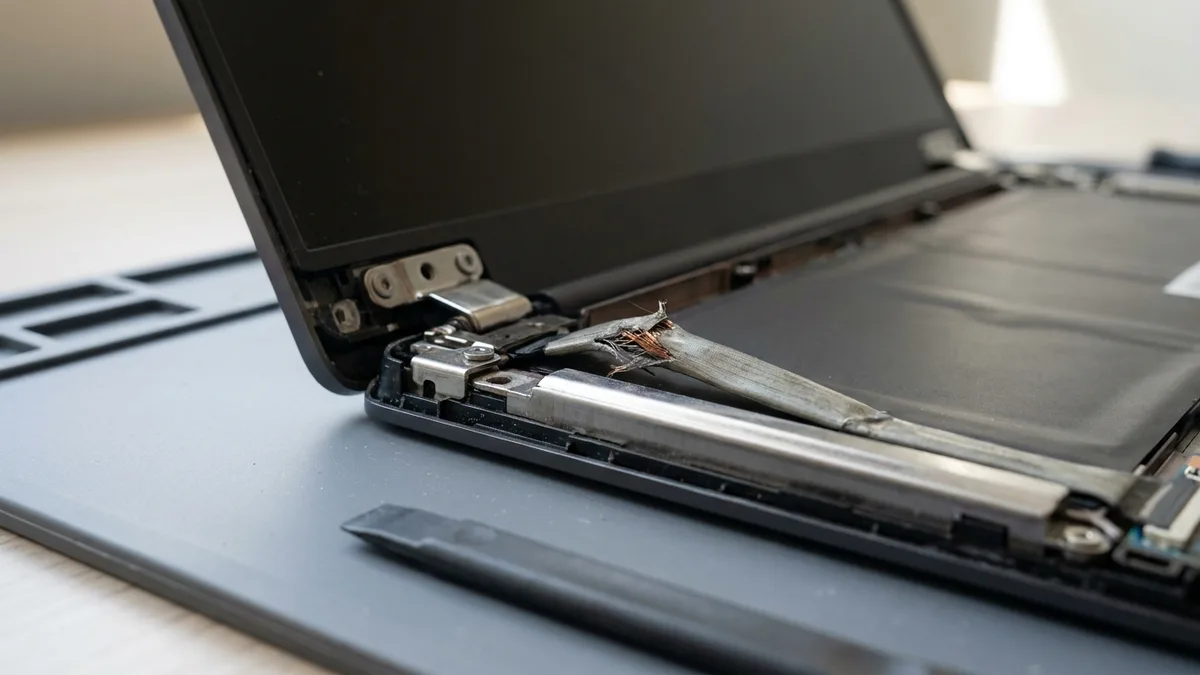
Photo (cropped): https://www.flickr.com/people/rudolf_schuba/ via Wikimedia Commons, licensed CC BY 2.0
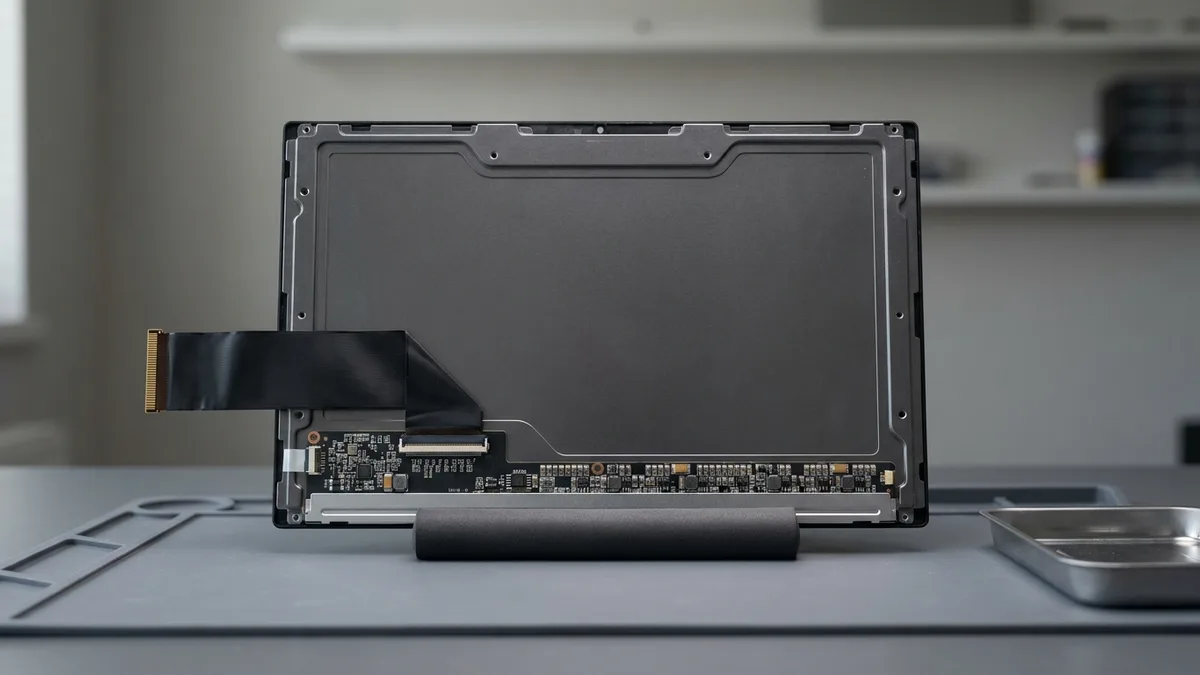
Photo (cropped and edited): Solomon203 via Wikimedia Commons, licensed CC BY-SA 4.0
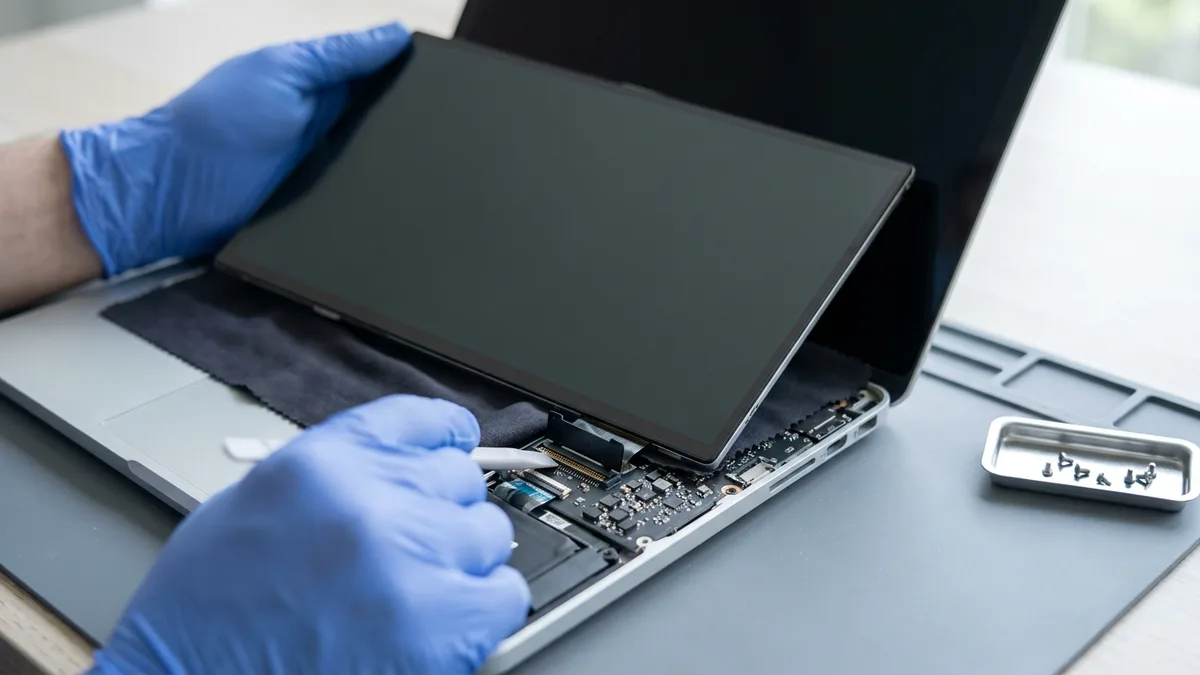
Photo (cropped and edited): Raimond Spekking via Wikimedia Commons, licensed CC BY-SA 4.0
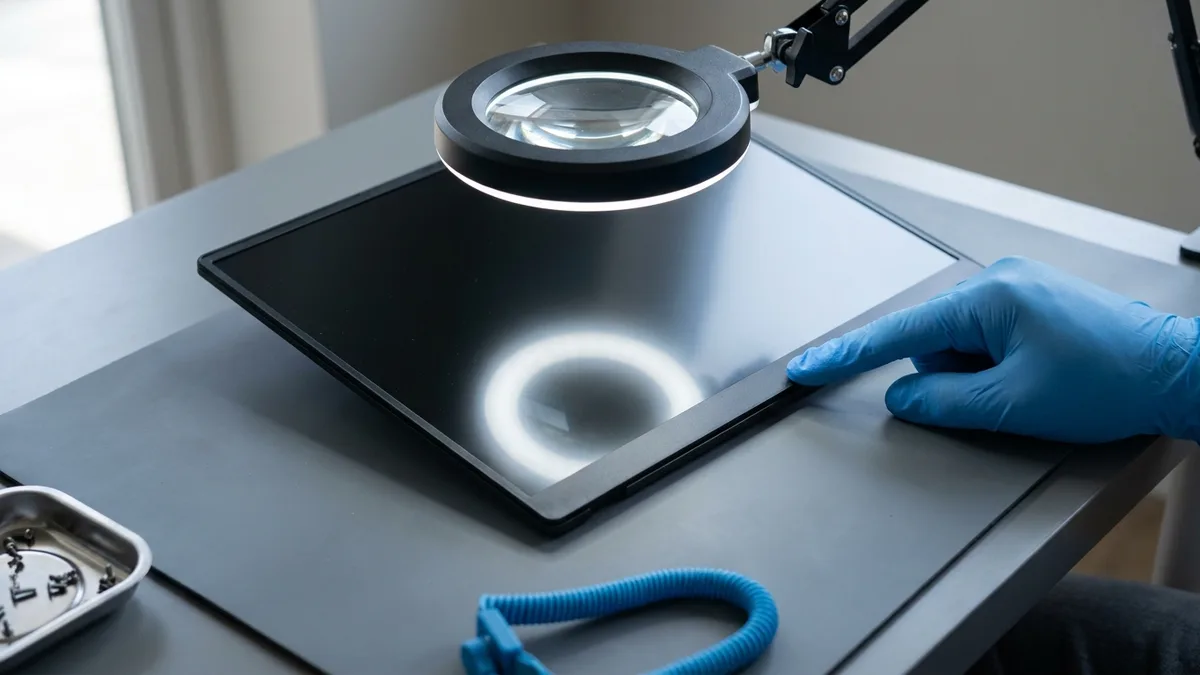
Photo (cropped and edited): Harke via Wikimedia Commons, licensed CC BY-SA 3.0
My laptop had a broken hinge and Ivan at Esmond Service Centre provided a quote and ordered the part. He was very responsive and once the part arrived, I went down to the shop and the laptop was repaired within 2 hours. The amount I paid was exactly as quoted. No surprises and great service.
Easy and professional service. They kept me updated via WhatsApp and my CPU/motherboard (i9 13th gen) was fixed a lil more than a week later for $414 (aft GST). They informed me of the diagnosis, the risks of the fix and how not to fry my CPU again. Laptop returned looking like new too.
Mon to Fri : 10:00am - 7:00pm · Sat : 10:00am - 3:00pm · Closed on Sunday and PH
Last updated:
Acer laptop screen replacement in Singapore at Esmond Service Centre starts from S$158 for an Aspire, done in 1–2 hours; Swift and touch models start from $238, Predator from $286 and Nitro from $290, each in 2–3 hours, before 9% GST. Walk in to Alexandra or Sin Ming with no appointment, and the free diagnosis tells you first whether the panel, its cable or the hinge is at fault. Acer's own warranty in Singapore does not cover a cracked screen.

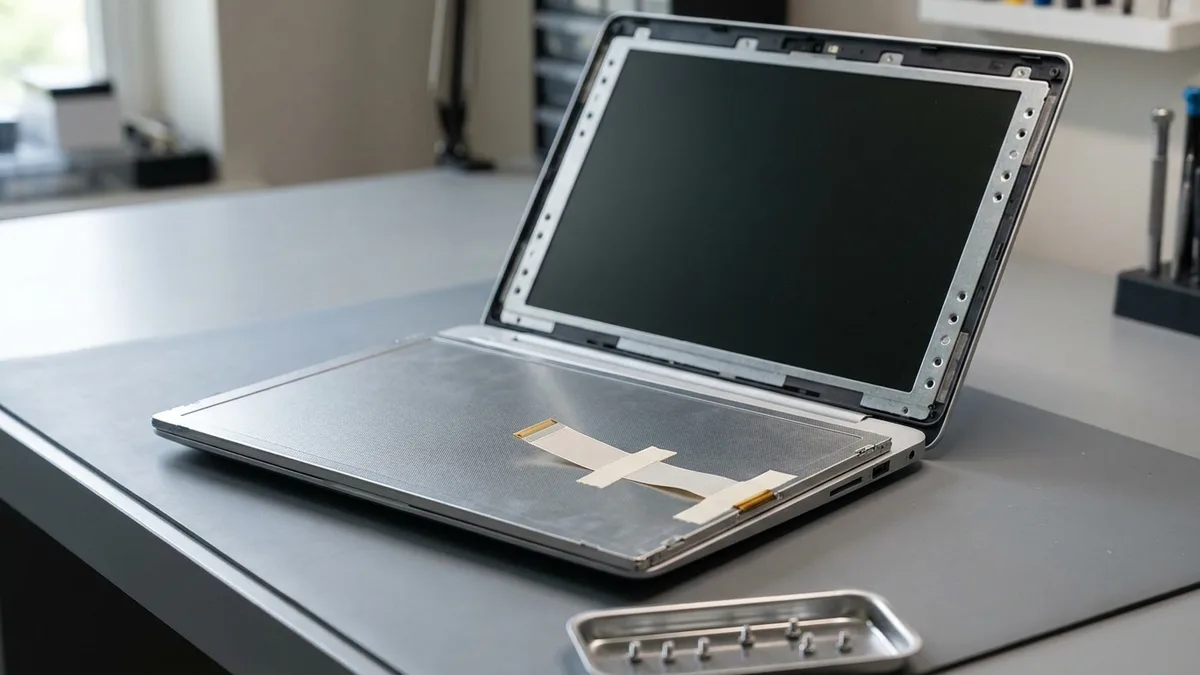
Your series sets the row in the table, but your exact model sets the panel inside, and one Acer model can ship with several. Acer announced the Predator Triton 500 SE (PT516-51s) with three panel options: a 165 Hz WQXGA LCD, a 165 Hz WQXGA Mini LED or a 240 Hz WQXGA IPS. Send us the full model number, not just the series name, and the quote is for the panel your laptop actually uses.
| Acer Series | Estimated Repair Time | Starting Price (SGD) |
|---|---|---|
| Aspire / Entry Models | 1 - 2 Hours | Fr $158 |
| Swift / Touch Series | 2 – 3 Hours | Fr $238 |
| Predator Gaming Series | 2 – 3 Hours | Fr $286 |
| Nitro Gaming Series | 2 – 3 Hours | Fr $290 |
Prices exclude 9% GST. Check first whether Acer should pay instead: Esmond Service Centre is an independent repairer for Acer, not Acer's own service centre, and Acer's Singapore warranty is void once the laptop has been "repaired by a party not authorized by Acer". If yours is still within Acer's warranty and the screen failed without a crack, a drop, a spill or pressure on the lid, take it to Acer's own Service Centre at 10 Toh Guan Road first: Acer repairs the defects its warranty covers at no additional charge, which costs you less than any price above. A crack or pressure damage is excluded from Acer's warranty either way. For a quote, WhatsApp us your Acer model number (e.g., SF314-52).
Not sure of your Acer model number? See our quick guide: how to find your Acer model number →
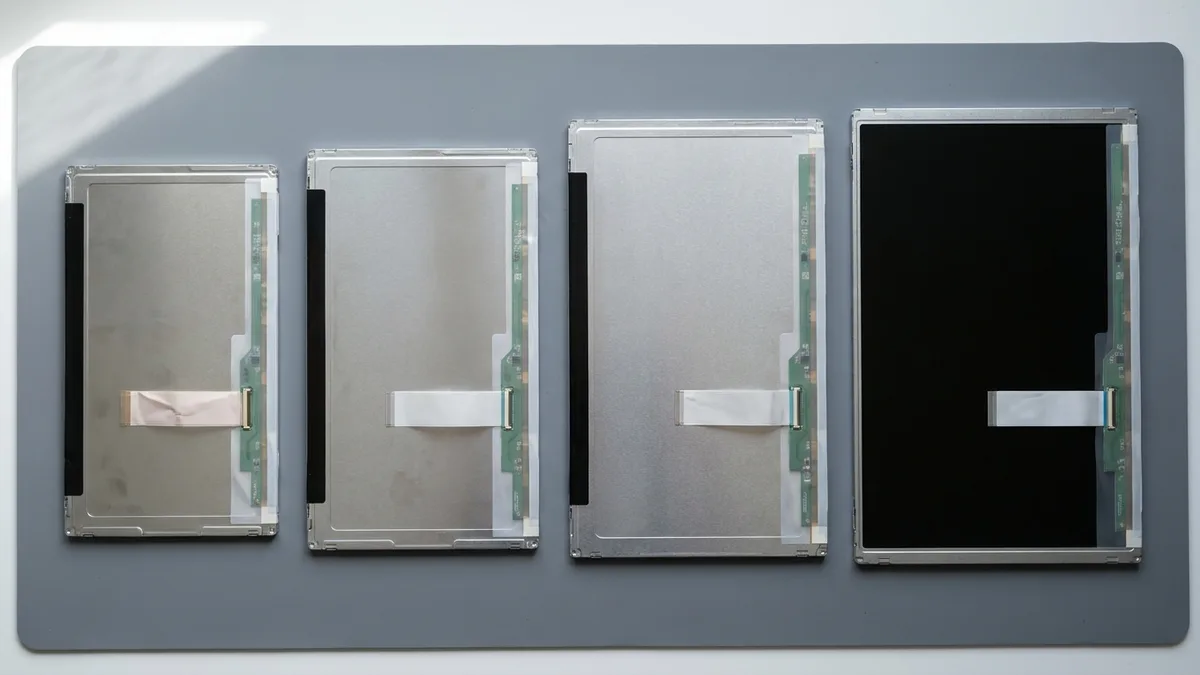
Find your model number below to see its series: here A315, A515 and A715 are Aspire, SF is Swift, SP is Spin, AN and ANV are Nitro, PH, PHN and PT are Predator, CB and CP are Chromebooks, and TM is TravelMate. Acer's support site also shows the exact product and its warranty details when you enter the serial number or SNID:
| Model Series | Example Models |
|---|---|
| Aspire | Aspire 3 (A315), Aspire 5 (A515), Aspire 7 (A715) |
| Swift | Swift 3 (SF314), Swift 5 (SF514), Swift X (SFX14), Swift Go 14 (SFG14) |
| Spin | Spin 3 (SP314), Spin 5 (SP513), Spin 7 (SP714), Chromebook Spin 713 (CP713) |
| Nitro | Nitro 5 (AN515-58), Nitro 16 (AN16-41), Nitro V 15 (ANV15-51) |
| Predator | Helios 300 (PH315), Helios Neo 16 (PHN16-71), Triton 500 SE (PT516) |
| Chromebook | Chromebook 314 (CB314), Chromebook Spin 513 (CP513), Chromebook 317 (CB317) |
| TravelMate | TravelMate P2 (TMP215), TravelMate Vero (TMV15), TravelMate Spin B3 (TMB311) |
Can’t find your model listed? We service all Acer laptop screens, including older or uncommon models such as the Extensa pictured above — WhatsApp the model number and we will tell you whether the panel is available.
The Acer screen faults we fix, and what Acer's own pages say about each:
Acer's own test tells a crack from an internal fault: switch the laptop off and tilt the screen until it reflects a light. If you can still see the same lines with the power off, the glass is cracked. Lines in a spider-web pattern, or uneven like a broken window, are cracks; straight, symmetric lines are, in Acer's words, atypical of a broken piece of glass, so check those with the external-monitor test below. LCD panels are glass, so if chips are lifting, cover them with clear tape before you carry the laptop, and if there was no drop at all, here is why a laptop screen can crack by itself.
Not every fault on this list needs a new panel. A laptop that seems dead is often running with a black screen: if the fan or the keyboard lights come on, try Acer's own steps — press Fn+F5 to switch between the internal and an external display, unplug the charger and hold the power button for 10 seconds to drain stored power, then connect an external monitor. If that picture is clean while the laptop's own screen stays black, Acer's next steps are to run the Windows troubleshooter and update the BIOS from Acer's support site (on the A315-32 and the four other models Acer lists, update the video driver first). If the laptop's own screen is still black after that, or shows lines that the external picture does not, the panel or its cable is at fault. If the laptop will not power on even on the charger, it is almost always a board fault, not the screen. Flicker or a blackout that changes as you open and close the lid is usually a worn hinge straining the display cable, and fitting a new panel without correcting the hinge lets the same fault come back. We test the cable and the hinge before we quote, the diagnosis is free, and when the hinge is the cause the repair is hinge repair from $90 rather than a screen — and here is what else makes a laptop screen flicker.
Most of these causes are ones Acer's own warranty in Singapore does not cover, so the cause decides who pays:
Dead pixels follow their own rule. Acer's Singapore warranty does not cover up to four defective pixels per million, provided no more than one sits in the central area when the screen is divided into nine equal rectangles; beyond that allowance, Acer's support says the display can be replaced during the warranty period. A dead pixel cannot be repaired on its own, since Acer says pixel defects cannot be fixed or repaired, so outside the warranty the remedy is a new panel.
On Nitro and Predator models the panel is sold on refresh rate and response time, and Acer's own figures carry conditions: the 3 ms response it announced for the Predator Helios Neo 16 (PHN16-71) is, in its footnote, not native but achieved with LCD overdrive. Our screen replacement covers:
Before you blame the panel on a Nitro or Predator, check two things Acer documents. NitroSense's LCD Overdrive setting boosts response time to 3 ms, but Acer notes it can add overshoot or ghosting, where images appear to trail. And on a Predator Helios Neo 16 (PHN16-72), a graphics driver downloaded from Intel's own website can blank the screen as soon as Windows loads; Acer's fix is the qualified Intel graphics driver from its own support site, installed in Safe Mode, not a new screen.
Every Acer laptop screen replacement at Esmond Service Centre includes:
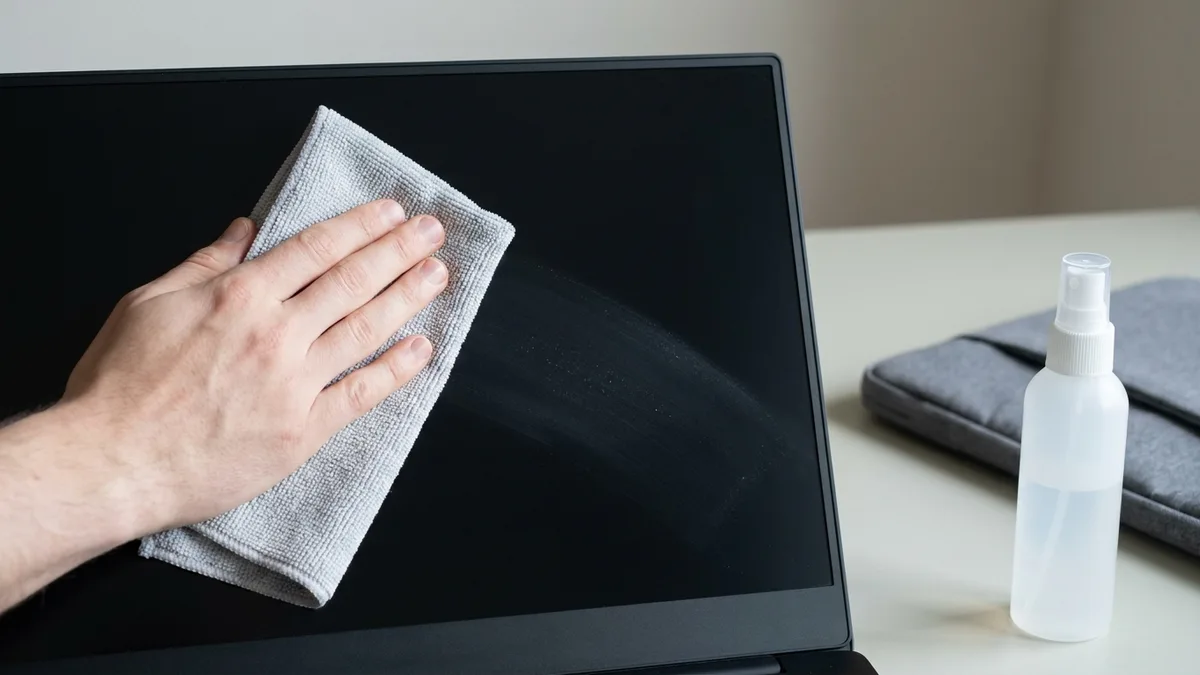
Each tip below rests on Acer's own guides or warranty terms:
One thing that is not damage: if the reflections on a switched-off OLED screen look wavy, Acer calls it the fun house mirror effect. It comes from the OLED panel's design, double glass layers with a vacuum space between them, and Acer stresses it is not a production defect and cannot be corrected, so a new OLED panel may show it too.
Choosing Esmond Service Centre ensures:
If the fault turns out to be the hinge or the cable rather than the panel, we tell you before any work starts, and if we cannot fix it, you pay nothing.
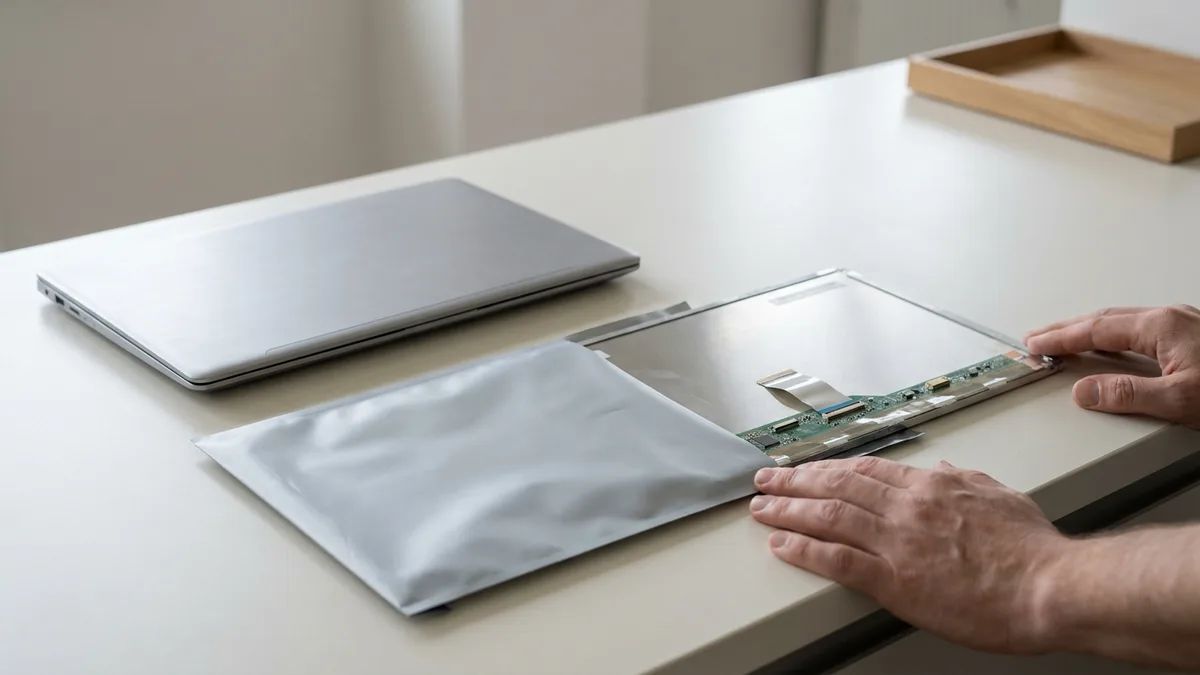
No appointment is necessary. Two ways to start:
The times in the price table, 1–2 hours for an Aspire and 2–3 hours for Swift, touch, Nitro and Predator models, hold when the panel for your exact model is in stock, so WhatsApp the model number first and we will confirm.
Send us the symptom and we'll come back with what it likely is, what it will cost, and how long it will take. The diagnosis is free, and if we can't fix it, you pay nothing.
Bring it to Esmond Service Centre at Sin Ming or Alexandra — free diagnostics, repairs from $65, many done in 1–2 hours.