

📑 On this page
When an iPhone screen cracks or a MacBook stops charging, the first question is almost always the same: "Is this covered?" The honest answer depends on a distinction most people in Singapore never had explained to them — the gap between the standard Apple warranty that comes free with every device and AppleCare+, the paid plan you may or may not have bought. Get that wrong and you can either pay for a repair you were entitled to for free, or turn up at the Apple Store expecting a free fix that was never covered.
This guide clears it up. We lay out exactly what the standard warranty covers, what AppleCare+ adds, how to check your own coverage in under a minute, what Apple will never cover, and the consumer rights you hold in Singapore no matter what. It is written from the repair bench — we see what is and isn't covered every single day — and every fact about Apple's terms is quoted from Apple's own documentation.

Standard warranty vs AppleCare+: what each one covers
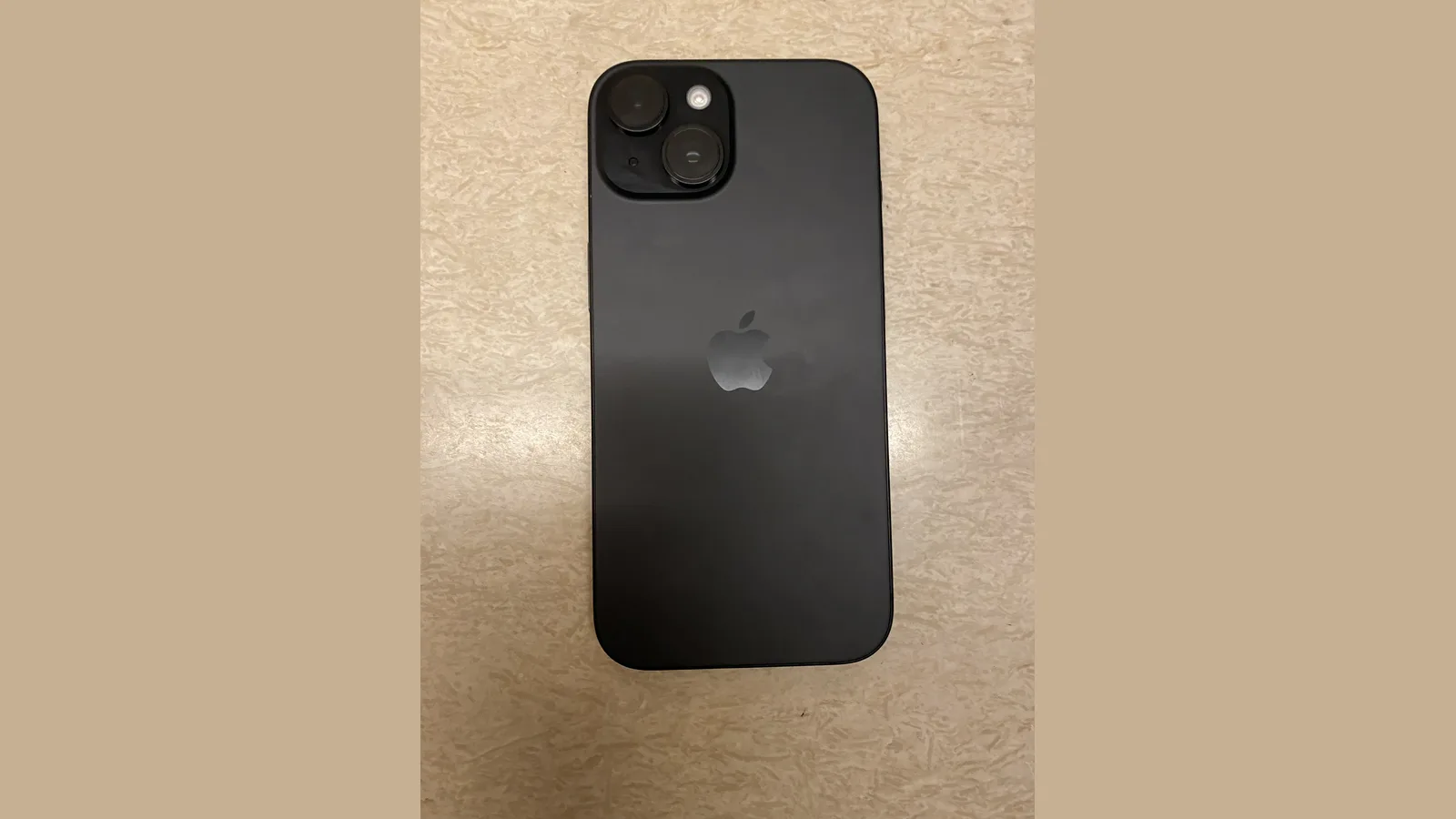
The Apple One-Year Limited Warranty is free and automatic. In Apple's own words, your product is "warranted against defects in materials and workmanship when used normally in accordance with Apple's published guidelines" for "ONE (1) YEAR from the date of original retail purchase". If a genuine defect appears, Apple will — at its choice — repair it with genuine parts, replace it with the same model, or refund the purchase price.
AppleCare+ is the paid plan you buy with your device or shortly after. It extends your hardware coverage beyond the standard year and, crucially, adds the one thing the free warranty never includes — protection against accidental damage. For iPhone, AppleCare+ covers accidental damage repairs with a fixed service fee, replaces a battery that has dropped below 80% of its original capacity, and gives you access to Apple's telephone and web-based technical support throughout the plan.
| Coverage | Standard Apple Limited Warranty | AppleCare+ |
|---|---|---|
| Length | One year from purchase | Extends beyond the standard year |
| Manufacturing defects | Covered | Covered |
| Accidental damage | Not covered | Covered — up to two incidents |
| Service fee (iPhone accidental) | N/A | S$42 screen-only · S$148 other damage |
| Battery service | Only if genuinely defective | Covered when below 80% capacity |
| Technical support | Limited | Phone & web support during the plan |
| Express Replacement Service | No | Yes (return original within 10 working days) |
That last row is worth knowing about. With Express Replacement Service, available to AppleCare plan holders, Apple sends you a replacement device first and places a temporary hold on your credit card; you transfer your data, then erase and return the original within 10 working days, and once Apple confirms the issue is covered it removes the hold. It is the fastest way to stay up and running while a repair is sorted out.
How to check your AppleCare warranty status
Before you assume anything, check. These three steps, in order, take under a minute and come straight from Apple's own support guidance — they show whether your device is still covered, whether AppleCare+ is active, and the exact expiry date.
- Step 1 — find your serial number or IMEI. First, open Settings > General > About, or look on the original box or your purchase receipt. On an iPad the serial number is also printed on the back of the device.
- Step 2 — check your coverage. Then, on the device open Settings > General > AppleCare & Warranty; or sign in at mysupport.apple.com and choose your device; or enter the serial number at checkcoverage.apple.com. Any one of them works.
- Step 3 — read the result. Finally, read what it shows: whether your device is covered, whether AppleCare+ is active, and the expiry date. Tap View Proof of Coverage on mysupport.apple.com for your agreement number.
What the Apple warranty does NOT cover
This is where most disputes at the counter begin. Put plainly, the standard warranty will not repair a cracked screen and cannot fix liquid damage — those need AppleCare+ or a paid repair. The warranty is narrow on purpose, and Apple spells out the exclusions clearly:
- Accidental damage — Apple excludes "damage caused by accident, abuse, misuse... liquid contact". A dropped screen or a water-damaged phone is not a free warranty repair unless you have AppleCare+.
- Consumable parts — "consumable parts, such as batteries" are excluded from normal wear. A battery is only a warranty case if it fails due to a genuine defect, not because it has aged.
- Unauthorised service — "service performed by anyone who is not a representative of Apple or an Apple Authorized Service Provider" is excluded. A previous third-party repair can void what is left of your coverage.
- Modifications — a product "modified to alter functionality or capability without the written permission of Apple" is not covered.
- Loss and theft — a missing device is not a warranty matter at all. AppleCare+ covers accidental damage, not a phone that has disappeared.
Your rights under Singapore's Lemon Law
A warranty is not the end of your protection. Separate from anything Apple offers, Singapore's Lemon Law under the Consumer Protection (Fair Trading) Act gives you statutory rights — and Apple's own warranty states its benefits are "in addition to the statutory rights" you already have. According to CASE, the law covers general consumer products including electronics, and lets you "request repair, replacement, reduction in price or rescission of contract for goods that do not conform to the contract".
There is one catch that matters for repairs: CASE notes you cannot claim where you "misused the item", where self-repair or unauthorised repairs caused the damage, or for ordinary "wear and tear". That is one more reason to use a proper repair centre rather than a DIY kit, and to keep every receipt and warranty slip in case you ever need to make a claim.

When your warranty has expired: your options
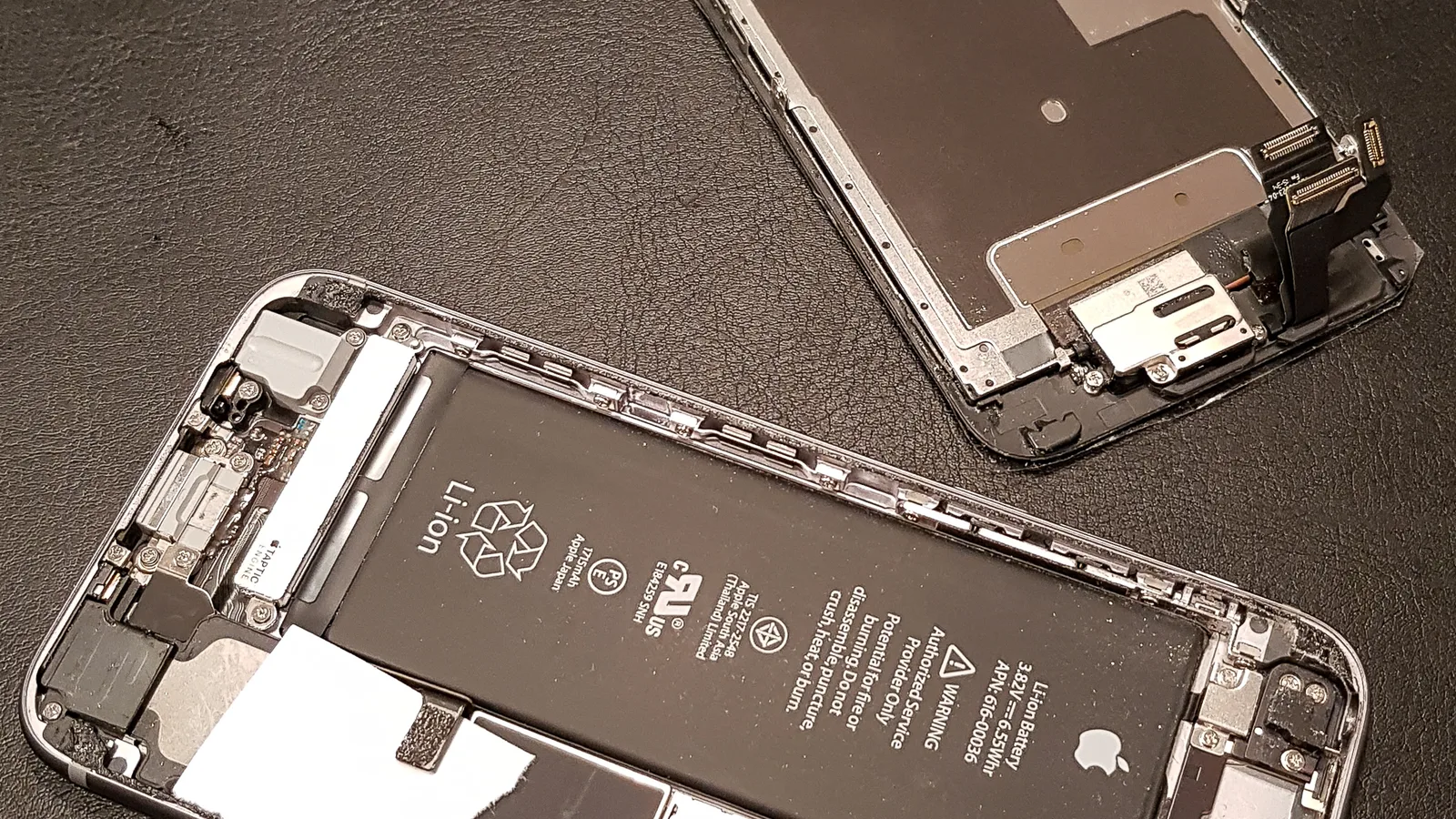
Most devices outlive their warranty. Once the standard year is up and AppleCare+ has ended (or you never bought it), you have two realistic routes for a repair:
- Pay Apple for an out-of-warranty repair. You get genuine parts and keep the device fully "genuine", but out-of-warranty pricing from Apple is the highest of any option, and older models can cost more to repair than they are worth.
- Use a trusted independent repair centre. Out of warranty, there is no coverage left to protect, so a reputable third-party shop — see our iPhone repair in Singapore page — is usually the most affordable sensible choice, as long as you ask which parts they use and get a written warranty on the work.
One last piece of advice from the bench. If you are not sure whether your repair is covered, do not keep guessing or keep using a liquid-damaged phone — bring it in to a technician for a free diagnostic before you pay for anything. It is the honest way to find out exactly where you stand, and it protects your data while you decide.

Esmond Service Centre's experienced technicians can diagnose and fix it fast — free diagnostics, repairs from $65.