

Repair Services
ASUS ROG laptop screen replacement
Prices exclude 9% GST.


Photos, cropped, via Wikimedia Commons: ASUS ROG Zephyrus G14 by P1898 (CC BY 4.0) · ASUS ROG Strix G15 by D-Kuru (CC BY-SA 4.0) · screen by GALAXY 2018 A7 (CC0)
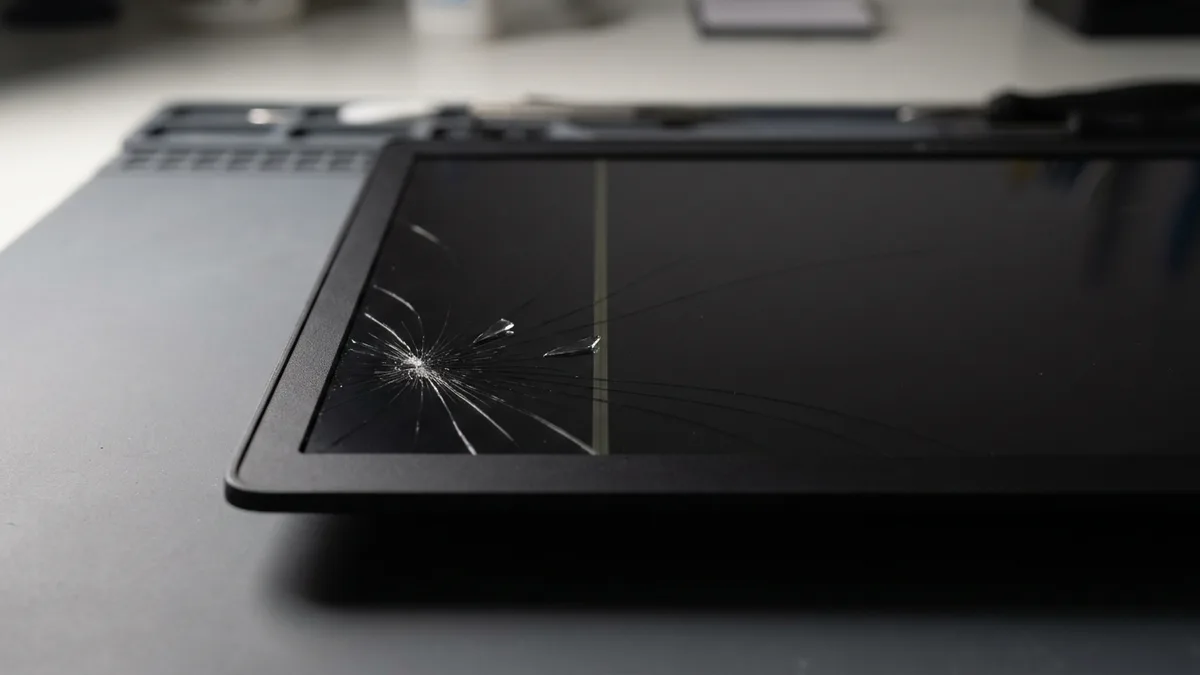
Photo (cropped and edited): Sean-Franc Strang via Wikimedia Commons, licensed CC BY 2.0
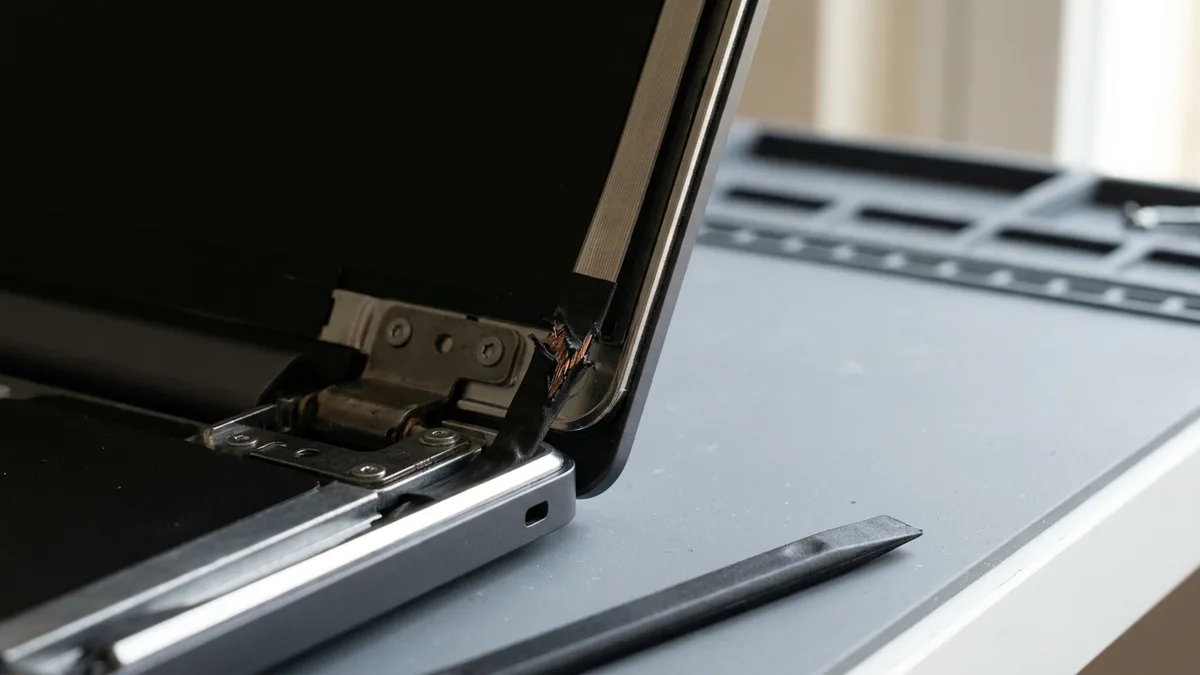
Photo (cropped and edited): LaptopMedia via Wikimedia Commons, licensed CC BY 3.0
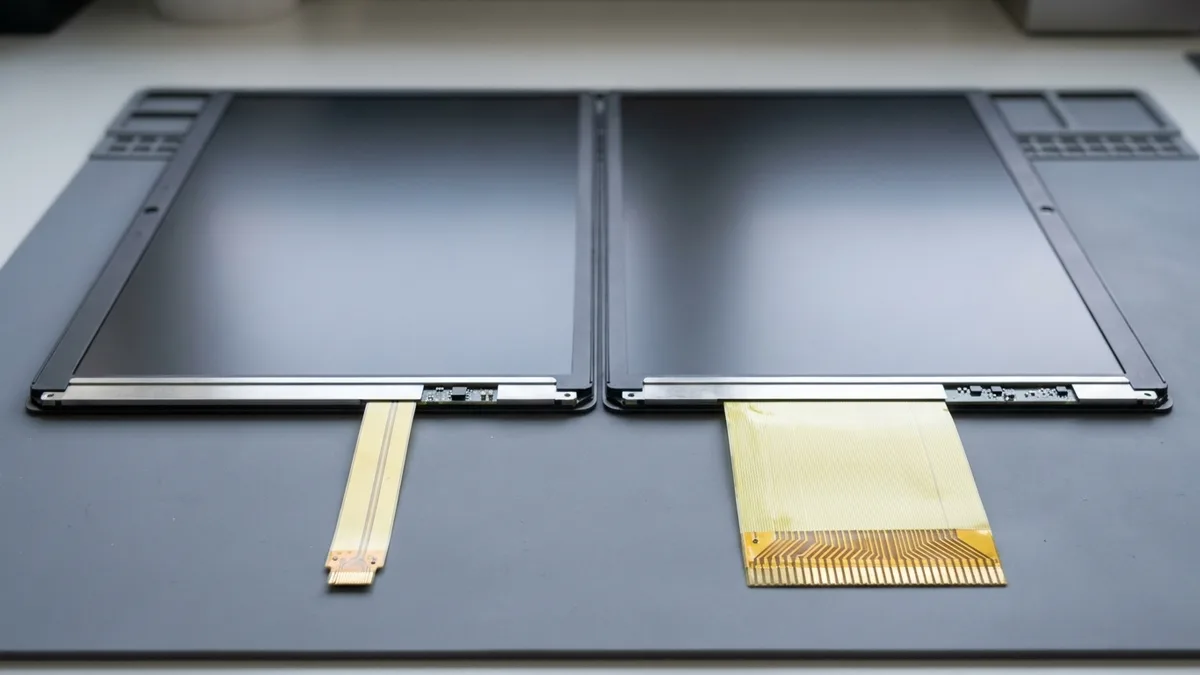
Photo (edited): 极客湾Geekerwan via Wikimedia Commons, licensed CC BY 3.0
My laptop had a broken hinge and Ivan at Esmond Service Centre provided a quote and ordered the part. He was very responsive and once the part arrived, I went down to the shop and the laptop was repaired within 2 hours. The amount I paid was exactly as quoted. No surprises and great service.
Experienced an exceptional service from Nicholas. He presented himself with professionalism, patience and explains to me in a clear and structured manner. Was a breeze for me to communicate and get my issue settled. Thanks.
Mon to Fri : 10:00am - 7:00pm · Sat : 10:00am - 3:00pm · Closed on Sunday and PH
Last updated:
ASUS ROG laptop screen replacement in Singapore at Esmond Service Centre covers cracked, flickering and faulty screens on Zephyrus, Strix, SCAR and Flow models. Prices start from S$258 (Zephyrus G, M and Duo from $308), excl. 9% GST, and most replacements take 2–3 hours. ROG panels differ by model and year — IPS-level, Mini LED or OLED, each at its own resolution and refresh rate — so we quote the exact panel your laptop shipped with.
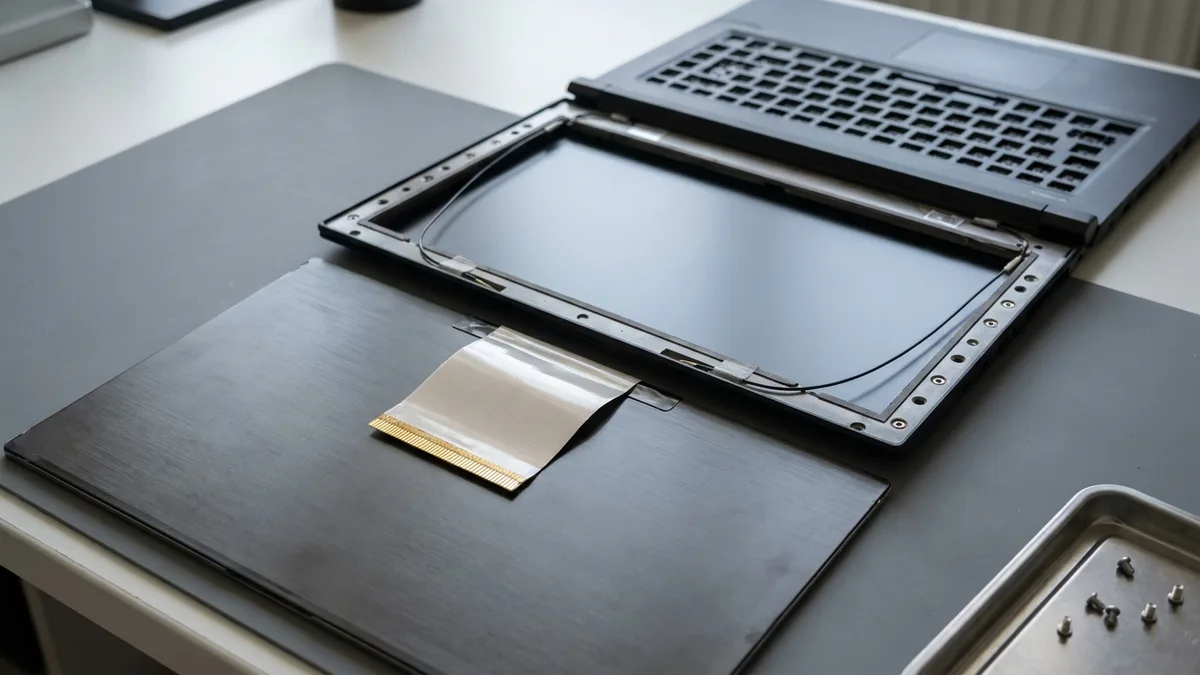
Our prices follow the ROG series, and the exact quote follows the panel inside your model, because one series name can cover several panels. ASUS's specification for the 2022 Strix G17, for example, lists a 17.3-inch Full HD panel at 360Hz and a WQHD panel at 240Hz, and for the 2022 Strix G15 a Full HD panel at 300Hz or a WQHD one at 165Hz. Starting prices by series:
| ROG Series | Estimated Repair Time | Starting Price (SGD) |
|---|---|---|
| Zephyrus G / M / Duo | 2 – 3 Hours | Fr $308 |
| Strix / Scar Series | 2 – 3 Hours | Fr $258 |
| ROG Flow (X13 / X16) | 2 – 3 Hours | Fr $258 |
| Older ROG Models | 2 – 3 Hours | Fr $258 |
Prices exclude 9% GST. Check ASUS's warranty before you pay anyone. Esmond Service Centre is an independent repairer for ASUS ROG, not ASUS's own service centre. ASUS's warranty runs for the period on the label at the back of your laptop (24M means 24 months) and covers defects in normal use, not accidents. If yours is still in warranty and the screen failed on its own — lines, flicker, or pixel faults that meet ASUS's defect policy, with no knock, drop or spill — take it to the ASUS Service Centre at 8 Burn Road, #11-16 Trivex first: a repair ASUS's warranty covers costs you less there than any price above. A crack is accident damage, which the standard warranty does not include; ASUS's optional Local Accidental Damage Protection covers drops, falls and accidental breakage, so check whether you bought it and, if you did, claim it from ASUS first. Otherwise, WhatsApp your ASUS ROG model number for an exact quotation.
Not sure of your ASUS ROG model number? See our quick guide: how to find your ASUS ROG model number →
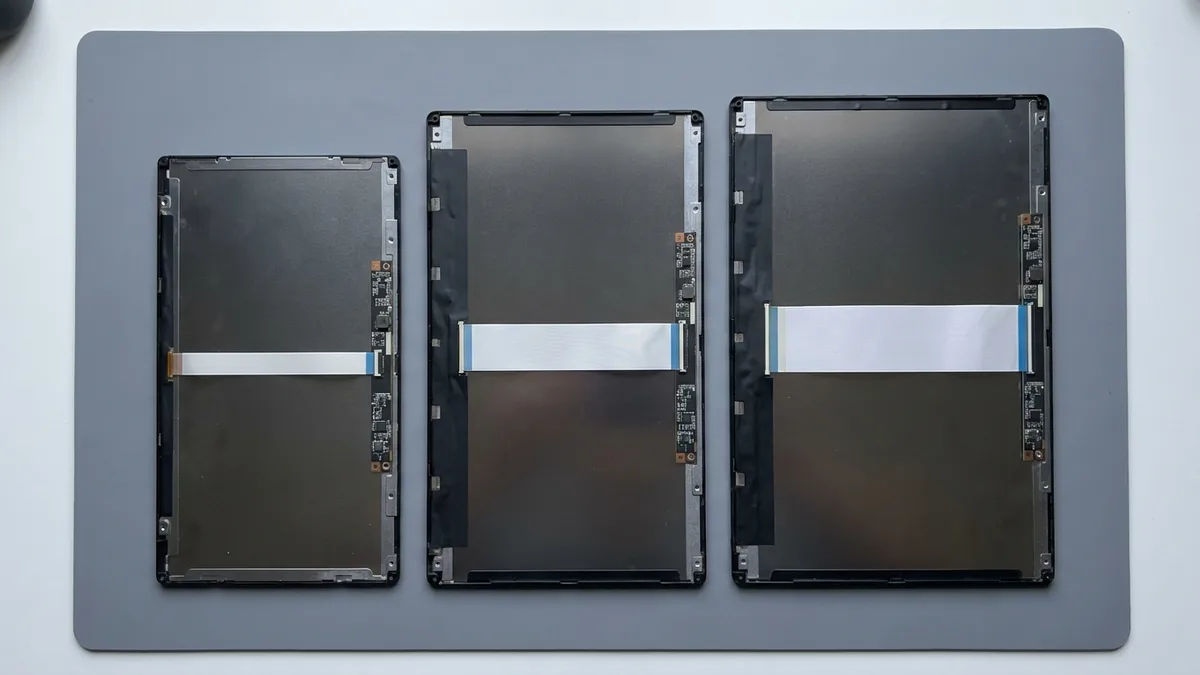
These are the ROG series and model codes we replace screens on most often. The full code on your laptop's label matters more than the series name, because the panel can change with the year and the configuration:
| Series | Example Models |
|---|---|
| Zephyrus G | GA503, G14 2023, G16, G15 Advantage |
| Zephyrus Duo | GX650, GX551, dual-screen lineup |
| Strix / Scar | G17 G713, G15 G533, SCAR 16, SCAR 18 |
| Flow Series | Flow X13, X16, Z13 detachable |
| ROG M Series | M16 GU603, M15 GU502 |
| Classic ROG | GL503, GL704, GL552VW |
If your model isn't listed, WhatsApp us its model code: we service all ROG laptops. On a Zephyrus Duo, tell us which screen has failed, because the second screen is a separate panel: on the 2023 Duo 16 it is a 14-inch ScreenPad Plus (3840 × 1100) that rises on its own geared hinge when the lid opens. For an ASUS laptop outside the ROG range, see ASUS laptop screen replacement.
One model name can cover several different panels, so we check the year before we order. ASUS's specification for the 2023 Zephyrus G14 lists two 14-inch QHD+ (2560 × 1600) 165Hz panels: the IPS-level ROG Nebula Display and the Mini LED ROG Nebula HDR Display. Same size and resolution, different parts — and fitting the IPS-level panel to a Mini LED machine loses the local dimming that gives it its contrast. The 2024 G14 moved to a 14-inch 3K (2880 × 1800) OLED panel at 120Hz, and the 2024 Zephyrus G16 is listed with both IPS-level and OLED 2.5K 240Hz panels. Send the year with your model number and we will confirm which panel yours has and quote that panel, not the family.
The screen faults ROG owners bring us, with what ASUS's own documentation says about each:
ASUS has its own display test that runs before Windows loads. On ROG models that support it, press F9 or F12 repeatedly as you power on, choose Troubleshoot, then MyASUS in WinRE and System Diagnosis, and run the Display test. You judge the screen by eye and mark it Pass or Fail, so the test confirms what you see; it cannot tell a failed panel from a damaged cable or a worn hinge.
Before you pay for a panel, look at the fault in the BIOS screen. This is ASUS's own first check: with the laptop off, hold F2 and press the power button. If the lines, flicker or broken image are still there in the BIOS, ASUS says the screen hardware may be defective; if the BIOS looks normal, it may be a software issue, and ASUS's first fix is the graphics driver from its own support site. If the glass is cracked, cover the broken area with clear tape and stop pressing the display — the same first step we publish for a cracked tablet screen. We test the panel's cable and the hinge before we quote, the diagnosis is free, and when the hinge is the cause the repair is hinge repair from $90 rather than a screen. More on the symptom: what else makes a laptop screen flicker.
What lies behind those faults on ROG laptops, and whether a new panel is the fix:
We separate these causes before quoting, so you pay for a panel only when the panel is at fault; when an Armoury Crate setting or a driver is all it needs, we tell you.
A replacement ROG panel has to match the original on each of these points, and they differ between ROG lines and years:
We fit compatible, original-equivalent panels ordered from the manufacturers who make them and matched to your model code on each of these points; they are not parts supplied by ASUS. If you want a part supplied by ASUS itself, ASUS's own service centre is the route.
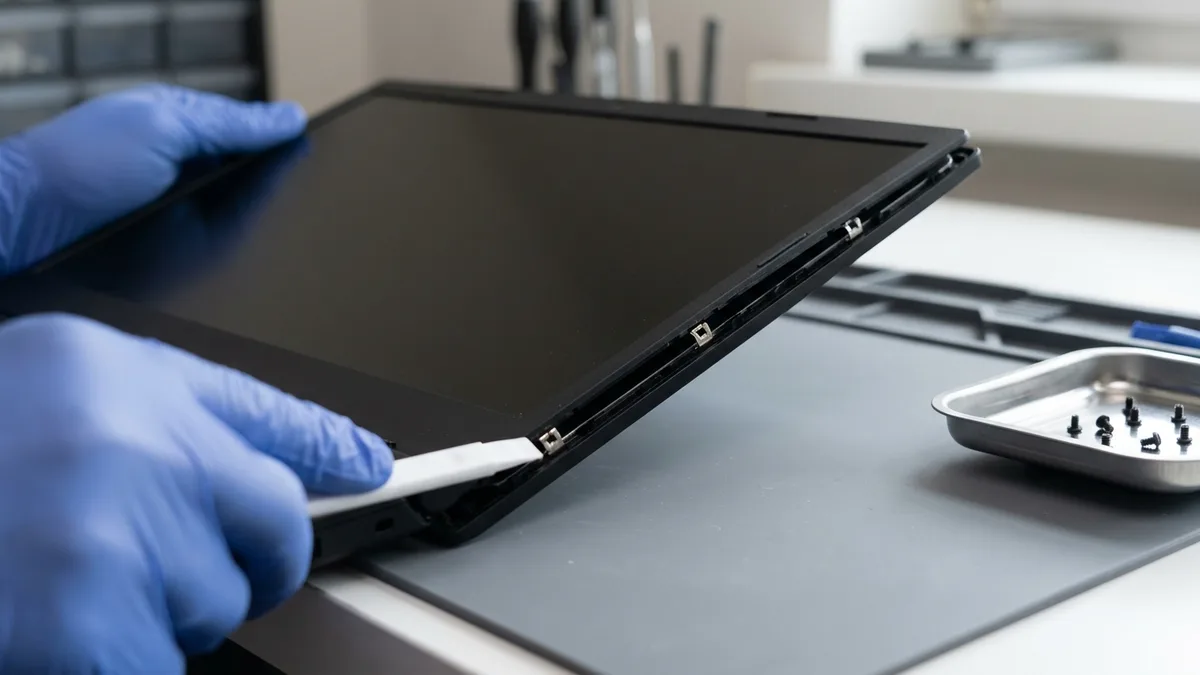
Each ROG laptop screen replacement at Esmond Service Centre includes:
A new panel can look a shade warmer or cooler than the old one. ASUS itself says colour temperature can differ slightly between panels even from the same manufacturing process, and treats that as normal; GameVisual in Armoury Crate adjusts the colour if you want it closer.
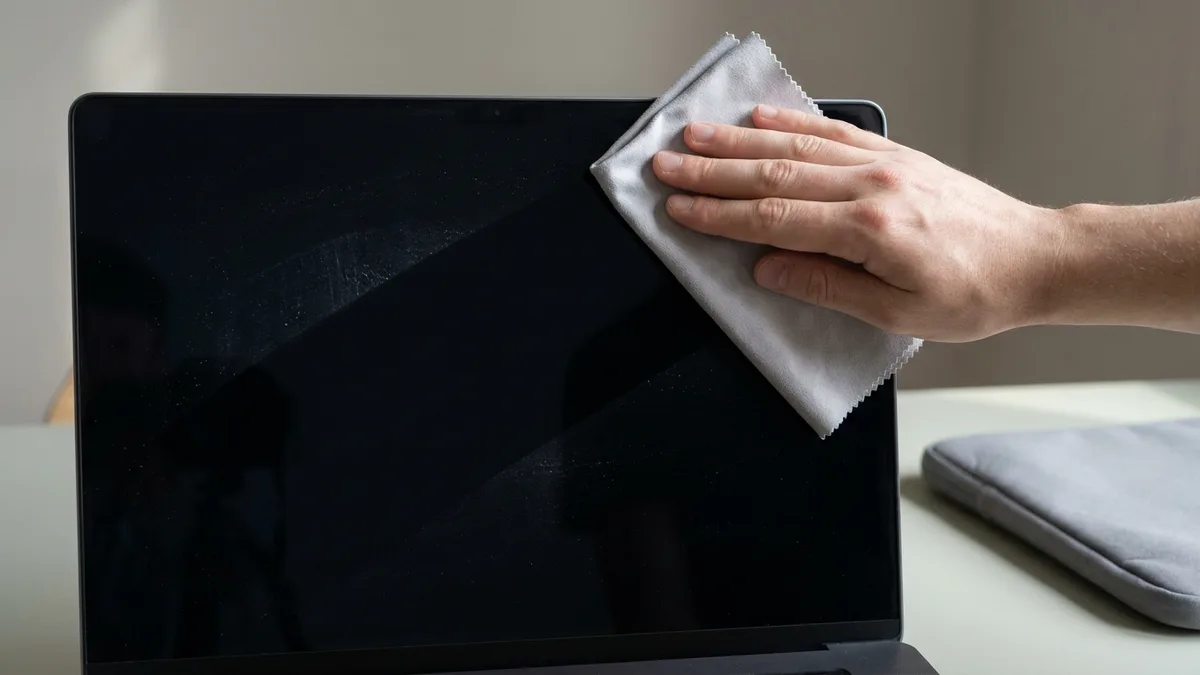
How to keep a new ROG screen in good order, mostly from ASUS's own care advice:
Which of these settings you have depends on the panel: the OLED Settings tab is for OLED models, and Backlight Control for Mini LED ones such as the Strix SCAR.
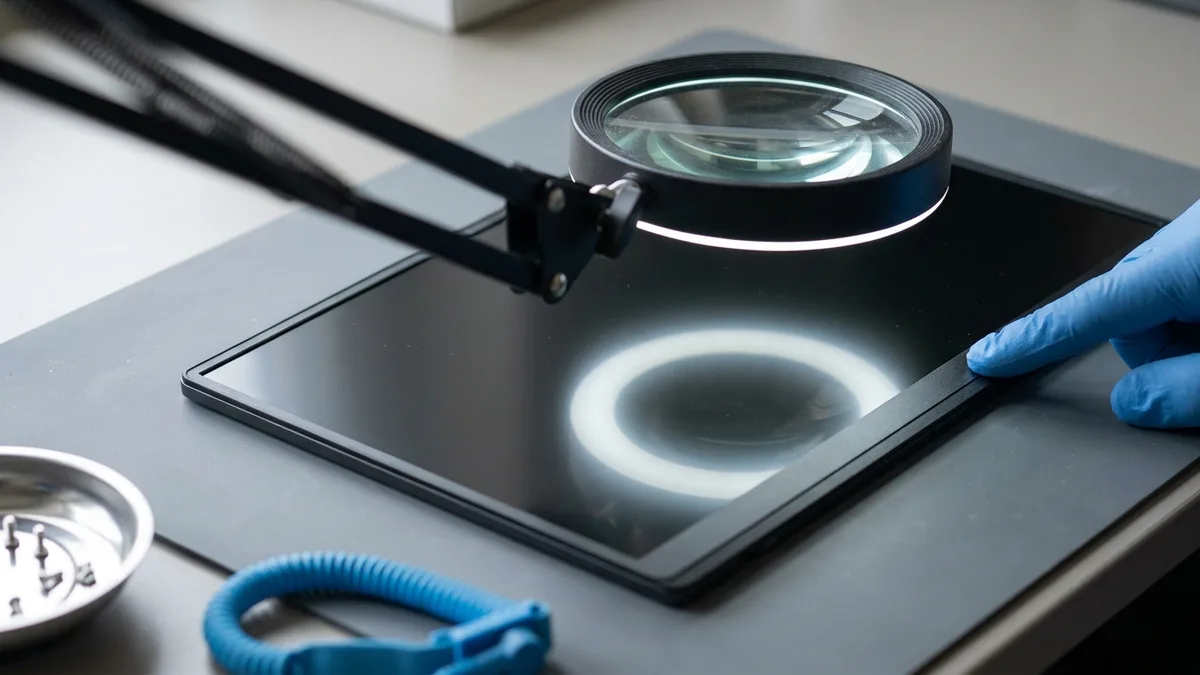
When you select Esmond Service Centre for your ROG laptop screen replacement, you benefit from:
Laptop diagnosis is free, and if we can't fix your screen, you pay nothing.
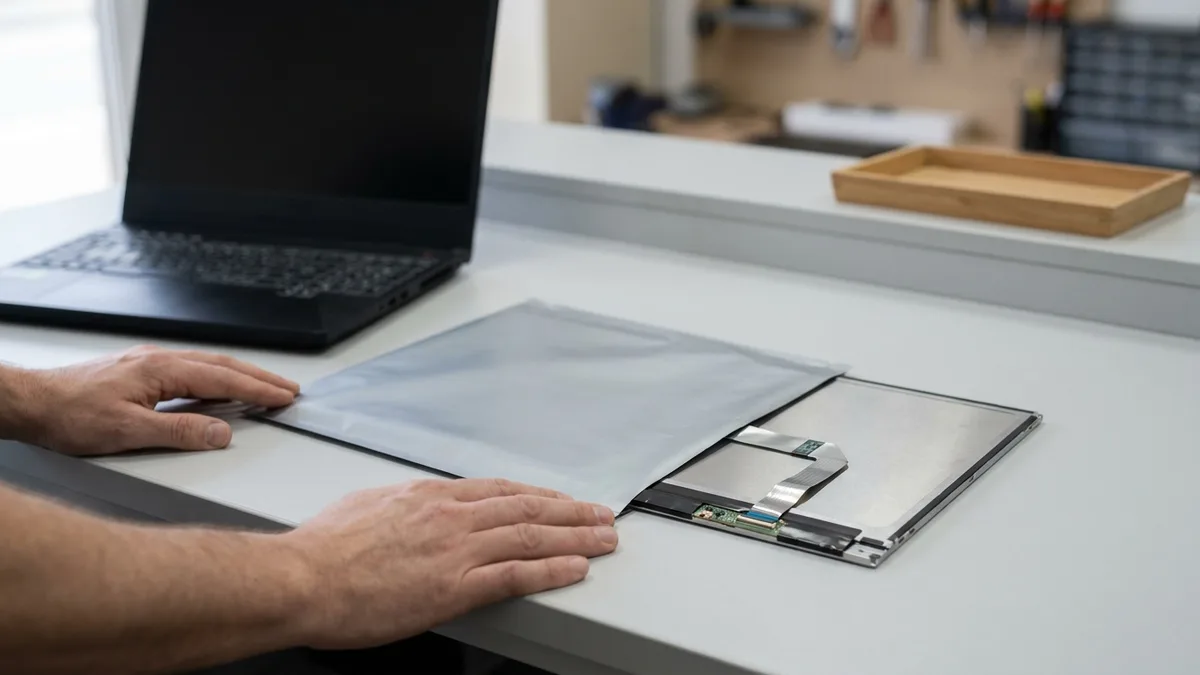
No appointment necessary—choose the easiest way to start your repair:
Most ROG screen replacements are done the same day. WhatsApp your full model code first and we will confirm the exact panel is in stock before you come in. When parts must be ordered, a repair can take 7 to 21 working days.
Send us the symptom and we'll come back with what it likely is, what it will cost, and how long it will take. The diagnosis is free, and if we can't fix it, you pay nothing.
Bring it to Esmond Service Centre at Sin Ming or Alexandra — free diagnostics, repairs from $65, many done in 1–2 hours.