

📑 On this page
Force restart first, then give it a full hour to charge
A black, unresponsive screen after charging is most often a software hang or a battery so flat the phone cannot draw a screen yet — not a failure. Start with a force restart, which cuts power to the hardware without erasing anything. On an iPhone 8 or later, including every Face ID model, press and quickly release Volume Up, press and quickly release Volume Down, then press and hold the Side button until the Apple logo appears — Apple notes this can take longer than ten seconds. On an iPhone 7, hold the Side and Volume Down buttons together. On an iPhone 6s or earlier, hold the Home and top (or side) buttons together.
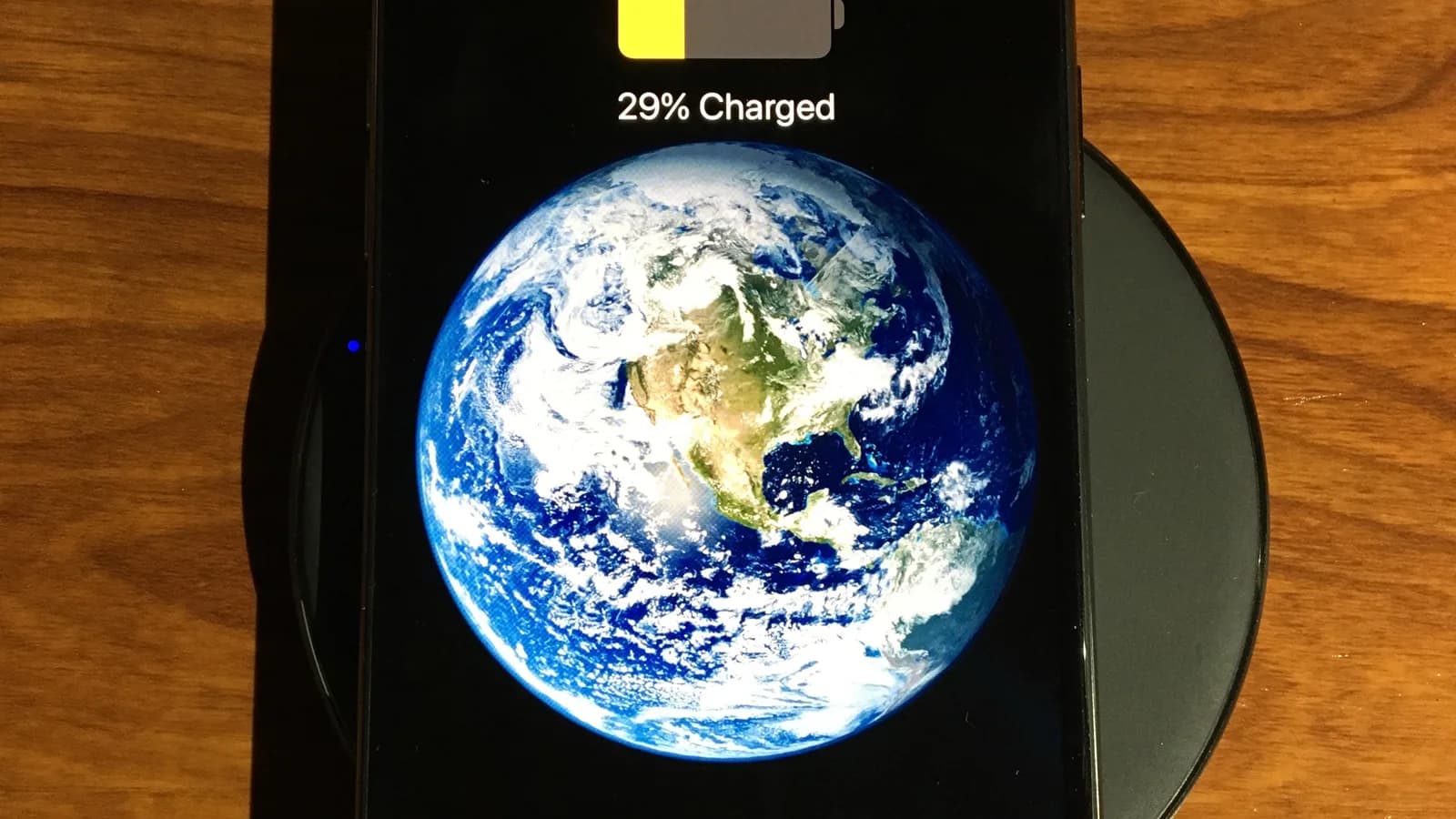
If nothing happens, the battery may simply be too low to respond. Apple's own guidance is to charge the iPhone for a full hour on a wall outlet before concluding it is dead — and if a low-battery icon appears, to check your charging hardware, then charge for at least 30 minutes until it starts. In the workshop we see this weekly: a phone written off as "dead" that boots normally after an hour on a cable the owner never suspected.
.jpg)
Rule out the cable, adapter and charging port
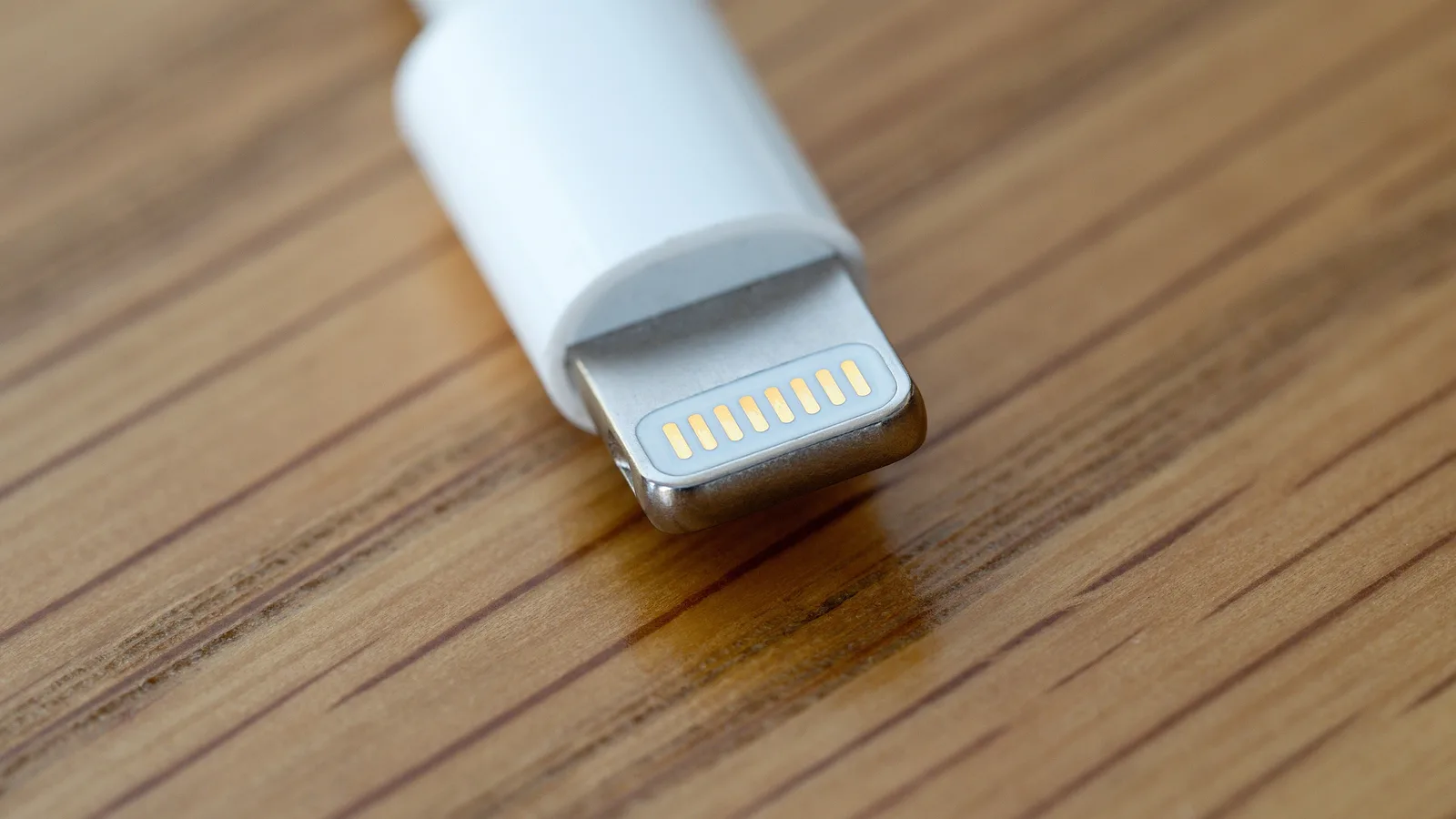
A phone that will not charge cannot turn on, so before anything else, prove that power is actually getting in. Swap to a cable and adapter you know are good — ideally Apple-certified — and try a different wall socket. Apple says to check the cable and USB adapter for damage such as breakage or bent prongs, and never to use a damaged accessory. Frayed third-party cables and failing cheap adapters are, in our experience, the single most common reason an iPhone "died" overnight.
Then look inside the charging port. Pocket lint compacts into a hard plug at the bottom of the port and physically stops the connector seating — Apple explicitly says to remove any debris before charging. Use a bright light and a wooden or plastic pick, never metal, and never force it. If a good cable in a clean port wakes the phone, you never needed a repair. If you see a "This accessory may not be supported" message, Apple says that points to a dirty or damaged port, a faulty accessory, or a charger not designed to charge the device.
Check for liquid in the port — and what never to do
If your iPhone got damp — rain, a bag, a humid pocket in Singapore's weather — it may refuse to charge on purpose. When it detects moisture in the Lightning or USB-C connector it shows a "Charging not available" or liquid-detection alert and blocks charging to protect the pins from corrosion. A phone that then drains flat looks completely dead, when in truth it was never allowed to charge.
Apple's instructions are specific: unplug the cable, wait at least 30 minutes, then try again; if the alert returns, leave the phone in a dry, airy spot — it can take up to 24 hours to fully dry. Do not use a hairdryer or compressed air, do not poke a cotton bud or tissue into the port, and do not put the phone in rice — all of these push moisture or fibres deeper. If you have a Qi wireless charger and the back of the phone is dry, you can still charge that way while the port dries.
If it reaches the Apple logo and then dies
If the iPhone powers up to the Apple logo and either freezes there or boot-loops, the hardware is alive and the problem is software. First, be patient: if you were updating or restoring, Apple says the logo and progress bar can sit for over an hour, so make sure the bar has not moved for at least an hour before you act. If it is genuinely stuck, connect it to a computer and put it into recovery mode, then choose Update — not Restore. Update reinstalls iOS while keeping your data; Restore erases the iPhone completely, so keep it as the last resort, not the first.

When it really is the battery or the charging board
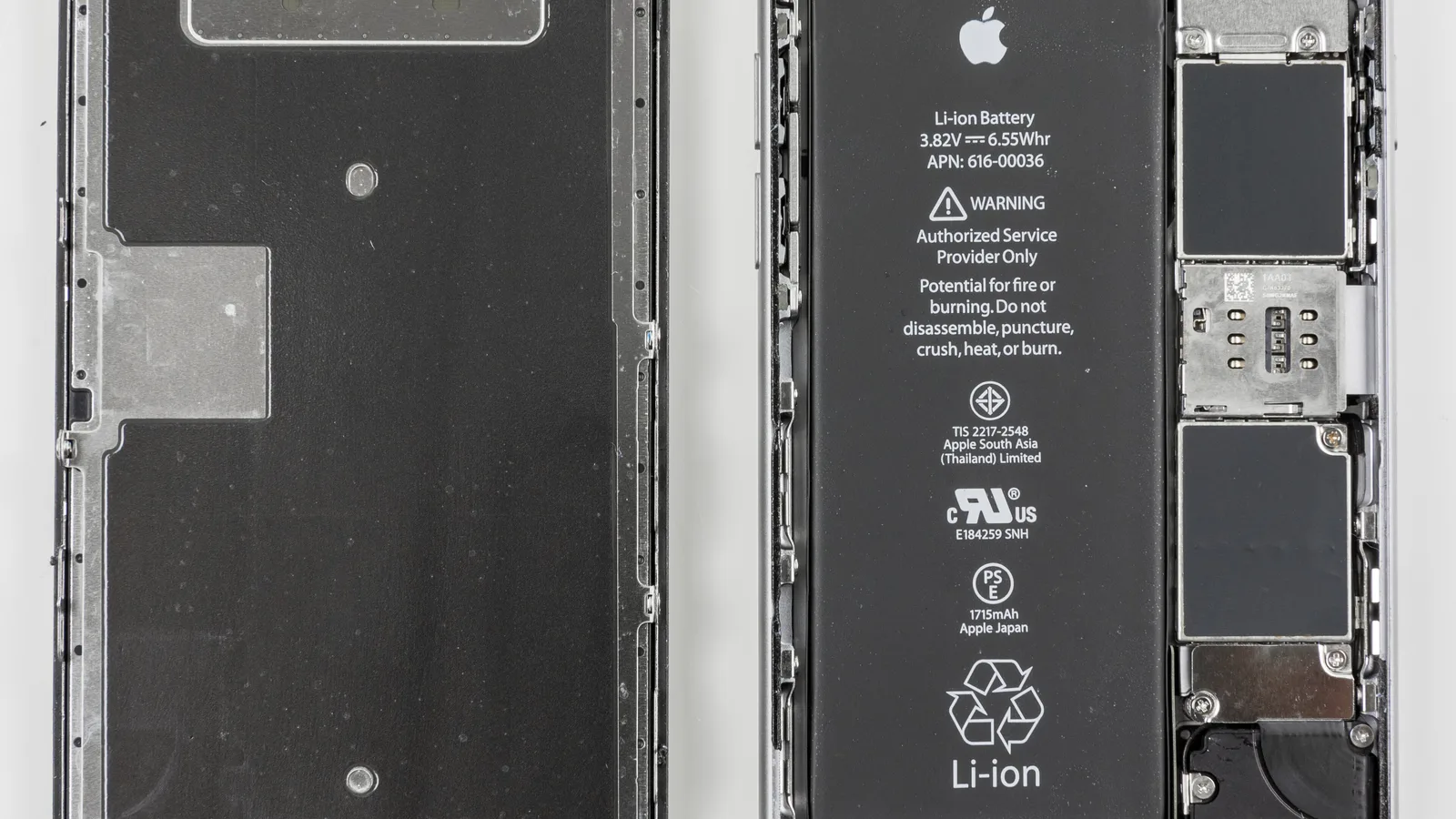
If a known-good charger, a clean port, a liquid check and recovery mode all come up empty, the fault is usually hardware — and that is where a diagnosis matters, because an iPhone not turning on or charging can mean three different repairs at three very different costs. A worn or swollen battery may no longer hold enough charge to boot. A failed charging port (the dock flex) stops power reaching the battery at all. And a damaged charging IC (a chip on the board) or power-management chip on the logic board — common after a bad third-party charger or a drop — can leave the phone completely unresponsive even with a new battery and port.
On our bench we do not guess between these. We measure what the battery is actually drawing on a power supply, test with a known-good port flex, and inspect the board under a microscope before we quote anything — so you do not pay for a battery when the real fault is just the charging port, or the other way round. A force restart, a new cable or even a new battery will not fix a charging-IC fault — that damage can only be repaired at board level. If your battery is visibly swollen, stop charging it and bring it in: a swelling cell is a safety risk, not something to leave plugged in overnight.
- The back glass or screen is lifting, or the phone feels swollen.
- It gets hot while charging but still will not switch on.
- A liquid-detection alert keeps returning with every cable.
- It only shows a red low-battery icon no matter how long it is plugged in.
- It reaches the Apple logo and restarts in a loop.
A quick way to narrow it down
Match what your iPhone is actually doing to the most likely cause before you spend anything. These are the patterns we see most often on the bench.
| What your iPhone does | Most likely cause | What to do first |
|---|---|---|
| Dead black screen, no response at all | Deeply drained battery or software hang | Force restart, then charge an hour on a known-good charger |
| Charges fine but will not power on | Software hang or failed boot | Force restart; if it reaches the logo, use recovery-mode Update |
| Will not charge on any cable | Dirty or damaged port, bad cable or adapter | Swap cable and adapter, clean the port with a wooden pick |
| "Charging not available" or a liquid alert | Moisture in the connector | Unplug, dry up to 24 hours, charge wirelessly meanwhile — no rice |
| Dead even with a new battery and cable | Charging IC or logic-board fault | Stop and get a board-level diagnosis |
| Battery is swollen or the screen is lifting | Failing battery cell | Stop charging immediately and bring it in |

Esmond Service Centre's experienced technicians can diagnose and fix it fast — free diagnostics, repairs from $65.