

📑 On this page
It is one of the most alarming faults we see: the laptop sounds completely normal, but the screen is a sheet of black. Almost every time, it started with pressure on the lid — a bag packed too tight, something left on the keyboard, or a hard push to close it. Here is what actually happened, how to check it yourself, and what it takes to fix.
What a black screen after lid pressure really means
A laptop that powers on, chimes and runs — fans spinning, keyboard lit — but shows nothing after you pressed or closed the lid has a display problem, not a dead computer. The force travelled through the lid into the LCD panel or the thin ribbon cable behind the hinge, and the picture stopped there.
This is exactly the scenario Singapore owners describe to us: a laptop shut in a tight bag, a book stacked on the lid, or a firm push to close it — then a blank screen on the next open. Because Windows or macOS is still running underneath, the machine feels alive; only the panel has gone dark.
Why pressing the lid kills the picture
Inside every laptop LCD, liquid crystal sits in a cell gap of just three to five microns between two sheets of glass. That gap is what forms the picture. Press the lid hard enough and the glass and polarizer deform, the gap turns uneven, and the crystal alignment is permanently disrupted.
An LCD-panel maker's own guidance describes the sequence plainly: the glass and polarizer deform, the cell gap becomes uneven, the liquid-crystal alignment is permanently disrupted, and light then scatters into visible defects. Depending on where and how hard you pressed, that appears as a bright or dark patch, spreading lines, or — at worst — a fully black panel.
- The two glass layers and the polarizer film flex under the load.
- The three-to-five-micron cell gap stops being uniform.
- Liquid crystal is displaced and its alignment is permanently lost.
- Light then passes unevenly, so you see blotches, lines, or black.
Screen black but the laptop still running? Do these three checks first
Before assuming the worst, rule out the cheap causes. If the machine is clearly on but the screen stays black, three quick checks at home tell you whether the fault is the panel, the cable, or just a stuck sleep state — and none of them costs a cent or risks any further damage.
- First, the external monitor test: plug in an HDMI or USB-C screen. If the desktop appears there, the computer and GPU are fine and the fault is the internal panel, cable or backlight.
- Then, the backlight torch test: shine a bright light at a low angle across the black screen. If you can just make out a faint desktop, the backlight has failed but the panel may still be alive — a different, sometimes cheaper repair.
- Finally, a wake and power drain: tap the power button once to wake it from sleep or hibernation; if nothing, hold power for 30 seconds with the charger removed to force a clean restart. One real forum case was solved this way before any hardware was touched.
Pressure mark, crack, dead panel or backlight — telling them apart
Not every dark screen is the same fault, and the fix differs sharply. A soft blotch with no glass crack is a pressure mark; splintered lines are a physical crack; an all-black picture with a working external monitor is a dead panel; a faint image seen only under a torch is a backlight fault. Match yours to the table below.
| Symptom | What you see | Does it spread? | Typical fix |
|---|---|---|---|
| Pressure mark | Soft-edged dark or coloured blotch, no crack in the glass | Usually stays the size it was made | Replace the panel if it blocks the view |
| Internal crack / lines | Spiderweb lines or coloured bands from a stress point | Often spreads as crystal leaks | Replace the panel |
| Dead / black panel | Fully black, but an external monitor works | No image at all | Replace the panel, or reseat/replace the cable |
| Backlight failure | Faint image only under a torch at an angle | No | Backlight or cable repair — often cheaper than a panel |
Does pressure damage spread — and should you act fast?
It depends on the type. A settled pressure mark or a dead pixel usually stays the size it was made. But true cracked-layer damage tends to spread, because liquid crystal keeps leaking from the broken cell, and heat speeds it up. That is how a small blotch becomes half a screen.
A simple self-check settles it: photograph the mark today, then compare again in a week. If it grew, it is going to keep growing and the panel is on its way out. Until you can get it repaired, keep the lid open, avoid pressing the area and keep the laptop cool — every close-and-carry adds fresh force to an already weakened panel.

Can a pressure-damaged screen be repaired, or must it be replaced?
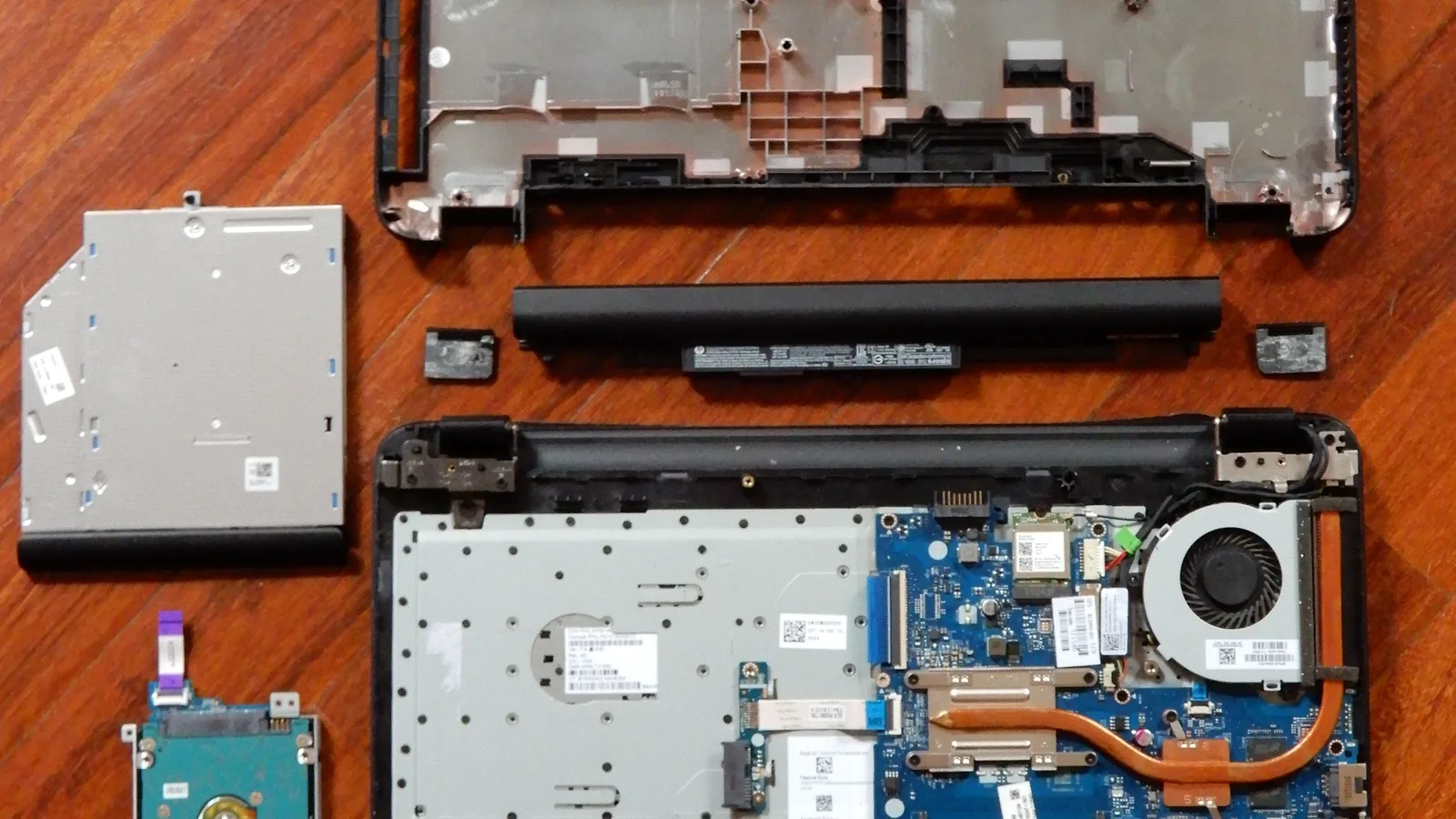
In almost every case a pressure-damaged LCD cannot be repaired — it has to be replaced. Once the cell gap has deformed and the crystal has moved, the change is physical and permanent, and no software setting, heat trick or vacuum tool restores it. Home 'cures' usually spread the damage rather than curing it.
The panel maker is blunt about it: DIY repairs using heat, pressing or vacuum tools often worsen the damage and cannot restore the cell-gap structure. iFixit's guidance agrees that visible physical damage, cracks or liquid damage mean the panel is replaced. The one common exception is a backlight-only fault, where the panel itself can sometimes be reused.
- A soft-edged blotch that blocks what you are reading — replace the panel.
- Spreading lines or coloured bands — replace the panel before they swallow the screen.
- Fully black but the external monitor works — replace the panel, or reseat/replace the ribbon cable first.
- A faint image only under a torch — a backlight or cable repair may be all you need.
How to stop it happening again
Pressure damage is almost always preventable. The panel is the most fragile part of the whole laptop, so the habits that protect it are simple: keep weight off the lid, close it on nothing, and carry the machine in something that spreads the load instead of concentrating it on the screen.
- Never stack books, chargers or a phone on a closed laptop.
- Check nothing is left on the keyboard before you close the lid — even a USB stick can crack a panel.
- Use a padded sleeve or a bag with a firm laptop compartment, not a loose backpack pocket.
- Close the lid from the centre and gently; don't press down to force it shut.
- Lift and carry the laptop by its base, never by the screen.

When to bring it in: getting a pressure-damaged screen fixed in Singapore
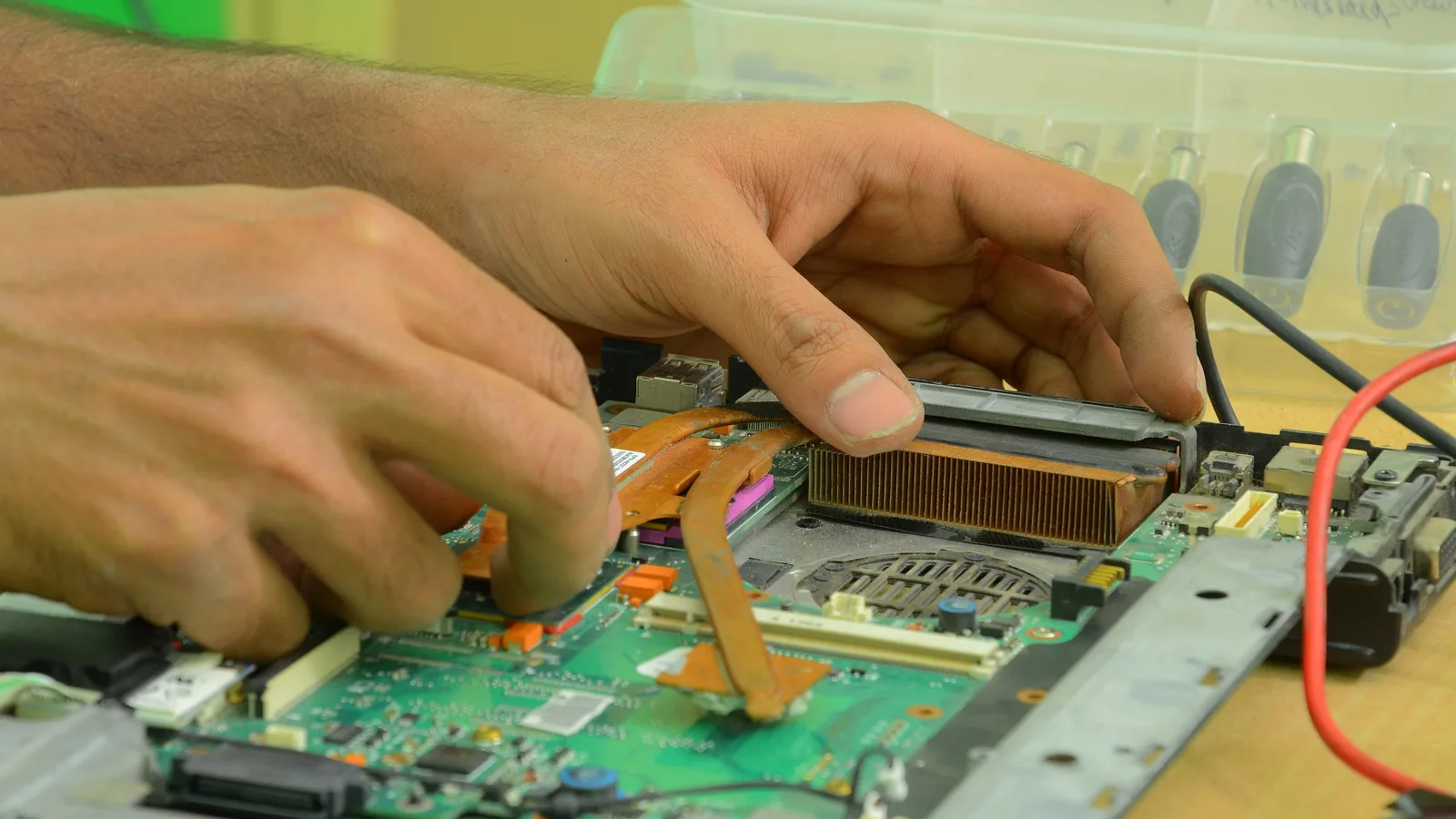
If the external-monitor test points to the panel, that is when to bring it in and let a professional take over: a proper diagnosis and a panel replacement by a technician who works on laptop displays every day. Bring the laptop in, describe exactly when the black screen started, and let the bench confirm whether it is the panel, the cable or the backlight.
At Esmond Service Centre we replace laptop LCD and OLED panels and diagnose black-screen faults on the bench, matching the exact panel your model uses. We have deliberately left prices, turnaround times and warranty wording off this guide, because those depend on your model and current panel supply — ask us for a quote for your specific laptop rather than trusting a figure from any web page.

Esmond Service Centre's experienced technicians can diagnose and fix it fast — free diagnostics, repairs from $65.