

📑 On this page
Almost everyone reads the length of a laptop warranty — one year, two years, three — and almost nobody reads the exclusions underneath it. Then something goes wrong, the laptop goes in, and the answer comes back: “not covered.” It is one of the most common frustrations we hear about in Singapore. On the HardwareZone forums, one owner sent an in-warranty ASUS Zenbook in for a flickering screen and was told the screen was “liquid damaged” and therefore outside the warranty, on top of a diagnostic fee — and the community agreed that visible corrosion is a standard exclusion. Knowing what a warranty does not cover before you need it saves you that surprise.
What a standard laptop warranty actually covers
A manufacturer's limited warranty is a promise about one thing: that the hardware is free from defects in materials and workmanship for a set period. If a motherboard, a port, a fan or a keyboard fails on its own during normal use, that is what the warranty is for. Everything else — anything you did, anything the environment did, and ordinary ageing — falls outside it. Dell's limited hardware warranty, for example, is explicit that it does not cover “problems that result, directly or indirectly, from external causes such as accident, abuse, misuse” or “normal wear and tear.” Apple's one-year limited warranty uses almost the same language. The exclusions below are not one brand being strict; they are the industry norm.
What is not covered: the exclusions in plain terms
Read across Apple's, Dell's and other manufacturers' warranty terms and the same list appears every time. These are the categories a standard warranty will turn down:
- Accidental and physical damage — drops, knocks, cracked screens, bent chassis, broken hinges and damaged ports.
- Liquid damage — spills, rain, humidity and any corrosion that follows, confirmed by the laptop's own liquid-contact indicators.
- Cosmetic damage — scratches, dents and worn plastic, “unless failure has occurred due to a defect,” in Apple's words.
- Battery ageing and consumables — a battery that simply holds less charge over time is wear, not a defect.
- Software, viruses and lost data — the operating system, installed apps, malware and any data loss are outside a hardware warranty.
- Unauthorised repair and third-party parts — opening the laptop yourself or using a non-authorised shop or non-original parts can void cover.
- External causes and misuse — power surges, fire, use outside the product instructions, and anything the maker classes as abuse.
Accidental and physical damage
This is the single biggest reason a claim is rejected. A dropped laptop, a cracked screen, a cover dented by something heavy in a bag — none of it is a manufacturing defect, so none of it is covered. Apple's warranty excludes “damage caused by accident, abuse, misuse, fire, liquid contact, earthquake or other external cause.” Dell lists “accident, abuse, misuse” among its external causes too. The gap this leaves is real, which is why makers sell a separate accidental damage protection plan that covers drops and spills, usually for an extra fee and often with an excess per claim. If you want cover for accidents, that add-on — bought at purchase — is the only thing that provides it; the standard warranty never will.
Liquid damage: coffee, water and corrosion
Liquid is treated as its own exclusion because the damage keeps going long after the spill. Apple states plainly that “damage to Mac computers and accessories due to liquid exposure is not covered,” and modern laptops carry liquid-contact indicators — small strips that change colour once wet — so a service centre can see that a machine has been exposed even if it looks dry. That is exactly what happened in the Singapore ASUS case above: the owner insisted no water had touched it, but corrosion on the ports told the service centre otherwise. If you spill something, powering the laptop on to “check if it still works” is the worst move — it drives current through wet circuits and turns a cleanable board into a dead one. Unplug it, turn it off, and get it to a bench.

Battery ageing, wear and tear, and consumables
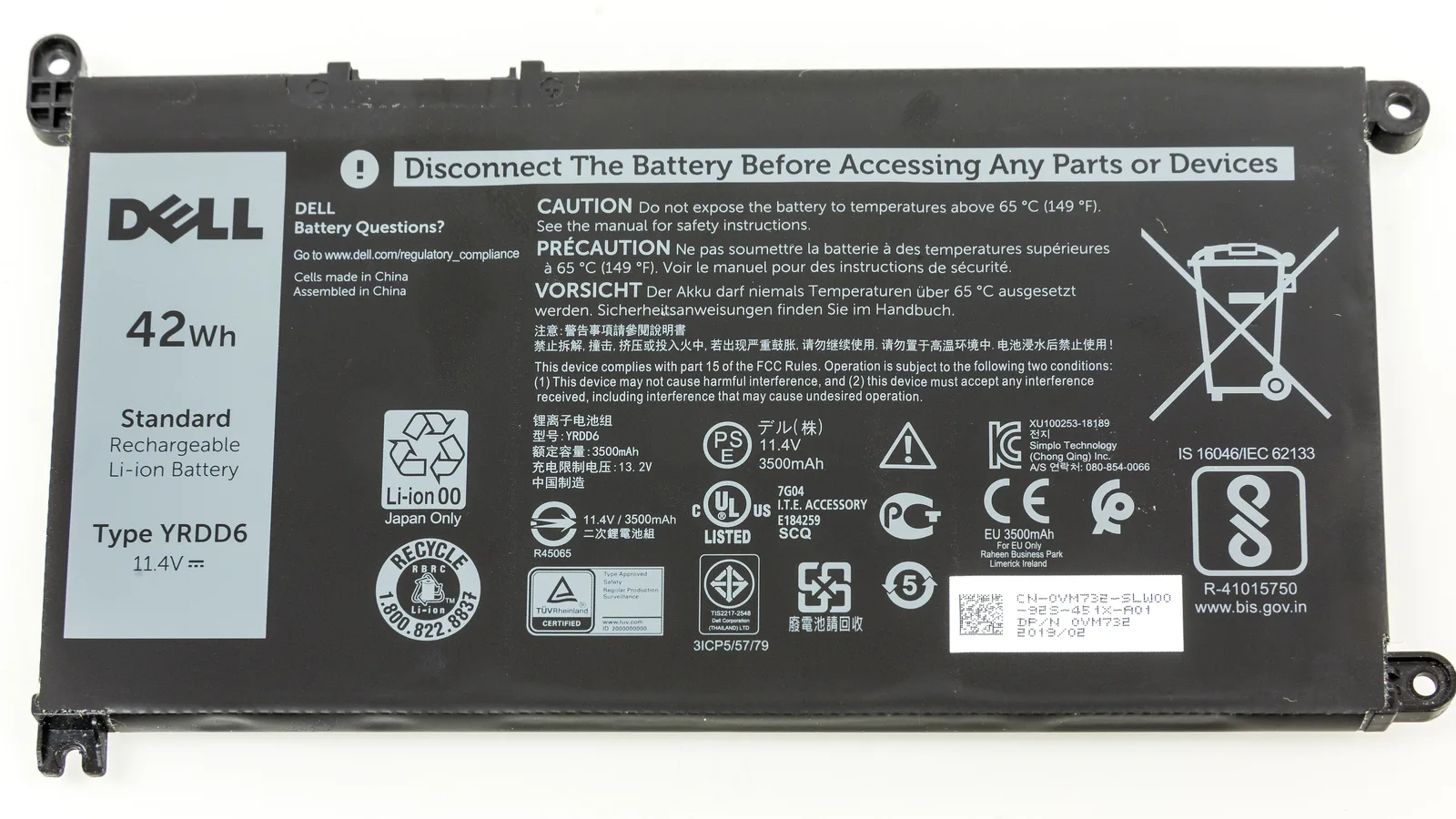
A laptop battery is a consumable: it is designed to lose capacity with every charge cycle, and that slow decline is wear, not a fault. Apple's warranty draws this line directly, excluding “batteries, unless failure has occurred due to a defect in materials or workmanship.” So a two-year-old battery that now lasts three hours instead of eight is normal and not a warranty matter; a battery that swells, overheats or dies suddenly in the first months can be a genuine defect worth claiming. The same “normal wear and tear” wording that Dell uses covers worn keycaps, a loosened hinge from years of opening, and fan noise from age. Wear is the cost of use, and no warranty pays for it.
Software, viruses and lost data
A hardware warranty covers hardware, and nothing else. Dell's terms exclude “software, including… the operating system… third-party software or the reloading of software.” That means a corrupted Windows install, a virus, a driver that will not behave, and above all your lost files are not a warranty claim — even when the machine genuinely will not start. Data recovery and an OS reinstall are chargeable services, not warranty work, everywhere. The practical lesson is the cheap one: keep a backup. A warranty can replace a failed drive, but it was never going to give you back what was on it.

Unauthorised repairs and third-party parts
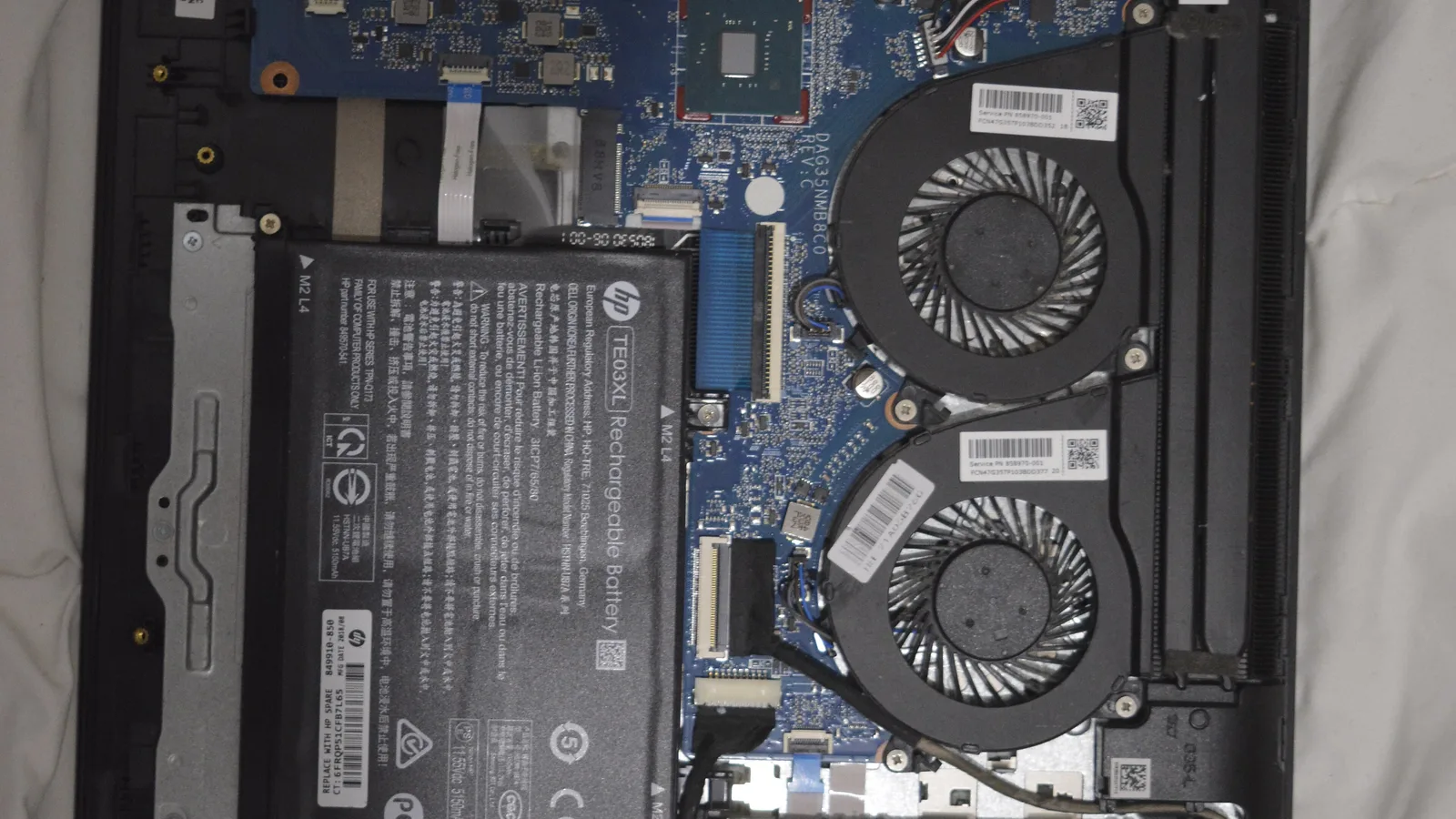
This is the exclusion that quietly catches people after the fact. Apple's warranty does not cover “damage caused by service… performed by anyone who is not… an Apple Authorized Service Provider,” or a product “modified to alter functionality.” Dell excludes “servicing not authorized by Dell” and problems from “using accessories, parts or components not supplied by Dell.” In practice this means opening the case to swap RAM or storage, or taking a still-under-warranty laptop to a cheap shop for a quick fix, can end the manufacturer's cover — and a broken warranty seal is visible evidence. It is not a reason to avoid independent repair; it is a reason to make an informed choice. Once a laptop is already out of warranty, none of this applies, and an experienced independent repairer is often the sensible option.
| Type of problem | Standard manufacturer warranty | Accidental Damage Protection (add-on) | Singapore Lemon Law (CPFTA) |
|---|---|---|---|
| Part fails on its own (defect) | Covered | Covered | Covered — defect in first 6 months is presumed |
| Accidental drop / cracked screen | Not covered | Covered (fee / excess) | Not covered (consumer-caused) |
| Liquid / water damage | Not covered | Usually covered | Not covered (consumer-caused) |
| Battery ageing / wear and tear | Not covered | Not covered | Not covered (fair wear and tear) |
| Software, viruses, lost data | Not covered | Not covered | Not covered |
| Damage from unauthorised / DIY repair | Not covered (may void) | Not covered | Not covered (self-repair) |
Your rights in Singapore: the Lemon Law
A manufacturer's warranty is a voluntary promise; Singapore's Lemon Law is the statute underneath it. Under the Consumer Protection (Fair Trading) Act, CASE explains that consumers “have the right to request repair, replacement, reduction in price or rescission of contract for goods that do not conform to the contract.” Crucially, a defect that shows up within six months of delivery is presumed to have existed at delivery — the burden is on the seller to prove otherwise. That can carry you past a “not covered” from the maker when the real issue is a genuine defect. But the Lemon Law has its own limits that mirror the warranty exclusions: CASE lists that you are not entitled to a remedy if you “damaged the item,” “misused the item and caused the fault,” tried to repair it yourself and caused damage, were told about the fault before buying, or where “the fault is due to wear and tear.” Accidental and liquid damage sit outside the Lemon Law for the same reason they sit outside the warranty.
How to avoid a rejected claim
Most rejected claims are avoidable. Do these in order, from the day you buy the laptop:
- Keep the proof of purchase and register the warranty. The invoice date starts the clock, and the six-month Lemon Law presumption runs from it.
- Decide on accidental damage cover at purchase. If you want drops and spills covered, buy the add-on then — it usually cannot be added later.
- Don't open a laptop that is still under warranty. A broken seal or third-party part is visible, and it is the easiest reason for a claim to be refused.
- Back up your data regularly. No warranty returns lost files, so a backup is the only thing that protects them.
- If liquid gets in, power off and stop. Turning it on to test it is what turns a repairable board into a scrapped one.
What a repair will and will not fix
Being clear about this before any work starts avoids a hard conversation later. If your fault is one of the exclusions above, here is what a repair can and cannot do about it.
- Software will not fix a cracked panel. Broken glass or a dead screen cannot be repaired in software and has to be replaced.
- No amount of resetting will recover lost data. If a drive has failed, a repair replaces the part but cannot bring back what was on it.
- A repair will not undo liquid corrosion for good. A board that has been wet can be cleaned, but it can fail again, and no amount of cleaning can guarantee it is fixed permanently.
- A repair will not turn an exclusion into a warranty claim. Fixing the fault is one thing; the manufacturer still will not pay for accidental, liquid or wear-related damage.
When the free steps above don't hold, stop and bring it in. On a fault like this it is better to seek professional help than to keep guessing — and on a very old or badly corroded machine, a technician will tell you when a repair is not worth it, even when it costs them the job.
What we see on the bench in Singapore
When an owner brings in a laptop that a maker has declined, the first thing we do on the bench is work out why it was declined, because that decides whether it is even worth paying to repair. We check the liquid-contact indicators and look for corrosion or tide-marks on the board under magnification — that is usually what a service centre saw. We read the battery's cycle count and health before calling a short runtime a fault, because a worn battery is a cheap swap while a board fault is not. We look for a broken warranty seal or non-original parts, since those explain a refusal on a machine that is otherwise fine. The honest part of this job is telling an owner when the repair is not worth it: a badly corroded board can be cleaned and still fail weeks later for reasons no repairer controls, and on a very old or heavily water-damaged machine we will say so before you spend, even when it costs us the work.
Getting an out-of-warranty laptop fixed in Singapore
If your problem is one of the exclusions above, the manufacturer's door is closed — but the repair itself is usually straightforward for an independent workshop. Esmond Service Centre is an Apple Independent Repair Provider and an MSI and Actxa Authorised Service Provider, and an independent repairer on every other brand, so we handle MacBook, Dell, HP, Lenovo, Asus, Acer and more. Every repair starts with a free diagnostic and an upfront quote — no fix, no fee — so you learn what is wrong and what it costs before you commit. Our work carries a 90-day warranty on the parts and the labour, extendable with the optional Esmond Care plan; two things sit outside that, and we say so before you pay, not after — a water-damaged board carries no warranty because a board that has been wet can fail again, and an OS reinstall is software, which carries no warranty. You can walk in to our Alexandra or Sin Ming branch, or WhatsApp your model first for a quote. Our laptop repair page lists the jobs and the typical time each one takes.

Esmond Service Centre's experienced technicians can diagnose and fix it fast — free diagnostics, repairs from $65.