
📑 On this page
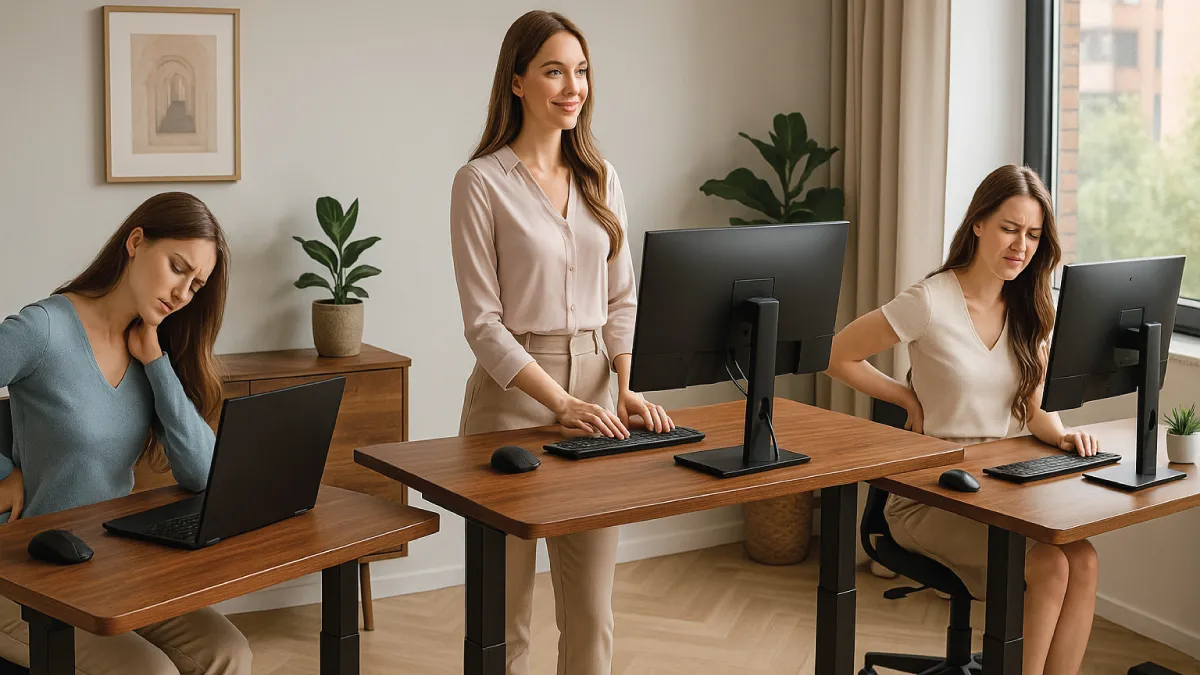
If you spend hours at your desk each day, you are not alone — though it is worth being accurate about how many. The Singapore Multi-Ethnic Cohort (9,384 working adults, published 2017) measured mean occupational sitting at 2.7 hours a day and mean total sitting, work and leisure combined, at 5.5 hours a day. That is less than the "seven hours at the desk" figure often quoted here — which comes from a Malaysian study, not a Singaporean one — and it is still enough sitting to produce neck and back pain, fatigue and higher long-term health risks. The good news is that an ergonomic desk setup can improve your comfort and well-being at work.
As an IT service provider with 16 years of experience, Esmond Service Centre has seen firsthand how the right ergonomic desk Singapore setup boosts productivity and reduces aches. This guide shares expert tips on choosing the right desk, setting up your workstation, and adopting healthy habits to transform your work experience.
How Do You Choose the Right Ergonomic Desk in Singapore?
Selecting the right ergonomic desk in Singapore is crucial for comfort. Consider the following when making your choice:
- Assess your space and work style: Measure your available area and think about how you'll use the desk. Many Singapore home offices are compact, so choose a desk size that fits – about 120×60 cm for HDB bedrooms. If you use multiple monitors or a laptop with an external monitor, ensure the desktop is large enough to hold everything you need.
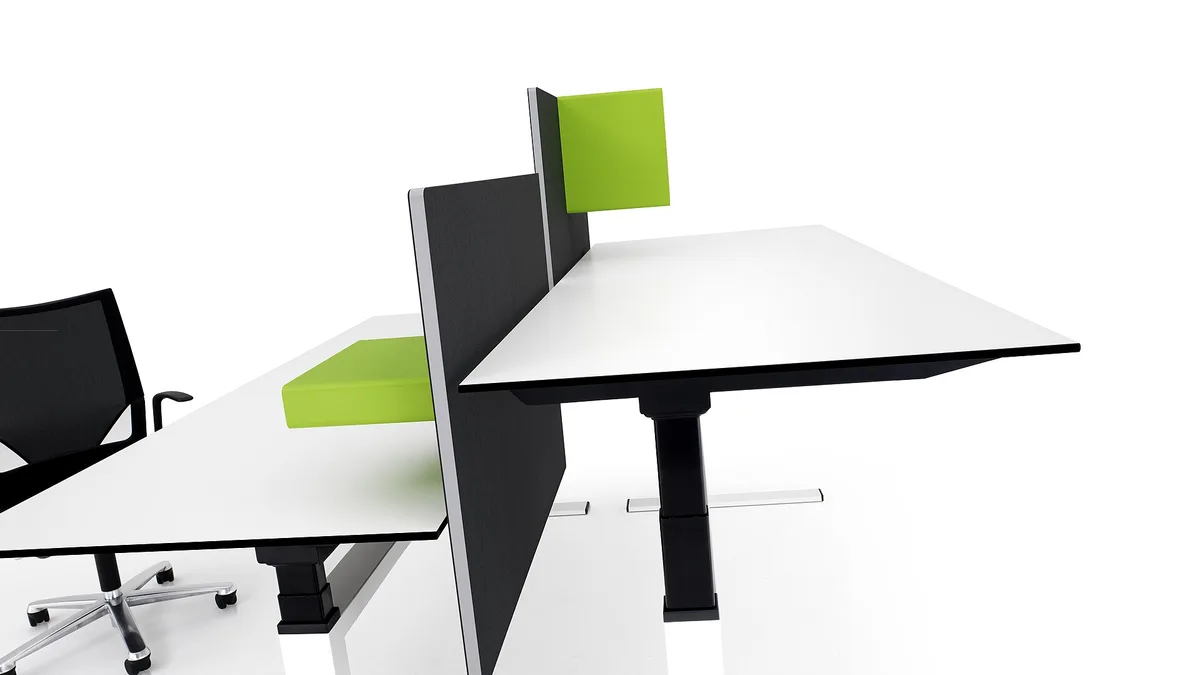
- Prioritize adjustability and stability: An ergonomic desk should ideally be height-adjustable. Sit-stand models let you switch between sitting and standing, encouraging movement. Look for a sturdy design – modern electric desks with dual motors provide smooth, even height changes, and a frame that won’t wobble at full height. Check the weight capacity as well to be sure it can support all your equipment.
- Consider local brands and support: In the Singapore ergonomic desk market, there are options from premium imports to budget models. Local Singapore-designed desks often include features like compact footprints for small flats and local warranty support. Going with a reputable local provider means you get help close at hand if anything goes wrong, plus perks like free delivery or assembly.
How Do You Set Up an Ergonomic Desk for Perfect Posture?
Even the best ergonomic desk won’t help if your workstation isn’t adjusted correctly. Follow these steps to maintain a neutral, comfortable posture at your setup:
Chair first, not the desk
Sit back fully, then raise or lower the seat until your feet rest flat on the floor and your thighs are level. If your feet dangle, you need a footrest — not a lower desk.Now the desk height
With your shoulders relaxed and your upper arms hanging, set the desk so your elbows bend at roughly 90° over the keyboard and your forearms are level. On a sit-stand desk, save this as your seated preset.Monitor last
Put it about an arm's length away with the top of the screen at or just below eye level. A laptop alone cannot do both — put it on a stand and add a separate keyboard and mouse.Set your standing preset
Stand up, repeat step 2 standing, and save that height too, so switching is one button rather than a fiddle every time.Clear the floor under the desk
Route the cables so nothing is dragged when the desk moves, and keep the footwell empty so you can get close enough for step 2 to stay true.
- Chair height and support: Adjust your chair so your feet rest flat on the floor (or on a footrest) and your thighs are parallel to the ground. Your knees should form about a 90° angle without pressing into the chair edge. Use a chair with good lumbar support so your lower back keeps a slight inward curve. Keep your shoulders relaxed and elbows close to your sides.
- Desk and keyboard position: Set your desk height (or chair height if the desk isn’t adjustable) so your elbows bend roughly 90° when your hands are on the keyboard. Your forearms should be parallel to the floor while typing. Keep the keyboard and mouse close so you don’t have to reach; your wrists should stay straight and your hands at about elbow level. If your desk has a sharp edge, pad it or use a wrist rest to protect your wrists from pressure.
- Monitor height and distance: Place your monitor about an arm’s length in front of you. The top of the screen should be at or slightly below eye level. If you use a laptop, put it on a stand (or a stack of books) to raise the screen, and use an external keyboard and mouse to maintain proper posture.
By fine-tuning your desk setup, you ensure your body stays in a neutral position – reducing strain on your neck, shoulders, wrists, and back. Small adjustments (like raising your monitor or using a footrest) can make a big difference in comfort over long work sessions.
Building Healthy Habits with Your Ergonomic Desk
Setting up your desk is only half the battle – your daily habits are equally important. Here’s how to make the most of your setup while caring for your health:
- Alternate between sitting and standing: If your desk is adjustable – as most ergonomic desks are – avoid staying in one posture for too long. Experts recommend gradually adding standing time to your day – start with 30–60 minutes total, broken into short intervals, and increase it slowly. For example, begin by standing for 15 minutes every hour. Regular position changes can help reduce stiffness and back pain.
- Take regular movement breaks: Even with a perfect setup, it’s important to move periodically. Stand up, stretch, or take a quick walk from your desk every hour. Simply getting up and walking around more often improves circulation and energy – periodic standing and moving can boost your metabolic rate and lower health risks over time. Do a few quick stretches for your neck, shoulders, wrists, and legs throughout the day to relieve muscle tension.
- Listen to your body and mix it up: Pay attention to how you feel. If your feet get sore from standing, sit down for a while – and if you get stiff from sitting too long, stand up and move. Try to plan your work so intensive tasks (like writing or design work) are done seated for better focus, while phone calls or reading can be done while standing. The key is to avoid any single static position for hours on end.
Over time, these healthy habits can make your ergonomic desk truly pay off in terms of comfort and productivity. Many people find they have better focus and less fatigue when they alternate positions and stay active. By being mindful of your posture and moving regularly, you’ll get the most out of your ergonomic workspace.
Seeking Expert Help and Local Ergonomic Solutions
Sometimes a bit of outside help can take your ergonomic setup to the next level. Here are some ways to leverage local expertise in Singapore:
- Get professional guidance: For personalized ergonomic desk solutions, consider consulting an ergonomics specialist or an experienced service provider. An expert can evaluate your workstation and recommend adjustments or accessories to fit you better. For example, Esmond Service Centre’s team – with 16 years of experience – regularly helps clients find the ideal desk or chair setup for their needs.
- Try before you buy: Whenever possible, visit a showroom to test out ergonomic chairs and desks. Everyone’s body is different, so what feels comfortable might not suit you. Trying a chair’s lumbar support or raising and lowering a demo standing desk can help you gauge its stability and comfort before you commit.
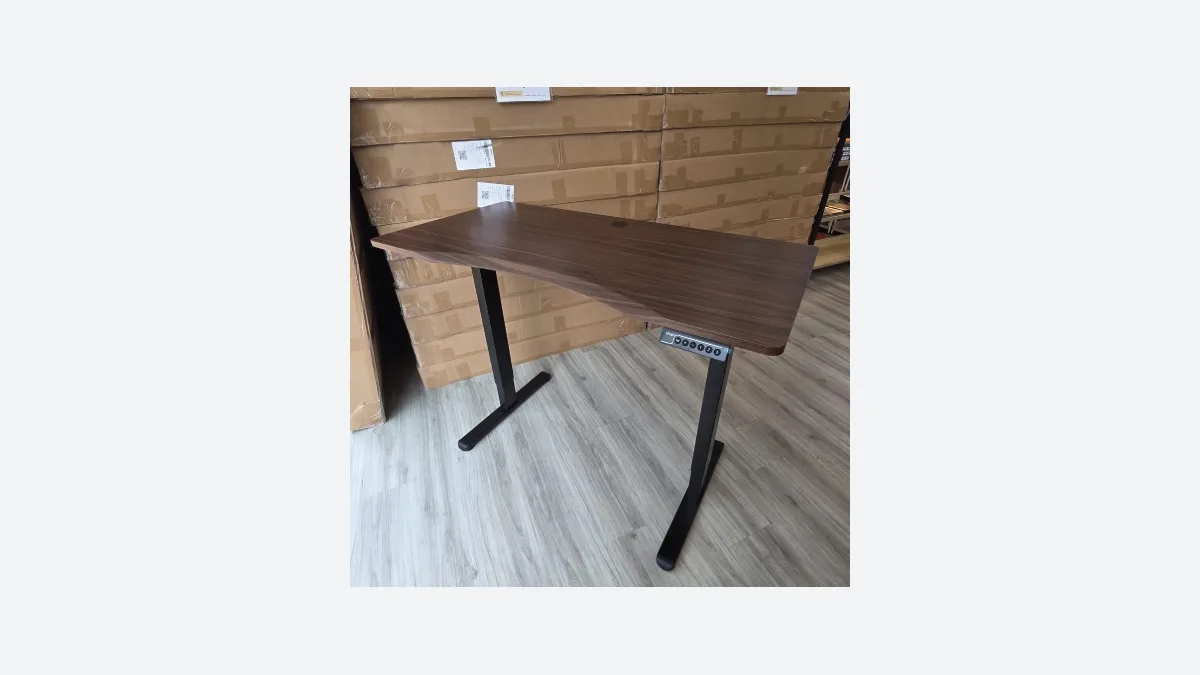
- Choose local quality and support: Opt for ergonomic products that come with reliable local warranty and service. This ensures that if your motorized desk or chair has issues, you can get help quickly. For example, the Singapore-designed Vival standing desk has a compact 120×60 cm top ideal for HDB homes and comes with a 1-year local warranty.
By tapping into local expertise, you can confidently create an ergonomic desk setup that suits your needs. Don’t hesitate to ask questions or seek guidance – improving your workspace ergonomics is an investment in your health and productivity that will pay off.
What a Desk Will Not Fix, and When to Get Professional Help
A desk is furniture, and it is worth being honest about the limits before you spend. A new desk will not fix pain you already have. Height adjustment changes the load on your neck, shoulders and wrists going forward; it does not treat an existing injury, and no desk resolves numbness, tingling, or pain that wakes you at night or persists at rest. The honest cost of getting this wrong is not money, it is time: people push on for months with a setup that hurts, and persistent poor posture at a badly-set desk is associated with ongoing neck and back pain rather than a one-off ache. So the stopping point is simple — if pain lasts more than a couple of weeks after you have corrected the setup above, or if you have numbness or tingling in your hands or arms at any point, stop adjusting furniture and see a doctor or physiotherapist. That is a medical question, not an ergonomics one, and we are not qualified to answer it. What we can help with is the equipment side: the Vival standing desk is sold online at projectvival.com, with free island-wide delivery and a 1-year local warranty, which we handle as the authorised reseller.
Ergonomic Desk Singapore Solutions: Key Takeaways for Comfort and Productivity
Creating an ergonomic workspace is achievable. In summary, investing in a quality ergonomic desk and setting it up properly can greatly reduce common aches while boosting focus and productivity. Remember to choose a desk that fits your space, set up your chair and monitor for good posture, and integrate regular movement into your day. These small changes make a big difference – many people report more energy and fewer aches after making changes.
Most importantly, ergonomics is personal. Don’t be afraid to experiment and fine-tune your desk setup – listen to your body’s feedback and adjust until it suits you perfectly.
Ready to Elevate Your Ergonomic Workspace?
Found this ergonomic desk guide useful? Follow our Facebook page, LinkedIn profile or Instagram account for more practical tips on cutting-edge technology. If you would like to see the desk before you decide, our Sin Ming branch has one set up you can raise, lower and sit at.

Esmond Service Centre's experienced technicians can diagnose and fix it fast — free diagnostics, repairs from $65.