
Last updated:
If your MacBook or iMac won’t power on, has charging issues, unexpected shutdowns, or faulty USB-C ports, you may have a motherboard (logic board) problem. At Esmond Service Centre, we specialize in expert MacBook motherboard repair and iMac motherboard repair in Singapore, offering professional, sustainable, and affordable solutions.

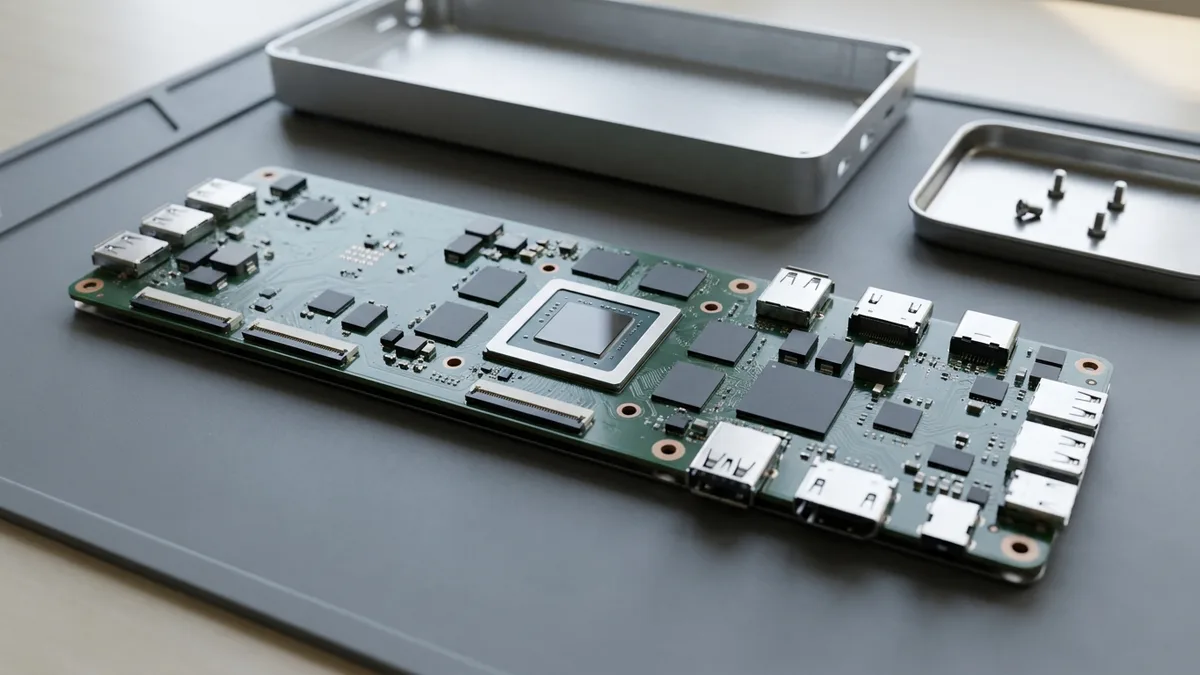
Esmond Service Centre repairs MacBook and iMac logic boards at component level, covering MacBook Air, MacBook Pro, iMac, and iMac Pro models. Experienced technicians use advanced diagnostics and micro-soldering to fix no-power, charging, shutdown, and USB-C faults, backed by warranty. WhatsApp us your Mac model number for a precise, personalised quote.
| MacBook Series | Estimated Duration | Starting Price (SGD) |
|---|---|---|
| MacBook Air (Intel) | 3 to 5 working days | From $186 |
| MacBook Air M1/M2 | 3 to 5 working days | From $238 |
| MacBook Pro (Touch Bar / Intel) | 3 to 5 working days | From $238 |
| MacBook Pro M1/M2 / 16-inch | 3 to 5 working days | From $290 |
| MacBook Air or Pro, M3 and newer | 3 to 5 working days | Quoted after free diagnosis |
Prices are before GST (9% is added at payment).
| iMac Series | Estimated Duration | Starting Price (SGD) |
|---|---|---|
| iMac (Intel) | 3 to 5 working days | From $186 |
| iMac Pro | 3 to 5 working days | From $290 |
| iMac (Apple Silicon) | 3 to 5 working days | From $290 |
WhatsApp us your model number for a precise, personalized quotation.
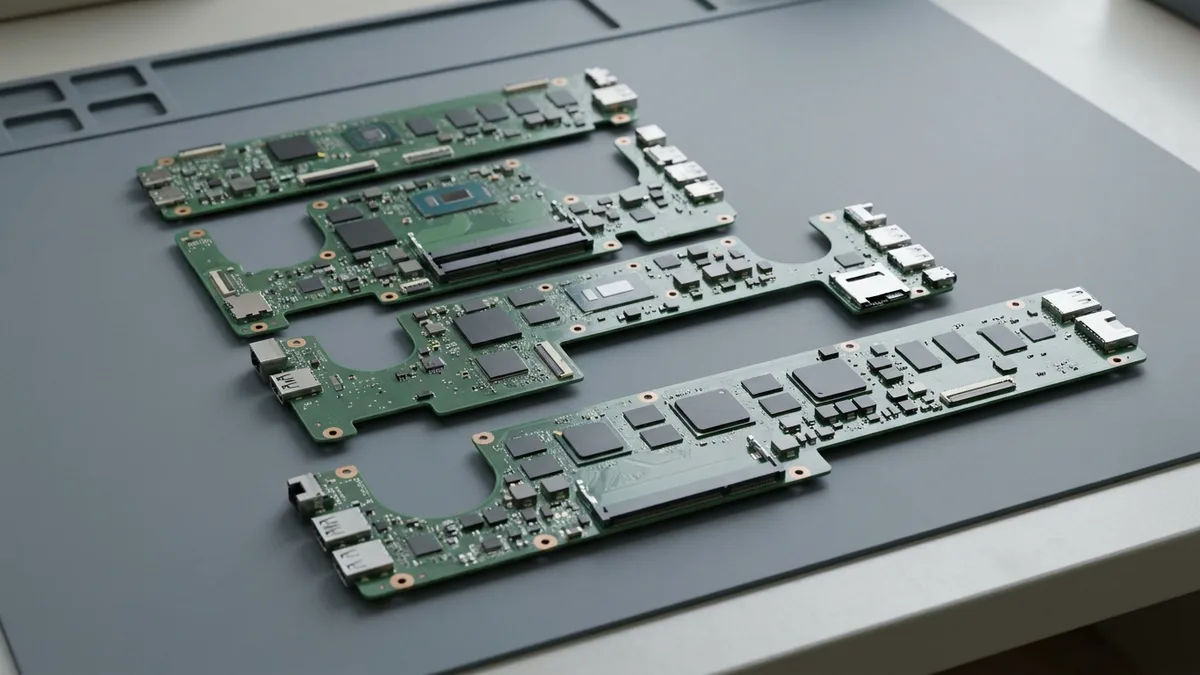
We provide comprehensive MacBook motherboard repair and iMac motherboard repair services across all popular Apple models:
| MacBook Series | Models Covered |
|---|---|
| MacBook Air | A1237, A1304, A1369, A1370, A1465, A1466, A1932, A2179, A2337 (M1), A2681 (M2), A2941 (15-inch M2), A3113 (M3), A3114 (15-inch M3), A3240 (M4), A3241 (15-inch M4), A3449 (M5), A3448 (15-inch M5) |
| MacBook Pro 13" | A1278, A1425, A1502, A1706, A1708, A1989, A2159, A2251, A2289, A2338 (M1 / M2) |
| MacBook Pro 14" | A2442 (M1 Pro/Max), A2779 (M2 Pro/Max), A2918 (M3), A2992 (M3 Pro/Max), A3112 (M4), A3401 (M4 Pro), A3185 (M4 Max), A3434 (M5), A3426 (M5 Pro), A3427 (M5 Max) |
| MacBook Pro 15" | A1286, A1398, A1707, A1990 |
| MacBook Pro 16" | A2141, A2485 (M1 Pro/Max), A2780 (M2 Pro/Max), A2991 (M3 Pro/Max), A3403 (M4 Pro), A3186 (M4 Max), A3428 (M5 Pro), A3429 (M5 Max) |
| MacBook Neo | A3404 (13-inch, A18 Pro, 2026) |
| MacBook (12-inch & White) | A1534 (12-inch Retina), A1342 (white unibody) |
| iMac Series | Models Covered |
|---|---|
| iMac (Intel, white polycarbonate & aluminum) | A1173 (17", Core Duo), A1174 (20", Core Duo), A1195 (17", Core Duo/Core 2 Duo), A1200 (24", Core 2 Duo), A1207 (20", Core 2 Duo), A1208 (17", Core 2 Duo), A1224 (20", aluminum, Core 2 Duo), A1225 (24", aluminum, Core 2 Duo) |
| iMac 21.5-inch (Intel) | A1311 (Core 2 Duo/i3/i5/i7, 2009-2011), A1418 (Core i5/i7, 2012-2017, incl. 4K Retina), A2116 (Core i3/i5/i7, 4K Retina, 2019) |
| iMac 27-inch (Intel, incl. 5K Retina) | A1312 (Core 2 Duo/i3/i5/i7, 2009-2011), A1419 (Core i5/i7, 2012-2017, incl. 5K Retina), A2115 (Core i5/i7/i9, 5K Retina, 2019-2020) |
| iMac Pro 27-inch | A1862 (Xeon W, 5K Retina, 2017) |
| iMac 24-inch (Apple Silicon) | A2438/A2439 (M1, 2021), A2873/A2874 (M3, 2023), A3137/A3247 (M4, 2024) |
🔍 Unsure of your Mac model? Simply WhatsApp your serial or model number for instant verification.
Not sure of your Apple model number? See our quick guide: how to find your Apple model number →
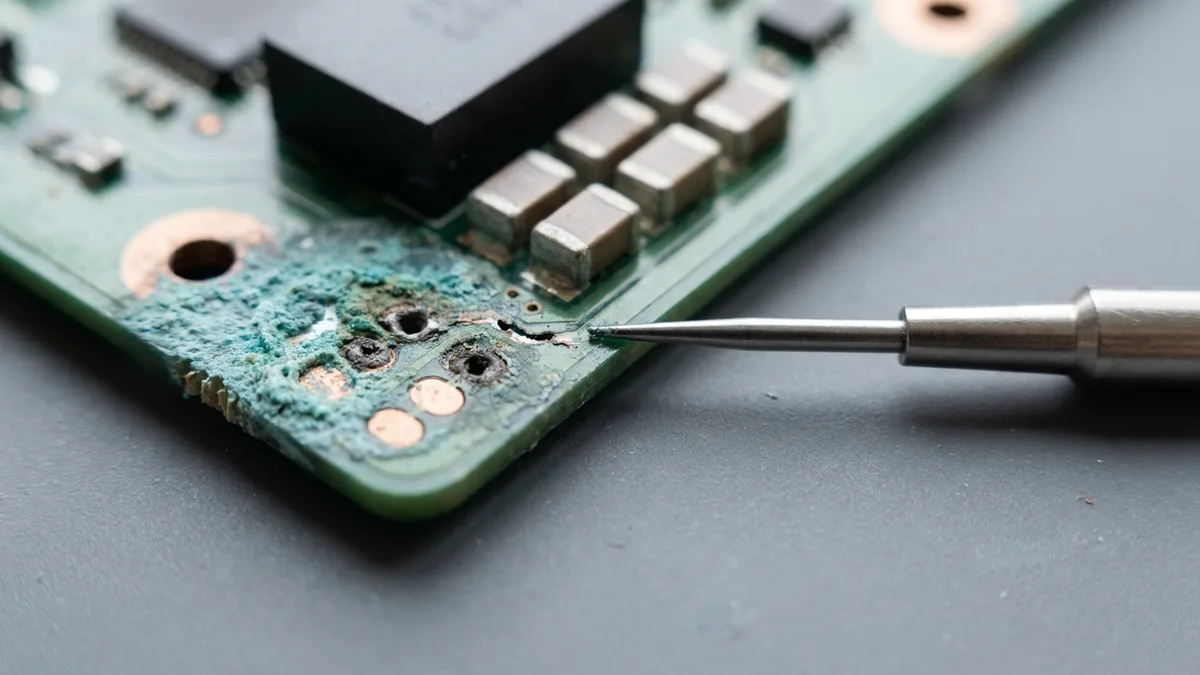
Our experienced technicians regularly fix various logic board (the main board — Apple's name for the motherboard) problems including:
One fault on that list cannot wait for an appointment. If liquid has reached the board, shut the Mac down now and do not plug it in to charge — our water damage guide says to cut the power at once rather than waiting or trying to save files first, and every minute the board stays powered spreads the corrosion we would otherwise be repairing. Do not stand it in rice and do not use a hair dryer. Liquid jobs start with a compulsory S$68 chemical cleaning fee, paid before the diagnostic, because the board has to be cleaned before anyone can tell what still works.
🚨 Immediate MacBook motherboard repair and iMac motherboard repair prevent further hardware damage and safeguard your data.
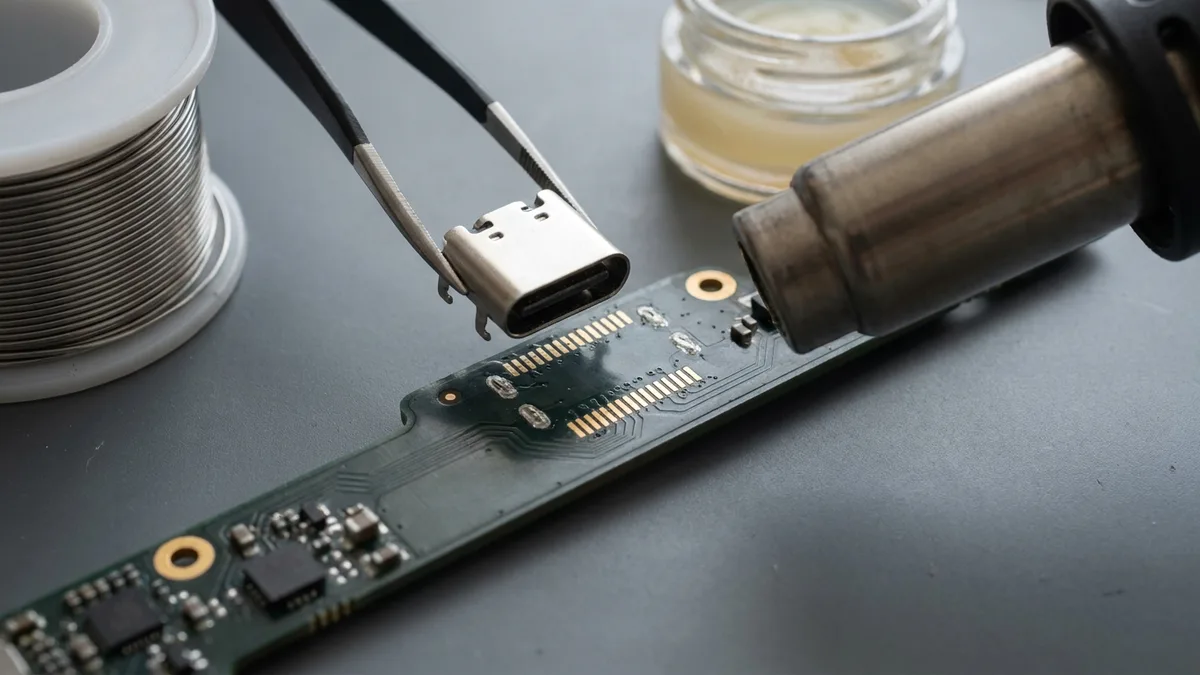
On MacBooks and iMacs, USB and USB-C ports are often directly soldered onto the motherboard. At Esmond Service Centre, we provide specialized logic board-level repair services for USB/USB-C ports by:
We deliver reliable, sustainable repairs for your Mac’s USB connectivity issues.
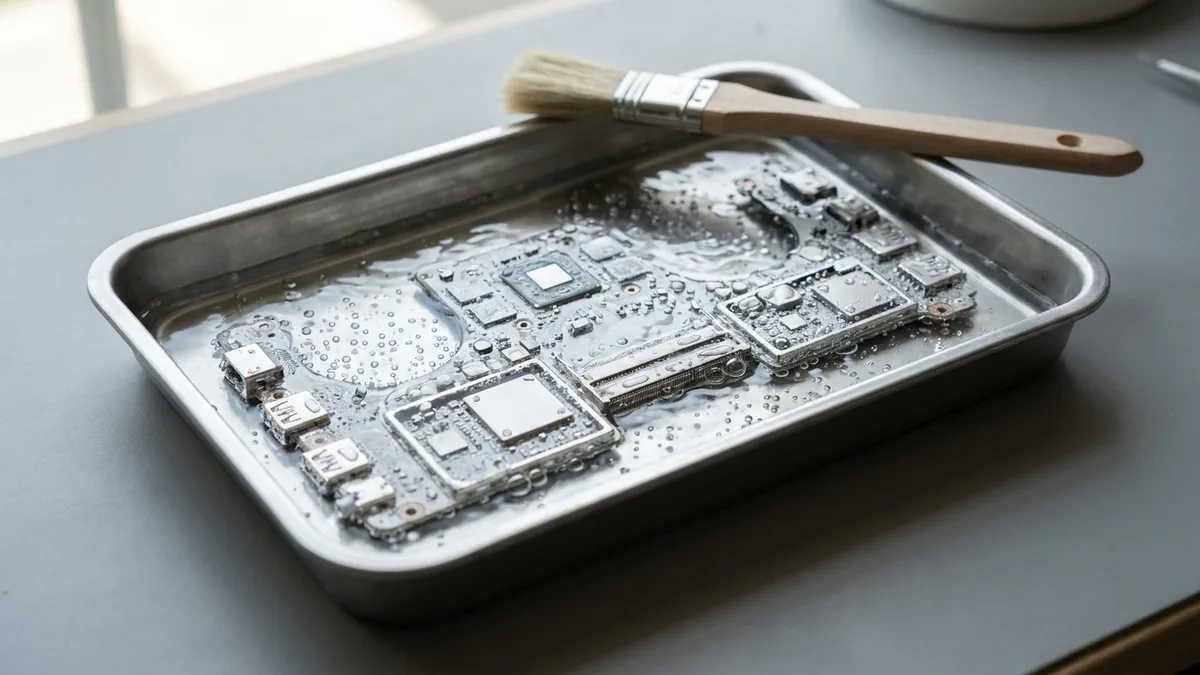
Every MacBook motherboard repair and iMac motherboard repair at Esmond Service Centre includes:
✅ Advanced diagnostics using thermal imaging and oscilloscope analysis
✅ Micro-soldering for IC chip replacements (power, GPU, CPU, USB-C)
✅ GPU/CPU reballing (re-attaching a chip with fresh solder) and BGA rework for complex repairs
✅ Ultrasonic (in a vibrating bath that shakes dirt off) cleaning for water or liquid-damaged boards
✅ Comprehensive post-repair testing and thermal monitoring
✅ Internal cleaning and inspection to ensure device longevity
✅ 90-day warranty with optional extended Esmond Care Plan
Our detailed approach ensures your MacBook or iMac returns to optimal performance.
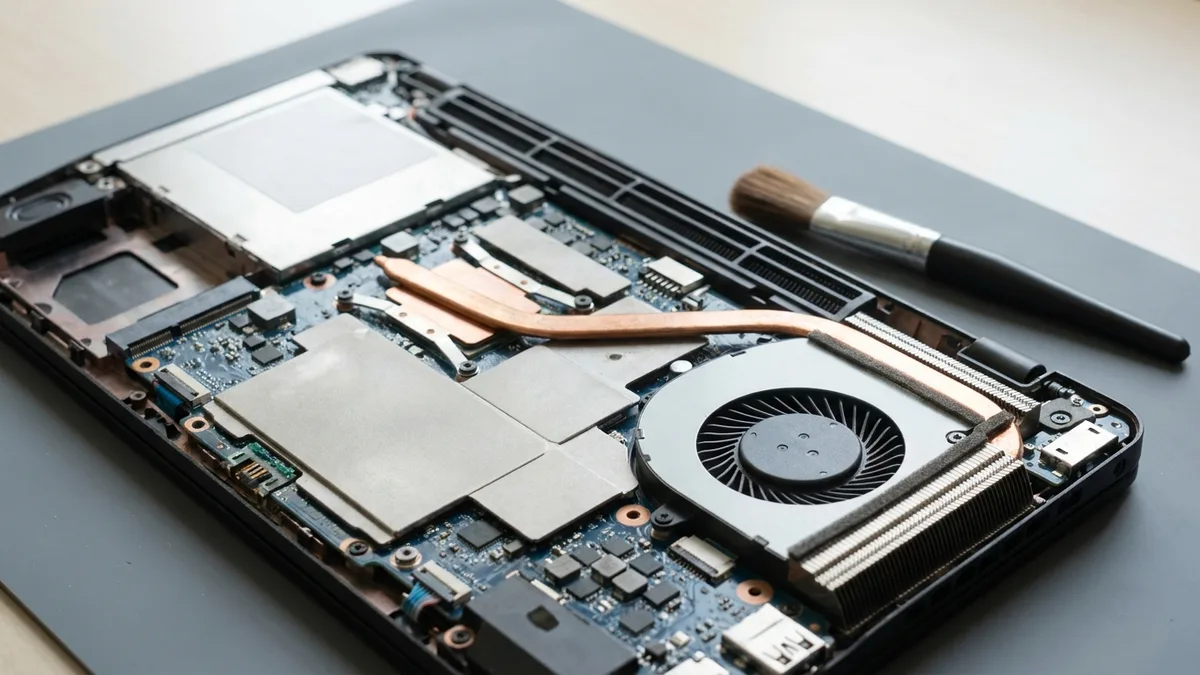
Following your MacBook motherboard repair or iMac motherboard repair, adhere to these tips to extend motherboard lifespan:
📖 Our technicians provide personalized after-care advice to maintain your Mac’s reliability.
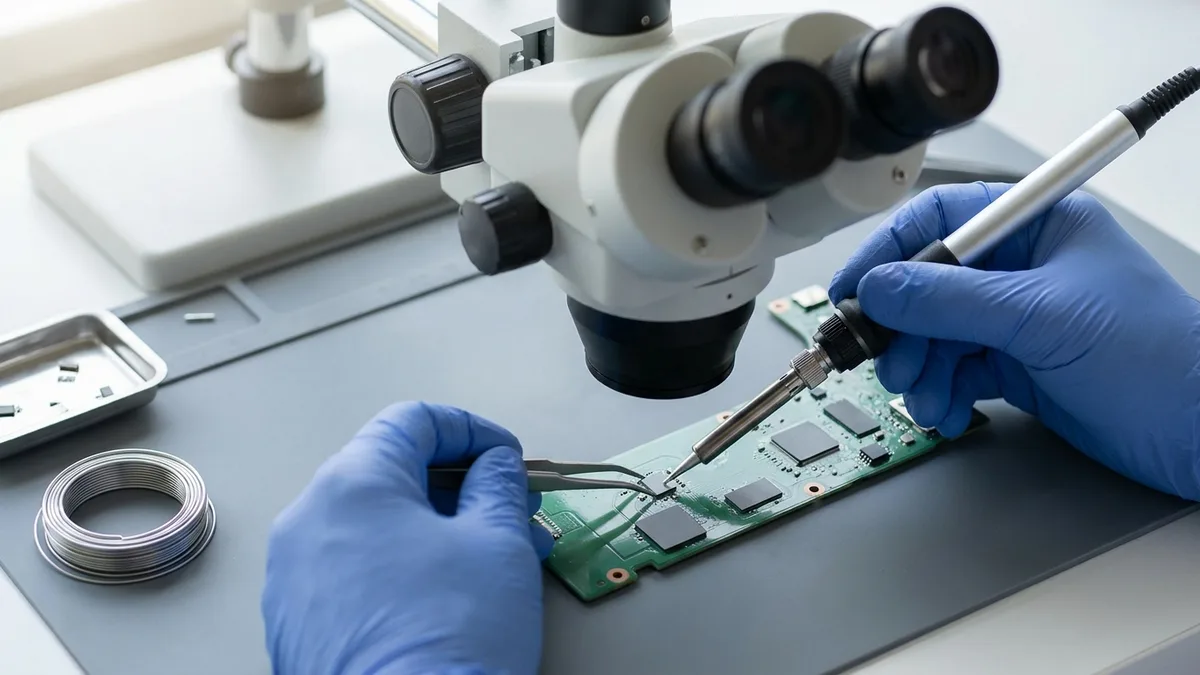
Esmond Service Centre has over 16 years of proven experience and trust, making us Singapore’s top choice for MacBook motherboard repair and iMac motherboard repair:
✅ Expert technicians skilled in component-level logic board repairs
✅ Proven success in diagnosing and fixing complex motherboard faults
✅ Sustainable solutions that extend device life and reduce e-waste
✅ Transparent pricing with clear diagnostics and no hidden fees
✅ Trusted by thousands of Singaporean users, businesses, and educational institutions
Choose reliability, expertise, and sustainability—choose Esmond Service Centre.
Getting your Mac professionally repaired is easy:
✅ Restore your Mac today—WhatsApp Esmond Service Centre now!
Send us the symptom and we'll come back with what it likely is, what it will cost, and how long it will take. The diagnosis is free, and if we can't fix it, you pay nothing. The one exception is liquid damage: the compulsory S$68 chemical cleaning fee above is paid upfront and is non-refundable.
Bring it to Esmond Service Centre at Sin Ming or Alexandra — free diagnostics, repairs from $65, many done in 1–2 hours.