
Last updated:
Is your MacBook, iMac, or Mac Pro encountering macOS issues like boot failure, system crashes, or update errors? At Esmond Service Centre, we bring your Mac's operating system back to health, whatever Apple device you use. From macOS reinstallations and troubleshooting to upgrades on older Macs, our certified experts deliver solutions promptly and effectively.

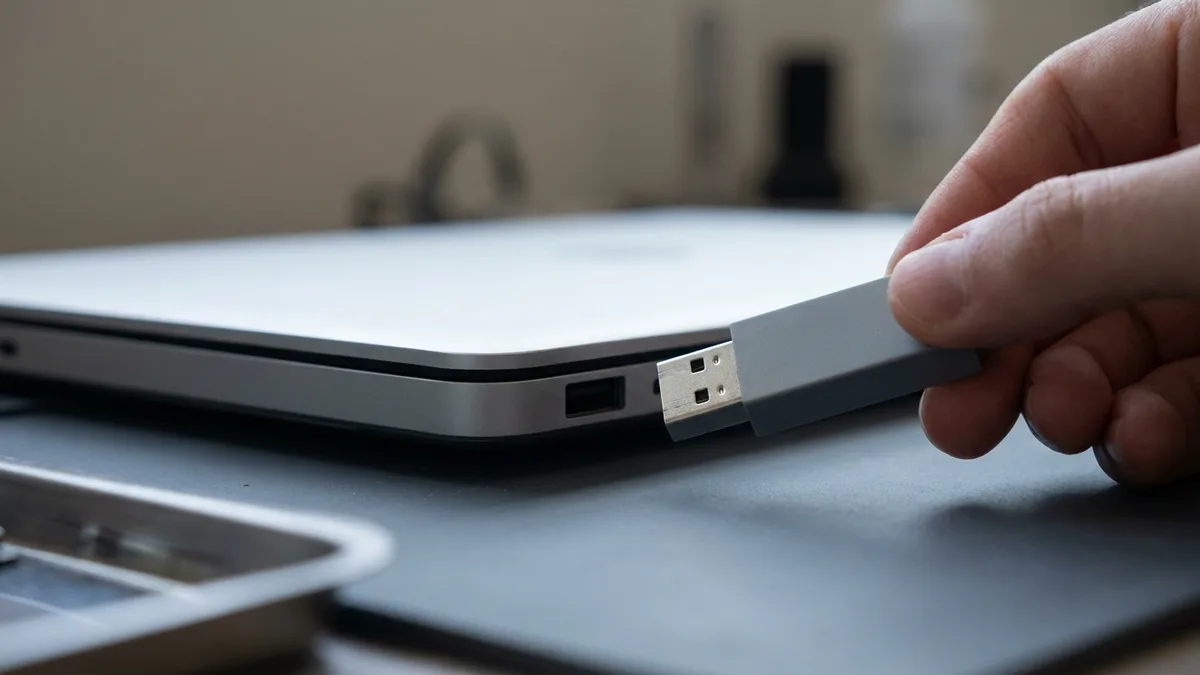
Esmond Service Centre offers transparent macOS repair pricing in Singapore: a macOS reinstallation costs $65 and takes 3–4 hours, while a macOS upgrade on an unsupported Mac is $95 over 5–6 hours. WhatsApp us today for a quick diagnosis and fast turnaround.
| Service | Estimated Repair Time | Price Range (SGD) |
|---|---|---|
| MacOS Reinstallation | 3 - 4 Hours | $65 |
| MacOS Upgrade (on unsupported mac) | 5 - 6 Hours* | $95 |
Prices are before GST (9% is added at payment).
*Note: macOS upgrades on unsupported Macs may require additional patching depending on hardware compatibility.

| Model Type | Popular Models Supported |
|---|---|
| MacBook Air | A1237, A1304, A1369, A1370, A1465, A1466, A1932, A2179, A2337 (M1), A2681 (M2), A2941 (15-inch M2), A3113 (M3), A3114 (15-inch M3), A3240 (M4), A3241 (15-inch M4), A3449 (M5), A3448 (15-inch M5) |
| MacBook Pro 13" | A1278, A1425, A1502, A1706, A1708, A1989, A2159, A2251, A2289, A2338 (M1 / M2) |
| MacBook Pro 14" | A2442 (M1 Pro/Max), A2779 (M2 Pro/Max), A2918 (M3), A2992 (M3 Pro/Max), A3112 (M4), A3401 (M4 Pro), A3185 (M4 Max), A3434 (M5), A3426 (M5 Pro), A3427 (M5 Max) |
| MacBook Pro 15" | A1286, A1398, A1707, A1990 |
| MacBook Pro 16" | A2141, A2485 (M1 Pro/Max), A2780 (M2 Pro/Max), A2991 (M3 Pro/Max), A3403 (M4 Pro), A3186 (M4 Max), A3428 (M5 Pro), A3429 (M5 Max) |
| MacBook Neo | A3404 (13-inch, A18 Pro, 2026) |
| MacBook (12-inch & White) | A1534 (12-inch Retina), A1342 (white unibody) |
| iMac | A1173/A1174/A1195/A1200/A1207/A1208 (2006 white), A1224/A1225 (Intel aluminum), A1311/A1312 (2009-2011), A1418/A1419 (2012-2017, incl. 4K/5K Retina), A2115/A2116 (2019-2020 Retina), A1862 (iMac Pro), A2438/A2439 (M1 2021), A2873/A2874 (M3 2023), A3137/A3247 (M4 2024) |
| Mac Pro | A1289 (Intel Xeon 2009-2012 tower), A1481 (Intel Xeon 2013 cylinder), A1991 (Intel Xeon 2019 tower), A2304 (Intel Xeon 2019 rack), A2786 (M2 Ultra 2023 tower), A2787 (M2 Ultra 2023 rack) |
| Mac mini | A1347 (Intel 2010-2014), A1993 (Intel 2018), A2348 (M1 2020), A2686 (M2 2023), A2816 (M2 Pro 2023), A3238 (M4 2024), A3239 (M4 Pro 2024) |
| Mac Studio | A2615 (M1 Max/Ultra 2022), A2901 (M2 Max/Ultra 2023), A3143 (M4 Max 2025), A3389 (M3 Ultra 2025) |
Need help with your Mac? Contact us today for fast help!
Not sure of your MacBook model number? See our quick guide: how to find your MacBook model number →
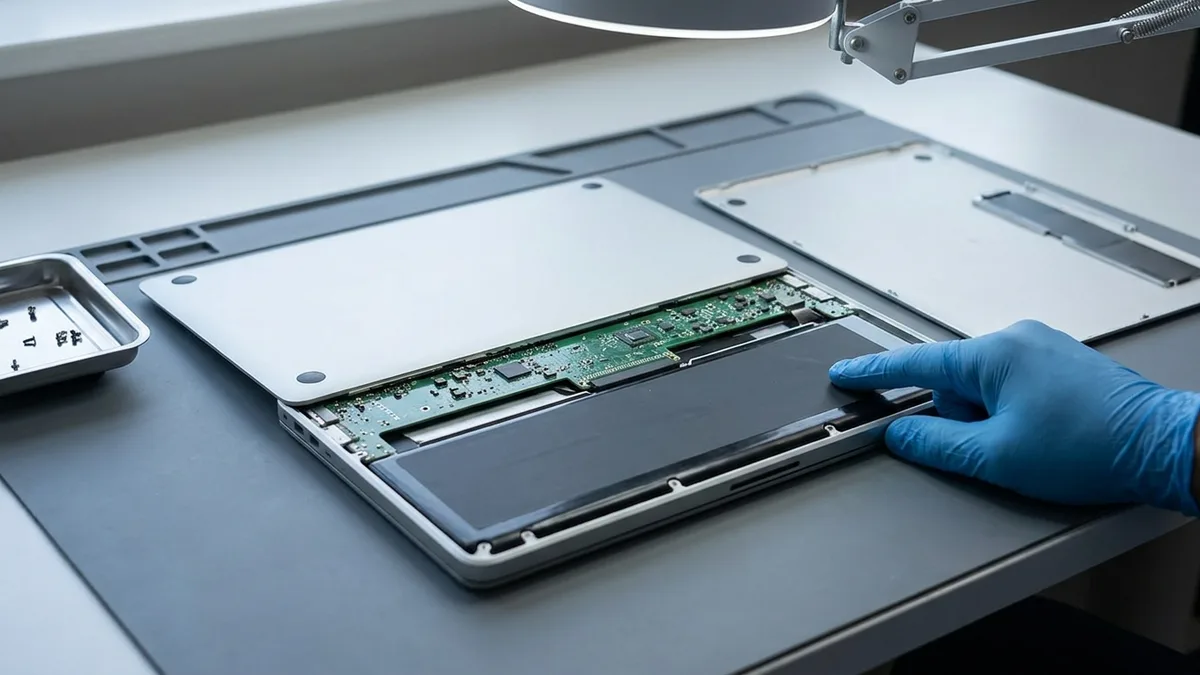
| Problem Description | Symptoms | Quick Help Link |
|---|---|---|
| Mac stuck on Apple logo or loading bar | Device doesn't boot into desktop | Fix macOS Boot Issues |
| macOS update failed or stuck | Installation freezes or errors | Fix macOS Update Errors |
| Mac won’t power on after update | Black screen or no response | Mac Not Powering On Help |
| Kernel panic and random reboots | Mac restarts unexpectedly | Fix Kernel Panic Issues |
| Unable to install macOS on older Macs | Unsupported device errors | macOS Upgrade for Older Macs |
| macOS password reset needed | Forgot Mac login password | Reset macOS Password |
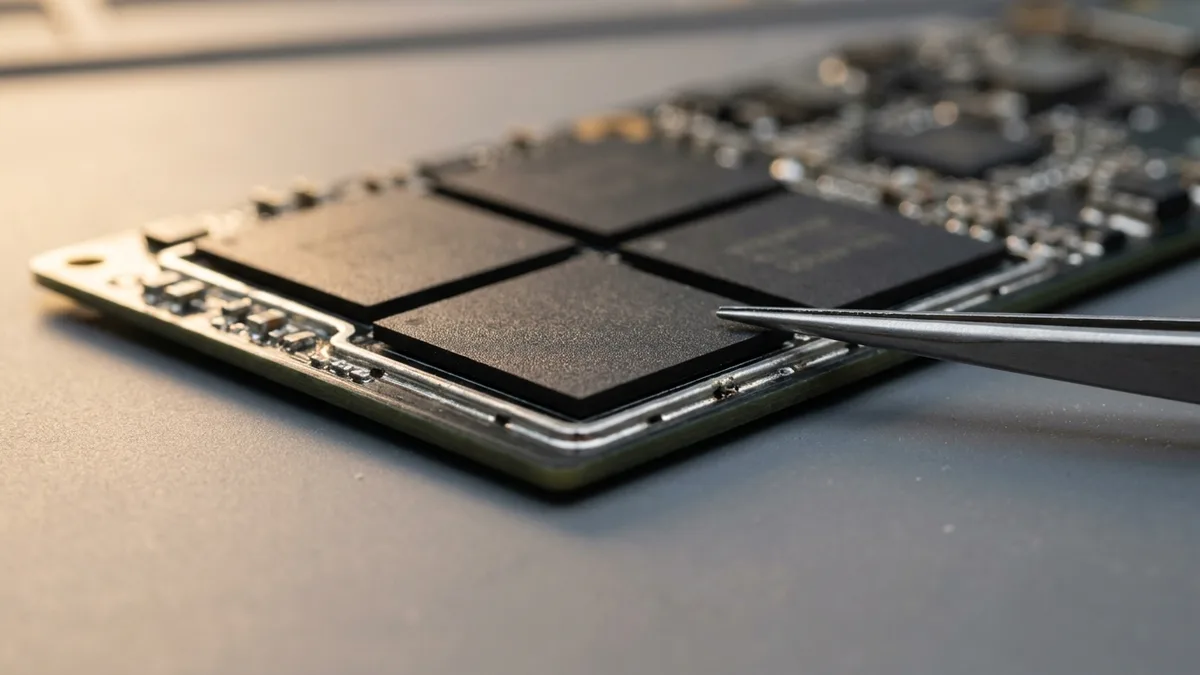
macOS is known for its stability, but even Apple devices can experience system corruption over time. The most common reasons macOS gets corrupted include:
Typical symptoms of corrupted macOS:
Our expert team at Esmond Service Centre performs detailed diagnostics, ensuring your data remains secure while we restore macOS stability.

Experiencing frequent kernel panics on your Mac? This error manifests as random restarts, screen freezes, or unexpected shutdown messages. Common causes include:
If your Mac is frequently restarting, showing the "Your computer was restarted because of a problem" message, or freezing randomly, it could be a Kernel Panic (a crash that restarts the Mac). At Esmond Service Centre, our certified technicians specialize in:
We provide full MacBook Kernel Panic troubleshooting for both Intel-based and Apple Silicon (M1 to M5) devices.
🛡️ Our Priority: Protecting your files, repairing your Mac safely, and restoring full system reliability.

✅ Over 16 Years of Apple Repair Experience
✅ Full Data Protection During Repairs
✅ Fast Same-Day Service Available
✅ Conveniently Located in Singapore – No appointment needed

Restoring your Mac's functionality is straightforward:
👉 Don’t let macOS problems disrupt your day.
WhatsApp Esmond Service Centre now and restore your Mac quickly!
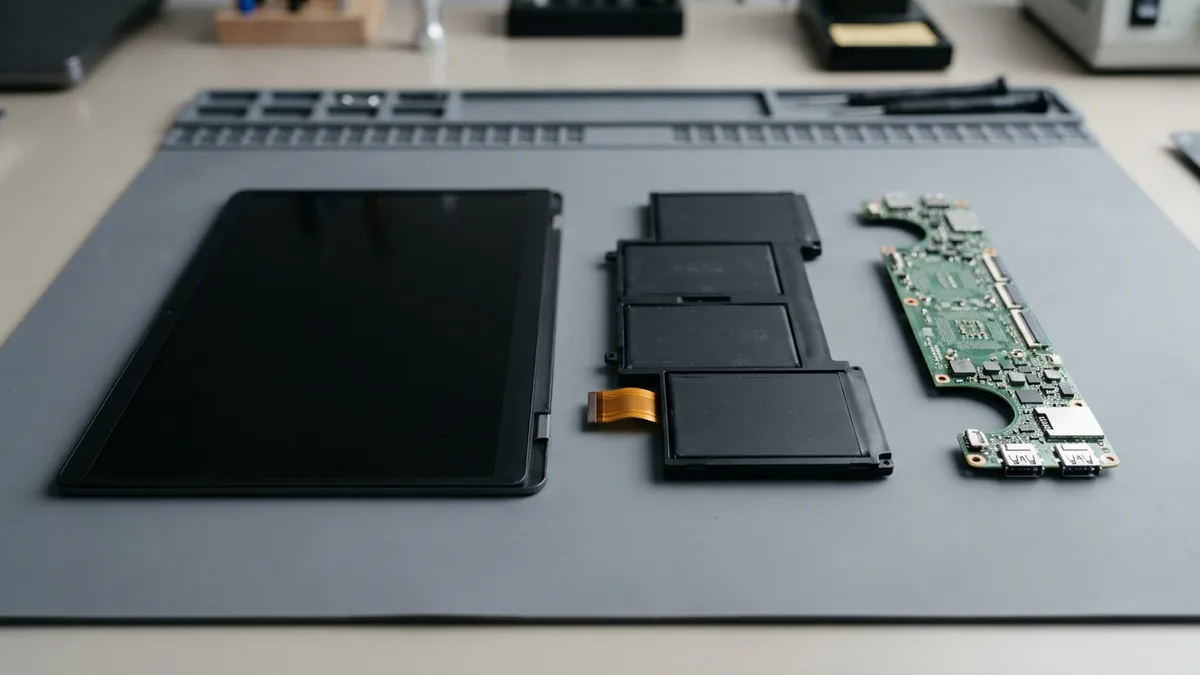
Looking for a specific fix? Explore MacBook repair, MacBook screen replacement, MacBook battery replacement and iMac repair, or browse data recovery.
Send us the symptom and we'll come back with what it likely is, what it will cost, and how long it will take. The diagnosis is free, and if we can't fix it, you pay nothing.
Bring it to Esmond Service Centre at Sin Ming or Alexandra — free diagnostics, repairs from $65, many done in 1–2 hours.