

📑 On this page
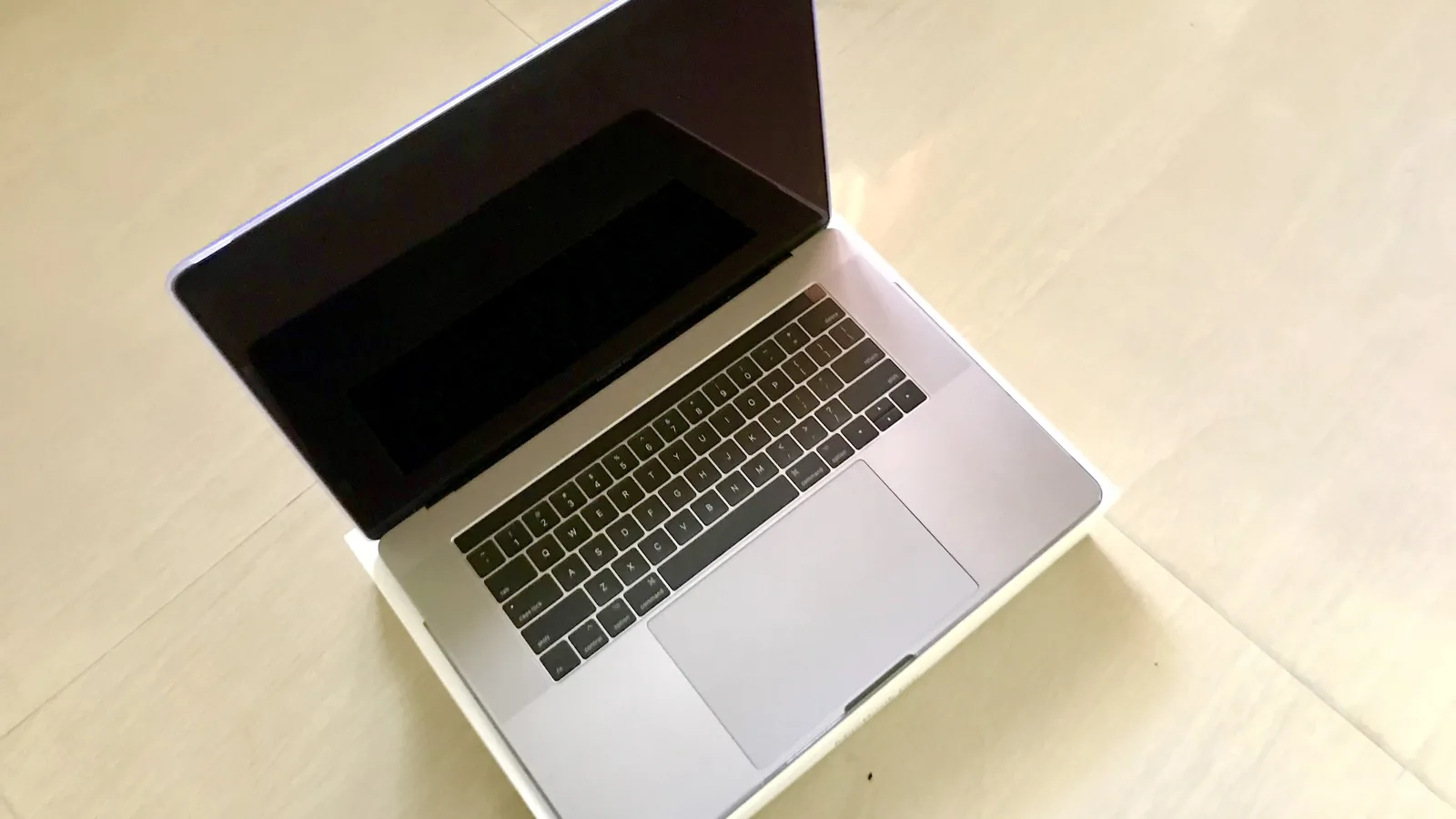
A MacBook Pro screen that flickers along the bottom, strobes, throws up vertical bands of light, or dies the moment you open the lid fully is one of the most alarming faults the machine has — because, unlike a slow battery or a noisy fan, it looks like the screen is dying in front of you. Often it is not the screen at all. It is the cable that feeds it.
Customers who message Esmond Service Centre about a MacBook describe problems of this shape to us — a screen flickering or going dark rather than a machine that will not start. And it is not only us. On Apple's own support forum, owners have been asking the same question for years: one 2016 13-inch owner wrote that the screen “will work fine at a 30 degree angle and it starts flickering when i open it fully”, and an Apple technician told him it was the flex cable (the thin ribbon cable inside). That single sentence is the whole fault in miniature, and it is why the first question at our counter is never “what have you tried?” but “does it change when you move the lid?”
What Flexgate Actually Is
When Apple made the 2016 MacBook Pro thinner, the display's data and backlight connections stopped being a separate cable you could unplug and became thin flex ribbons that are, in the reporting that named the fault, “loosely wrapped around the display controller board”. Every time you open the lid, those ribbons are pulled tighter around the hinge. Bend a thin conductor enough thousands of times and it fatigues and tears — the same way a paperclip snaps if you work it back and forth. The backlight half of the cable usually gives out first, which is why the earliest sign is light rather than a dead screen: uneven, bright footlights along the bottom edge that owners nicknamed the “stage light” effect.
The clearest proof that this is a design fault and not wear you caused is what Apple did next: the cable is about 2mm longer in the 2018 MacBook Pro, and that extra slack quietly made the problem go away. A fault that is fixed by two millimetres of cable was never about how carefully you opened your laptop.

Which MacBooks Are Affected
| Your MacBook Pro | What goes wrong | Was it in Apple's program? |
|---|---|---|
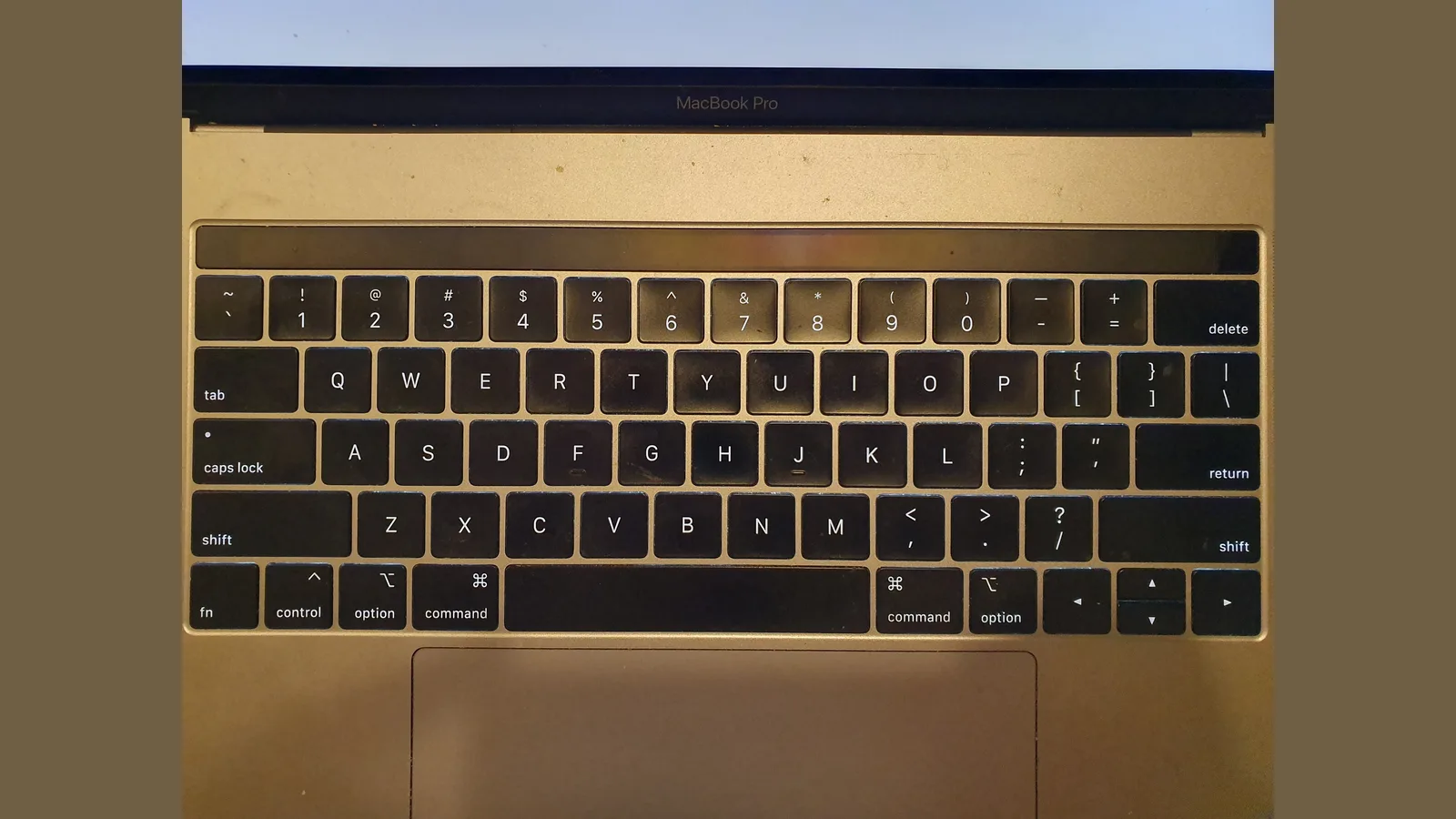
| 13-inch, 2016 (Two or Four Thunderbolt 3 Ports) | Stage-light band, then full backlight loss | Yes — but the program has now ended |
| 15-inch, 2016 and 2017 | Same cable, same stage-light pattern | No — never covered |
| 13-inch, 2017 | Flicker and backlight loss at wide angles | No — Apple declined 2017 coverage |
| 2018 onward | Cable about 2mm longer; largely resolved | Not applicable |
If you are not sure which machine you have, open the Apple menu and choose About This Mac; the model and year are on the first line. The year matters here more than usual, because it decides both how likely flexgate is and whether Apple ever offered to pay for it.
The At-Home Test That Names Flexgate
Every step below costs nothing and risks nothing except a little opening and closing — and once you suspect flexgate, you want to do as little of that as possible. Do them in order and stop at the one that gives you a clear answer.
- First, restart and watch the boot logo. If the flicker or the bright bottom band is already there before macOS has loaded — at the Apple logo or the login screen — then it is not an app, a setting or a software update. That points at the hardware straight away.
- Then, open the lid slowly from closed. Note the angle at which the flicker or the bright band appears. Flexgate typically shows up as the lid passes somewhere between 40 and 90 degrees — the point at which the worn cable is stretched tightest.
- Next, tilt it back to a shallow angle. If the picture steadies or clears at around 30 to 40 degrees and breaks up again when you open it wide, that angle-dependence is the flexgate signature. No other common screen fault turns on and off with the hinge like this.
- Then, connect an external monitor. If a second screen shows a perfect picture while the built-in display misbehaves, the problem is in the path to the built-in panel — the cable — and not the graphics chip, which both screens share.
- Finally, stop and bring it in. If the bottom of the screen already has permanent bright patches or dead areas, the cable is tearing, not merely tired, and this is the point to seek professional help rather than keep testing. Every further open and close spends what is left of it, so leave the lid at the angle that works and have a technician look at it.
Stage Light, or Something Else? Telling Them Apart
- Flexgate: bright, uneven footlights along the bottom edge, worst as the lid opens wide, often clearing at a shallow angle. The flicker tracks the hinge.
- A failing graphics chip (the old 2011 15-inch fault): whole-screen artefacts, checkerboard patterns or crashes, with no relation to the lid angle at all.
- A loose or failing panel (after a knock or a spill): flicker anywhere on the screen, not tied to a particular angle, and usually traceable to a specific event.
- Software or Touch Bar: flicker only inside one app, or only on the Touch Bar strip, and steady before you log in. That is not flexgate.
Cable Repair or a Whole New Screen?
Here is where honest advice matters, because the same stage-light symptom hides two very different repairs, and they cost very different amounts. Anyone who quotes you a firm price over the phone, before the machine is opened, is guessing.
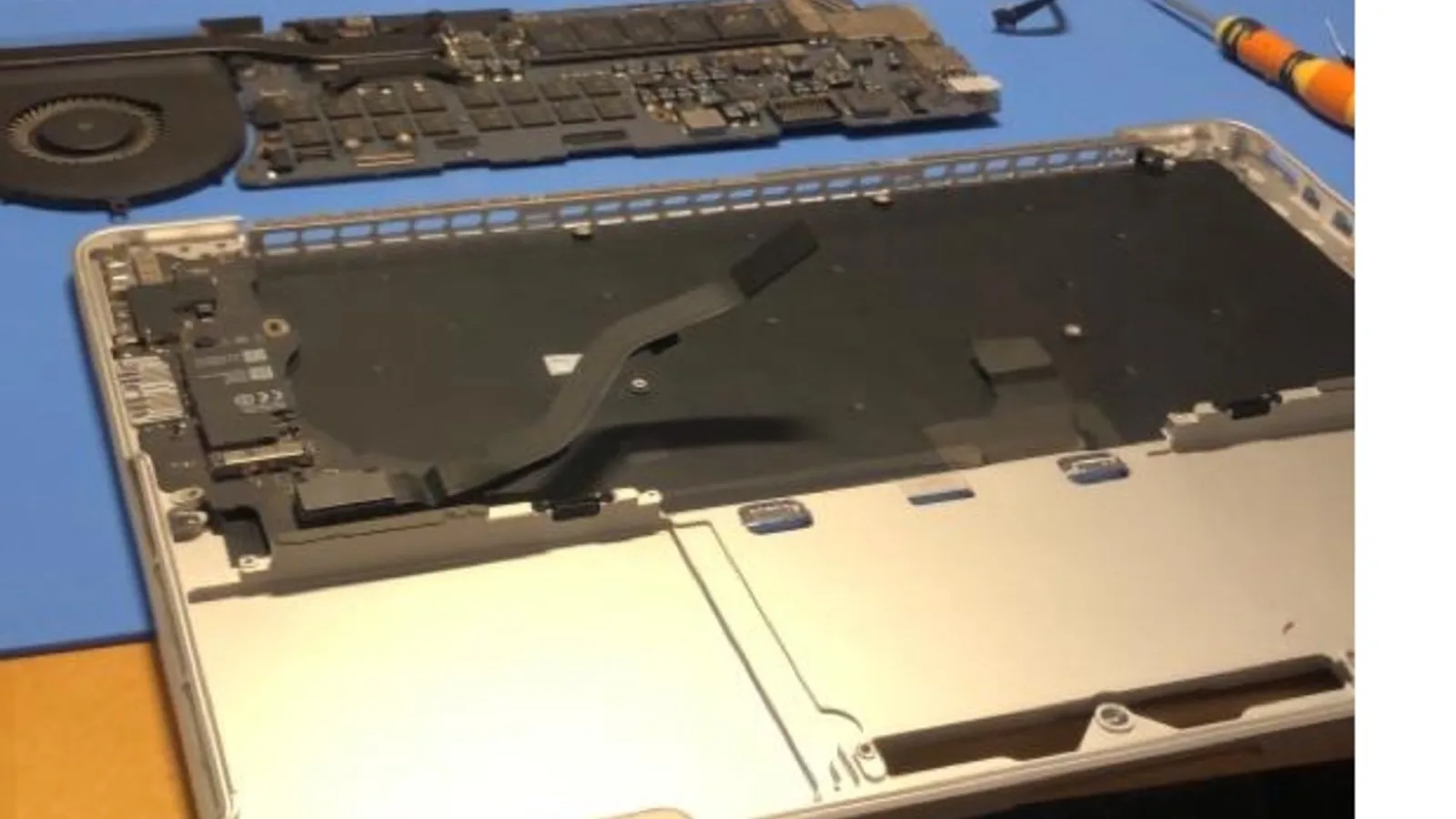
- Cable repair. On many 2016 and 2017 machines, if the panel itself still shows a good picture at a shallow angle, the display is opened and the worn flex cable is replaced. This is the cheaper path, and it addresses the actual design fault rather than throwing the whole display at it.
- Full display assembly. If the panel is cracked or the backlight has already failed across the whole screen, a cracked panel cannot be repaired by swapping the cable alone, so the display assembly is replaced as a unit. This costs more, and it is the right call when the panel — not just the cable — is gone.
- Which one you need cannot be seen from the outside. A torn cable and a failed panel look identical on your desk. That is the whole reason a diagnostic comes before a quote — so you pay for the repair you actually need, not the dearer one by default.
What Happened to Apple's Free Repair
Apple did eventually acknowledge part of this. It launched a 13-inch MacBook Pro Display Backlight Service Program covering the 2016 13-inch Two and Four Thunderbolt 3 Port models sold between October 2016 and February 2018, and later extended coverage to five years from purchase. Two things limited it, and both matter today. First, it covered the backlight failure only — not every owner with flicker qualified, as the forum owner above was told. Second, it was only ever for the 13-inch 2016 models: the 15-inch and the 2017 machines were never in it. And now the program itself has closed — Apple's own page for it returns “The Apple Service Program you are looking for has ended.” So for almost everyone living with flexgate today, it is an out-of-warranty repair, and the question is simply where to have it done well.

Getting It Looked At in Singapore
Esmond Service Centre is an Apple Independent Repair Provider in Singapore. Every MacBook repair includes a free diagnostic check, so you get an itemised breakdown of labour and parts before you agree to anything — which matters more than usual with flexgate, because the same stage-light symptom has a cable repair and a full-display repair behind it, and only opening the machine tells us which one yours needs.
You can walk in at the Alexandra or Sin Ming branch, or send your model and a short video of the flicker over on WhatsApp first — a clip that shows the screen changing as the lid moves tells us a great deal before you even arrive. Most MacBook repairs carry a 90-day warranty on the work and the parts we fit, extendable to a year with the optional Esmond Care plan; water-damage repair and macOS reinstallation sit outside that standard warranty. For the wider picture of what we handle and the typical time each job takes, our MacBook repair page lays it out.

Esmond Service Centre's experienced technicians can diagnose and fix it fast — free diagnostics, repairs from $65.