
Kemas kini terakhir:
Tingkatkan peranti Microsoft Surface anda untuk prestasi yang lebih pantas, storan yang lebih besar dan jangka hayat yang lebih lama.
Kami menawarkan naik taraf SSD yang selamat dan profesional untuk model Surface Pro, Surface Laptop dan Laptop Studio yang menggunakan pemacu boleh tanggal di Singapura — dengan waranti sehingga 1 tahun.
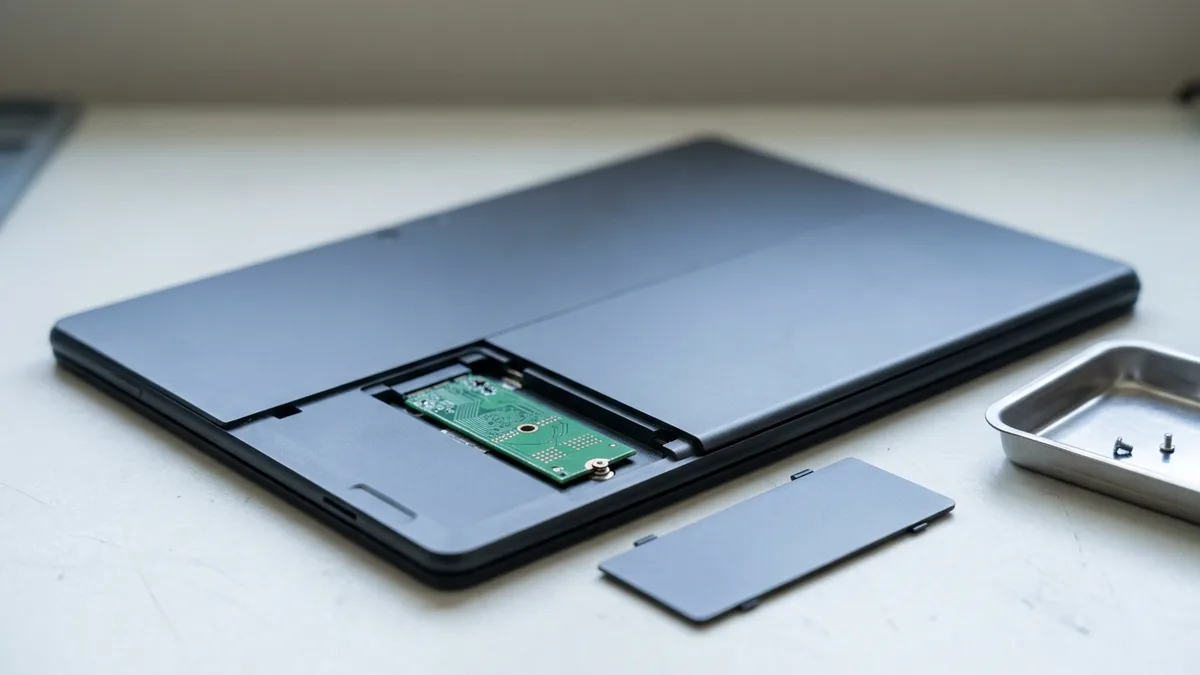
Tidak semua peranti Microsoft Surface membenarkan peningkatan SSD. Model seperti Surface Pro 7+ hingga Pro 10, Pro 11 (Snapdragon), Pro X, Laptop 3 hingga 6, Laptop 7 (Snapdragon), Laptop Go dan Laptop Studio mempunyai SSD yang boleh ditanggalkan, manakala model terdahulu seperti Surface Pro 6 mempunyai storan pateri. Esmond Service Centre menawarkan peningkatan dengan jaminan sehingga 1 tahun.
Berikut ialah panduan penuh tentang model Surface yang menyokong naik taraf SSD dan model yang tidak:
| Model | Ketersediaan Naik Taraf SSD |
|---|---|
| Surface Pro 5 (2017) | ❌ Tidak Boleh Dinaik Taraf (SSD dipateri) |
| Surface Pro 6 | ❌ Tidak Boleh Dinaik Taraf (SSD dipateri) |
| Surface Pro 7 | ❌ Tidak Boleh Dinaik Taraf (SSD dipateri) |
| Surface Pro 7+ | ✅ Boleh dinaik taraf (SSD boleh tanggal) |
| Surface Pro 8 | ✅ Boleh dinaik taraf (SSD boleh tanggal) |
| Surface Pro 9 | ✅ Boleh dinaik taraf (SSD boleh tanggal) |
| Surface Pro 10 | ✅ Boleh dinaik taraf (SSD boleh tanggal) |
| Surface Pro 11 (Snapdragon) | ✅ Boleh dinaik taraf (SSD boleh tanggal) |
| Surface Pro X | ✅ Boleh dinaik taraf (SSD boleh tanggal) |
| Surface Laptop 1 | ❌ Tidak Boleh Dinaik Taraf (SSD dipateri) |
| Surface Laptop 2 | ❌ Tidak Boleh Dinaik Taraf (SSD dipateri) |
| Surface Laptop 3 | ✅ Boleh dinaik taraf (SSD boleh tanggal) |
| Surface Laptop 4 | ✅ Boleh dinaik taraf (SSD boleh tanggal) |
| Surface Laptop 5 | ✅ Boleh dinaik taraf (SSD boleh tanggal) |
| Surface Laptop 6 | ✅ Boleh dinaik taraf (SSD boleh tanggal) |
| Surface Laptop 7 (Snapdragon) | ✅ Boleh dinaik taraf (SSD boleh tanggal) |
| Surface Laptop Go 1 | ✅ Boleh dinaik taraf (SSD boleh tanggal; kecuali model eMMC 64 GB) |
| Surface Laptop Go 2 | ✅ Boleh dinaik taraf (SSD boleh tanggal) |
| Surface Laptop Go 3 | ✅ Boleh dinaik taraf (SSD boleh tanggal) |
| Surface Go 1 | ❌ Tidak Boleh Dinaik Taraf (SSD dipateri) |
| Surface Go 2 | ❌ Tidak Boleh Dinaik Taraf (SSD dipateri) |
| Surface Go 3 | ❌ Tidak Boleh Dinaik Taraf (SSD dipateri) |
| Surface Go 4 | ❌ Tidak Boleh Dinaik Taraf (SSD dipateri) |
| Surface Book 1 | ❌ Tidak Boleh Dinaik Taraf (tiada SSD boleh tanggal) |
| Surface Book 2 | ❌ Tidak Boleh Dinaik Taraf (tiada SSD boleh tanggal) |
| Surface Book 3 | ❌ Tidak Boleh Dinaik Taraf (tiada SSD boleh tanggal) |
| Surface Laptop Studio 1 | ✅ Boleh dinaik taraf (SSD boleh tanggal) |
| Surface Laptop Studio 2 | ✅ Boleh dinaik taraf (SSD boleh tanggal) |
| Surface Studio 1 | ✅ Boleh dinaik taraf (tetapi kompleks — dipateri dalam beberapa konfigurasi) |
| Surface Studio 2 | ✅ Boleh dinaik taraf (rumit tetapi boleh dilakukan di pusat servis) |
| Surface Studio 2+ | ✅ Boleh dinaik taraf (perkhidmatan profesional diperlukan) |
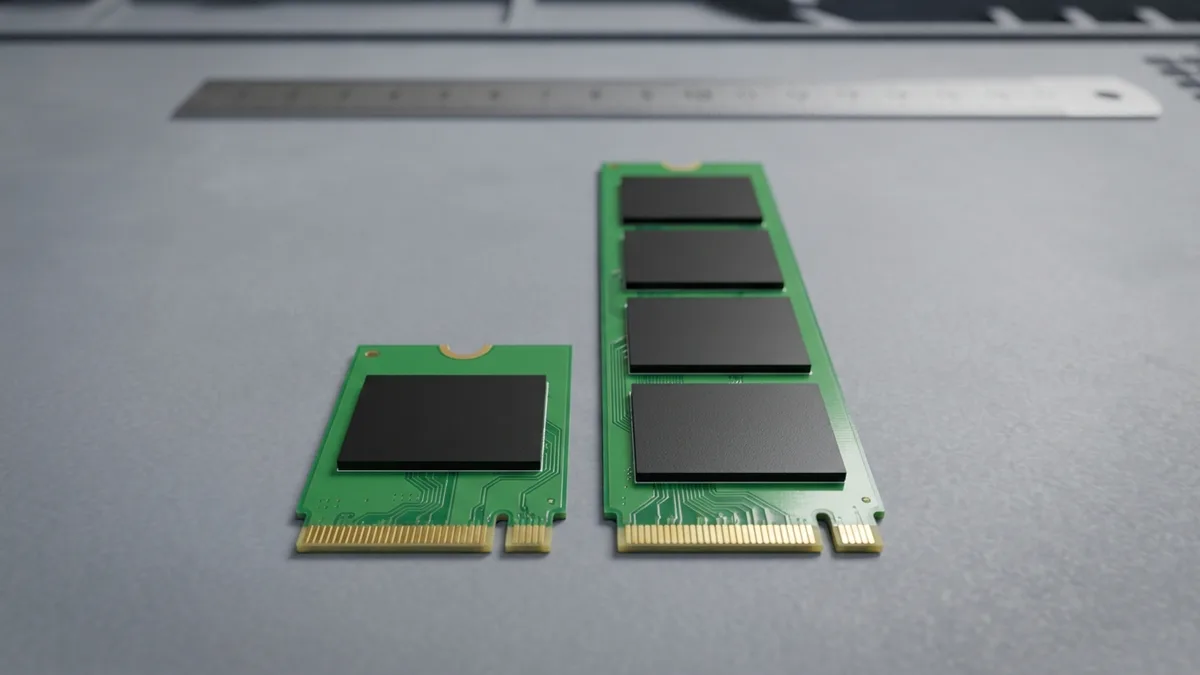
Kami tidak menyiarkan harga tetap untuk naik taraf SSD Surface, kerana pemacunya sendiri bukan satu jenis. Surface Pro 7+ menggunakan M.2 2230 yang pendek, Surface Studio 2 menggunakan M.2 2280 yang lebih panjang, Laptop Studio menerima kedua-duanya, dan Surface Studio asal pula lain susunannya — jadi dua Surface di meja kerja yang sama boleh memerlukan dua pemacu berbeza, pada kapasiti yang anda pilih sendiri. Beritahu kami model Surface anda dan kapasiti yang anda mahu, melalui WhatsApp atau di kaunter kami, dan kami sebut harga berdasarkan maklumat itu sebelum sebarang kerja bermula. Diagnosis adalah percuma dan tanpa sebarang obligasi.
| Model | Jenis SSD |
|---|---|
| Surface Pro 7+ / Pro 8 / Pro 9 / Pro X | SSD M.2 2230 NVMe |
| Surface Laptop 3/4/5 | SSD M.2 2230 NVMe |
| Surface Laptop Go 2 / Go 3 | SSD M.2 2230 NVMe |
| Surface Book 1 / 2 / 3 | Tiada SSD boleh tanggal |
| Surface Laptop Studio 1 / 2 | SSD NVMe M.2 2230 atau 2280 |
| Surface Studio 1 | M.2 SATA SSD (cache) + 2.5" SATA HDD (utama) |
| Surface Studio 2 / Surface Studio 2+ | SSD M.2 2280 NVMe |
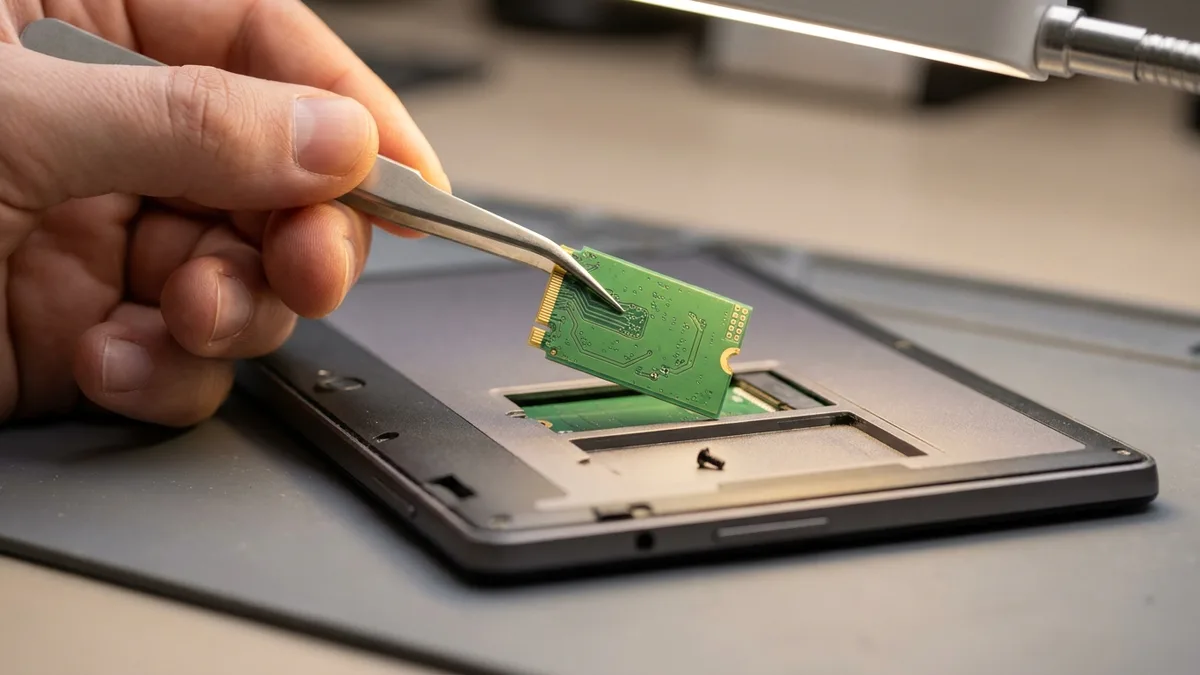
Peranti Microsoft Surface dikenali kerana prestasi dan kebolehgunaan — tetapi isu berkaitan SSD masih berlaku, terutamanya apabila sistem semakin tua atau terisi.
Masalah SSD yang biasa berlaku termasuk:
Isu-isu ini sering menunjukkan SSD yang rosak atau pengawal storan yang rosak. Diagnosis awal adalah kunci untuk mencegah kehilangan data.
Jika Surface anda sudah menunjukkan mana-mana tanda di atas, berhenti menggunakannya. Setiap kali ia dihidupkan, data ditulis ke pemacu yang sedang rosak, dan begitulah fail yang sebenarnya masih boleh diselamatkan ditimpa — panduan pemulihan data SSD pateri kami sendiri memberi arahan yang sama. Ada satu amaran khusus Surface juga: Windows menghidupkan penyulitan peranti apabila peranti disediakan dengan akaun Microsoft, akaun kerja atau akaun sekolah, dan Microsoft menyatakan kunci pemulihan itu dilampirkan pada akaun tersebut. Jadi jika Surface anda mula meminta kunci pemulihan BitLocker, log masuk ke akaun itu dan dapatkan kuncinya sebelum pemacu disentuh — tanpanya pemacu lama kekal terkunci dan tiada apa-apa yang boleh disalin keluar. Bawa Surface anda kepada kami dan kami akan beritahu sama ada data anda boleh diselamatkan sebelum kami menukar apa-apa.
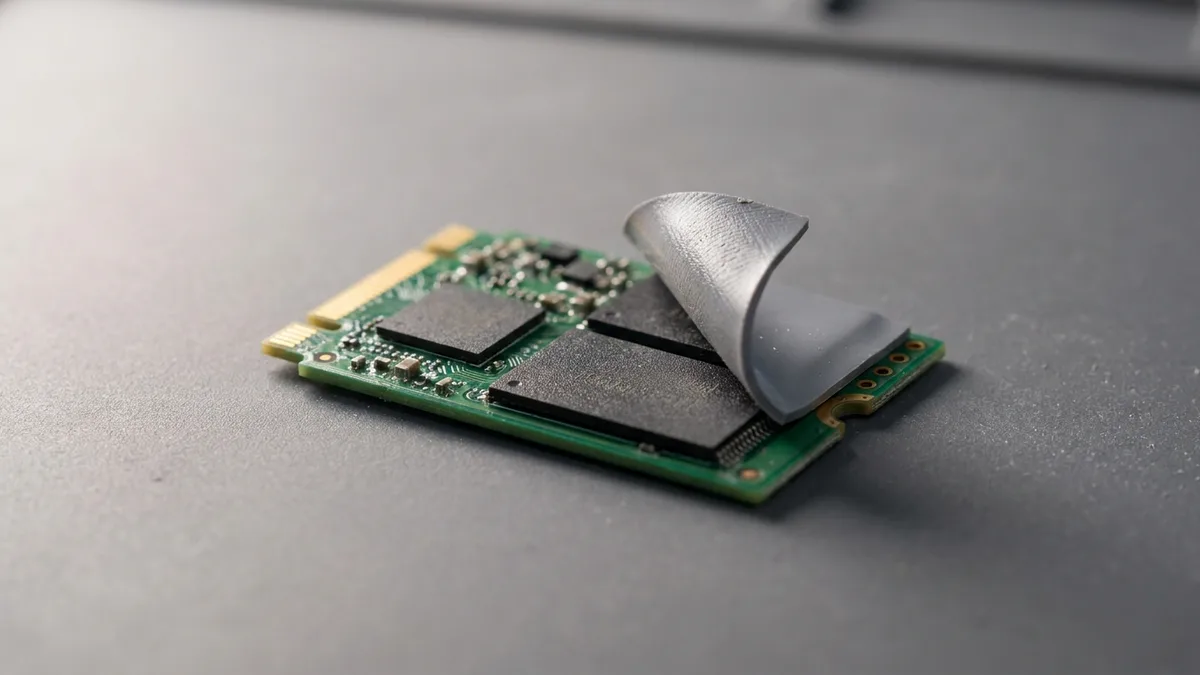
Kegagalan SSD Surface boleh berlaku disebabkan oleh haus perkakasan dan masalah berkaitan perisian.
Sebab utama kegagalan SSD:
Menaik taraf kepada SSD ketahanan tinggi yang baharu dapat memulihkan prestasi dan mencegah kegagalan berulang.
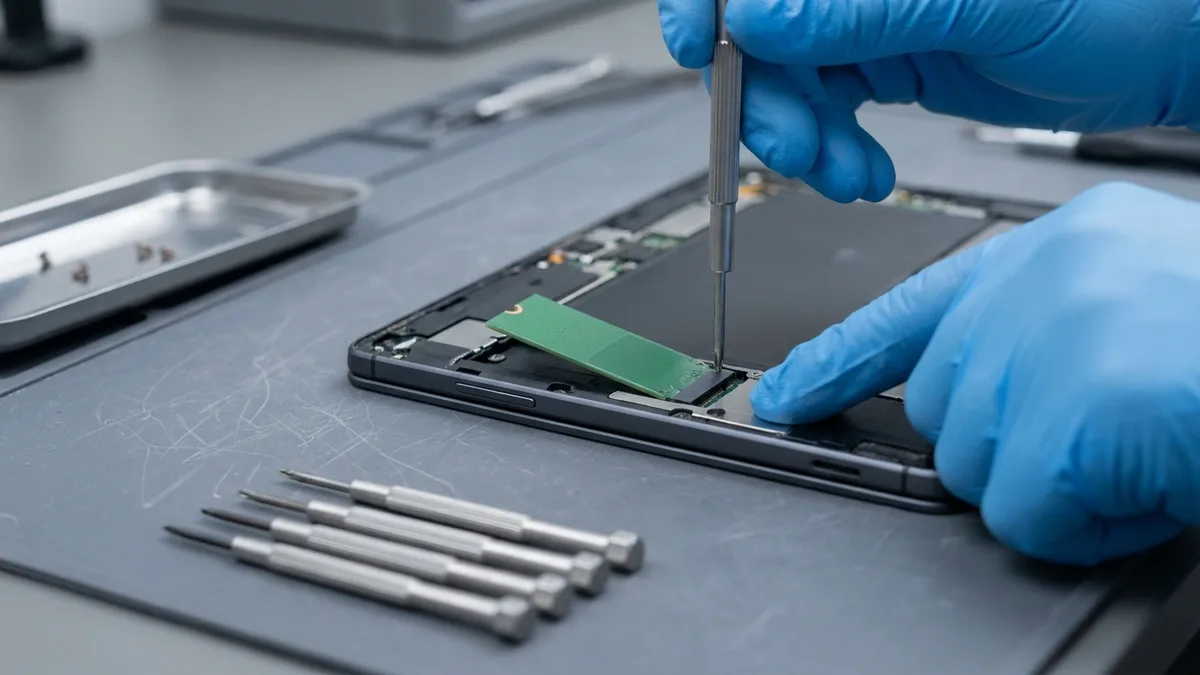
Perkhidmatan naik taraf SSD kami untuk peranti Microsoft Surface dikendalikan di makmal kami sendiri oleh juruteknik yang berpengalaman bertahun-tahun dengan perkakasan Surface yang sensitif.
Apa yang disertakan:
Semua naik taraf dilakukan di makmal pembaikan terkawal kami — tiada penyumberan luar.
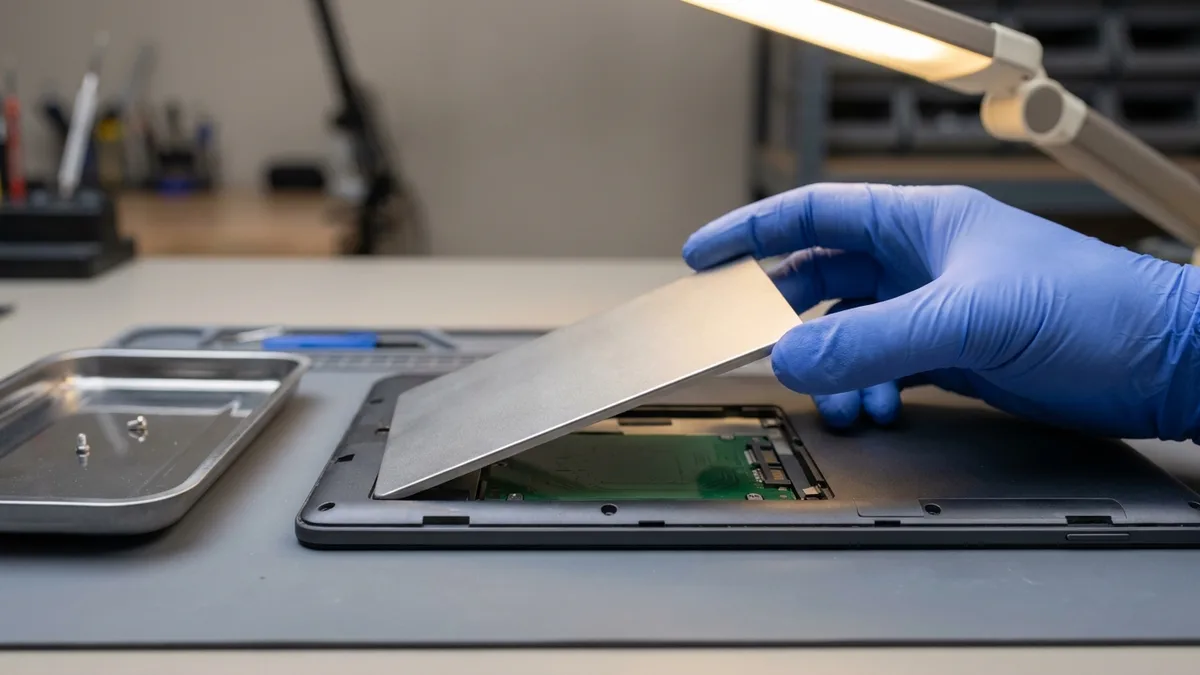
Dua cawangan di Singapura, makmal pembaikan kami sendiri, dan tiada penyumberan luar. Inilah maksudnya untuk Surface yang berada di meja kerja kami:
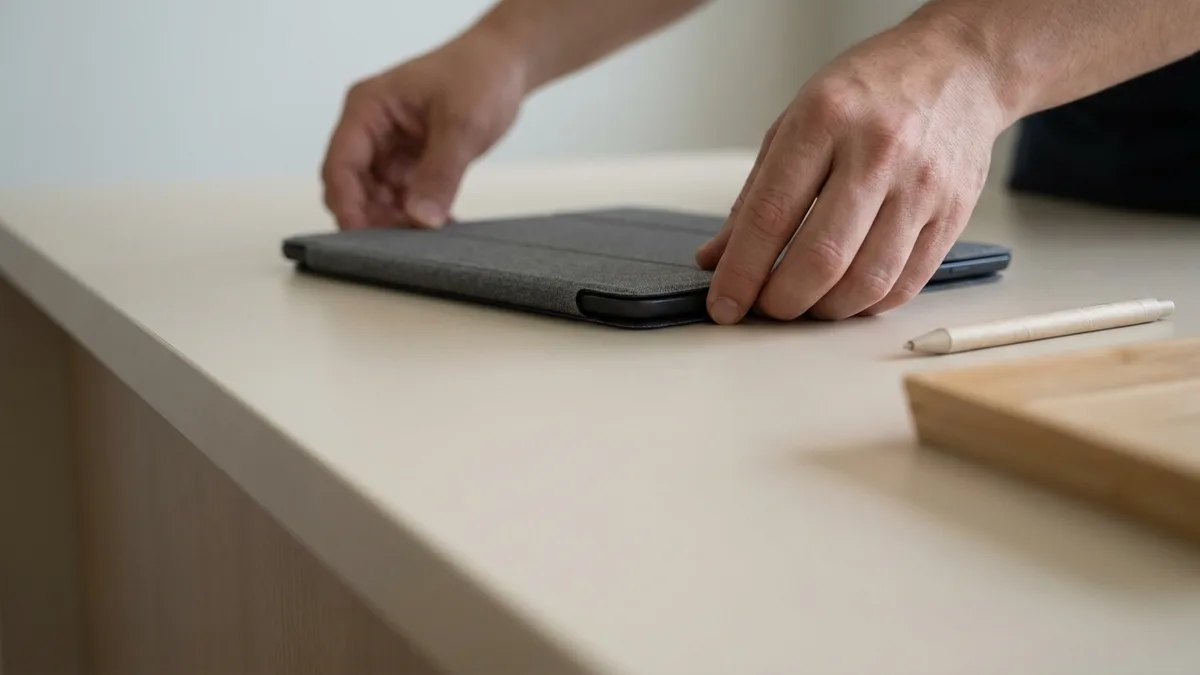
Menaik taraf SSD Surface anda adalah pantas dan mudah dengan Esmond:
Tidak pasti nombor model Surface anda? Lihat panduan ringkas kami: cara mencari nombor model Surface anda →
⚡ Perlukan bantuan segera?
Kami menawarkan naik taraf SSD pada hari yang sama untuk kebanyakan model Surface Pro dan Surface Laptop.
Hantar simptomnya dan kami akan maklumkan kemungkinan puncanya, kosnya dan tempoh masanya. Diagnosis adalah percuma, dan jika kami tidak dapat membaikinya, anda tidak membayar apa-apa.
Ulasan asalnya dalam bahasa Inggeris; teks di bawah ialah terjemahan mesin.
Bawa ke Esmond Service Centre di Sin Ming atau Alexandra — diagnostik percuma, pembaikan dari $65, kebanyakannya siap dalam 1–2 jam.