

Esmond Service Centre, Singapore — laptop repair

Repair Services

Razer laptop screen replacement

From S$258before GST
Freediagnosis
90 dayswarranty
4.9★2,705+ Google reviews

How it works

  1. Flicker? Try Razer's own steps firstStart with Razer's own steps for flicker: connect an external monitor over HDMI and run a pixel test, update the BIOS and drivers from your model's Drivers & Downloads page, and on a Blade 16 or 18 (2023) follow Razer's Panel Hotfix Updater article.
  2. WhatsApp the full model numberWhatsApp the full model number before you come and we check that the panel for your Blade is available.
  3. Free diagnosis, pay nothing if we can't fix itEsmond Service Centre provides a free, no-obligation diagnostic and quote with no hidden fees, and if we cannot fix it, you pay nothing.
  4. Most done in 2–3 hours, same dayMost Razer screen replacements at Esmond Service Centre are completed within 2–3 hours, and most Razer models qualify for same-day replacement.

Price by model

Prices exclude 9% GST.

A Razer Blade Stealth laptop, openBlade 14 / Stealth2 – 3 HoursFr $258
A laptop screen with a crack across it: a large black patch with thin lines running down from itBlade 15 Base / Advanced2 – 3 HoursFr $286
A laptop screen with a crack across it: a large black patch with thin lines running down from itBlade 16 / 17 / OLED2 – 3 HoursFr $358

Photos, cropped, via Wikimedia Commons: Razer Blade Stealth by Limiteddays (CC BY-SA 4.0) · screen by GALAXY 2018 A7 (CC0)
A broken laptop screen: coloured vertical lines across a pale picture and a black shattered patch spreading from the top right corner.

Photo (cropped and edited): Toby~commonswiki (assumed author) via Wikimedia Commons, public domain
Which Razer Display Symptoms Mean You Need a Screen Replacement?

  • A panel cracked, or dark patches
  • Screen flickering or distortion
  • Vertical lines, OLED burn-in
  • Inconsistent brightness
  • Ghost touches
A strip of tiny white LEDs.

Photo: Raimond Spekking via Wikimedia Commons, licensed CC BY-SA 4.0
Built for Gamers, Fixed by Specialists

  • Blade 14 (2022, RZ09-0427)
  • Blade 15 Advanced (2021, RZ09-0409)
  • Blade 16 (2023, RZ09-0483)
  • Blade 16 (2024, RZ09-0510)
  • 2025 Blades
A long, narrow green display board from inside a laptop's screen assembly, its connector at the right end.

Photo (edited): Raimond Spekking via Wikimedia Commons, licensed CC BY-SA 4.0
What is Included in our Razer Screen Replacement Service?

  • Model and panel identification
  • Screen diagnostics
  • Safe removal of damaged screens
  • A brand-compatible panel
  • Touch calibration
  • Internal cleaning
  • Warranty coverage
An anti-static wrist strap with an orange band and a black coiled grounding cord lying on a pale grey background.

Photo (edited): Adamantios via Wikimedia Commons, licensed CC BY-SA 3.0

Why Choose Esmond Service Centre?

  • Every Blade line
  • A free diagnosis before any quote
  • No hidden fees
  • Comprehensive 90-day warranty
  • Optional extended protection
  • More than 10,000 repairs a year
4.9
2,705+ Google reviews

My laptop had a broken hinge and Ivan at Esmond Service Centre provided a quote and ordered the part. He was very responsive and once the part arrived, I went down to the shop and the laptop was repaired within 2 hours. The amount I paid was exactly as quoted. No surprises and great service.

P.Y. · Alexandra · 3 Nov 2026

Experienced an exceptional service from Nicholas. He presented himself with professionalism, patience and explains to me in a clear and structured manner. Was a breeze for me to communicate and get my issue settled. Thanks.

Tan Ken Jek · Sin Ming · 3 Nov 2026

Walk in at our 2 branches

Mon to Fri : 10:00am - 7:00pm · Sat : 10:00am - 3:00pm · Closed on Sunday and PH

Repair Services

Razer Laptop Screen Replacement in Singapore

Last updated:

Razer laptop screen replacement in Singapore at Esmond Service Centre starts from S$258 (excl. 9% GST); most jobs take 2–3 hours, and every replacement carries a 90-day warranty. We replace cracked, flickering and dead screens on the Razer Blade 14, 15, 16, 17 and 18, Blade Stealth and Blade Pro. Razer fitted different panels under one model name (IPS-grade, OLED or Mini-LED, at different refresh rates), so send us your full RZ09 model number for an exact quote.

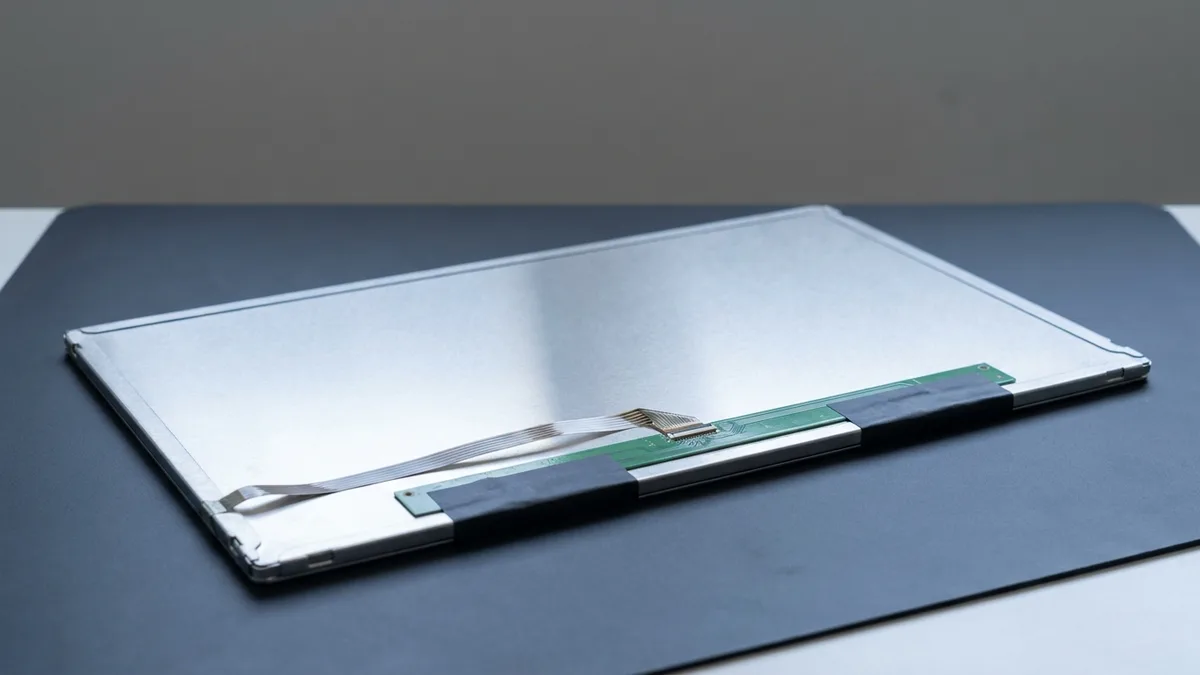
4.9★2,705+ reviews
16+ yrsexperience
Freediagnostics
2service centres
A smiling woman with long dark hair in a white T-shirt printed with the ESMOND wordmark holds a bare laptop display panel in both hands, its dark screen turned towards the camera, against a plain white background.
A laptop display unit with its bezel removed, the dark LCD panel held in its metal frame.
Photo (cropped and edited): Raimond Spekking via Wikimedia Commons, licensed CC BY-SA 4.0

How Much Does Razer Laptop Screen Replacement Cost & How Long Does It Take?

Prices follow the Blade line, and the exact quote follows the panel inside your laptop, because Razer fitted several panels under one model name. Razer's Singapore page for the Blade 15 lists Full HD 360Hz, QHD 240Hz (G-SYNC or OLED) and 4K 144Hz displays for the 2022 model, and Full HD 144Hz or QHD 165Hz for the Base Model. Starting prices and repair times by line:

Model RangeEstimated Repair TimeStarting Price (SGD)
Blade 14 / Stealth2 – 3 HoursFr $258
Blade 15 Base / Advanced2 – 3 HoursFr $286
Blade 16 / 17 / OLED2 – 3 HoursFr $358

Prices exclude 9% GST. Need a quick quote? WhatsApp your Razer model number (e.g., RZ09-0421x) now.

Not sure of your Razer model number? See our quick guide: how to find your Razer model number →
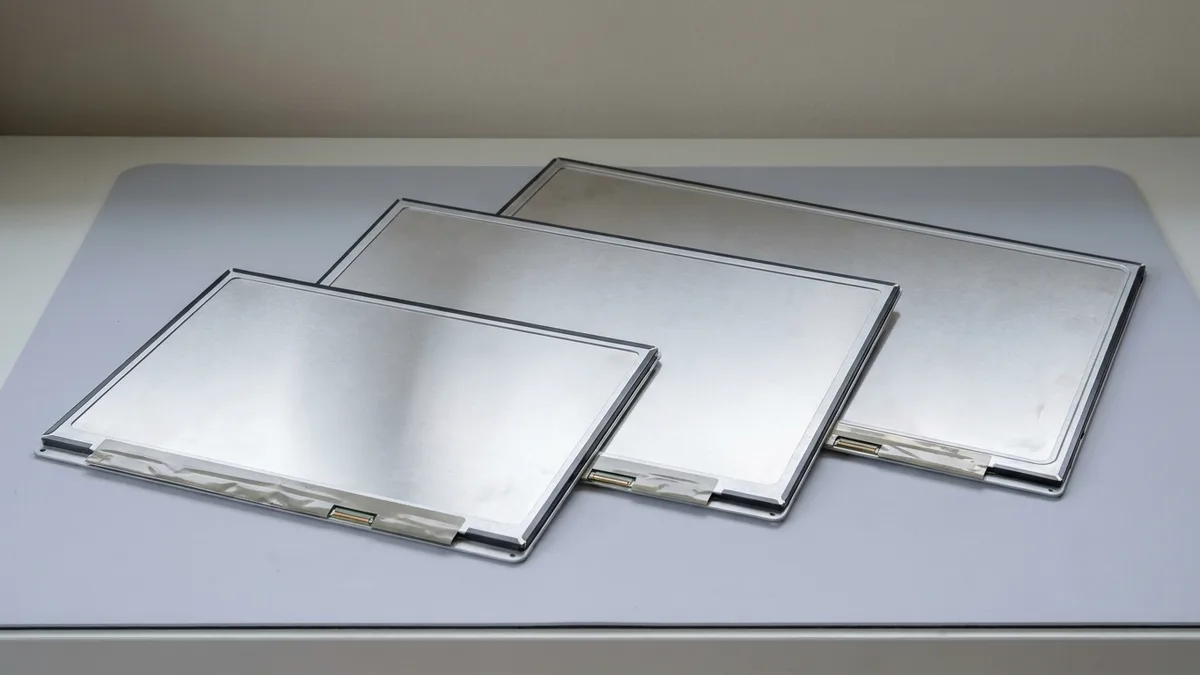
The black keyboard deck and large touchpad of a gaming laptop, seen from directly above.
Photo (cropped): System76 via Wikimedia Commons, licensed CC BY-SA 4.0

Common Razer Laptop Models We Service in Singapore

Razer's own model directory lists each Blade by its RZ09 number and model year (the Blade 16, for example, is RZ09-0483 for 2023 and RZ09-0510 for 2024), and the panel options change with the year. We service the whole range below, including older and international models:

SeriesModels
Blade 14RZ09-0530, RZ09-0508, RZ09-0482, RZ09-0427
Blade 16RZ09-0581, RZ09-0528, RZ09-0510, RZ09-0483 (Mini-LED)
Blade 18RZ09-0582, RZ09-0529, RZ09-0509, RZ09-0484
Blade 15RZ09-0485, RZ09-0421 (Advanced/OLED), RZ09-0409 (Advanced), RZ09-0369 (Base)
Blade 17RZ09-0423, RZ09-0406
Blade StealthRZ09-03272, RZ09-03102, RZ09-02812, RZ09-02393
Blade ProRZ09-0368, RZ09-0329, RZ09-0314, RZ09-0166

Can't see your model listed? Contact us directly: we replace screens on all Razer laptop models. Send the full model number, including the letters after the digits, because one Blade model can ship with more than one panel.

A broken laptop screen: coloured vertical lines across a pale picture and a black shattered patch spreading from the top right corner.
Photo (cropped and edited): Toby~commonswiki (assumed author) via Wikimedia Commons, public domain

Which Razer Display Symptoms Mean You Need a Screen Replacement?

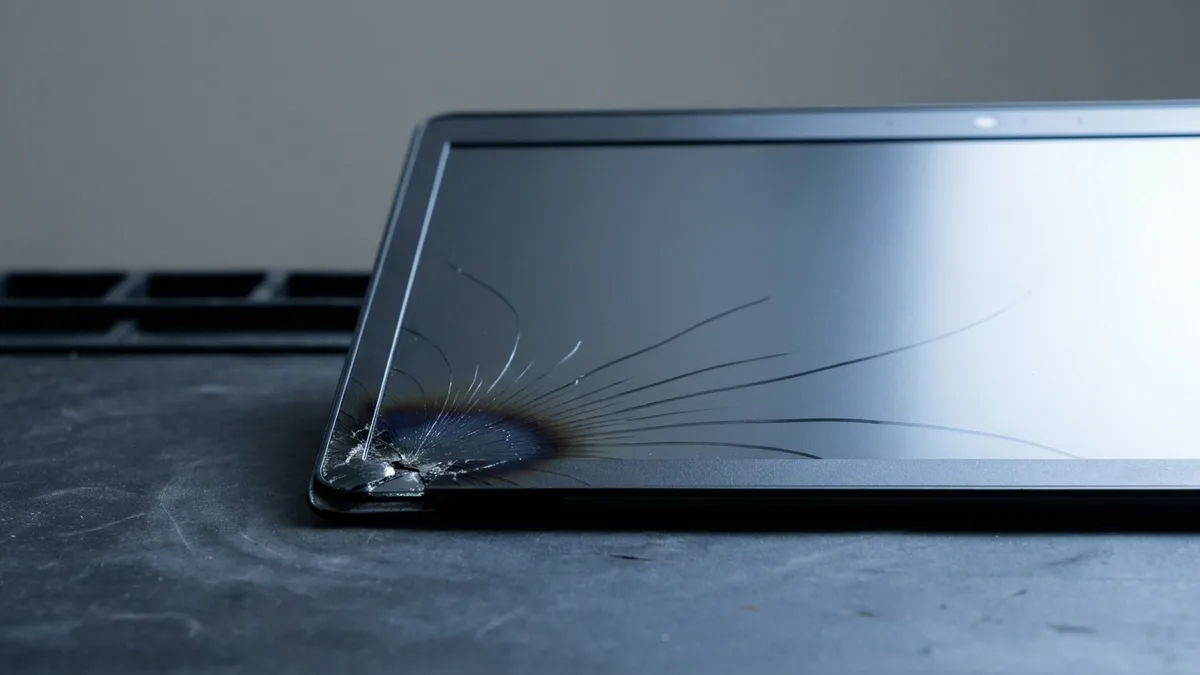
Razer's own display guide says to rule out a hardware fault first: connect an external monitor over HDMI and run a pixel test. On a Blade, these are the signs that lead to Razer laptop screen replacement, though some of them have a cheaper fix (below):

  • A panel cracked, or dark patches spreading, after a knock or a drop (accident damage, which Razer's limited warranty excludes)
  • Screen flickering or distortion when adjusting the lid
  • Vertical lines, OLED burn-in, or pixels still dead after a pixel test on white, black, red, green and blue, the backgrounds Razer's own guide uses
  • Inconsistent brightness that stays after Razer's own fix (uninstalling the Generic PnP Monitor in Device Manager, then scanning for hardware changes), or a black screen on a Blade that is still running
  • Ghost touches on a Blade with a touch panel, such as the 4K OLED Touch option Razer offered on the Blade 15 Advanced (2021)

One of those symptoms is worth testing before you buy a panel. If the flickering starts, stops or changes as you open and close the lid, our own guide points at the display flex cable that runs through the hinge rather than the screen itself — a much smaller job. The free diagnostic tells the two apart before anything is quoted: the two 30-second tests that find the cause →

Two faults Razer documents look like a failing panel but are fixed with an update. Razer's support records users' reports of screen flickering and image retention on the Blade 16 and Blade 18 (2023, RZ09-0483x and RZ09-0484x) and fixes them with a named GeForce driver followed by its Panel Hotfix Updater. It also documents flicker on the Blade 15 (2022) OLED (RZ09-0421N*G3) when the variable refresh rate switches from 48 Hz to 240 Hz in HDR, and fixes that with a separate updater. Each updater needs the GPU mode its article names. If the fault stays after the update, our free diagnosis tells you whether the panel is at fault before anything is quoted.

A strip of tiny white LEDs.
Photo: Raimond Spekking via Wikimedia Commons, licensed CC BY-SA 4.0

Built for Gamers, Fixed by Specialists

Razer's own specification pages show how much the panel changes between Blade lines and years:

  • Blade 14 (2022, RZ09-0427): Full HD 144 Hz (up to 100% sRGB) or QHD 165 Hz (up to 100% DCI-P3), both matte IPS-grade panels, individually factory calibrated
  • Blade 15 Advanced (2021, RZ09-0409): Full HD 360 Hz, QHD 240 Hz or QHD 165 Hz matte IPS-grade panels, or a 4K OLED Touch panel under Corning glass
  • Blade 16 (2023, RZ09-0483): a QHD+ 240 Hz IPS-grade panel at 500 nits, or the dual-mode Mini-LED that switches between UHD+ 120 Hz and FHD+ 240 Hz, at 600 nits (1,000 nits in HDR)
  • Blade 16 (2024, RZ09-0510): a QHD+ 240 Hz OLED, or the dual-mode Mini-LED at UHD+ 120 Hz or FHD+ 240 Hz
  • 2025 Blades: a 3K 120 Hz OLED on the Blade 14 (RZ09-0530), a QHD+ 240 Hz OLED on the Blade 16 (RZ09-0528) and a dual-mode Mini-LED at UHD+ 240 Hz or FHD+ 440 Hz on the Blade 18 (RZ09-0529), each Calman Verified and individually factory-calibrated

So the series name alone does not tell us which panel to fit. We identify the panel from your full model number and confirm the price before any screen replacement starts. After fitting, we check brightness, touch on touch models, and colour consistency for creators using Studio Edition models.

A long, narrow green display board from inside a laptop's screen assembly, its connector at the right end.
Photo (edited): Raimond Spekking via Wikimedia Commons, licensed CC BY-SA 4.0

What is Included in our Razer Screen Replacement Service?

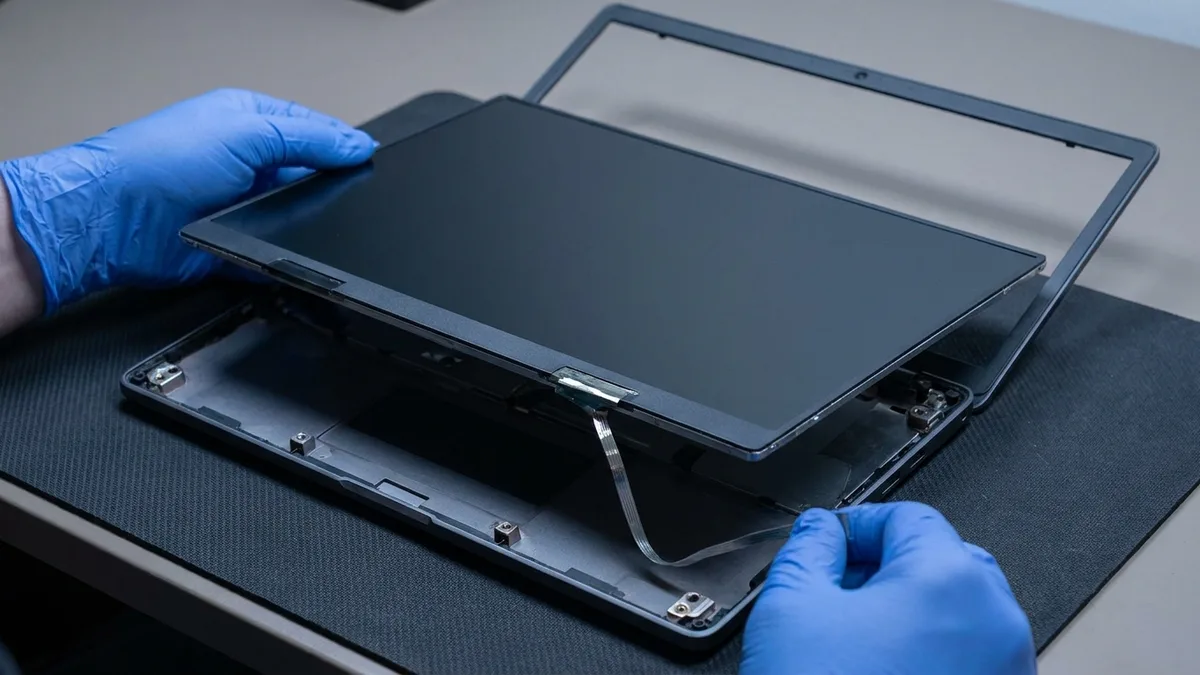
Every Razer laptop screen replacement at Esmond Service Centre follows the same steps:

  • Model and panel identification from your full RZ09 number
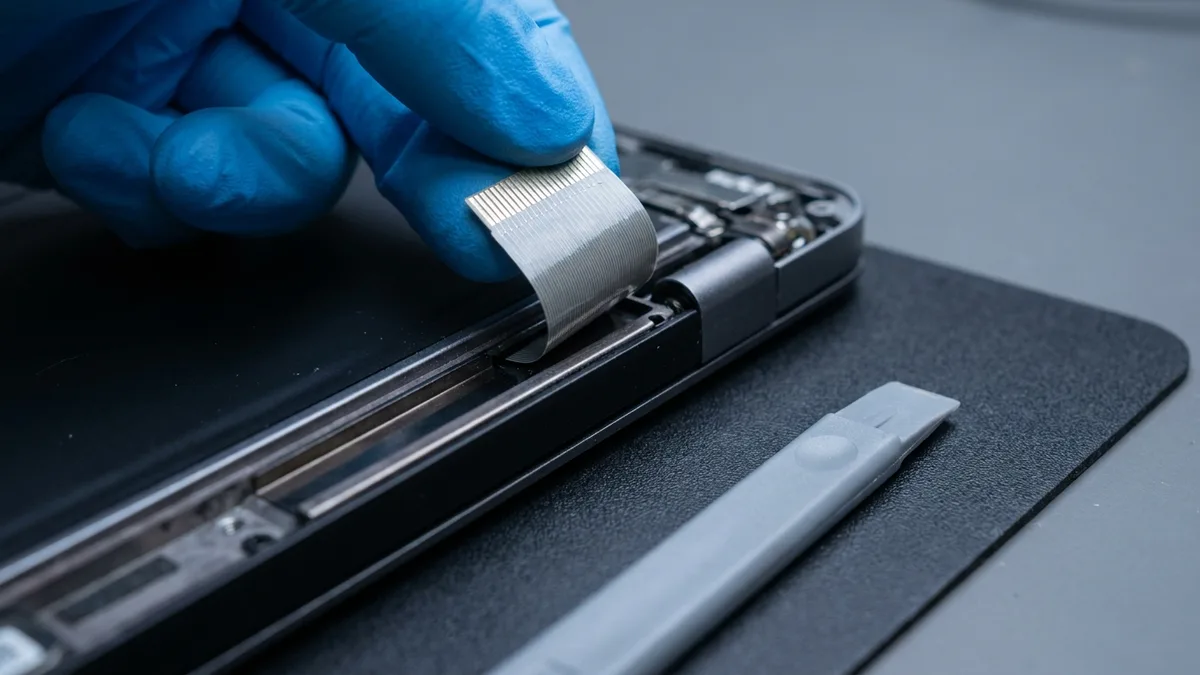
  • Screen diagnostics that tell a failed panel from a fault in the display cable through the hinge
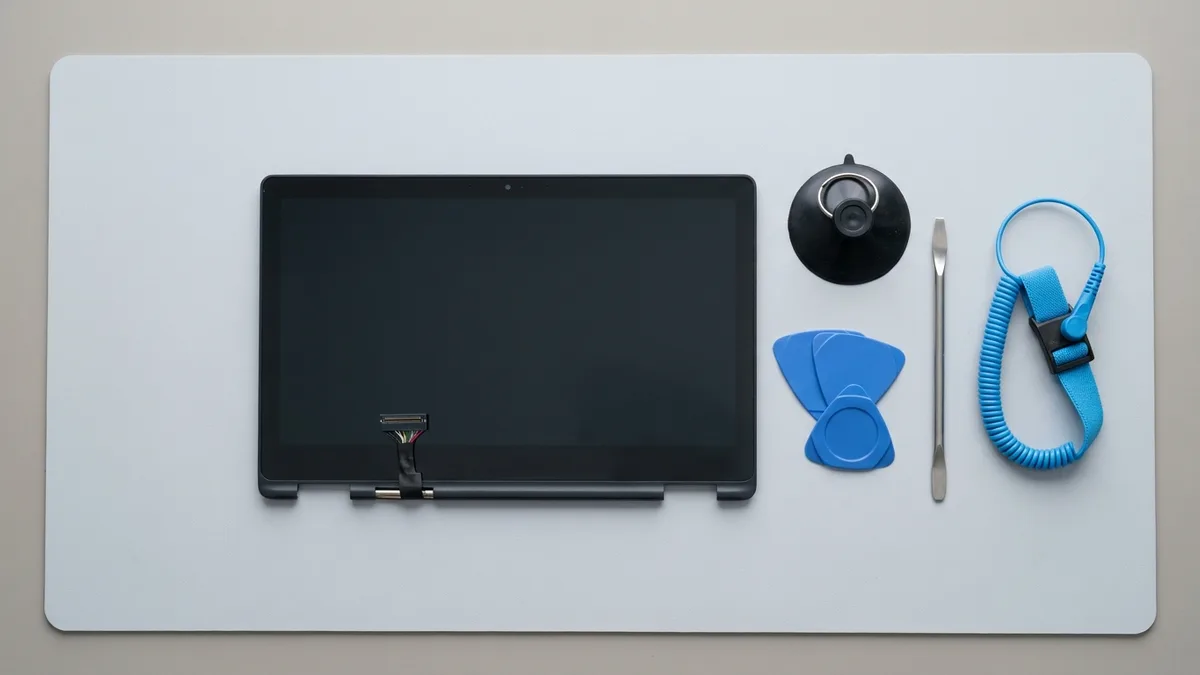
  • Safe removal of damaged screens using ESD-safe tools
  • Installation of a brand-compatible panel matched to your model's resolution, refresh rate and panel type
  • Resolution, brightness, and touch calibration
  • Internal cleaning of bezels and casing
  • Warranty coverage with post-service care advice

Most Razer screen replacements are completed within 2–3 hours. WhatsApp your full model number first, and we check that the panel for your Blade is available before you come in.

A close-up of a soft blue cleaning cloth's weave.
Photo (cropped): Philippe Alès via Wikimedia Commons, licensed CC BY-SA 3.0

How to Protect Your Razer Display After Replacement

After the screen is replaced, these habits protect the new panel; the cleaning rules are Razer's own:

  • Turn the Blade off and unplug the power adapter before you clean the screen
  • Close the lid only with nothing on the keyboard; to clean under a Blade's keys, Razer's guide says to hold it upside down or use compressed air, not to remove the keycaps
  • Wipe the screen with a lint-free microfibre cloth and a cleaning solution made for monitors, never with isopropyl alcohol or any alcohol-based cleaner
  • Rest the Blade on a solid, flat surface so its air vents stay clear
  • Never submerge the Blade in any liquid: Razer's own cleaning guide says doing so voids its warranty

Keep the BIOS and drivers up to date from the Drivers & Downloads section of your model's page on Razer's support site: Razer's own display guide makes that update its first step for flickering, blotching, discoloration or inconsistent brightness.

An anti-static wrist strap with an orange band and a black coiled grounding cord lying on a pale grey background.
Photo (edited): Adamantios via Wikimedia Commons, licensed CC BY-SA 3.0

Why Choose Esmond Service Centre for Razer Laptop Screen Replacement?

When you select Esmond Service Centre, you gain:

  • Screen replacement for every Blade line in the tables above, from the Blade Stealth and Blade Pro to the Blade 18
  • A free diagnosis before any quote, and nothing to pay if we cannot fix it
  • Starting prices listed in the price table above, before 9% GST, with no hidden fees
  • Comprehensive 90-day warranty on every replacement
  • Optional extended protection of up to 5 years with Esmond Care
  • More than 10,000 repairs a year and 28 staff (as at August 2026)

Esmond Service Centre is an independent repairer of Razer laptops, not one authorised by Razer. If your Blade is still inside Razer's limited warranty (one year, or two with a Razer Extended Warranty) and the screen fault is a defect rather than accident damage, claim with Razer first, through the reseller you bought it from or mysupport.razer.com: Razer repairs a covered defect at no charge, which costs you less than any paid repair, and its warranty excludes damage caused by service from anyone not acting for Razer.
A silver laptop open in a bright, airy living room.
Photo (cropped and edited): Oliur Rahman ultralinx via Wikimedia Commons, released under CC0

Start Your Razer Laptop Screen Replacement Today, No Appointment Needed

Two ways to start:

Most Razer models qualify for same-day screen replacement, and most replacements are completed within 2–3 hours.

Tell us what's wrong — free diagnosis, no obligation

Send us the symptom and we'll come back with what it likely is, what it will cost, and how long it will take. The diagnosis is free, and if we can't fix it, you pay nothing.

How can we contact you?

When you send this form, OpenAI (which runs ChatGPT Ads) is told that an enquiry was made, so we can see which of our ads bring enquiries. What is shared and how to switch it off

4.9★★★★★EXCELLENT — based on 2,705+ Google reviews across 2 branches
★★★★★
Had a battery alert warning this morning on my HP Spectre laptop. Ran a battery test and the capacity is only left with 23% despite component test shows Passed. HP support ask me to calibrate the battery which is a very lengthy and tedious procedure and it does not solve the original battery issue of degraded capacity. HP Support also need time (the whole day also never get back to me) to check for stocks and price. I just need a faster clean fix to this issue i.e. simply replace the battery. Searched the Internet and found Esmond Service Centre with good reviews. Fast response and helpful advice. They transferred the battery to the branch at MidView in 2 hours and changed my battery within 30 to 40mins when I was on-site. Price was competitive compared to other quotes I got and also purchased the extended warranty for 1 year for $48. They also provided after sales customer service when I asked about my chargers. Not like some shops who will ignore you after the purchase. Great service and will look for them in future if I need to repair my laptop.Read full reviewShow less
KK JacelynSin Ming · 3 months ago
★★★★★
Highly experienced, customer focus, general great at what they're doing which servicing and repairing computer. I went there to change battery for my lap top and was highly impressed by their good technical, reasonal pricing, ease of doing business and friendliness of front desk staffs. They found something else ; ie the cooling system that required attentive alertedmet the issue via WA prompting recommending solutions and cosing. It was easy to make decision with transparent transaction. Job was done very quickly originally supposed to take 30 mins with the addition task it took another 20 mins which iscceptable a we were able to waiting relaxing while having a coffee in the multitude of F&B outlets in this mall. My laptop was very well serviced and repair and within my original estimated budget. Super happy with Esmond for their great capability and professionalism. victor who attended to us was a bit quiet but nonetheless was able to communicate important info clearly to me. Keep it up EsmondRead full reviewShow less
SSam Goh SEAlexandra · 10 months ago
★★★★★
I am extremely thankful for the outstanding service I received from Jay. I called ahead to ask whether I would need to wait to get my laptop repaired, as it had completely stopped turning on and it was an urgent situation for me. I was told to simply walk in, and to my surprise, the issue was diagnosed and fixed in less than 30 minutes. What impressed me most was that the repair was done right in front of me, and Jay remained professional, friendly, and transparent throughout the entire process. To top it all off, he explained that it was only a quick fix and chose not to charge me anything. I truly couldn’t be more grateful for the help and exceptional customer service. Thank you, Jay, for turning a stressful situation into such a positive experience. Highly recommended! Also noticed that they sell other small gadgets which can make good last min gifts too!Read full reviewShow less
JJollene YangAlexandra · 2 months ago
★★★★★
Sent my iMac in for a screen replacement and had a very positive experience with Esmond Service Centre. Customer service was responsive and patient throughout the process, and they kept me updated clearly. Repair was completed quickly and the iMac is working well again. They also showed me photos of the internal dust buildup and explained the recommended servicing transparently, which I appreciated as someone not familiar with repairs. Overall, a smooth and reassuring experience. Thank you for the professional service!Read full reviewShow less
WWendy AngSin Ming · 3 months ago
★★★★★
I messaged Esmond Service Centre to get my MSI screen fixed and was impressed right from the start. They replied quickly, and I was able to head down on the same day itself. I could simply walk in and wait at the store, and the technician took the time to look at my device and give solid, practical advice. They also stuck exactly to the estimated timing of 1–2 hours, which made the whole experience smooth and hassle-free. Everything was handled efficiently and without any fuss. Excellent job and great service overall.Read full reviewShow less
NNiveethaSin Ming · 4 months ago
★★★★★
5/5 experience and service Appreciate the prompt responses! It was easy to book an appointment / timeslot because they are very approachable. It's an introvert-friendly experience. I like how direct and straightforward the process and advices/quotations were. I'm a big fan of that. Was also my first time finding a service to replace my laptop battery, and I'm so glad to have found them. Will definitely come back again for further assistance. 😄Read full reviewShow less
Ffatin nur aqilahAlexandra · 6 months ago

Frequently Asked Questions

Should I go to Razer or to an independent repairer to replace my Razer laptop screen in Singapore? +
Go to Razer first if your Blade is inside Razer's limited warranty and the fault is a defect: claim through your reseller or mysupport.razer.com, and Razer repairs a covered defect at no charge. Razer's warranty excludes accidents, liquid contact and minor pixel abnormalities, but RazerCare Elite, sold only for laptops bought on Razer.com, covers drops, spills, falls and collisions. For a cracked screen without that cover, or a Blade out of warranty, Esmond Service Centre replaces Razer screens as an independent repairer, from S$258.
How much does Razer laptop screen replacement cost in Singapore? +
At Esmond Service Centre, replacing a Razer laptop screen starts from S$258 for the Blade 14 and Blade Stealth, from $286 for the Blade 15 Base and Advanced, and from $358 for the Blade 16, Blade 17 and OLED panels, before 9% GST. The final price depends on the panel your laptop shipped with: a single model, Razer's Blade 15 (2022), was sold with a choice of Full HD 360Hz, QHD 240Hz, QHD OLED or 4K 144Hz displays. WhatsApp the full model number for an exact quote.
Do you provide warranty coverage for Razer laptop screen replacement? +
Yes. Every Razer screen replacement at Esmond Service Centre carries a 90-day warranty, and Esmond Care can extend protection up to 5 years. That cover is separate from Razer's: Razer's Singapore policy gives its laptops a one-year limited warranty (two years with a Razer Extended Warranty), excludes damage caused by service from anyone not acting for Razer, and warrants a product Razer itself repairs for 90 days or the rest of the original period, whichever is longer.
How long does a Razer laptop screen replacement take in Singapore? +
Most Razer screen replacements at Esmond Service Centre are completed within 2–3 hours, and most Razer models qualify for same-day replacement. WhatsApp the full model number before you come and we check that the panel for your Blade is available. The full number matters because one model year can ship with two panel types, such as the IPS-grade and Mini-LED versions of the Blade 16 (2023).
What should I do if my Razer laptop screen is flickering or cracked? +
Start with Razer's own steps for flicker: connect an external monitor over HDMI and run a pixel test, update the BIOS and drivers from your model's Drivers & Downloads page, and on a Blade 16 or 18 (2023) follow Razer's Panel Hotfix Updater article. If the flicker changes as you move the lid, suspect the display cable through the hinge. A screen cracked by a knock or a drop needs a new panel, and as accident damage it falls outside Razer's limited warranty. Our diagnosis is free either way.
Can Esmond Service Centre replace screens for older Razer models not bought in Singapore? +
Yes. Esmond Service Centre services international and older Razer models, including the Blade Stealth and Blade Pro lines. For a Blade bought abroad this matters, because Razer's limited warranty is valid only in the country where the laptop was originally bought (for a laptop shipped internationally by an authorised reseller, the reseller's shipping point), so its Razer warranty cannot be claimed in Singapore.
Is the Razer screen diagnostic and quote free? +
Yes. Esmond Service Centre provides a free, no-obligation diagnostic and quote with no hidden fees, and if we cannot fix it, you pay nothing. We identify the panel and confirm the price before any screen replacement starts. To check a suspected dead pixel yourself first, use the test Razer asks for when you report one: a display test on white, black, red, green and blue backgrounds. Razer counts a pixel that is still dead or flickering after the test as physically defective.
Do you replace high-refresh-rate and OLED Razer screens? +
Yes. We replace the high-refresh IPS-grade panels, the OLED panels and the dual-mode Mini-LED panels Razer fits to its Blades. They are different parts: Razer describes an IPS panel as lit by one light zone behind all its pixels, an OLED as lighting each pixel itself with no backlight, and the dual-mode Mini-LED it introduced on the Blade 16 (2023) as a display powered by 1,024 lighting zones that switches between Full HD+ 240Hz and UHD+ 120Hz. We confirm which one your Blade needs before quoting.

Need expert help with your device?

Bring it to Esmond Service Centre at Sin Ming or Alexandra — free diagnostics, repairs from $65, many done in 1–2 hours.

WhatsApp us