Hard Disk Data Recovery in Singapore (Desktops & Laptops)
Last updated:
Internal hard disk not detected, clicking, or your PC won't boot? Esmond Service Centre recovers data from internal HDDs in Singapore — often without needing the original system to start. Free evaluation, no-data-no-fee.
Hard Disk Data Recovery in Singapore (Desktops & Laptops)
An internal hard disk can fail without warning — especially in older desktops and laptops. Whether the drive is no longer detected in the BIOS, the system won't start, or your partitions have suddenly vanished, our specialists recover data from internal hard disks in Singapore using safe, in-house methods.
Common internal hard disk failures we recover from
Drive not detected in BIOS / not recognised by the system
Operating system won't boot or keeps restarting
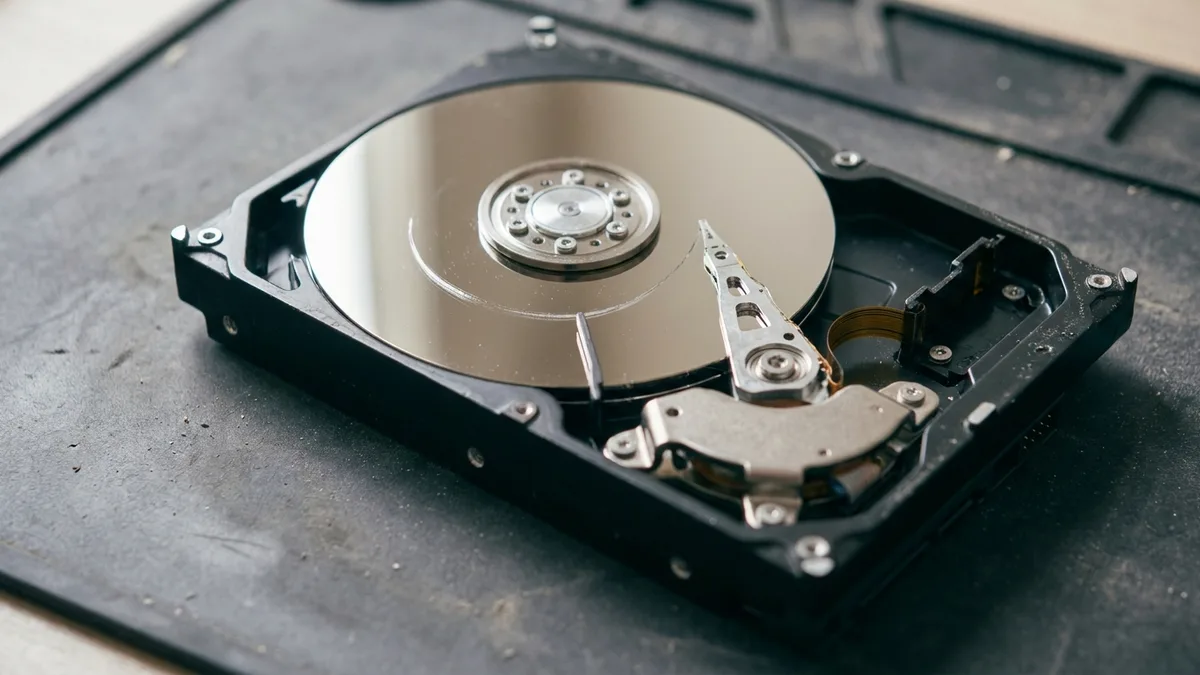
Clicking, buzzing or the drive won't spin up
Lost, deleted or corrupted partitions
Electrical surge or power-failure damage
Bad sectors and gradual mechanical wear
Drives & failure types we handle
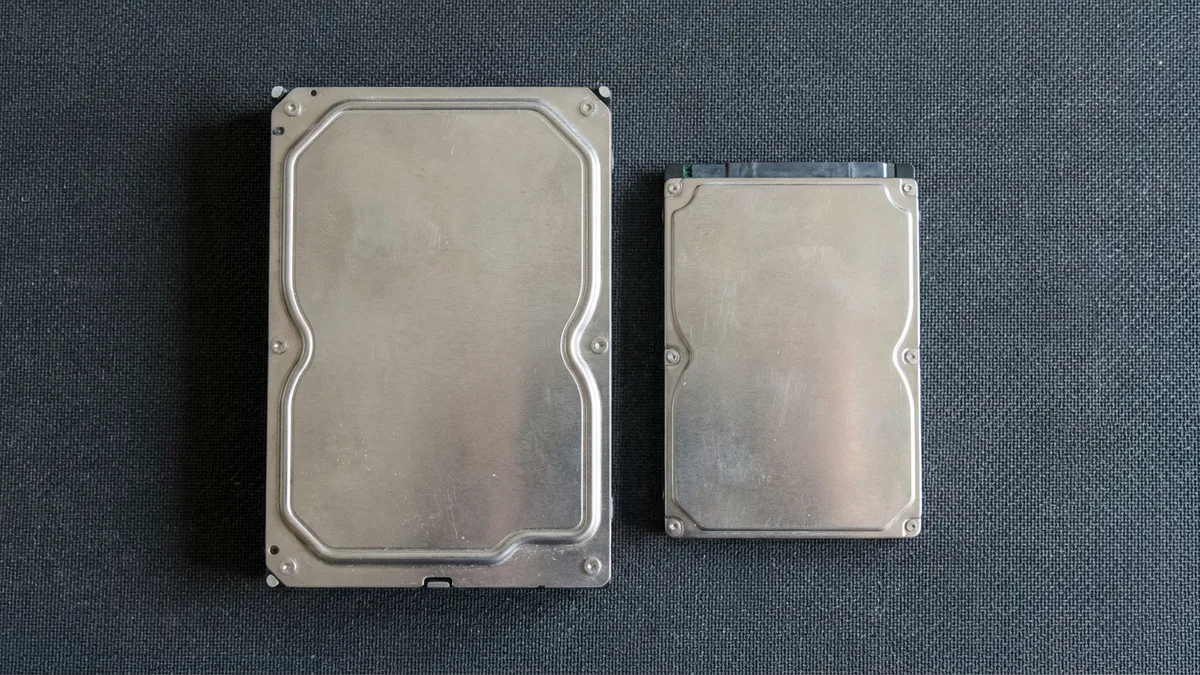
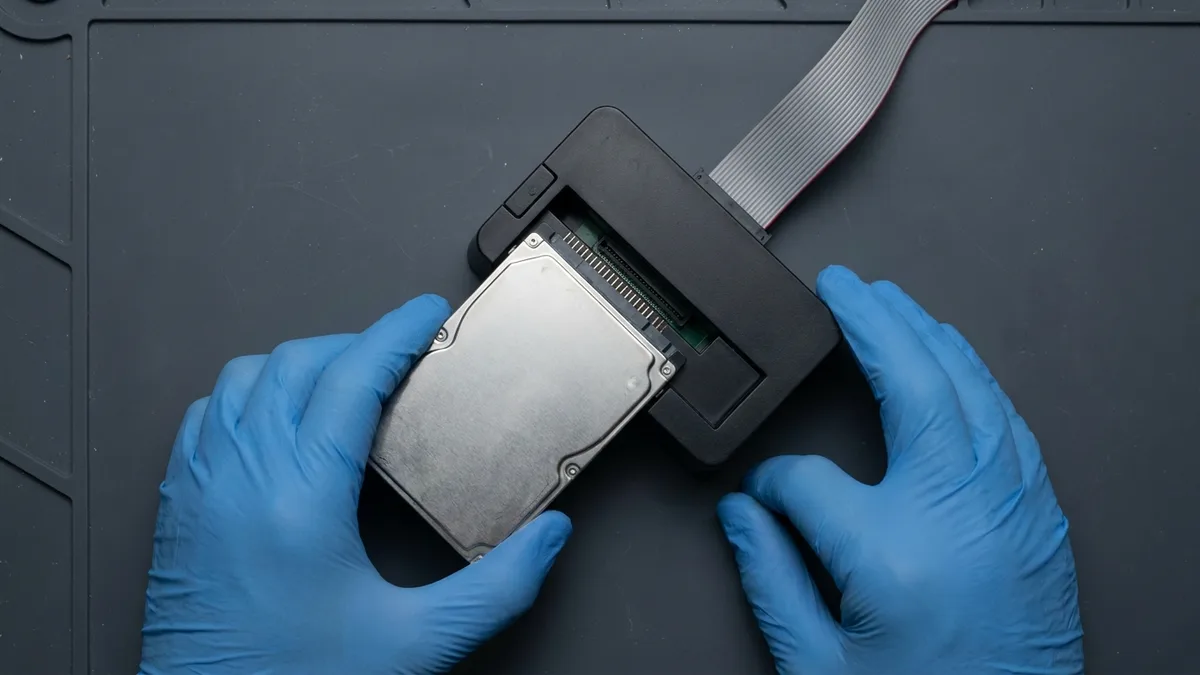
We recover from both 2.5" and 3.5" internal hard disks, whether SATA or IDE, from desktops and laptops. If your system won't start or the partitions have disappeared, we can often retrieve your files without needing the original OS to boot.
Drive sizes: 2.5" (laptop) and 3.5" (desktop)
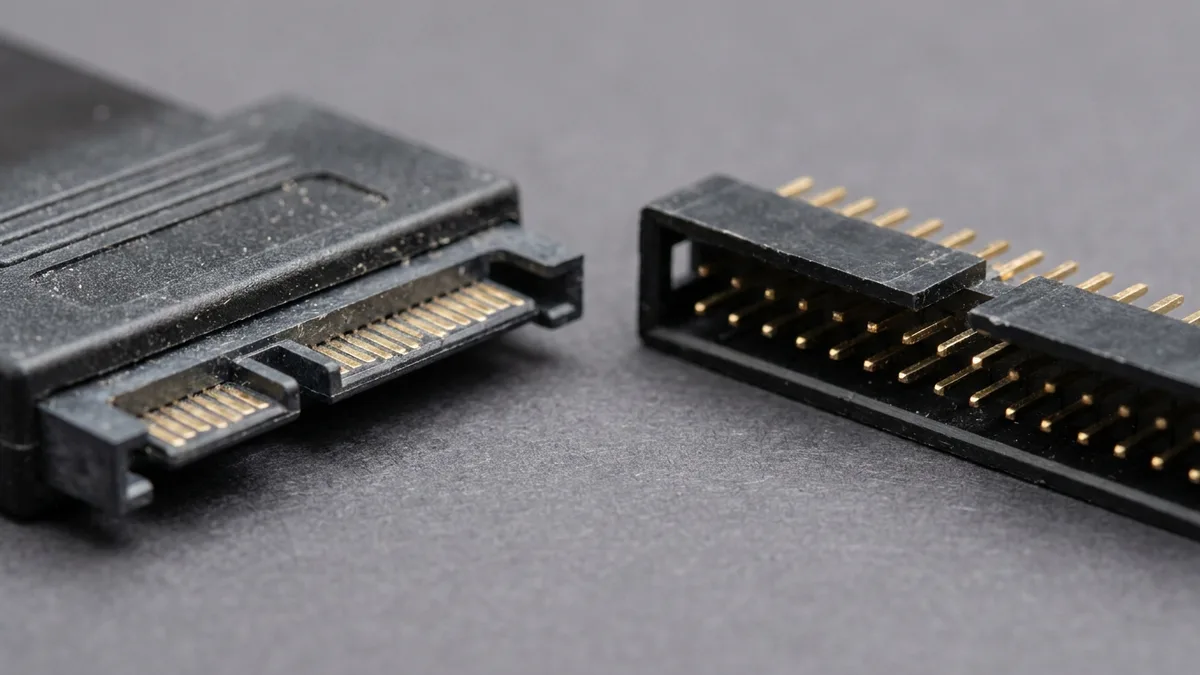
Interfaces: SATA and older IDE/PATA
Logical recovery: OS corruption, partition loss, accidental deletion
Whatever the cause, the steps are the same and you stay in control of the cost:
Free evaluation – we assess the device and tell you exactly what's recoverable.
Quote & approval – you receive a fixed price upfront before any work starts.
Data recovery – performed in-house using safe, industry-standard tools.
Delivery – your recovered files are returned on a new portable drive (available for purchase).
Why choose Esmond Service Centre for internal hard disk recovery
Specialists in internal HDD failure — recovery without needing your PC to boot
No-data-no-fee — you only pay if we recover your files
Free evaluation and a fixed quote before any work begins
Recovery performed in-house on safe, industry-standard tools — your drive is never shipped overseas
Confidential handling of personal and business data
Two walk-in branches in Singapore — Alexandra and Sin Ming
Rated 4.9 stars across our two Singapore branches
How much does hard disk data recovery cost?
Internal hard disk recovery is priced per job after the free evaluation, with a fixed quote upfront and no hidden charges. On a no-data-no-fee basis you approve the price before any recovery begins. The cost depends on whether the fault is logical (partition loss, OS corruption, deletion) or physical (a drive that is not detected, clicking or not spinning) and the extent of the damage. See our main data recovery Singapore page for the full overview, or contact us for a free assessment.
What we recover
Starts at (SGD, excl. GST)
Typical turnaround
Software-level recovery — deleted, formatted or corrupted files, partition lost, drive still detected
Fr $95
From 1–3 working days
Hardware-level recovery — drive not detected in BIOS, clicking, or not spinning up
Tell us what's wrong — free diagnosis, no obligation
Send us the symptom and we'll come back with what it likely is, what it will cost, and how long it will take. The diagnosis is free, and if we can't fix it, you pay nothing.
Free diagnosis
No fix, no fee
Same-day reply
4.9★★★★★EXCELLENT — based on 2,705+ Google reviews across 2 branches
★★★★★
Had a battery alert warning this morning on my HP Spectre laptop. Ran a battery test and the capacity is only left with 23% despite component test shows Passed. HP support ask me to calibrate the battery which is a very lengthy and tedious procedure and it does not solve the original battery issue of degraded capacity. HP Support also need time (the whole day also never get back to me) to check for stocks and price. I just need a faster clean fix to this issue i.e. simply replace the battery. Searched the Internet and found Esmond Service Centre with good reviews. Fast response and helpful advice. They transferred the battery to the branch at MidView in 2 hours and changed my battery within 30 to 40mins when I was on-site. Price was competitive compared to other quotes I got and also purchased the extended warranty for 1 year for $48. They also provided after sales customer service when I asked about my chargers. Not like some shops who will ignore you after the purchase. Great service and will look for them in future if I need to repair my laptop.Read full reviewShow less
KK JacelynSin Ming · 3 months ago
★★★★★
Highly experienced, customer focus, general great at what they're doing which servicing and repairing computer. I went there to change battery for my lap top and was highly impressed by their good technical, reasonal pricing, ease of doing business and friendliness of front desk staffs. They found something else ; ie the cooling system that required attentive alertedmet the issue via WA prompting recommending solutions and cosing. It was easy to make decision with transparent transaction. Job was done very quickly originally supposed to take 30 mins with the addition task it took another 20 mins which iscceptable a we were able to waiting relaxing while having a coffee in the multitude of F&B outlets in this mall. My laptop was very well serviced and repair and within my original estimated budget. Super happy with Esmond for their great capability and professionalism. victor who attended to us was a bit quiet but nonetheless was able to communicate important info clearly to me. Keep it up EsmondRead full reviewShow less
SSam Goh SEAlexandra · 10 months ago
★★★★★
I am extremely thankful for the outstanding service I received from Jay.
I called ahead to ask whether I would need to wait to get my laptop repaired, as it had completely stopped turning on and it was an urgent situation for me. I was told to simply walk in, and to my surprise, the issue was diagnosed and fixed in less than 30 minutes.
What impressed me most was that the repair was done right in front of me, and Jay remained professional, friendly, and transparent throughout the entire process. To top it all off, he explained that it was only a quick fix and chose not to charge me anything.
I truly couldn’t be more grateful for the help and exceptional customer service. Thank you, Jay, for turning a stressful situation into such a positive experience. Highly recommended!
Also noticed that they sell other small gadgets which can make good last min gifts too!Read full reviewShow less
JJollene YangAlexandra · 2 months ago
★★★★★
Sent my iMac in for a screen replacement and had a very positive experience with Esmond Service Centre.
Customer service was responsive and patient throughout the process, and they kept me updated clearly. Repair was completed quickly and the iMac is working well again. They also showed me photos of the internal dust buildup and explained the recommended servicing transparently, which I appreciated as someone not familiar with repairs.
Overall, a smooth and reassuring experience. Thank you for the professional service!Read full reviewShow less
WWendy AngSin Ming · 3 months ago
★★★★★
I messaged Esmond Service Centre to get my MSI screen fixed and was impressed right from the start. They replied quickly, and I was able to head down on the same day itself.
I could simply walk in and wait at the store, and the technician took the time to look at my device and give solid, practical advice. They also stuck exactly to the estimated timing of 1–2 hours, which made the whole experience smooth and hassle-free.
Everything was handled efficiently and without any fuss. Excellent job and great service overall.Read full reviewShow less
NNiveethaSin Ming · 4 months ago
★★★★★
5/5 experience and service
Appreciate the prompt responses! It was easy to book an appointment / timeslot because they are very approachable. It's an introvert-friendly experience.
I like how direct and straightforward the process and advices/quotations were. I'm a big fan of that.
Was also my first time finding a service to replace my laptop battery, and I'm so glad to have found them. Will definitely come back again for further assistance. 😄Read full reviewShow less
Ffatin nur aqilahAlexandra · 6 months ago
Frequently Asked Questions
My computer won't boot — can you still recover the files from the hard disk? +
Usually yes. A system that won't boot is often a software or OS-level issue, while the data on the disk is intact. We can frequently recover your files without the original operating system starting, and we'll confirm what's recoverable during the free evaluation.
Can you recover from a hard disk that isn't detected in the BIOS? +
Often. A drive missing from the BIOS may have a controller, firmware or mechanical fault. We diagnose the exact cause during the free assessment and tell you what's recoverable before you approve any cost.
Do you handle both desktop (3.5") and laptop (2.5") hard disks? +
Yes — we recover from both 2.5" and 3.5" internal hard disks, SATA or IDE, from desktops and laptops.
The drive is clicking — should I keep trying to access it? +
No. Clicking usually means a mechanical problem, and repeated power-ons can make it worse. Power it down and bring it in for a free assessment.
How long does hard disk data recovery take? +
It depends on the failure. Software-level cases — deleted or formatted files, a lost partition, a drive the system still sees — typically run from 1–3 working days. Hardware-level cases, where the drive is not detected in BIOS, clicks or will not spin up, typically run from 10–14 working days. You get the expected window with your fixed quote, after the free evaluation.
Is my data kept confidential? +
Yes. Recovery is carried out in-house at our own workshop — your drive is never sent overseas — and personal and business data is handled confidentially. You can walk in to either branch, Alexandra or Sin Ming.