

Repair Services
Huawei laptop repair
Prices are before GST.
* Board-level work can run longer if the fault is intermittent and needs more time on test.


Photos, cropped, via Wikimedia Commons: screen by GALAXY 2018 A7 (CC0) · Huawei MateBook X Pro by メイド理世 (CC BY-SA 4.0) · laptop battery pack by PantheraLeo1359531 (CC BY 4.0) · keyboard by Florine W. Dekker (CC0) · metal laptop hinge by Eugene Ter-Avakyan from Moscow, Russia (CC BY 2.0) · circuit board by Corsario CL (CC BY-SA 4.0)
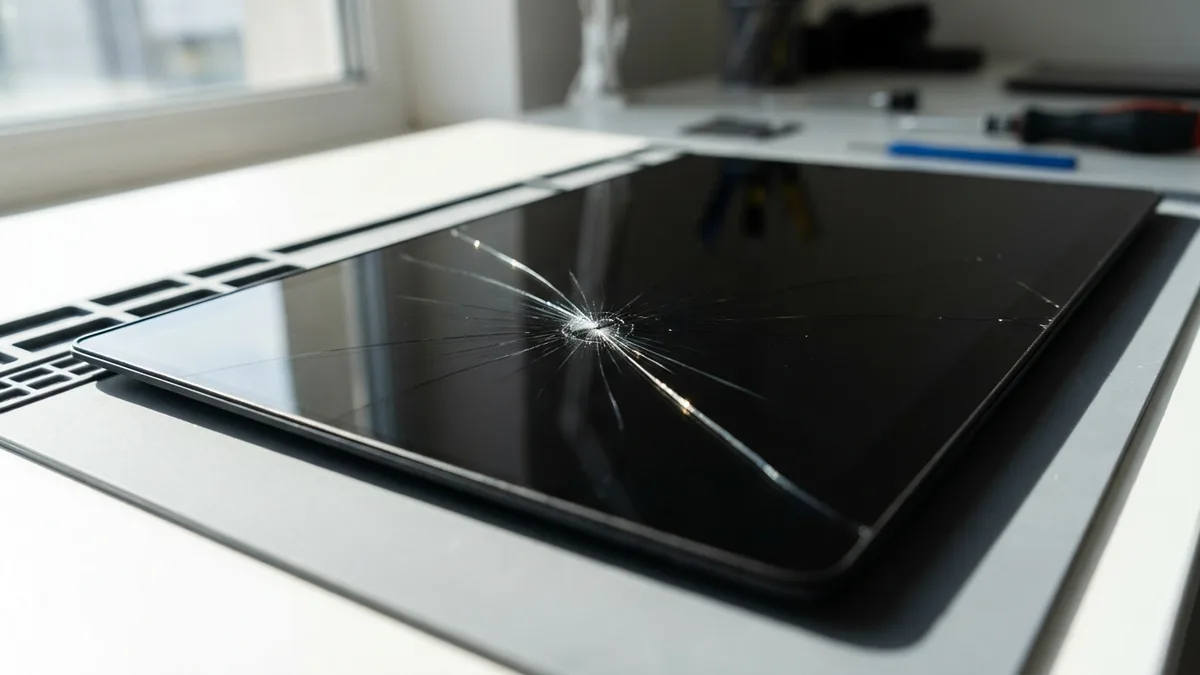
Photo (cropped and edited): Saud via Wikimedia Commons, licensed CC BY-SA 4.0
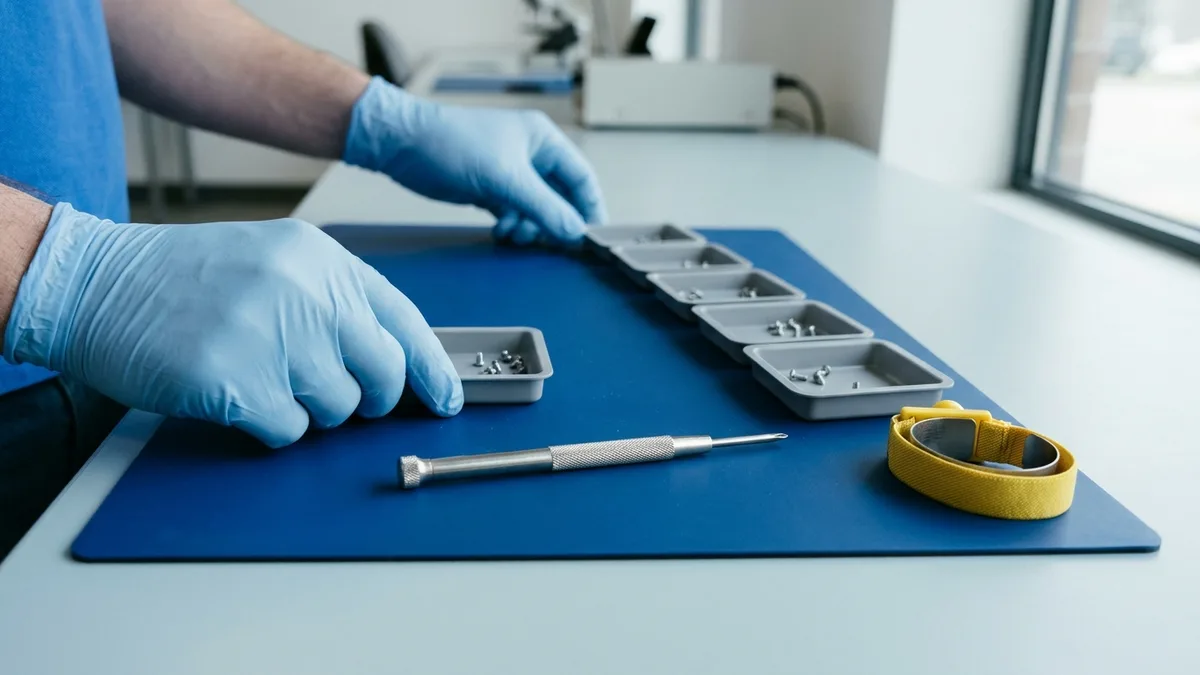
Photo (cropped and edited): System76 via Wikimedia Commons, licensed CC BY-SA 4.0
My laptop had a broken hinge and Ivan at Esmond Service Centre provided a quote and ordered the part. He was very responsive and once the part arrived, I went down to the shop and the laptop was repaired within 2 hours. The amount I paid was exactly as quoted. No surprises and great service.
Experienced an exceptional service from Nicholas. He presented himself with professionalism, patience and explains to me in a clear and structured manner. Was a breeze for me to communicate and get my issue settled. Thanks.
Mon to Fri : 10:00am - 7:00pm · Sat : 10:00am - 3:00pm · Closed on Sunday and PH
Last updated:
Huawei laptop repair in Singapore for MateBook D, X, X Pro, E, 13/14 and MagicBook models, at Esmond Service Centre's branches in Alexandra and Sin Ming: batteries from $86 in 30–45 minutes, LCD screens from $186 in 1–2 hours, and touch screens for the X, X Pro and E from $258. Diagnosis is free, you approve a fixed quote before any work starts, and every repair carries a 90-day warranty.

Choose the fault closest to yours below. Not sure which it is? WhatsApp Esmond Service Centre your MateBook's model and what it is doing, and we will tell you what it likely is and what it will cost before you come in.
 LCD Screen
 Touch Screen
 Battery
 Keyboard
 Motherboard
 Water Damage
 Bluetooth
 Wi-Fi
 Overheating
 Cooling Fan
 Windows OS
 Hinge
 Hard Drive
 Speaker
 Camera
 Microphone
 Charging Port
 Other Issues
 RAM
 SSD
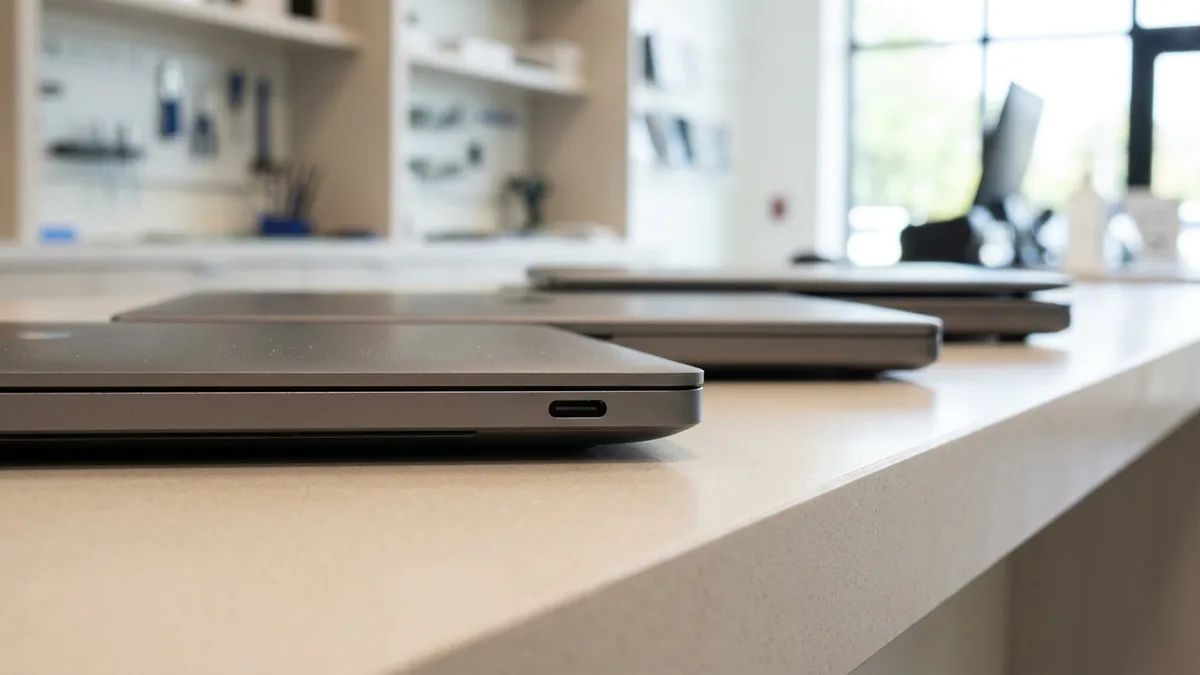
| Model Series | Model Variants / Description |
|---|---|
| Huawei MateBook D | 14, 15-inch AMD/Intel models – light, mid-range productivity |
| Huawei MateBook X | Premium ultrabooks with touch display and metal finish |
| Huawei MateBook X Pro | High-resolution display, discrete GPU models |
| Huawei MateBook E | 2-in-1 touchscreen models with detachable keyboard |
| Huawei MagicBook | Budget-friendly alternative under Honor brand |
| Huawei MateBook 13/14 | Compact premium models, ideal for professionals and students |
Huawei puts the serial number (S/N) on the nameplate, usually on the rear cover. With Windows running, Huawei PC Manager shows it under Quick services (or My Services); if Windows will not start, press and hold F2 as the laptop powers on to open the BIOS settings screen, which shows the Serial Number (on a 2-in-1 such as the MateBook E, press Power and Volume up together from power-off). Send us the S/N or the model name and we will look up your model.
Not sure of your Huawei model number? See our quick guide: how to find your Huawei model number →
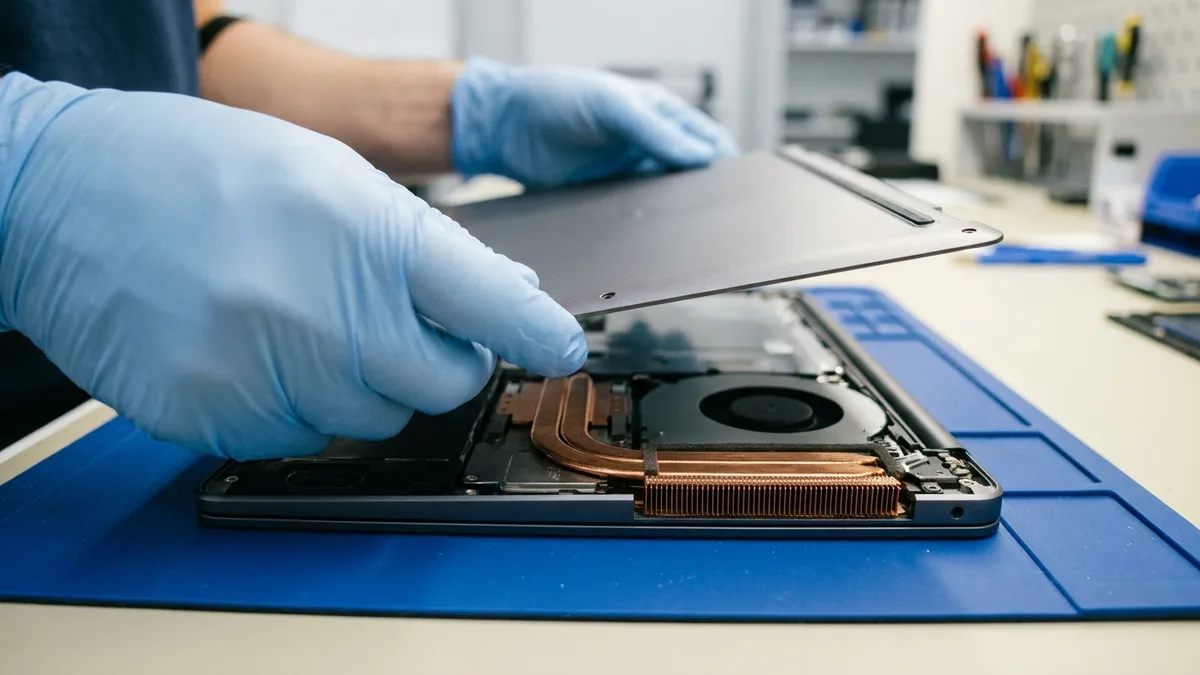
Every repair below is quoted for your exact model, because the parts differ between MateBook lines. Huawei's Singapore spec pages list a 14.2-inch OLED touchscreen (3120 × 2080) and a 70 Wh battery on the MateBook X Pro Core Ultra Premium Edition, a 16-inch IPS screen (1920 × 1200) and a 56 Wh or 70 Wh battery on the MateBook D 16 2024, and a 13-inch IPS screen and a 41.7 Wh battery on the MateBook 13 (2020):
| Repair Type | Description |
|---|---|
| Huawei Laptop Screen Replacement | Fast, quality replacements for cracked or flickering screens. |
| Battery Replacement for Huawei Laptops | Efficient battery replacements for rapid battery drain or charging issues. |
| Huawei Keyboard & Trackpad Repair | Repair or replacement of malfunctioning keyboards and trackpads. |
| Huawei Charging Port Repair | Precise repairs for damaged USB-C and DC charging ports. |
| Huawei Laptop Overheating Solutions | Professional cooling system maintenance and thermal paste renewal. |
| Motherboard Repair for Huawei Laptops | Expert repairs for power failures, boot loops, and motherboard faults. |
These are the rates Esmond Service Centre already publishes on our laptop repair Singapore page, and they apply to a MateBook or MagicBook the same way they apply to any other Windows laptop. Every job starts with a free diagnosis and a fixed quote you approve before any work begins — what you finally pay depends on your model and on what the diagnosis finds.
| What we repair or replace | Starts at (SGD, excl. GST) | Typical time on the bench |
|---|---|---|
| Huawei MateBook screen replacement (LCD) | Fr $186 | 1–2 hours |
| Huawei touch screen (MateBook X, X Pro, E) | Fr $258 | Contact us |
| Huawei MateBook battery replacement | Fr $86 | 30–45 minutes |
| Huawei laptop keyboard replacement | Fr $186 | 2–3 hours |
| Hinge repair or replacement | Fr $90 | Depends on parts |
| Motherboard repair | Fr $186 | 3–5 working days* |
| OS reinstallation / reformatting | $65 | Same day |
* Board-level work can run longer if the fault is intermittent and needs more time on test. If we do not have the parts, a motherboard repair takes up to 14 working days or longer. Prices are before GST.
What each of these can be on a MateBook, and the checks Huawei's own support gives before you book a repair:
Stop and bring it in if it still will not start after 30 minutes on the adapter, if the battery is swelling, or if liquid has got inside. Liquid damage is outside Huawei's warranty, and when a spill has caused several failures at once, we will tell you if it is not worth repairing. On a laptop that will not power on, the disk and other parts can only be tested once the board is repaired, which is why the final price is set after that step.
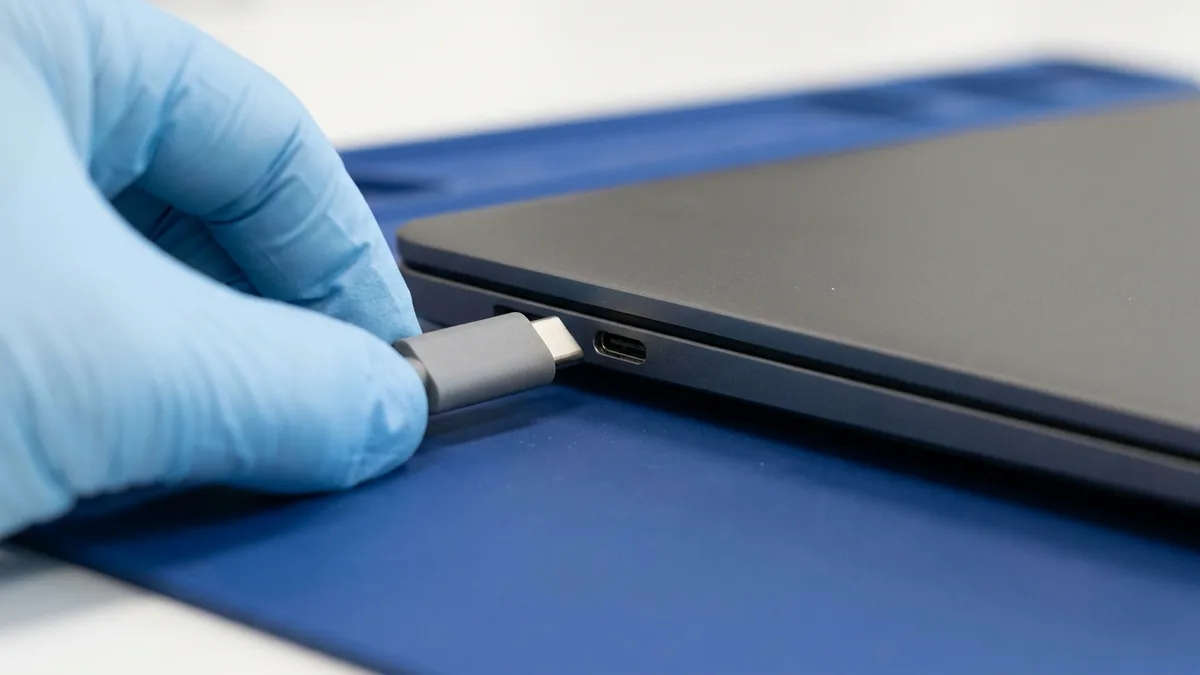
If your MateBook may still be under Huawei's warranty, check it first with Huawei's Warranty Period & Support Service Query, using the S/N. Otherwise, a repair with us takes four steps:
1. Walk-In or WhatsApp Booking
Walk into our Alexandra Retail Centre or Midview City (Sin Ming) branch, or WhatsApp us the model and what the laptop is doing.
2. Free Diagnostics & Transparent Quotes
Diagnosis is free: we find the fault and give you a fixed quote for your model before any work begins.
3. Repairs Begin After Your Approval
Nothing is repaired until you approve the quote. Back up your files first if the laptop still starts; Huawei's own warranty policy asks the same before its repairs.
4. Thorough Testing & Warranty Coverage
We test the laptop before it is returned to you, and the repair carries a 90-day warranty, which Esmond Care can extend up to five years.
Esmond Service Centre carries out more than 10,000 repairs a year with 28 staff (as at August 2026). What that means for your MateBook:
WhatsApp Esmond Service Centre your MateBook's model and what it is doing, and we will come back with the likely fault, the price and the time, or walk into our Alexandra Retail Centre or Midview City (Sin Ming) branch. Laptop diagnosis is free, and nothing is repaired until you approve the quote.
Send us the symptom and we'll come back with what it likely is, what it will cost, and how long it will take. The diagnosis is free, and if we can't fix it, you pay nothing.
Bring it to Esmond Service Centre at Sin Ming or Alexandra — free diagnostics, repairs from $65, many done in 1–2 hours.